
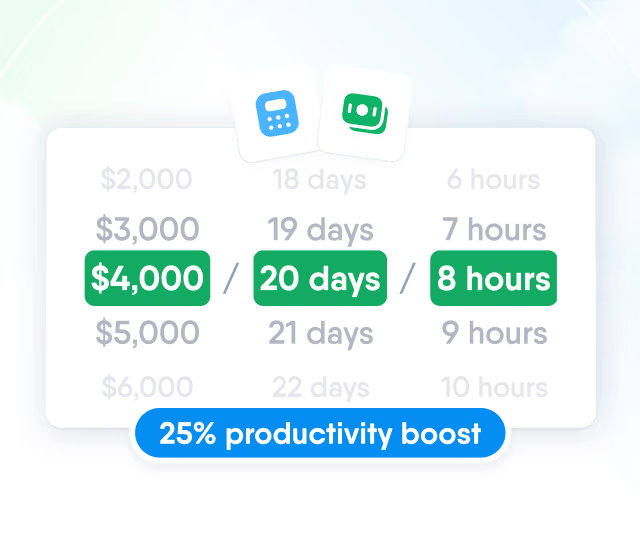
HR efficiency estimator
How does the HR efficiency estimator from PeopleForce work.
Calculate your impact



🎉 PeopleForce Wrapped 2025: a year of HR magic

🎬Start with the 2025 Recap Showreel— a quick highlight of the biggest PeopleForce moments this year.
The bigger story is in the details — the everyday HR work made faster and smarter across PeopleForce.
👇Now, you’ll find out:
🔌 which new integrations connected PeopleForce to the rest of your HR ecosystem
🤖 how automation went deeper across basic HR workflows with forms
🧩 how org structures and permissions became cleaner and more flexible
🎯 how recruiting pipelines levelled up
2025 wasn’t just about shipping features — it was about making HR work better at scale.
Let’s unwrap everything we built together. 🎁✨
🧩 Integrations: Powering up your HR ecosystem
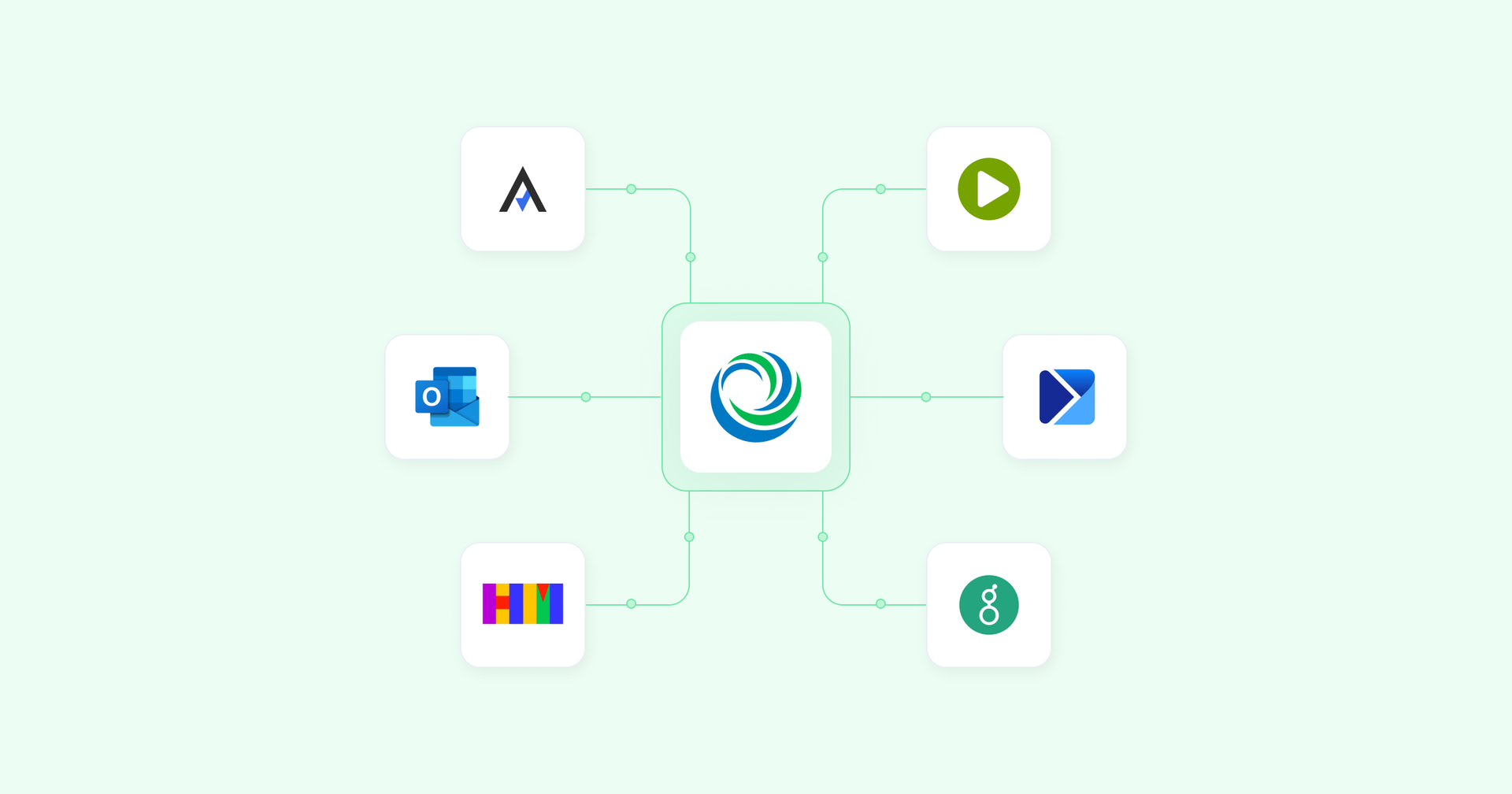
Using Greenhouse? Your hired candidates now flow directly into PeopleForce automatically.
Set up a webhook, map the fields, and your new hires appear in the ATS inbox under People → ready for onboarding.
Zero manual typing. Zero missing data. All smooth.
Recruiters who live in their inboxes — rejoice!
You can now connect your personal Microsoft Outlook account and manage all candidate communication directly from the candidate card.
No more tab-switching, no more lost threads — just seamless email syncing in one place.
Note: Choose your main provider: Google or Microsoft.
From employment contracts to certificates — sign your docs legally and securely with Autenti.
For everyone:
✔ Multi-signer workflow
✔ Auto-match documents to employees
✔ Live status tracking
✔ Secure storage
✔ Choose between Autenti eSignature or QES
Paperwork? Consider it handled. ✨
Say goodbye to Excel-copying rituals. PeopleForce now syncs smoothly with Optima and enova365 ERPs — no development needed.
You get:
✔ Real-time employee data sync
✔ Auto-transfer of leave, absences & salary info
✔ Faster reporting, fewer errors
✔ Tight HR + payroll collaboration
✔ Full GDPR compliance
🇺🇦 🧩 Happy Monday
Hiring from Happy Monday just got instant:
✔ Candidate applications load directly into PeopleForce
✔ Source is automatically marked
✔ Duplicate candidates get updated, not duplicated
✔ Select existing vacancies from PeopleForce to sync them easily
Your recruitment flow → faster, cleaner, automated.

✍️ Requests forms in Core HR: from chaos to custom automation
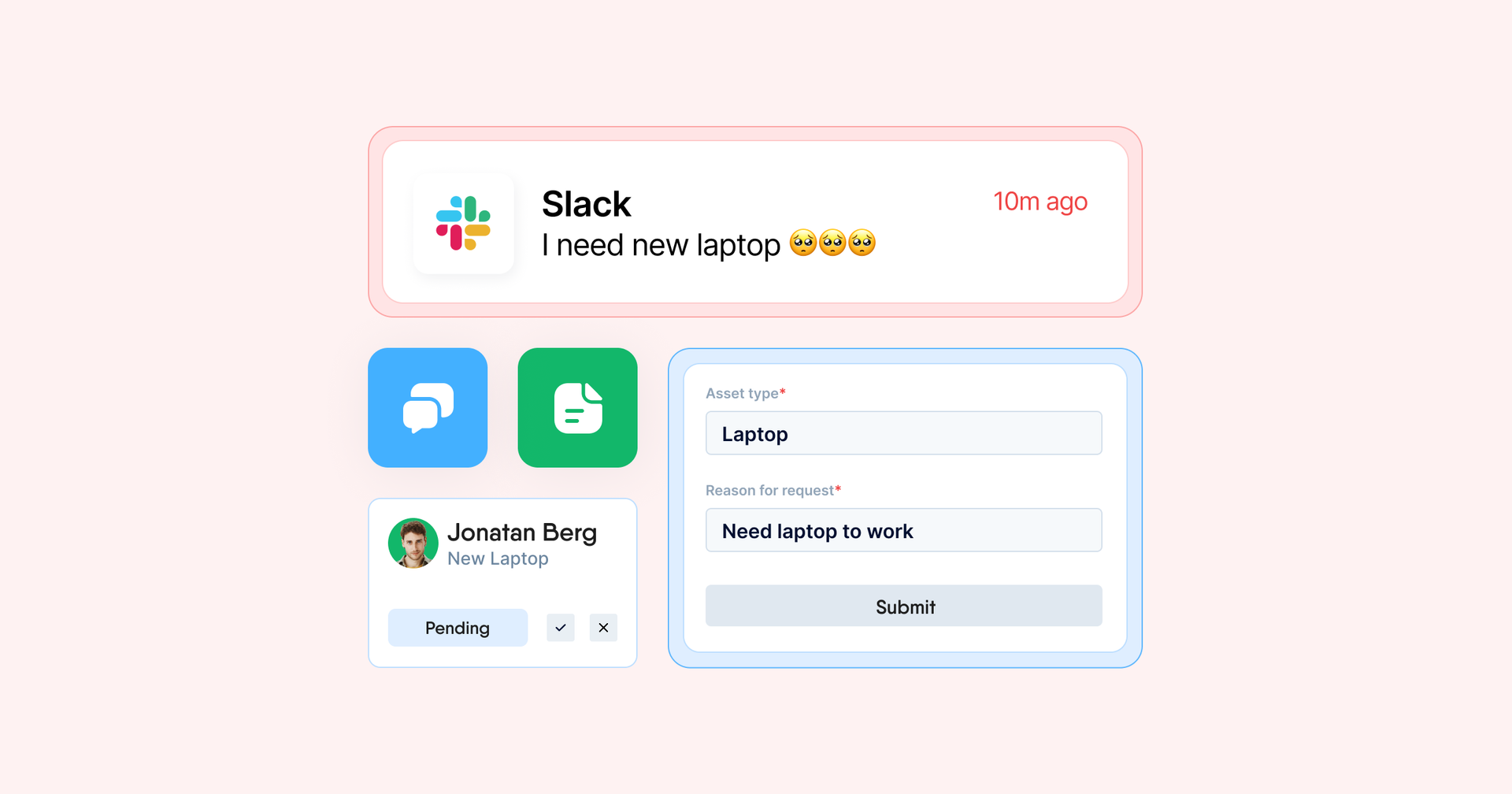
2025 was the year forms grew up — turning messy requests into sleek, automated flows.
Cover the processes you’ve always dreamed of automating:
- Overtime payments
- Business trips
- Learning requests
- Anything your team needs
Design custom forms from scratch using our intuitive wizard. Employees submit → approvers get notified → progress is tracked in the Requests tab.
Bulk-nudge included. 😉
Workflows just became twice as smart.
You can now:
✔ Request custom formswithina workflow
✔ Trigger workflows automatically when forms are submitted or approved
Say goodbye to manual follow-ups and hello to smarter internal processes.
Offboarding now matches the structure and clarity of hiring.
Create termination form templates, add fields, request documents, set approval paths — and let workflows do the heavy lifting.
Select the form → the system handles the rest.
When someone goes on leave, their workflow tasks are automatically reassigned to a substitute.
No delays. No bottlenecks.
Both personal and shared tasks are supported.
🏢 Org structure reimagined: smarter departments, cleaner hierarchies
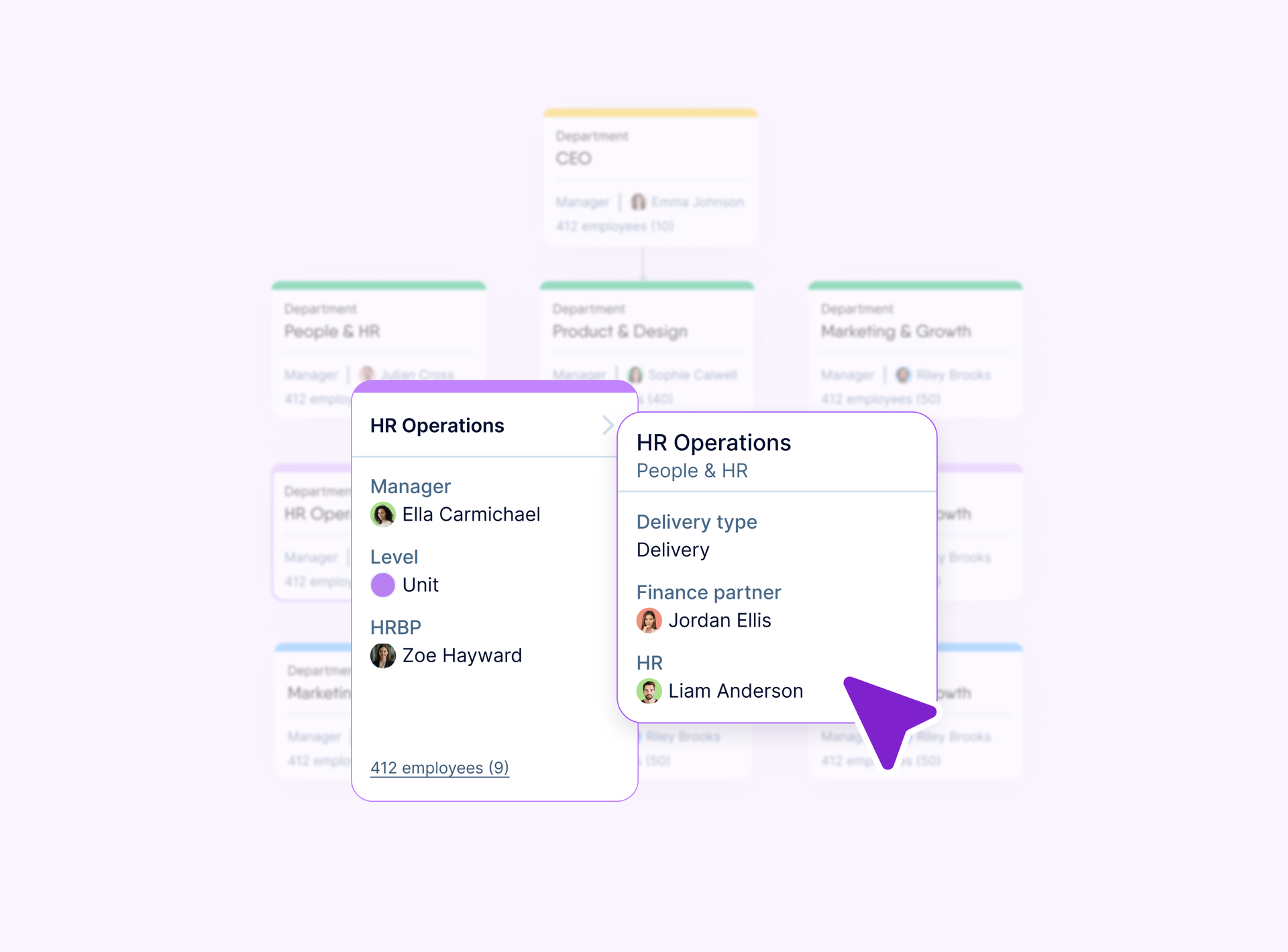
2025 brought structure, clarity, and automation to your org chart.
Add your own data fields to departments:
- HRBP
- Payroll manager
- Budget owner
- Anything else you track
These fields appear in department settings, employee profiles, and the org chart popover.
Create units, sub-teams, and nested structures inside each department. Use them to:
✔ Build hierarchies
✔ Power automation, assigning surveys and reviews
✔ Segment access and assignments
Visualize alternative reporting lines like HR partners, dotted-line managers, or substitutes.
Fully permission-controlled for secure visibility.
Bring order to job title chaos.
Standardize job profiles across hiring, performance, and compensation — and use them to power automated workflows, People Directory filtering, and evaluation processes.
💼 Recruit: structured, secure & fully covered
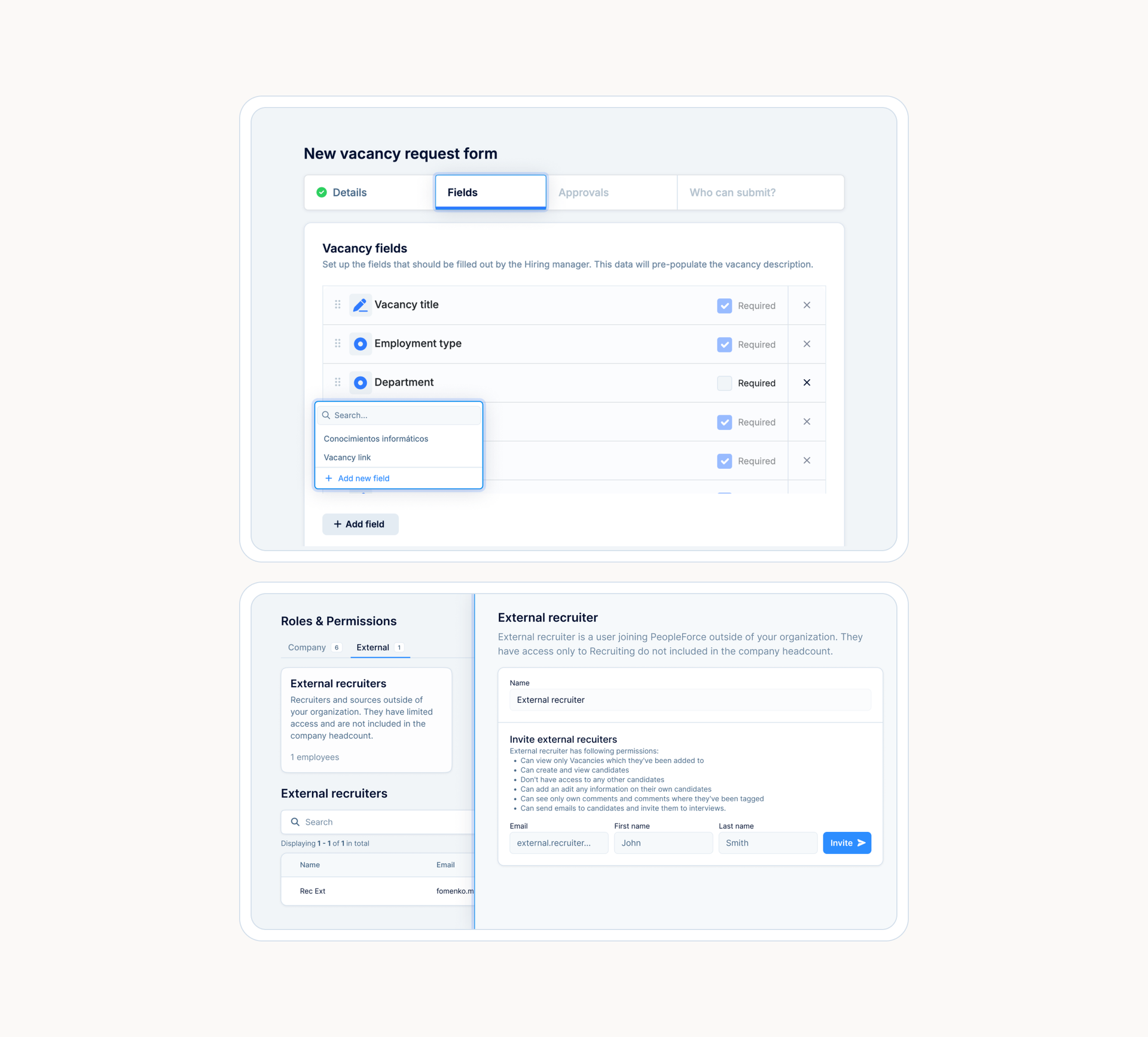
Define your hiring plan with fully customizable vacancy forms.
Add fields like:
- Salary range
- Required skills
- Job levels
- Red flags
- Anything specific to your hiring process
Build the structure → hiring managers submit → smooth approval → vacancy created.
Invite external recruitment partners without exposing your company data. They only access candidate management — nothing else.
Secure, simple, instant.
📊 Performance: insights & recognition to power growth
👥 Team Performance view
Managers now have a consolidated Team tab showing:
- 1:1s
- KPIs
- OKRs
- Feedback
- Development plans
- Reviews
No more jumping between profiles — one place, all insights.
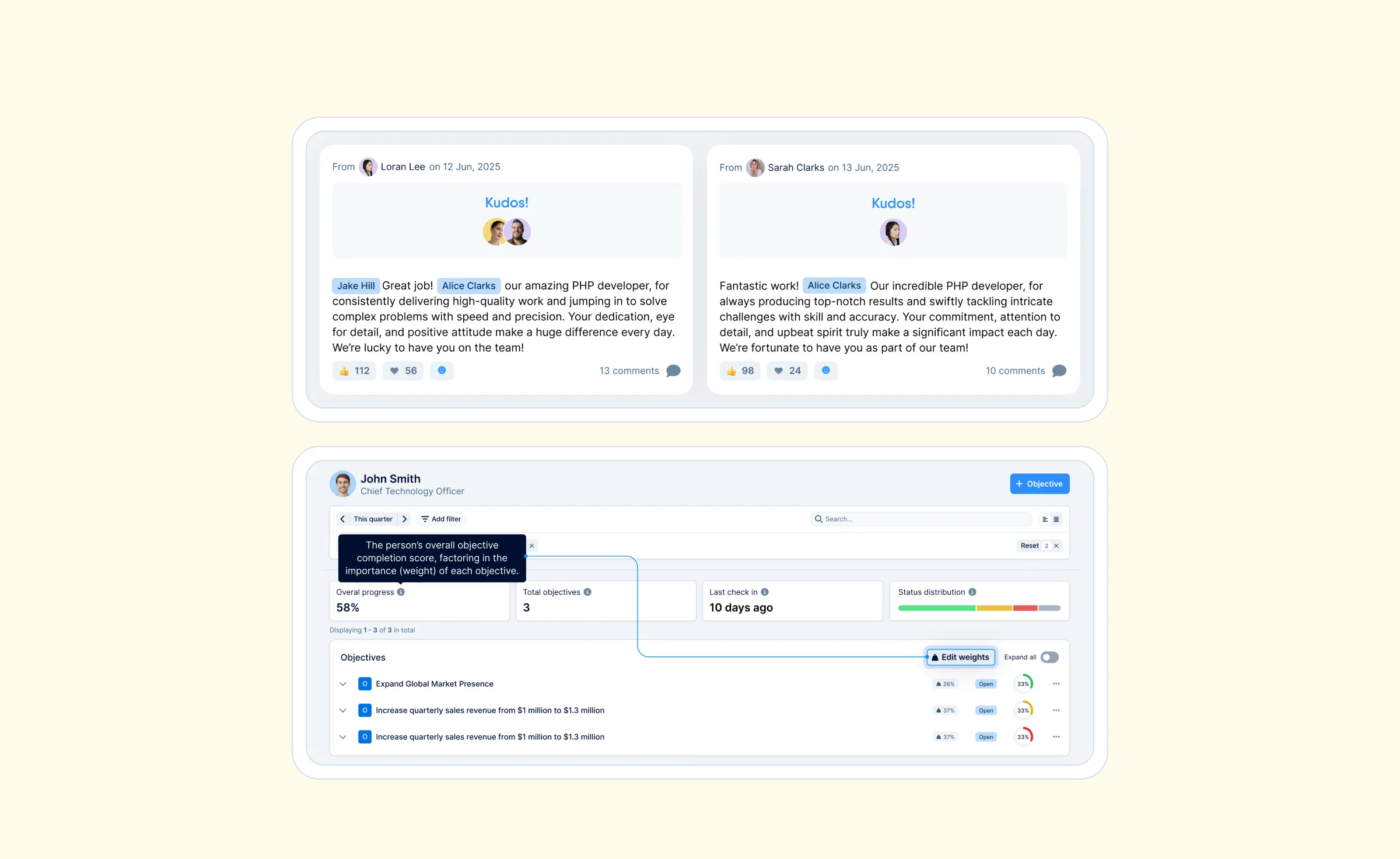
Track objectives by person with progress, status distribution, and aggregated insights.
Ideal for HR and managers driving company-wide alignment.
Define what truly matters by assigning weights to:
- Child objectives
- Key results
- Employee-level goals
Weighted progress gives a realistic, strategic view of achievement.
Anyone can now @mention teammates and celebrate wins publicly.
Kudos appear in:
- News Feed
- My Kudos
- Team & Company-wide views
Boost culture, motivation, and appreciation — one shoutout at a time. 🎉
📈 Pulse: Employee Lifecycle Surveys
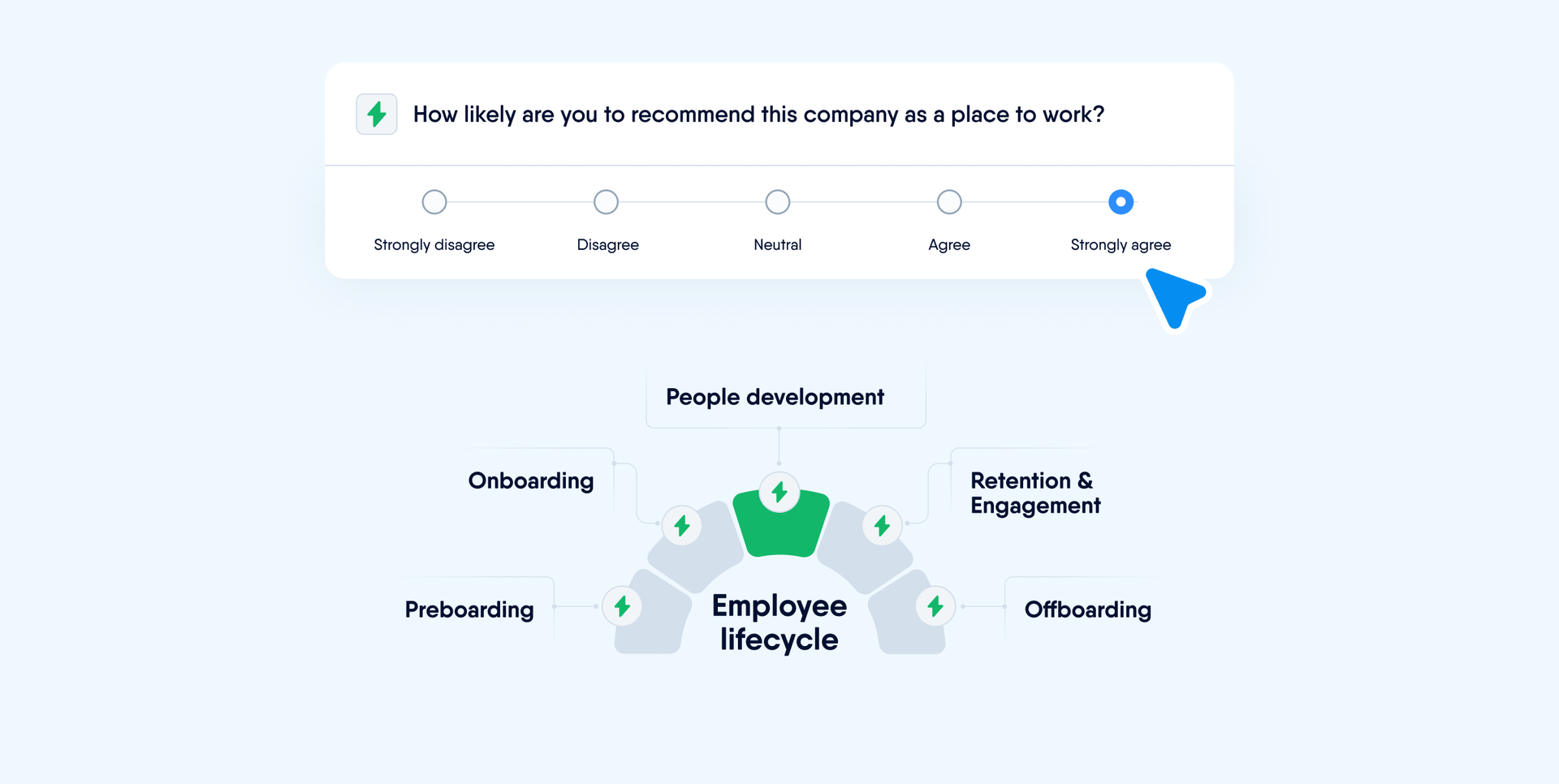
Get insights at every stage:
- Pre-boarding
- Onboarding
- Exit
- And any other lifecycle moment
Trigger surveys directly in Workflows (step: Request feedback). Collect sentiment data when it matters most — and act on it.
🕒 Time: Mobile app clock-in/clock-out
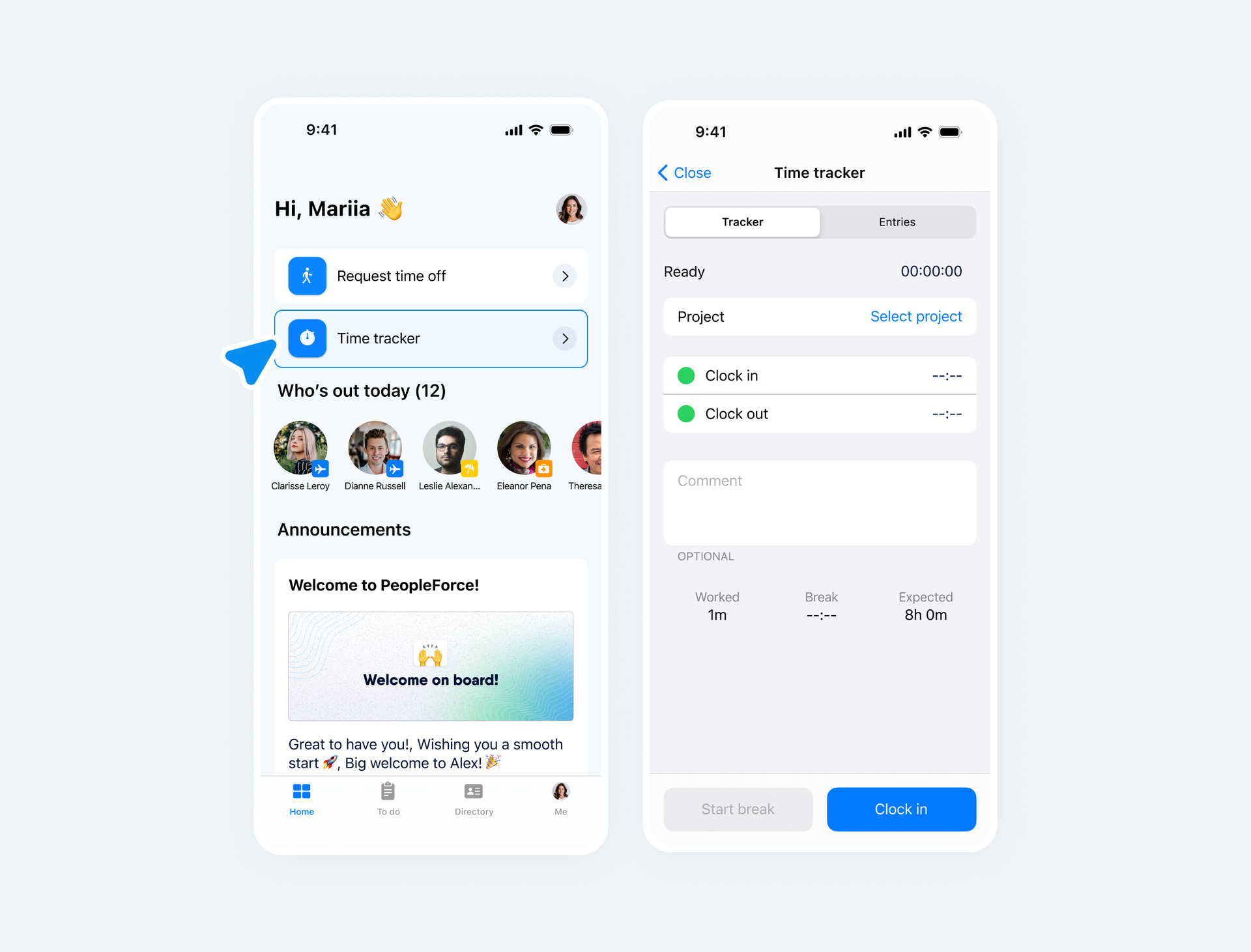
Time tracking, now in your pocket.
Employees can:
✔ Clock in & out
✔ Track breaks
✔ Log project hours
Ideal for distributed teams, field workers, hybrid setups — and anyone on the go.
✨That’s PeopleForce Wrapped 2025
None of this would be possible without you — the HR teams, managers, and PeopleOps leaders who shared feedback, pushed the product further, and built better workplaces with PeopleForce every day.
🚀 Ready for what’s next? 2026 is already in motion — and it’s shaping up to be even bigger.
Thanks for building the future of HR with PeopleForce. 💙


One login. Every HR tool you'll need.
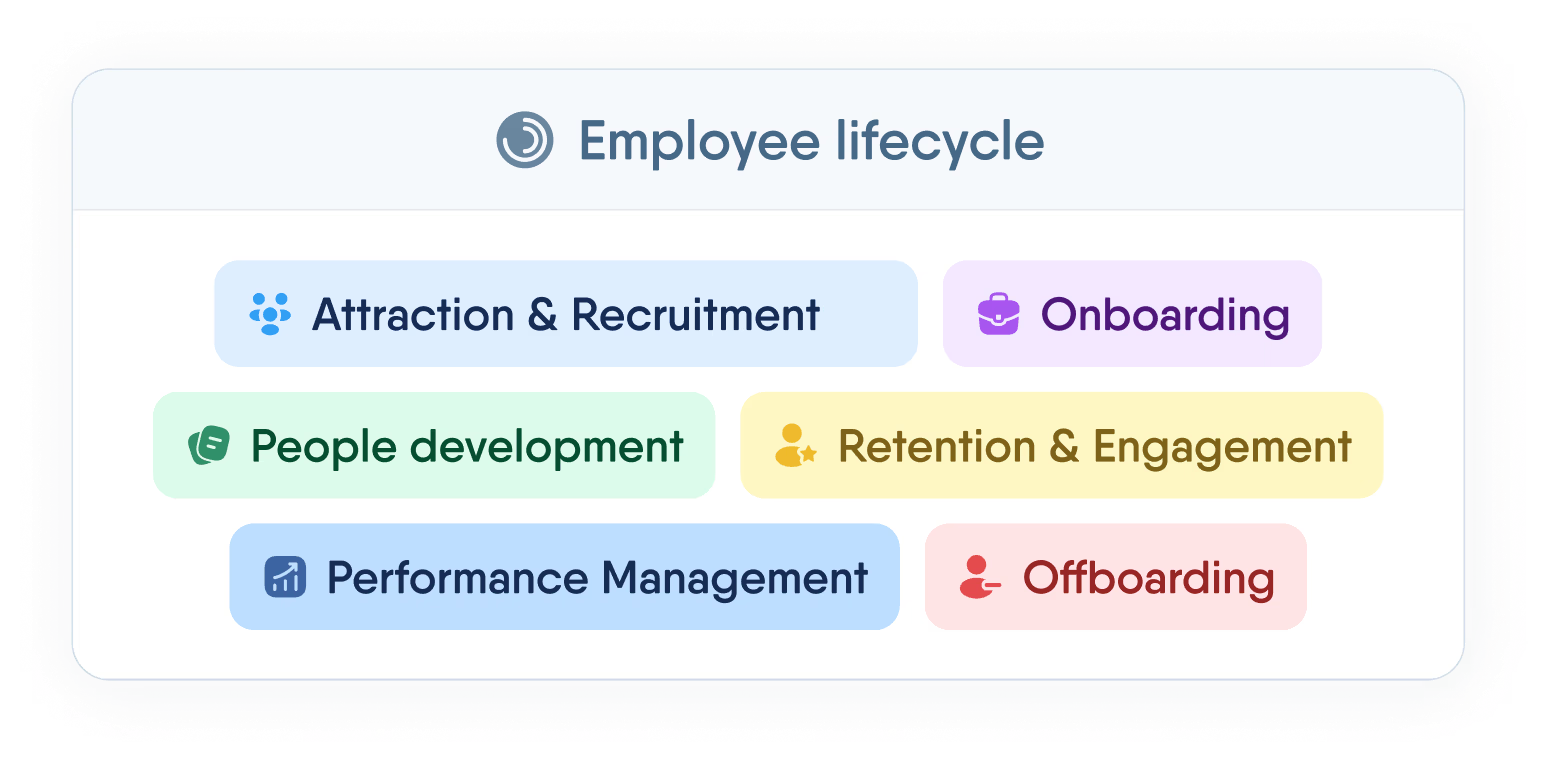
Manage the full employee lifecycle — from first interview to final offboarding — without switching tabs or losing data.
Recent articles
 2025-10-28
OKRs vs. KPIs: Choosing the right framework
Unsure when to use OKRs or KPIs? Learn how to choose the right framework to maximize your team’s success.
2025-10-23Why OKRs feel like hell (and how to make them simple)
Why OKRs feel like chaos: missed goals, messy reviews, and burnout. Learn how to simplify goal-setting and reclaim clarity quickly.
2025-08-14Will AI take our jobs? Myths and truths about the 8 popular IT and tech roles
AI – tool or job replacement? Should you be afraid that AI will take your job? You won’t know until you read this article.