



Multiple entities
Legal entities, locations and countries in one account
Companies with several legal entities and offices keep everyone in one account, with structure, public holidays and access set by entity and location.

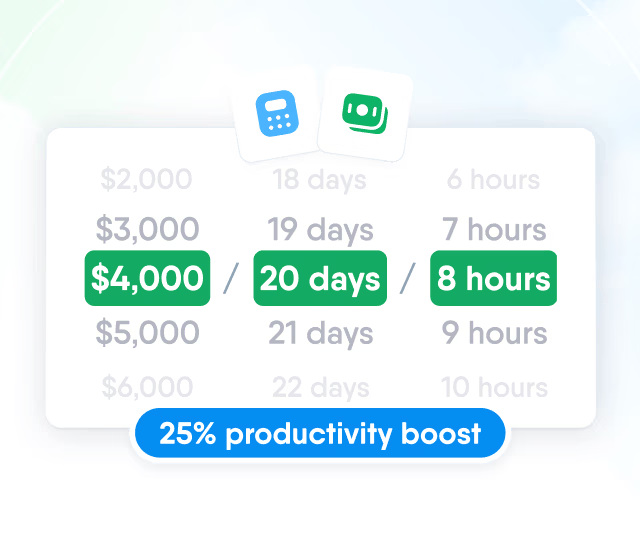
HR efficiency estimator
How does the HR efficiency estimator from PeopleForce work.
Calculate your impact
Keep job details, pay, documents and your own fields in one employee profile, record every change with its effective date, and decide who can see or edit each field.

Employee profile
Standard fields cover identity, contact and job details, and you add your own fields, groups and tables for everything else your company tracks, from a cost centre to a visa expiry date.

Job and compensation history
Every promotion, transfer, manager change or pay rise is saved as a new dated record, and future-dated changes are applied on their effective date.

Access
Each role decides whose records its members open and what they can do with each field.


Change log
The People data changes report lists every field change on a profile with the value before and after, the person who made it and the date, so any figure in the record can be traced to its source.

Org chart
The chart is drawn from the Manager field on each profile, so a recorded job change moves the person on the chart and nobody redraws the structure by hand.


One tab draws people by reporting line, the other draws departments with their managers, levels and sub-departments.
Directory
Colleagues are found by name or filtered by department, location, position and other fields, and each person sees only the people and fields their role allows.
Learn more about the employee directory
Multiple entities
Companies with several legal entities and offices keep everyone in one account, with structure, public holidays and access set by entity and location.

Legal entity in the job record
Each position record carries the legal entity together with the department, division and location.

Public holidays by location
One holiday policy per country is attached to locations, and each person gets the holidays of the location on their profile.

Access by legal entity
A role can be limited to people in the viewer's own legal entity, the same way as to their own department or location.
Documents
Contracts, payslips and certificates are stored in folders on each employee profile, and the folder decides which roles can open a document.
Upload and distribute
Up to 100 files of up to 200 MB each go into one upload, and each file is assigned to the people it belongs to.
Split and distribute PDF
One PDF with a page per person, such as a payslip run, is split into separate documents on each profile.
Documents from templates
A template pulls data from the employee profile, including custom fields, and the generated document is saved to the person's folder.
Electronic signature
A signature is requested when a document is distributed, and the employee signs from the email link or from the To sign tab in their documents.
Employees open their own profile and documents on the web or in the mobile app, edit the fields you allow them to change, and request changes to the rest through a form that HR approves.
Request
The employee opens Requests and chooses a self service request form for their own details.

Current values
The form opens with the employee's current details, and the new values are entered next to them.

Approval
An approver reviews the change and approves or rejects the request.

Profile updated
Approved values are written to the profile, and nothing on the record changes before approval.

Import
Your own .xlsx or .csv file is uploaded as it is, its columns are matched to PeopleForce fields, and a preview is checked before anything is written, while missing departments, positions and locations are created during the import.

Beyond the features
Every module works from the same employee record, in the languages your teams use, on the web and on mobile.

One employee record
Candidates hired from Recruit become employees with their details carried over, and every module reads the same profile.
Support in your language
Real people, not a ticket queue: a ~2-minute first reply and 98% satisfaction.
Mobile app
Employees receive task notifications and complete tasks in the PeopleForce app for iOS and Android.

Leader

Users Love Us

Regional Leader

High Performer
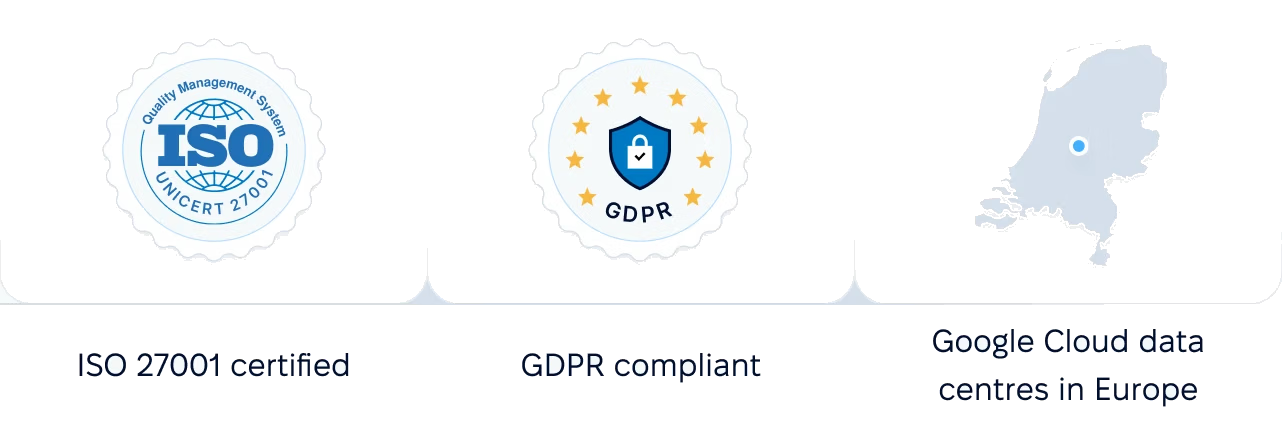
Certifications, granular access and full control over what happens to your data and equipment.
 Best Support
More in Core HR
Everything around each employee record, from preboarding and onboarding to documents, access rules and the org chart, in one connected system.
Signed documents before day one
New hires complete their profile, upload files and sign documents from one link, without a PeopleForce account.

Signed documents before day one
New hires complete their profile, upload files and sign documents from one link, without a PeopleForce account.
Bring a spreadsheet of your people to a demo and see it as profiles with history, access rules and an org chart.