



Pay period
Payslip distribution in the pay cycle
A completed payroll run is exported for your payroll provider, and the payslips it returns are distributed to employees in the same system.

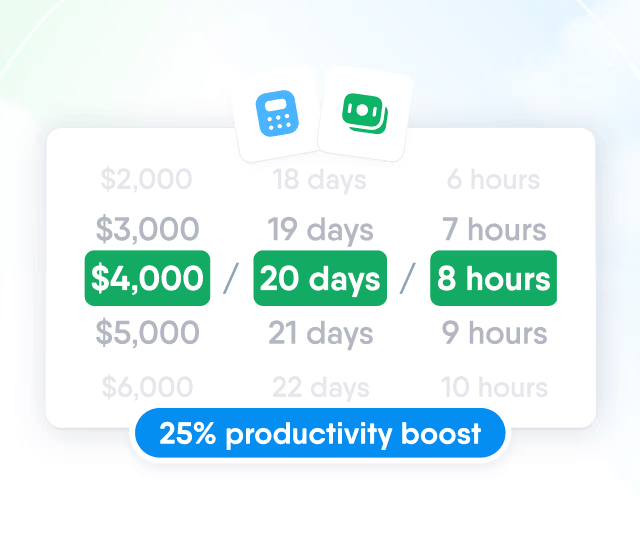
HR efficiency estimator
How does the HR efficiency estimator from PeopleForce work.
Calculate your impact
Upload the file your payroll provider sends once. Each page is matched to an employee, reviewed by HR and saved to the Payslips folder, which managers can't open by default.

Splitting
Upload the combined PDF from your payroll system and choose the Payslips folder. Every page becomes a separate document, one page for one employee, and up to 100 files of up to 200 MB each can go into one upload.

Matching
Choose which fields PeopleForce looks for on each payslip: employee ID, name, email or a custom field. An employee is suggested only when all chosen fields are found on the page, and every match can be checked against the payslip before anything is sent.

eSignature
Where payslips must be acknowledged, request a signature in the same step as distribution. Each payslip then shows where its signature stands.

Payslips follow two rules: each document belongs to one employee, and who can open the folder is decided per role.
One employee per payslip
In the Payslips folder, each document is assigned to exactly one employee to protect personal data.

Own payslips by default
Employees can view their own Payslips folder from the first upload, with no extra setup.

Closed to managers
Managers and team leads have no access to the Payslips folder unless a role grants it.

Full reach for document admins
Administrators and roles with the Manage employee documents permission can open every folder.

Employees
Employees open Documents, then My, to find every payslip in their Payslips folder, preview it in the browser and download the file, and they get a notification in PeopleForce when a new one is added.

API
A payroll provider or your own script can place a payslip straight into an employee's Payslips folder through the PeopleForce public API, with an optional signature request, and it sits under the same access rules as payslips uploaded by HR.

Pay period
A completed payroll run is exported for your payroll provider, and the payslips it returns are distributed to employees in the same system.
Payroll run
Approved and completed in Payroll.
Export
Excel or CSV for your payroll provider.
Payslip PDF
Issued by your payroll provider.
Split and automatch
Pages matched to employees and reviewed.
Payslips folders
Each employee opens their own payslip.
Bring a payslip PDF from your payroll provider and walk through splitting, matching, review and employee access with a product specialist.
Beyond the features
HR teams describe the same three payslip problems on our calls. Here is how PeopleForce removes each of them.

No more printed payslips
No printing or handing out. One payroll PDF reaches every employee's Payslips folder.
No separate payslip tool
Every payslip stays in the employee's own profile, not in a separate portal or drive.
Signed acknowledgement
Request a signature on distribution and see who has signed and who needs a reminder.

Leader

Users Love Us

Regional Leader

High Performer
Certified infrastructure, data stored in European data centres, and role-based access to payroll figures and payslip documents.


 Best Support
More in Payroll
Payroll cycles, runs and pay calculations built on the compensation, work schedules and leave already kept in PeopleForce.
Payroll cycles
Group people paid on the same schedule, in the same currency and under the same pay rules. Weekly, bi-weekly, semi-monthly and monthly frequencies are available.

Payroll cycles
Group people paid on the same schedule, in the same currency and under the same pay rules. Weekly, bi-weekly, semi-monthly and monthly frequencies are available.