




Mobile app
Company feed in the mobile app
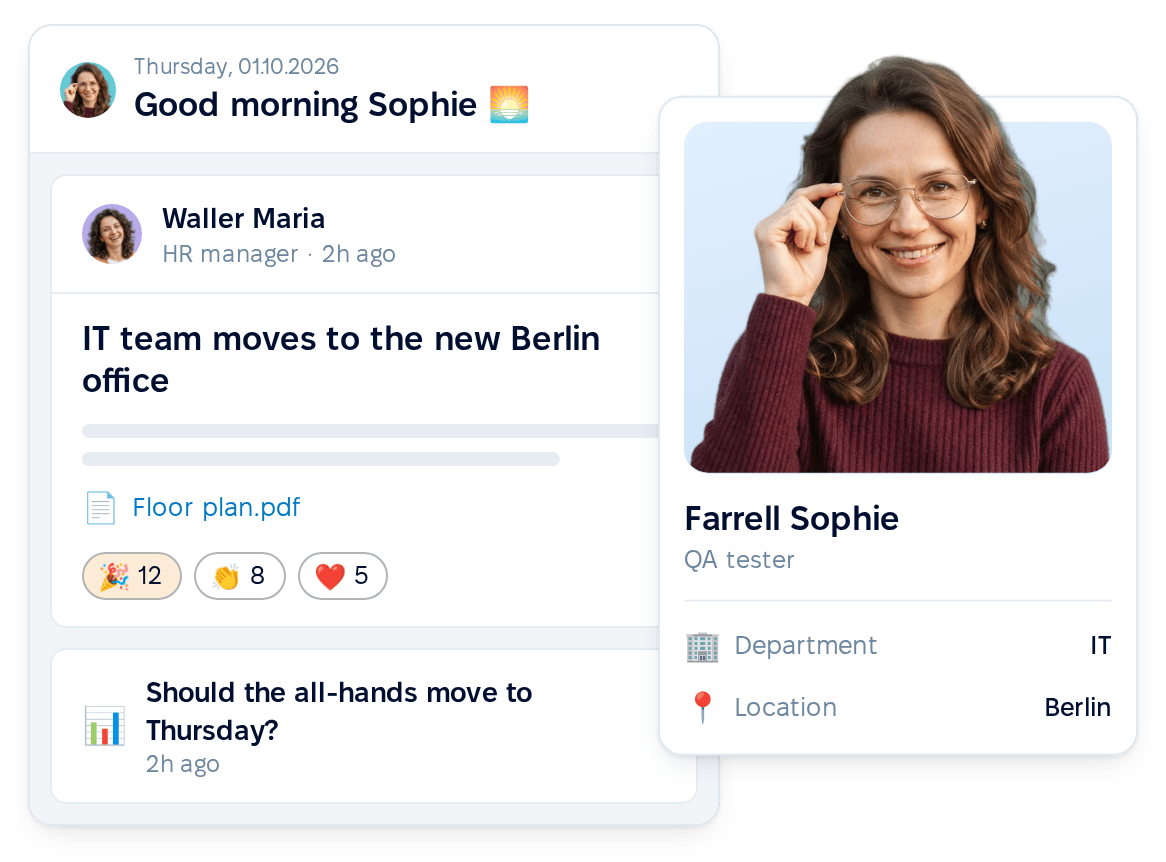
Employees who rarely open PeopleForce in a browser see and respond to announcements from their phone, in the same feed as on the web.


HR efficiency estimator
How does the HR efficiency estimator from PeopleForce work.
Calculate your impact
Address announcements to a department, location or team and deliver each one to the company feed, email, mobile push and Slack or Microsoft Teams in a single step.
We had many tools and needed to streamline them. When you start to get bigger as a company, it’s irritating when your employees have to go to 5 platforms instead of 1. It’s just inefficient and slows you down
~40%
of HR time saved on onboarding activities
5→1
separate tools unified under one platform
Audience
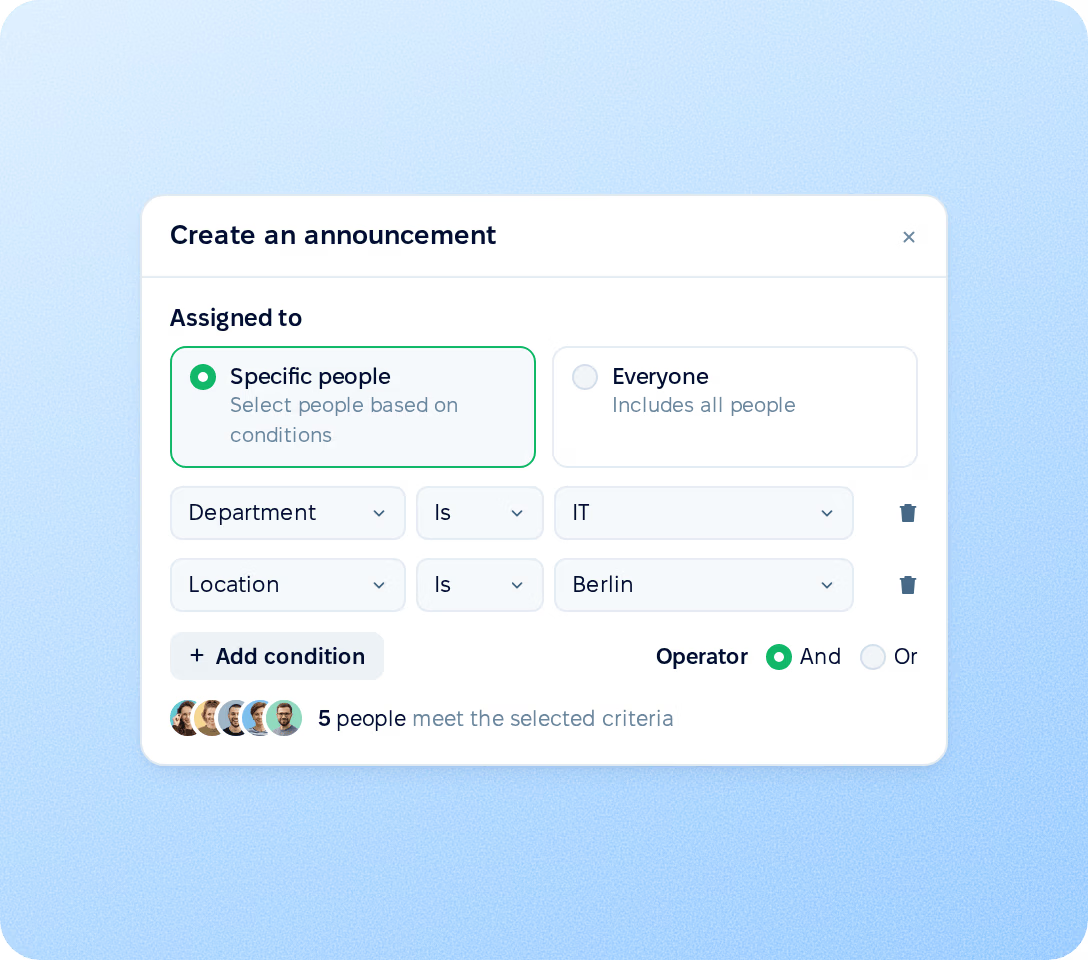
Send an announcement to everyone or to specific people. Audiences are built from employee profile fields and stay in line with the org structure, so HR does not keep separate mailing lists.
Permissions
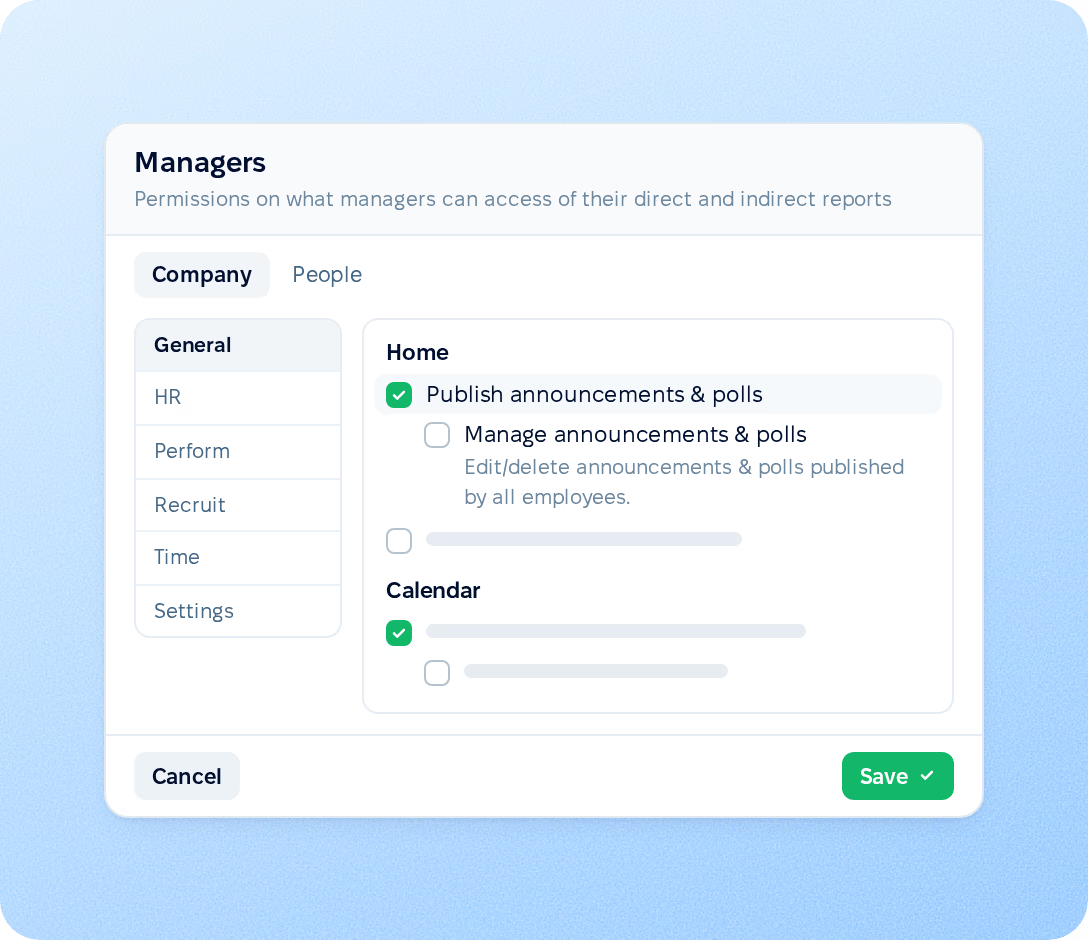
Decide who can post to the company feed. Two separate permissions in role settings control who creates posts and who manages everyone's posts.
Announcements
An announcement has a title and rich text with formatting, emoji, links, images, video and files. Choose who receives it, how it is delivered and when it goes out.

Audience built from profile fields
Email, push and Slack or Microsoft Teams
Publishing now or on a schedule
Comments turned on when a topic needs discussion
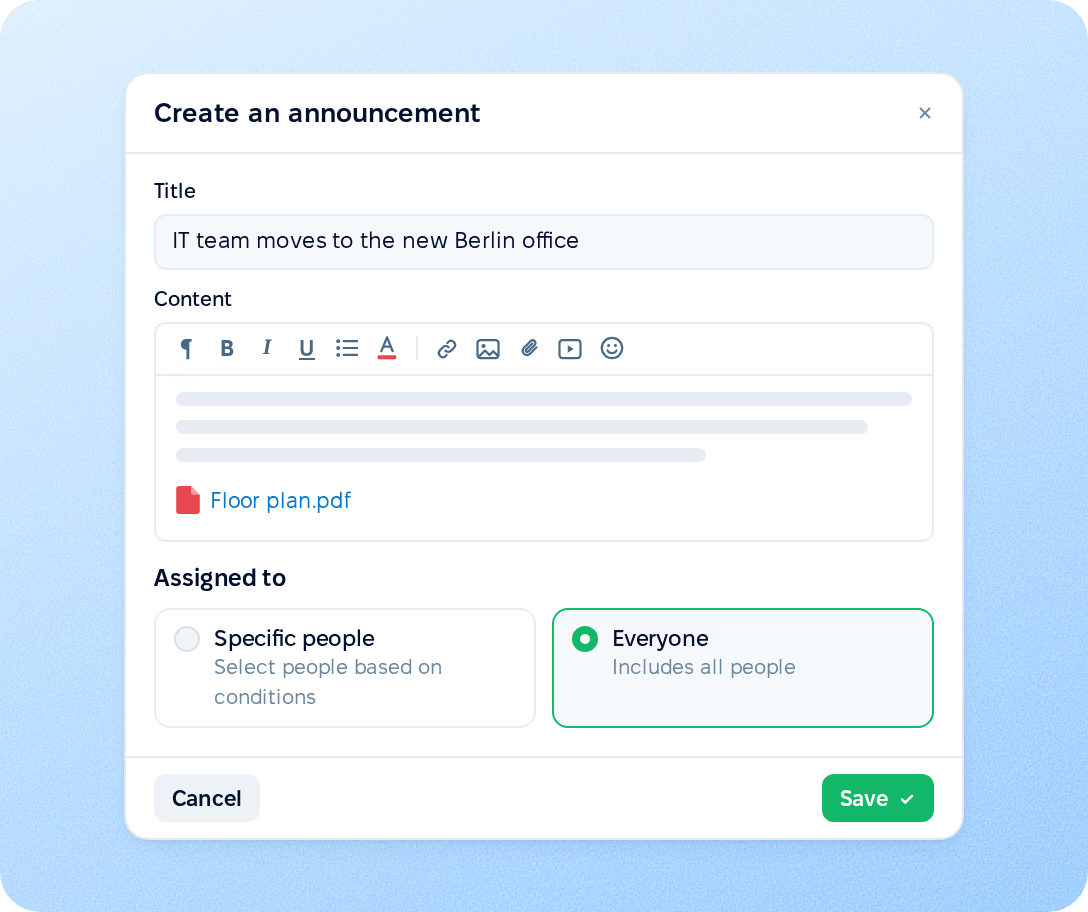
Every announcement is posted to the company feed. Choose the notification channels for each one: email, push and messenger notifications are turned on by default.
Company feed
The announcement appears in the feed on the Home page for everyone in its audience, even when all notifications are turned off.
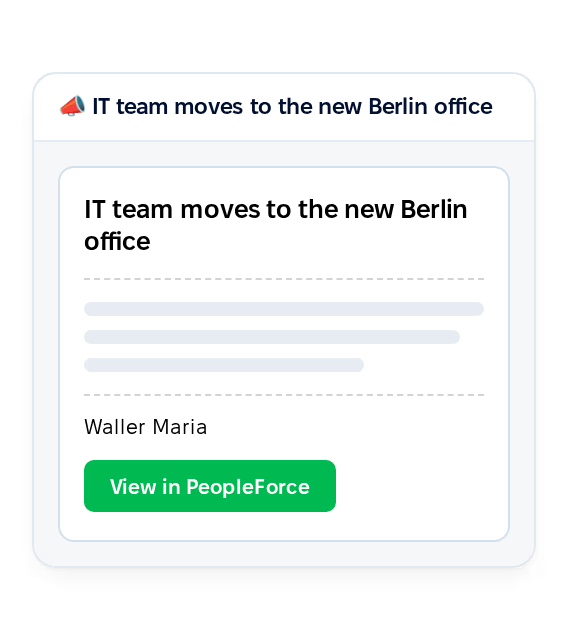
Employees receive the announcement with a button to open it in PeopleForce. After publishing, you can send the email to the whole audience again.
In-app and mobile push
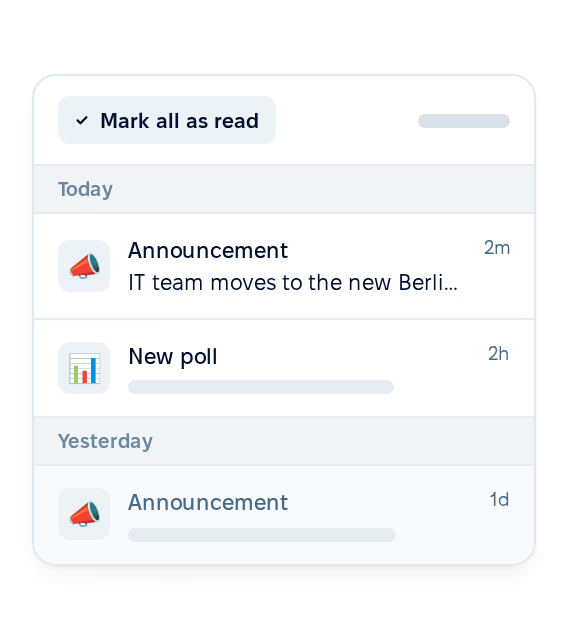
A notification appears in PeopleForce and arrives on the employee's phone as a push notification from the mobile app.
Slack and Microsoft Teams
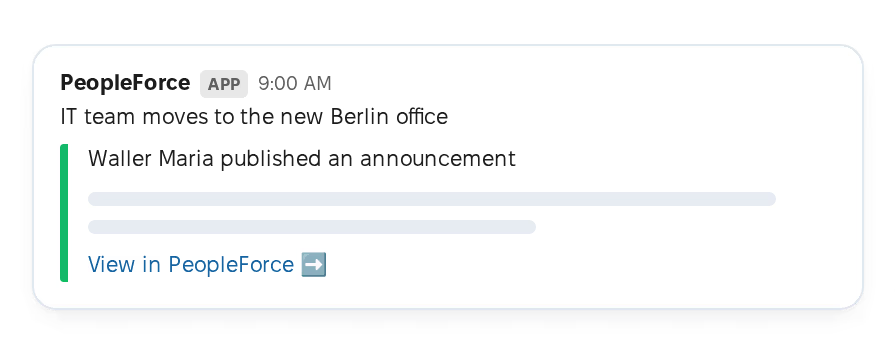
Each person in the audience receives a direct message with the announcement title and plain text in the messenger connected to your account.
Polls
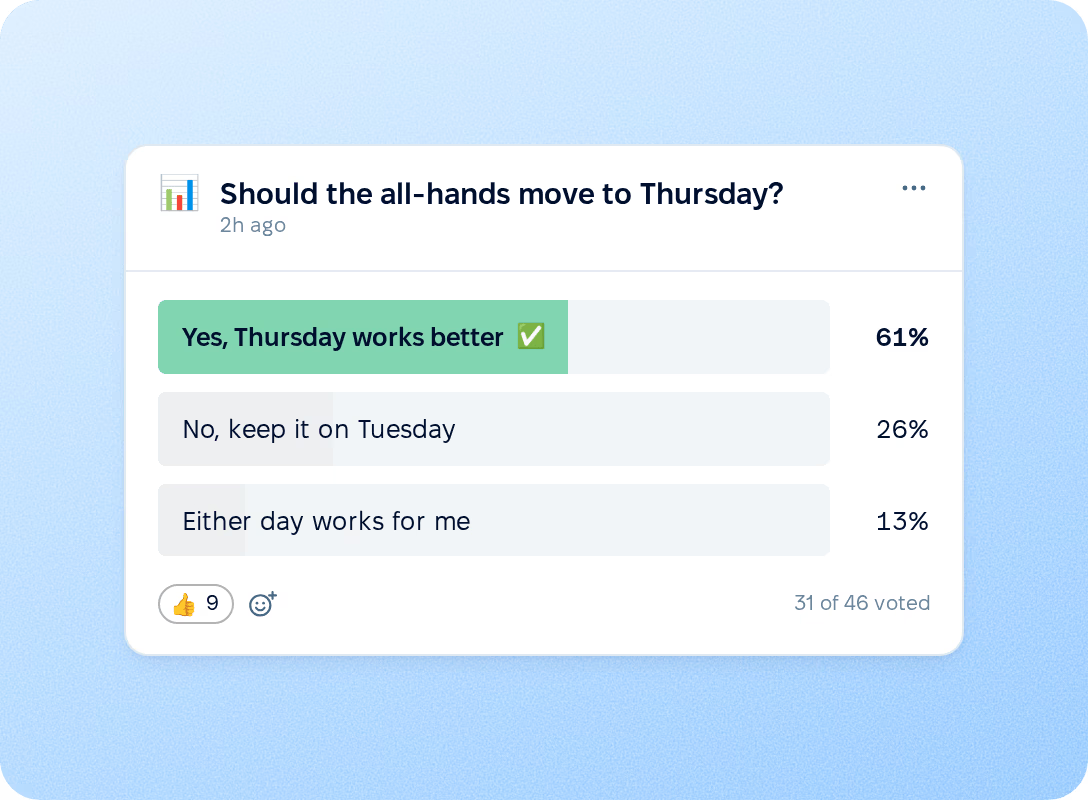
A poll asks one question with two to ten answer options and sits in the same feed as announcements. Employees answer from the web and the mobile app, and the poll closes automatically after 14 days.
Scheduling
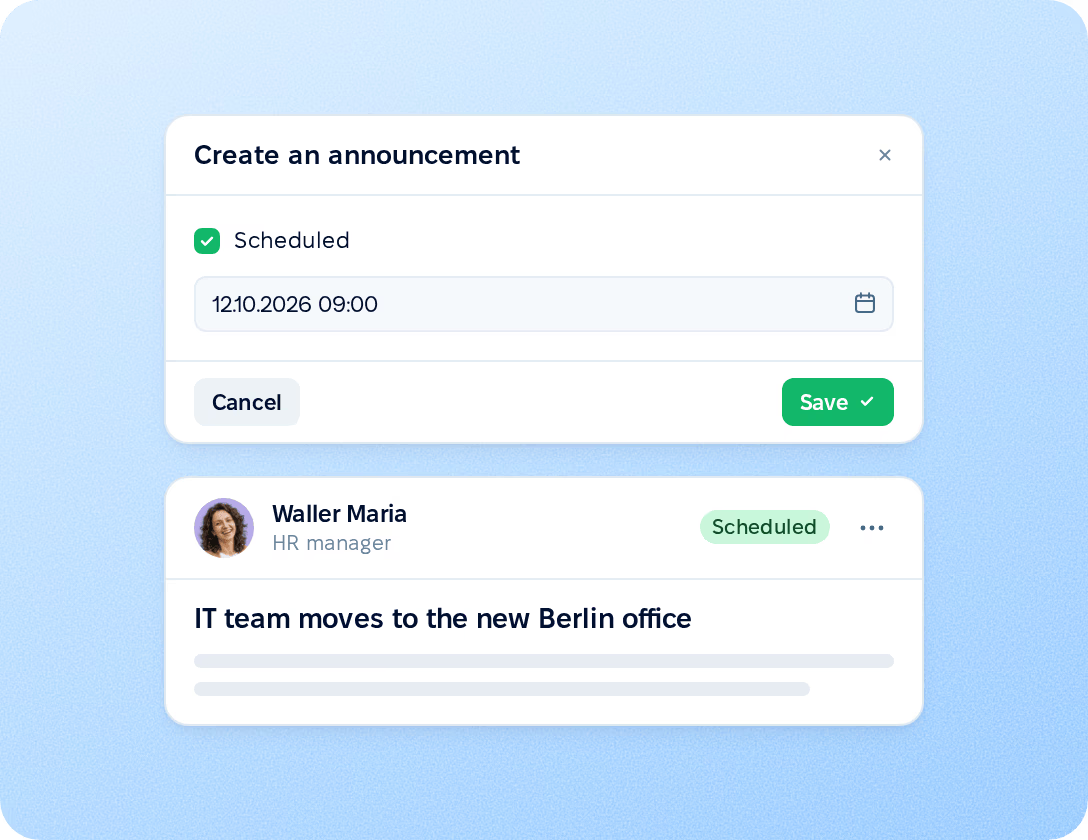
Prepare an announcement in advance and set the date and time it should go out. It is published within a minute of the scheduled time. Until then, the author sees it in their feed marked as scheduled. Notifications are sent through the selected channels at the moment of publishing.
Company feed
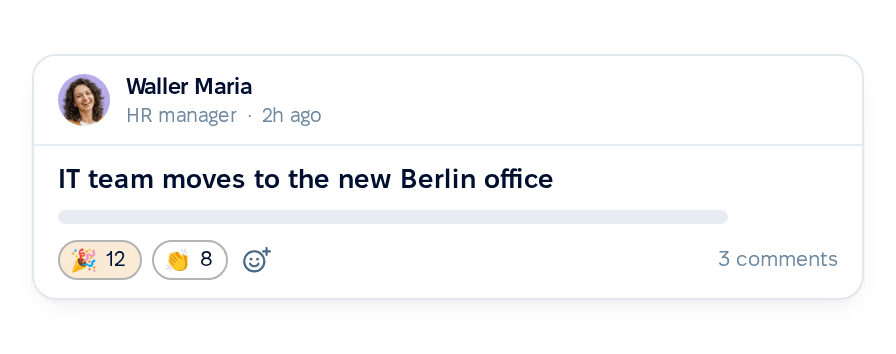
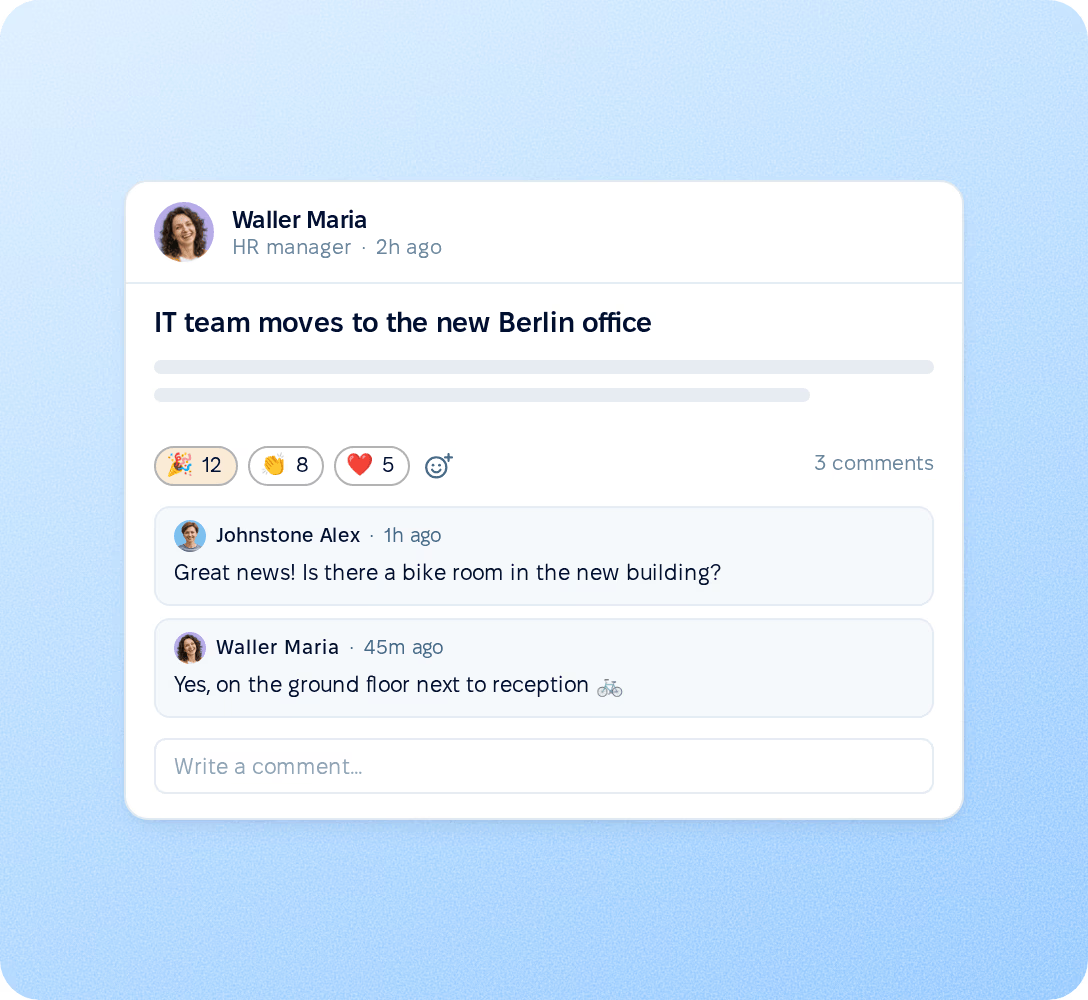
Posts appear in the feed on the Home page, newest first, and employees respond to an announcement where they read it. Employees react to any post in the feed with emoji, and one person can add several different emoji to the same post. The author turns on comments for an announcement that needs discussion, and comments appear under the post for everyone in its audience.
Mobile app
Employees who rarely open PeopleForce in a browser see and respond to announcements from their phone, in the same feed as on the web.
Push notifications
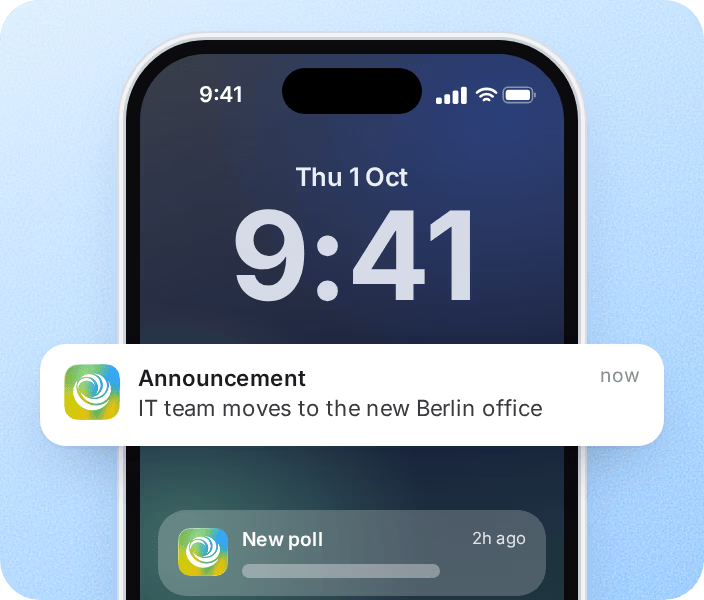
A new announcement arrives on the employee's phone as a push notification and opens in the app.
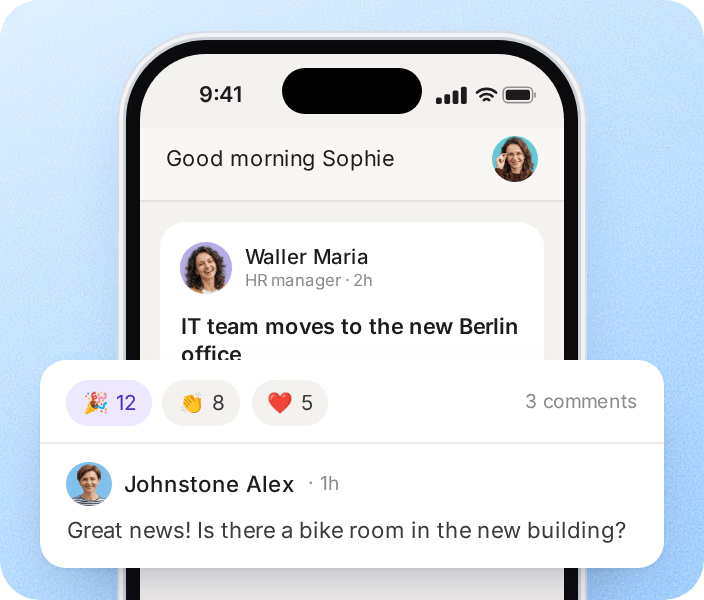
Reactions and comments
Employees open any post in the feed, react to it and join the discussion on announcements with comments turned on.
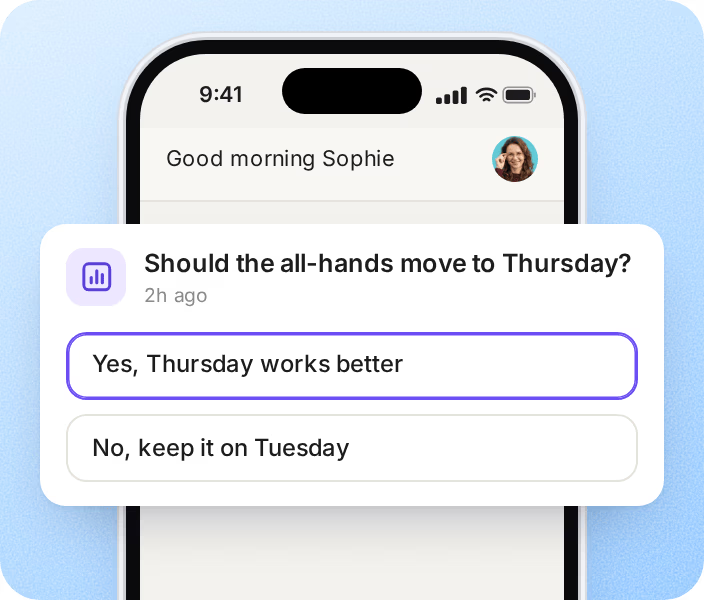
Poll answers
Open polls can be answered directly from the app, with the same options as on the web.
More in Core HR
Everything around your people, from the employee directory and org chart to policies, onboarding and workflows, in one connected system.
Company policies in one place
A single place for company policies and guides that employees open whenever they need them.

Company policies in one place
A single place for company policies and guides that employees open whenever they need them.
Beyond the features
We get you live in weeks, not months — with real people answering after go-live, and room to add the rest of HR when you're ready.

Live in about four weeks
A dedicated success manager sets everything up with you — it's included in the plan, not a paid add-on.
Support in your language
Real people, not a ticket queue: a ~2-minute first reply and 98% satisfaction.
Room to grow
Start with Core HR and add recruiting or performance later — same employee record, no second system.

Leader

Users Love Us

Regional Leader

High Performer
Certifications, granular access and full control over what happens to your data.
 Best Support
Build an audience from your departments and locations and choose delivery channels with a product specialist.