



See cost centre allocation on your own codes
Cost centres sit in Payroll settings next to payroll cycles and pay schedules, and come with Payroll. Bring your list of codes and walk through setup, allocation and import with a product specialist.

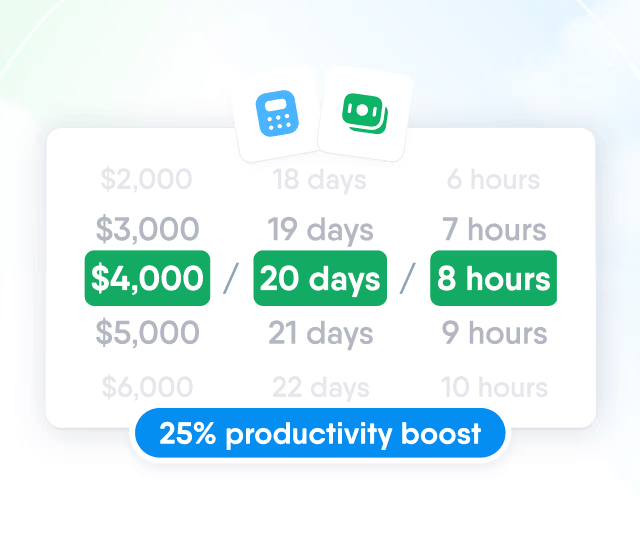
HR efficiency estimator
How does the HR efficiency estimator from PeopleForce work.
Calculate your impact
Keep the codes your finance team works with in Payroll settings and assign people to one or several of them, with a start date for every change.

Codes
Each cost centre has a name, a code and an optional description. Enter the codes your finance team already uses, so one code stands for one cost centre in HR and in finance. With Create more turned on, the form stays open after saving for the next cost centre.

Allocation
When one person works for several teams, their allocation is split between cost centres by percentage. Every share is tied to a cost centre code and a date.

Effective dates
Every allocation starts on its Effective from date. A new date adds a new set of shares for the employee and keeps the previous set, so a move to a new split leaves earlier allocations as they were.

Two imports cover the setup: one for the list of cost centres and one for the people assigned to them.
Cost centres by code
Names, codes and descriptions come from one file. An existing code updates its cost centre, a new code creates one.

Assignments by employee ID
Each row holds an employee ID, a cost centre code, an effective date and a percentage.

All or nothing per date
Rows for one employee and one date are saved together or not at all.

100% for a single row
A single row without a percentage assigns the employee fully to that cost centre.

Access
Administrators manage cost centres by default. For other roles, turn on Cost centres in the role's settings permissions. This permission is separate from Manage payroll, so a finance specialist can keep the list up to date without access to payroll runs.

Export
Export the list when finance needs it outside PeopleForce. The file is prepared in the background in CSV or Excel and includes each cost centre's name, code, description, number of people and creation date.

Cost centres sit in Payroll settings next to payroll cycles and pay schedules, and come with Payroll. Bring your list of codes and walk through setup, allocation and import with a product specialist.
Customer problems
Three problems teams describe when they ask about cost centres, and what Payroll does about each.

One person, several cost centres
When people work for several teams, projects or companies, one cost centre field can't show the split. Payroll splits each employee between cost centres by percentage, with shares that add up to 100%.
Cost centre splits kept in Excel
The list of cost centres and who belongs to each often lives in a spreadsheet. Payroll keeps both in its settings and imports them from spreadsheets.
Splits that change over time
People move between cost centres when projects start and end. Each new split starts on its own Effective from date, and earlier splits stay as they were.

Leader

Users Love Us

Regional Leader

High Performer
Certified infrastructure, data stored in European data centres, and role-based access to payroll figures and cost centres.


 Best Support
More in Payroll
Payroll cycles, runs and pay calculations built on the compensation, work schedules and leave already kept in PeopleForce.
Payroll cycles
Group people paid on the same schedule, in the same currency and under the same pay rules. Weekly, bi-weekly, semi-monthly and monthly frequencies are available.

Payroll cycles
Group people paid on the same schedule, in the same currency and under the same pay rules. Weekly, bi-weekly, semi-monthly and monthly frequencies are available.