



How it works
What happens in a recorded interview
Interviewers schedule and run interviews the way they already do, and the PeopleForce Note Taker takes the notes.


HR efficiency estimator
How does the HR efficiency estimator from PeopleForce work.
Calculate your impact
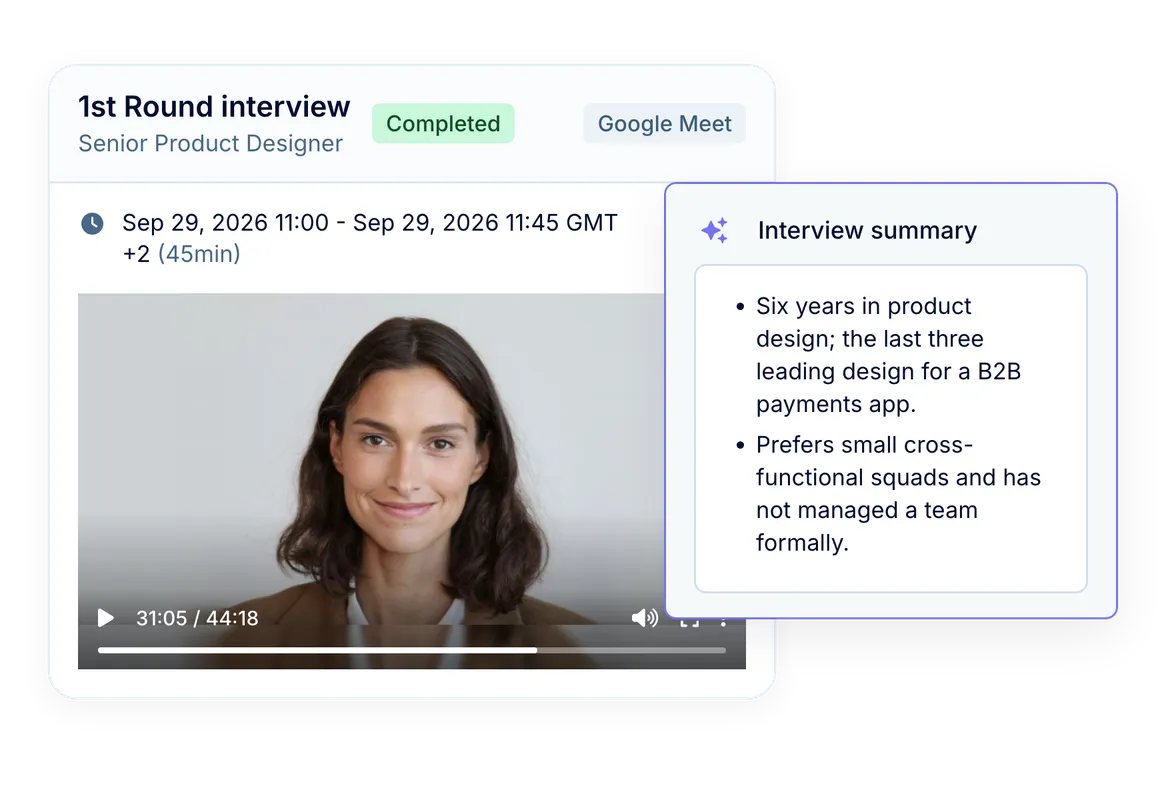
Interviewers can focus on the candidate while PeopleForce takes notes. When you schedule an interview in PeopleForce on Google Meet or Microsoft Teams, the PeopleForce Note Taker joins the call and records it. Afterwards, the key points, the full transcript and the recording appear on the candidate’s interview card.
How it works
Interviewers schedule and run interviews the way they already do, and the PeopleForce Note Taker takes the notes.
You book the interview
Schedule it on the candidate in PeopleForce with Google Meet or Microsoft Teams, and PeopleForce creates the event and the meeting link.
The Note Taker joins
When the interview starts, the PeopleForce Note Taker joins the call and starts recording on its own.
You talk to the candidate
Nobody has to press record or take notes during the interview.
Notes on the interview card
After the call, the key points, the transcript and the recording appear on the candidate’s interview card.
On the candidate’s interview card
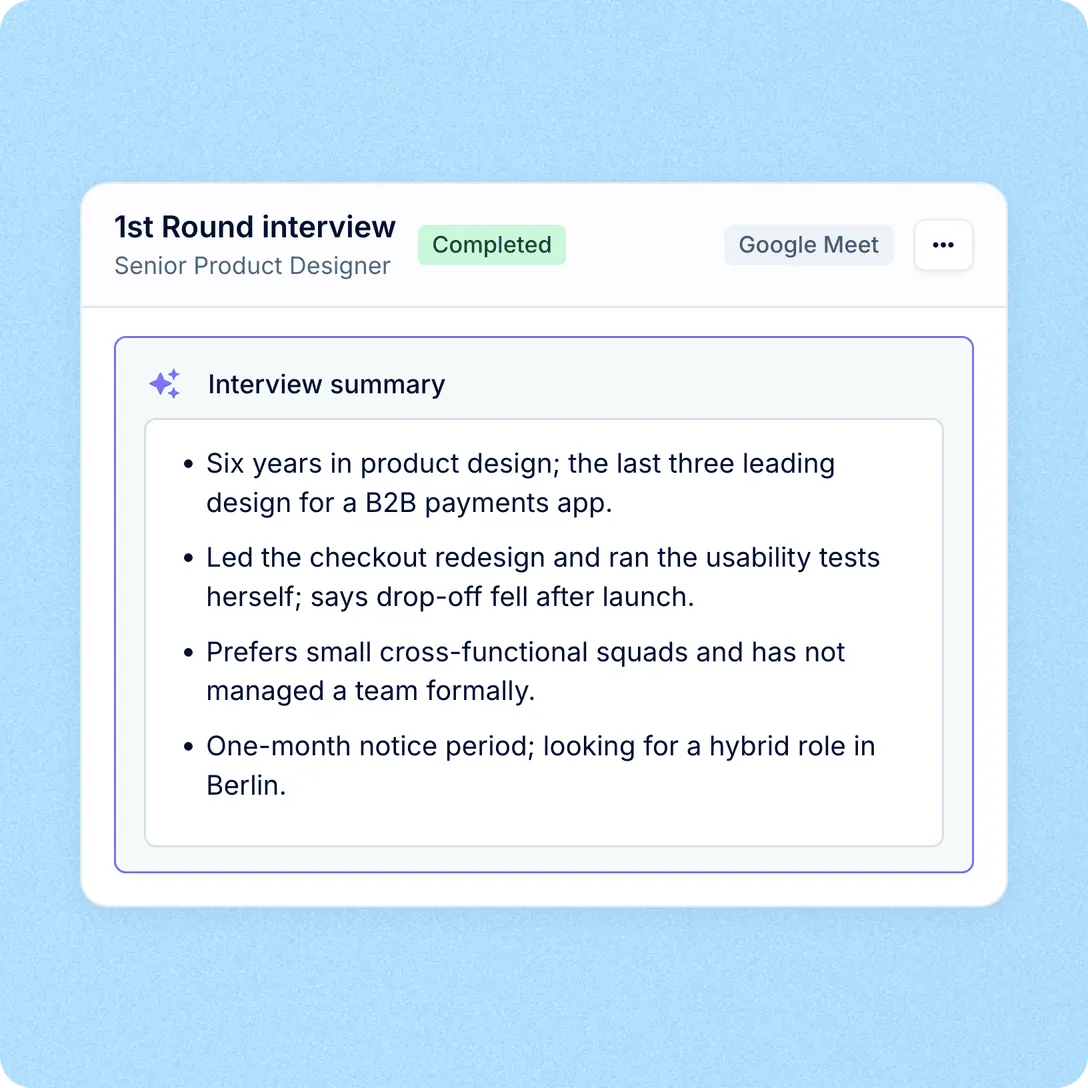
After the call, open the candidate’s Interviews tab. Each recorded round has its own summary, transcript and recording, alongside the rest of the candidate’s profile.

Key points from the conversation
AI turns the transcript into a list of key points for the hiring team, written from what was said in the interview and shown on the interview as Interview summary. Catch up on an interview you missed, or refresh your memory before the debrief.

The full transcript, line by line

The call recording
In your control
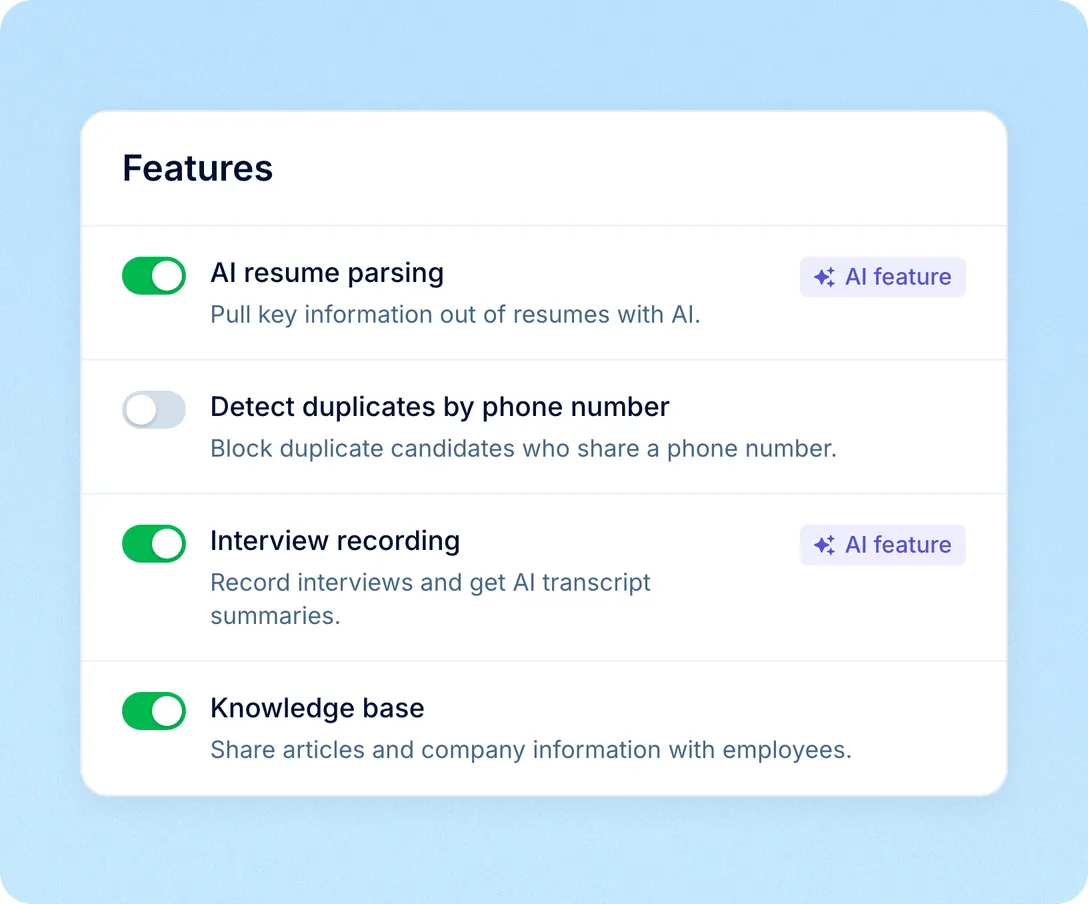
Recording is one company-wide setting. It covers only Meet and Teams interviews scheduled in PeopleForce, and the Note Taker joins under its own name.

One switch for the company. You can turn Interview recording on or off at any time.
Only the interviews you book on Meet or Teams. Zoom, phone and onsite interviews, and online interviews with a link pasted in, are never recorded.
Named in the call. The PeopleForce Note Taker joins under that name and is set up to post a message in the meeting chat saying it’s taking notes.
More in AI
Interview notes are one of the ways PeopleForce puts AI to work. The rest includes AI Companion, AI in recruiting and AI in performance.
AI Companion
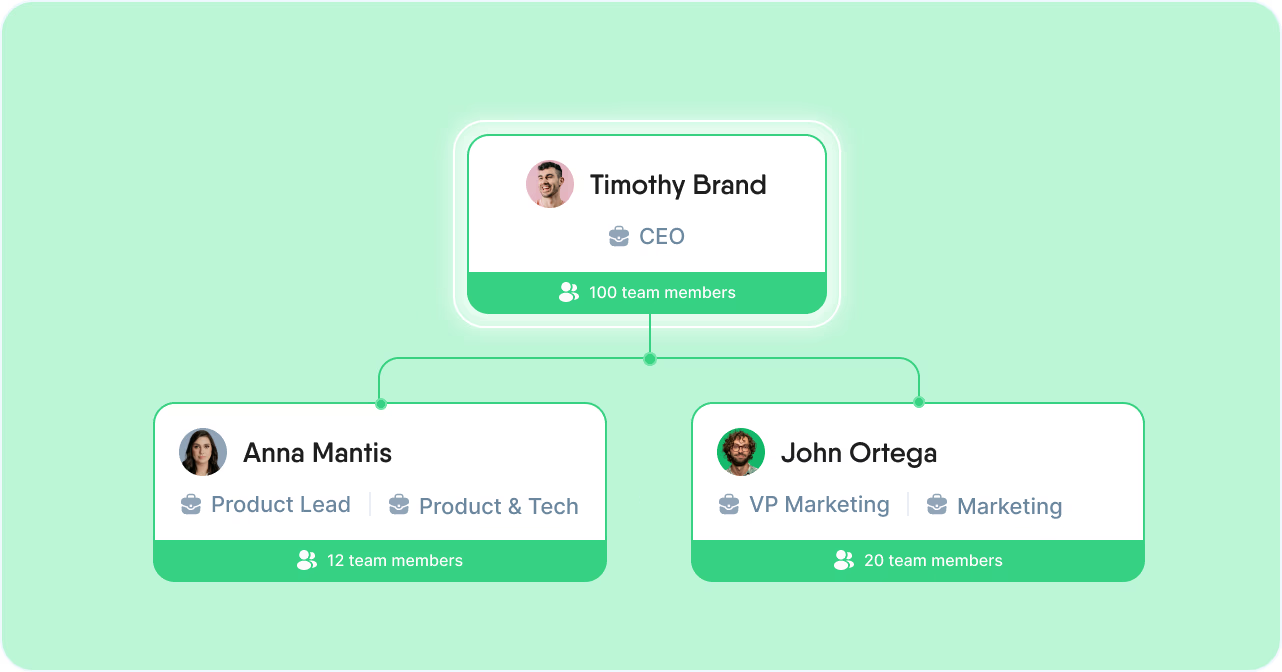
Ask about policies, people or time off in your own words. Answers come from your own PeopleForce data and knowledge base, and only from what you’re allowed to see.
AI Companion
Ask about policies, people or time off in your own words. Answers come from your own PeopleForce data and knowledge base, and only from what you’re allowed to see.
Beyond the features
You go live in weeks and can add the rest of HR when you’re ready.

Live in up to four weeks
A dedicated success manager guides your setup, and it’s included in your plan at no extra cost.
Support in your language
Real people on our support team answer, with a first reply in about two minutes and 98% satisfaction.
Room to grow
Start with Core HR and add Recruit or Perform later, all on the same employee record.

Leader

Users Love Us

Regional Leader

High Performer
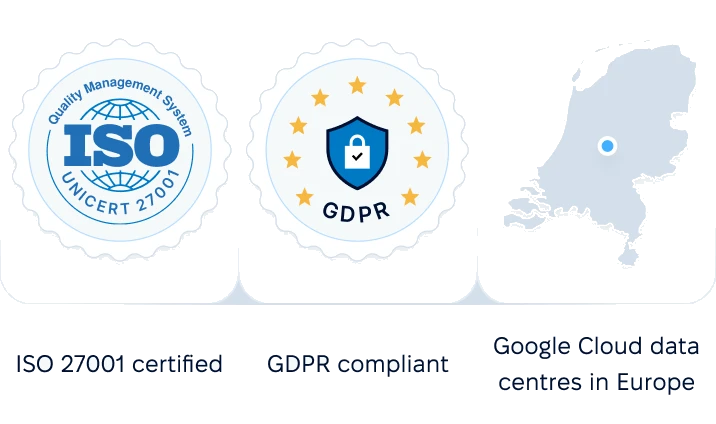
Certifications, granular access and full control over what happens to your data.

 Best Support
We’ll walk you through the Note Taker and show you what your hiring team would see on the candidate’s interview card.