



How it works
How a payroll cycle is set up
You set the schedule and the people once. The runs follow it from then on.

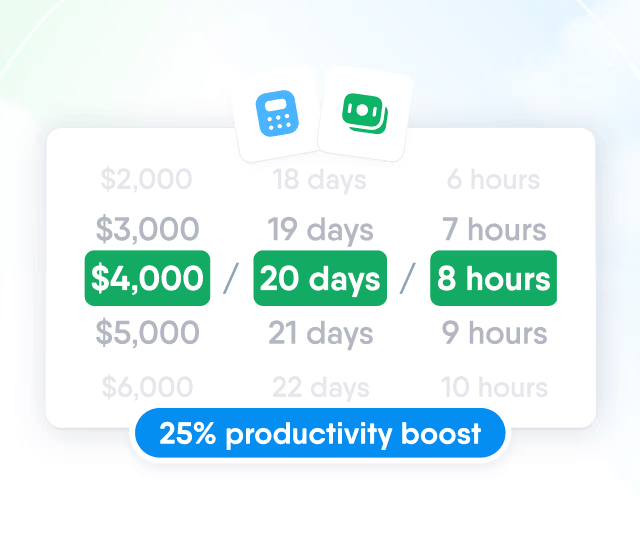
HR efficiency estimator
How does the HR efficiency estimator from PeopleForce work.
Calculate your impact
Set how often each group is paid, the pay day and the cutoff, and what happens when pay day falls on a weekend. PeopleForce then creates a payroll run for every pay period.
How it works
You set the schedule and the people once. The runs follow it from then on.
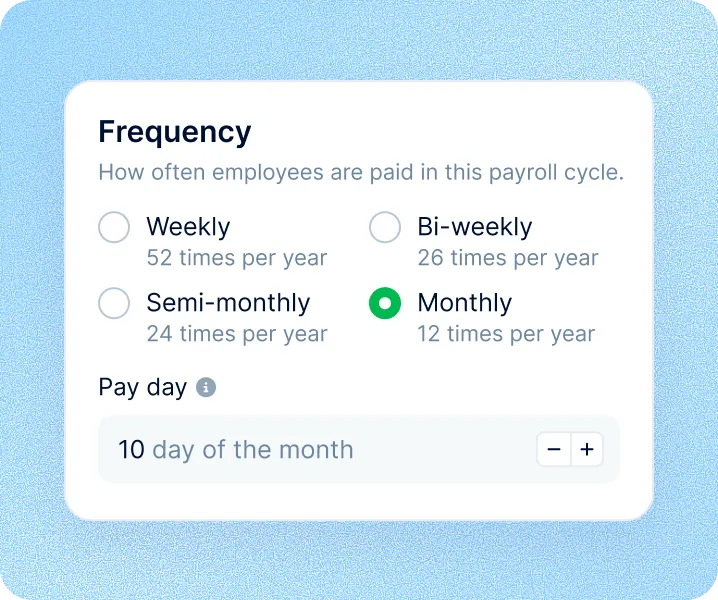
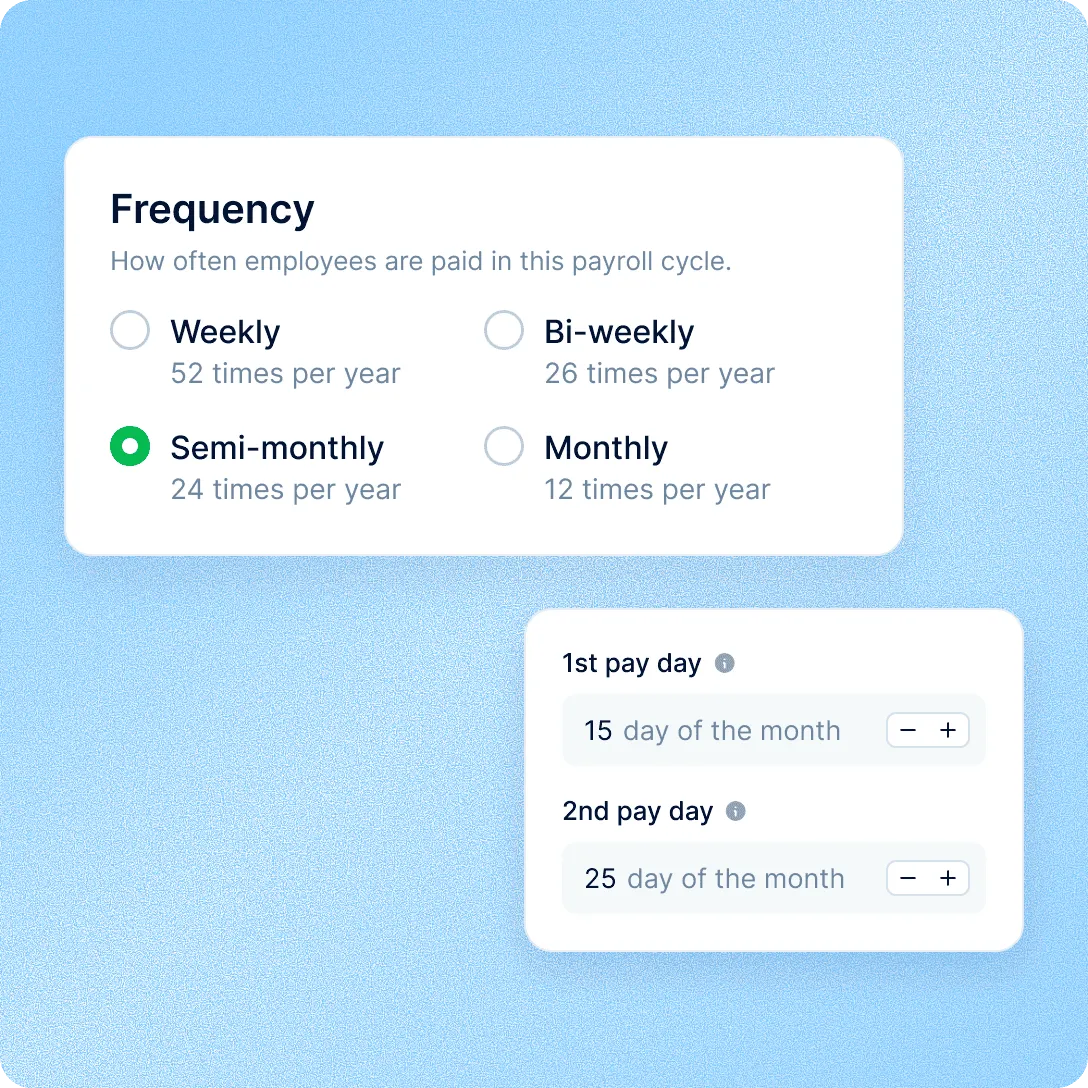
Set the schedule
Choose weekly, bi-weekly, semi-monthly or monthly, then the pay day, the cutoff and the weekend rule.
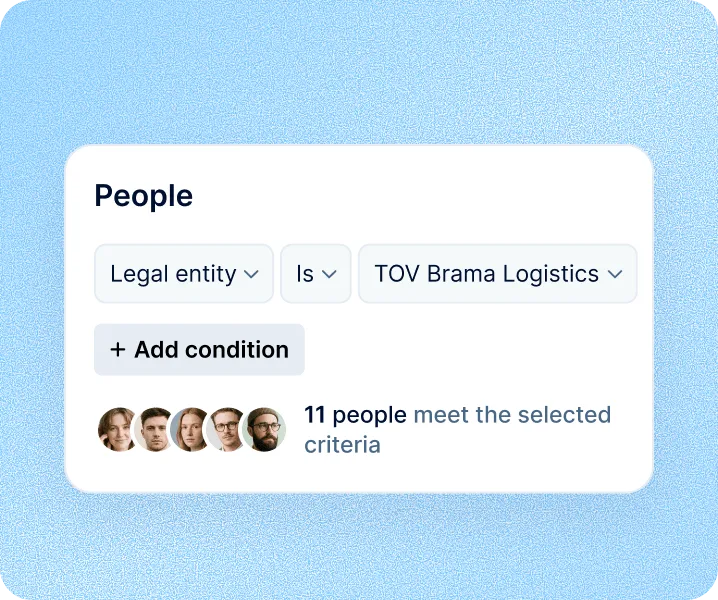
Choose who's included
Include everyone, or select people by legal entity, location, department or work type.
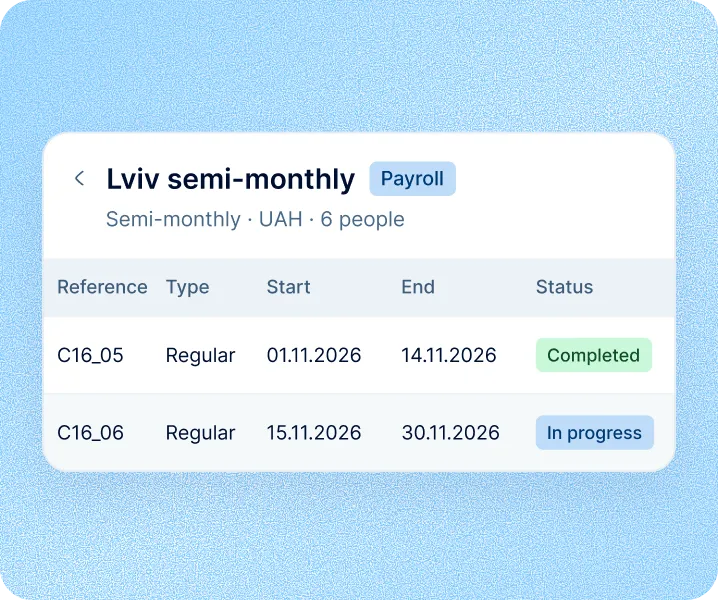
Runs follow the schedule
The next runs are created in advance. Each opens when its period starts and the previous run is completed.
Payroll cycles: schedule
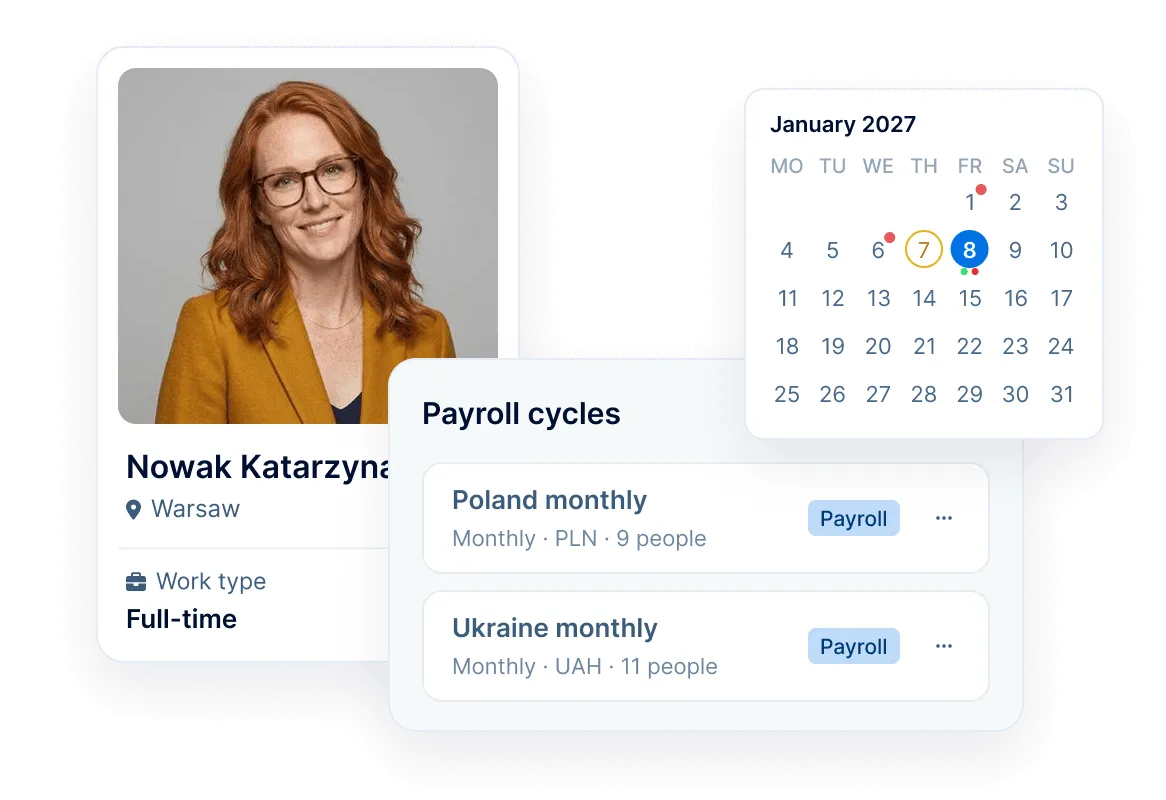
Every period gets its pay day and cutoff in one step. A 12-month schedule preview shows each pay date, cutoff and compensation payout, with public holidays in your billing country, before you save.
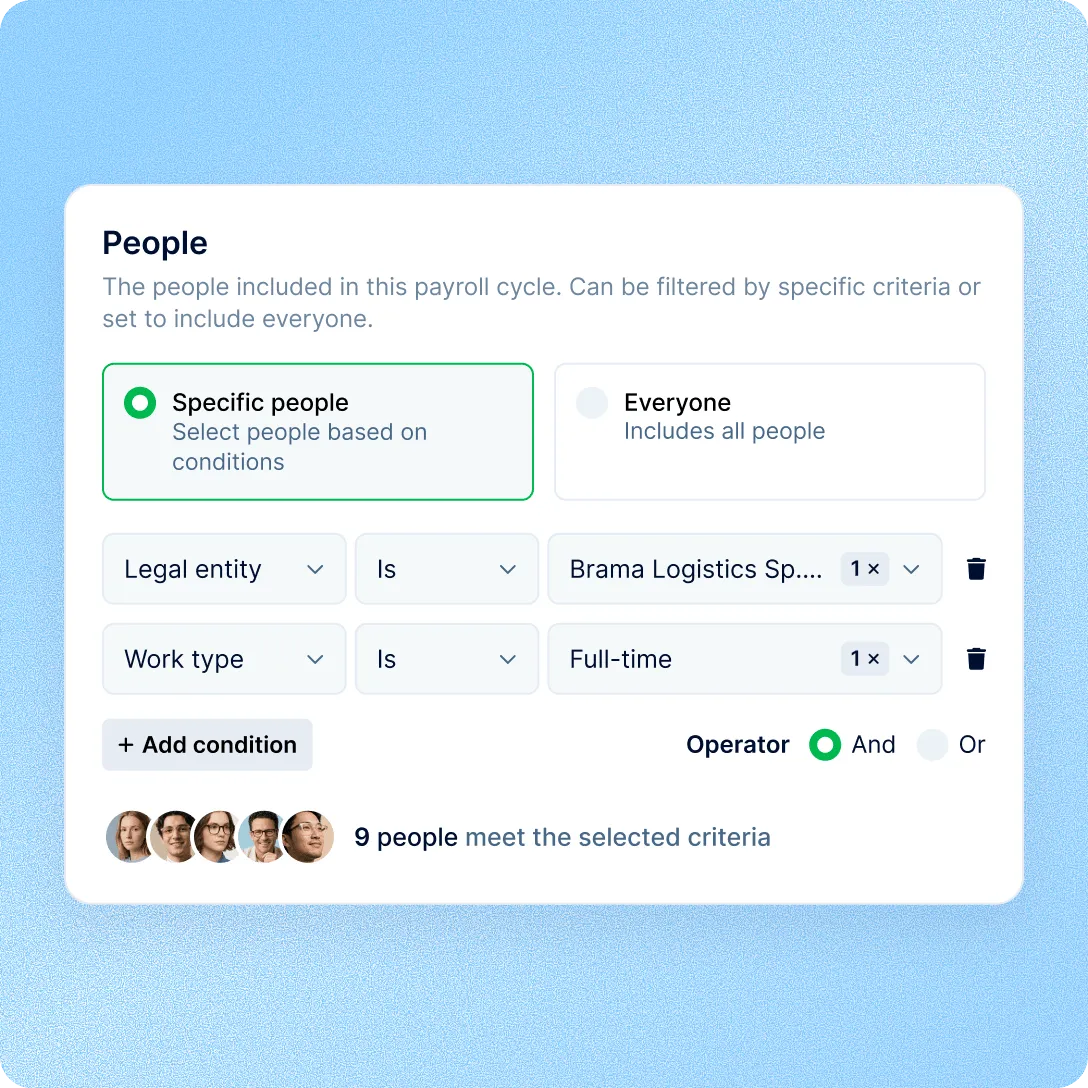
Payroll cycles: entities
Run as many cycles side by side as you need, each with its own frequency, currency and people. People join a cycle by rule, so a new hire in that entity is included in its open runs.
Payroll cycles: changes
Most settings stay editable. Before a change is saved, PeopleForce lists the open runs it affects, and approved or completed runs stay as they are.
Upcoming draft runs are rebuilt with the change, and the run in progress takes it on. Sync it to refresh the figures.
For another frequency or currency, create a new cycle.
Payroll cycles: compensation
Recurring bonuses and allowances from each person's compensation go to the right run. On weekly and bi-weekly cycles, choose which run pays them, and set the month for annual compensation.
Learn more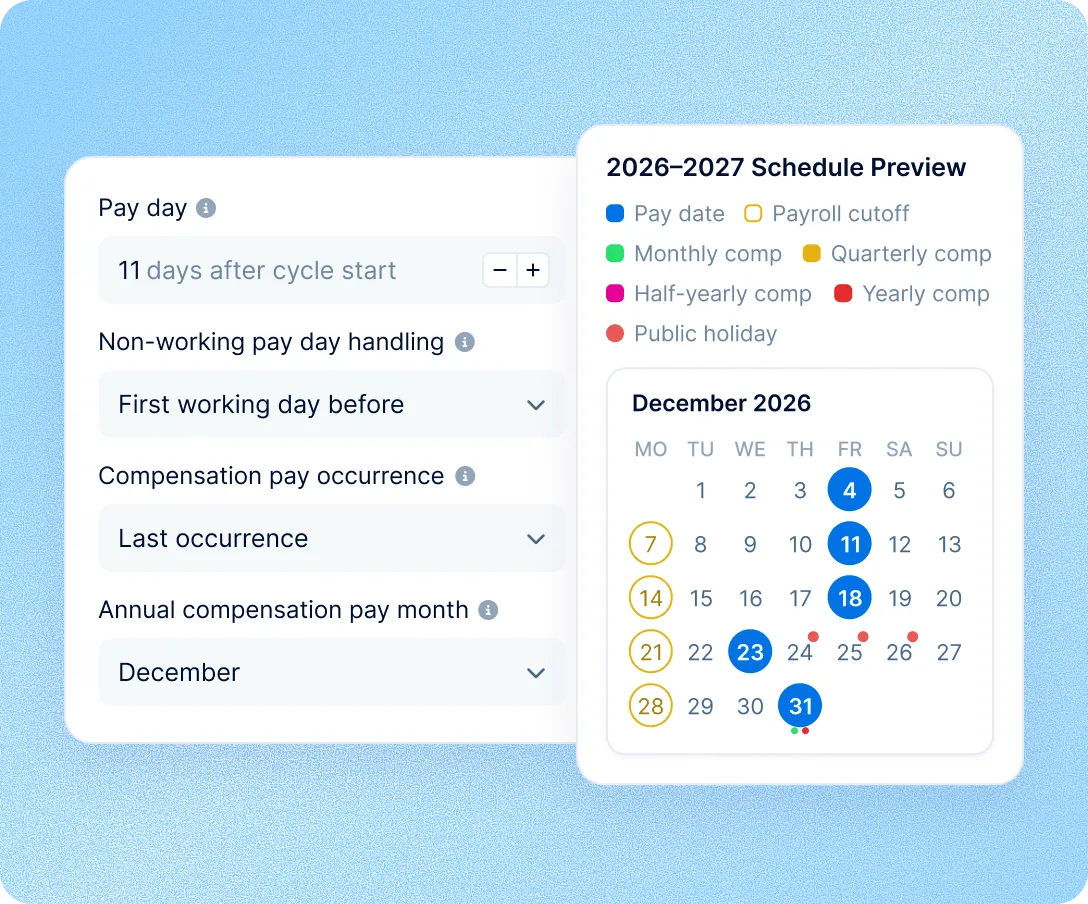
Payroll cycles: runs
Once saved, a cycle opens its current run and keeps the next ones as drafts, adding more each morning. Periods never overlap, so none is paid twice. Review and approval happen in the run.
Learn more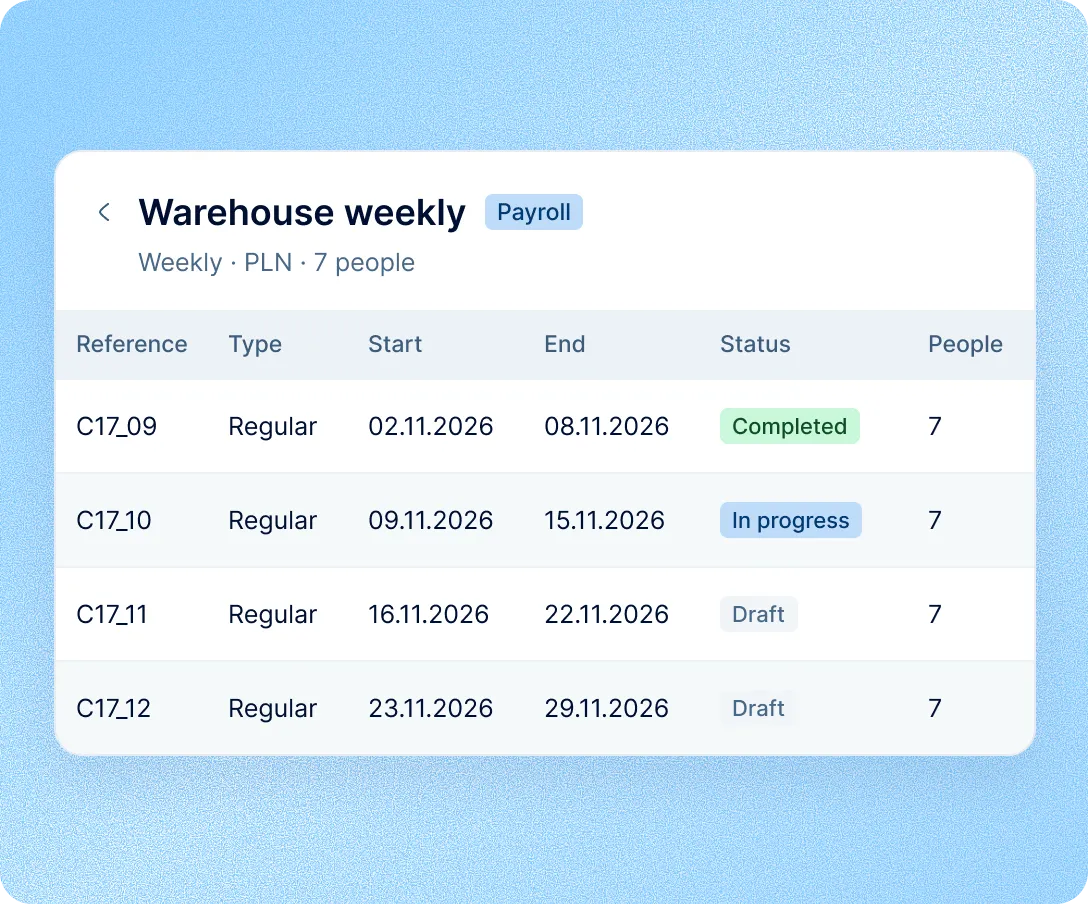
Payroll cycles use the pay and people data already in PeopleForce, so each run starts from records HR keeps up to date.
Pay data from HR records
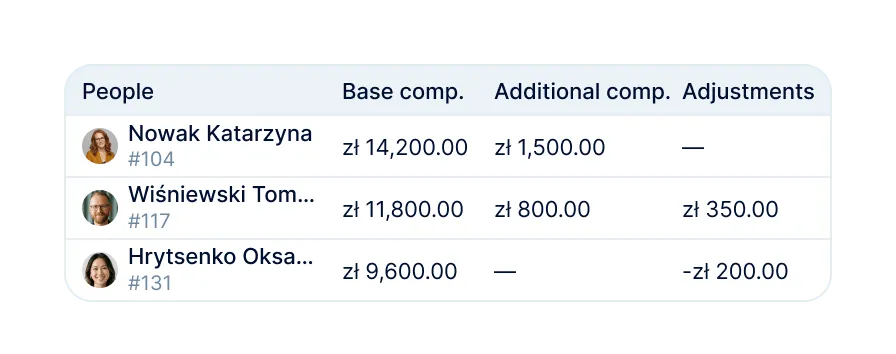
Base pay, additional compensation and adjustments come from each person's profile.
Proration and leave pay
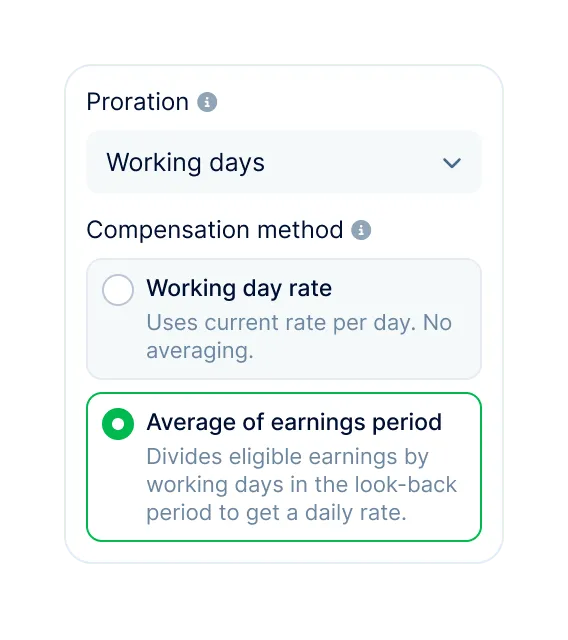
Set how mid-period changes are prorated and how annual leave is paid, once per cycle.
A currency for each cycle
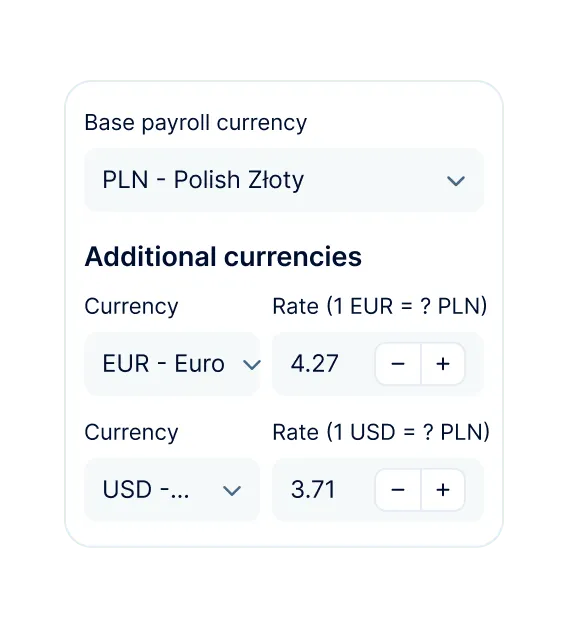
Each cycle has its own base currency, with exchange rates for amounts in other currencies.
Run exports for accountants
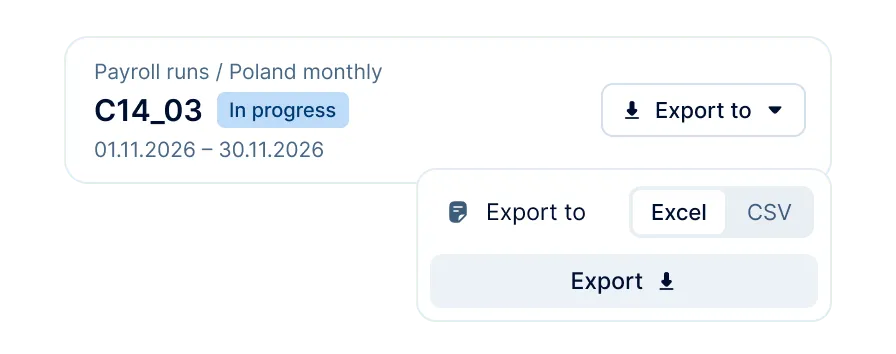
Export any run to Excel or CSV for your accountant or payroll system.
More in Payroll
From the pay structure in Core HR to the finished run and its export, in one connected system.
Payroll runs
Review base pay, additional compensation and adjustments for every person, compare with the previous run, then approve and complete it.

Payroll runs
Review base pay, additional compensation and adjustments for every person, compare with the previous run, then approve and complete it.
Beyond the features
We get you live in weeks, not months, with real people answering after go-live, and room to add the rest of HR when you're ready.

Live in about four weeks
A dedicated success manager sets everything up with you. It's included in the plan, not a paid add-on.
Support in your language
Real people, not a ticket queue: a ~2-minute first reply and 98% satisfaction.
HR and payroll in one system
Compensation, time off and people records live in PeopleForce, so payroll starts from them.

Leader

Users Love Us

Regional Leader

High Performer
Certifications, granular access and full control over what happens to your data and equipment.


 Best Support