




How it works
From career site to consent record
No spreadsheet of who agreed to what. Consent follows the candidate from the first application to the end of the retention period.

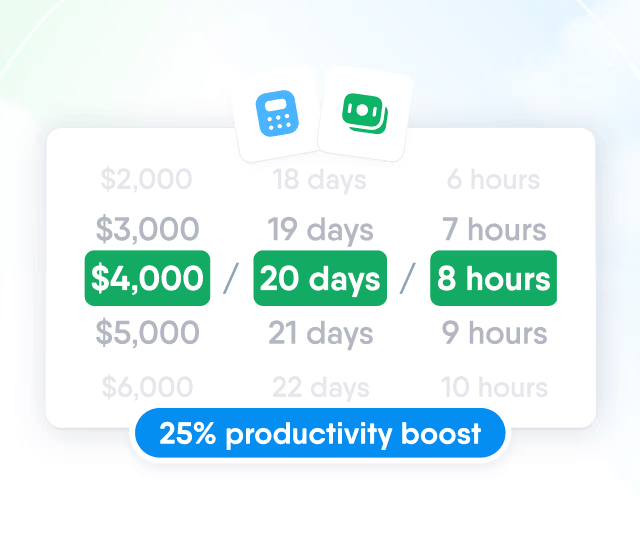
HR efficiency estimator
How does the HR efficiency estimator from PeopleForce work.
Calculate your impact
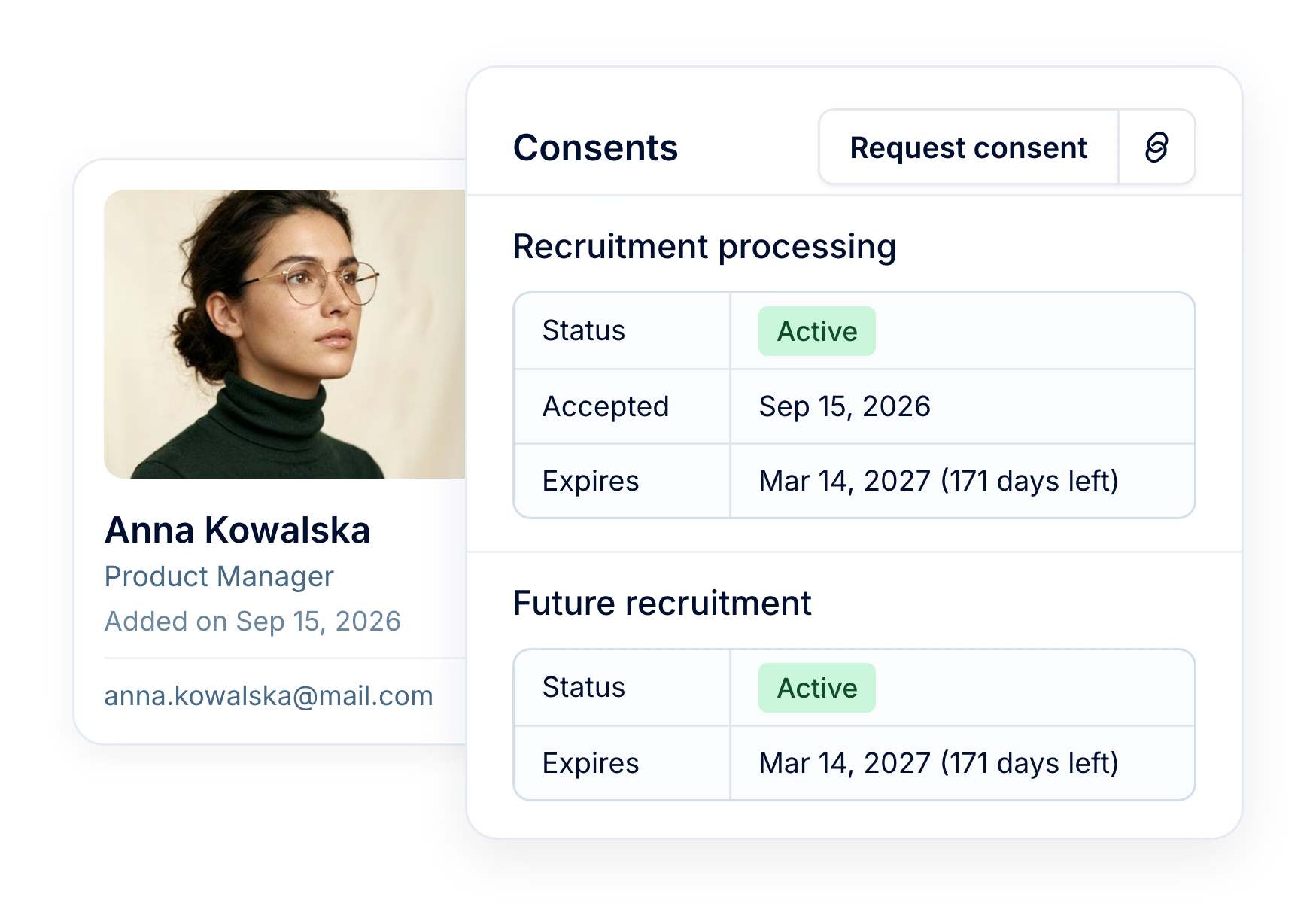
Every candidate in your database comes with a record of what they agreed to, when and until when. GDPR consent is collected on your career site or by email, expires on your retention schedule, and shows on the profile before anyone reaches out.
Securing data from the outside is one thing, and securing it on the inside is another, so that no one sees something they shouldn't. In PeopleForce, I can check at any time who sees what and be sure that information reaches only authorized people.
400,000+
candidate consents recorded in PeopleForce
200,000+
consents moved to expired on schedule, automatically
How it works
No spreadsheet of who agreed to what. Consent follows the candidate from the first application to the end of the retention period.
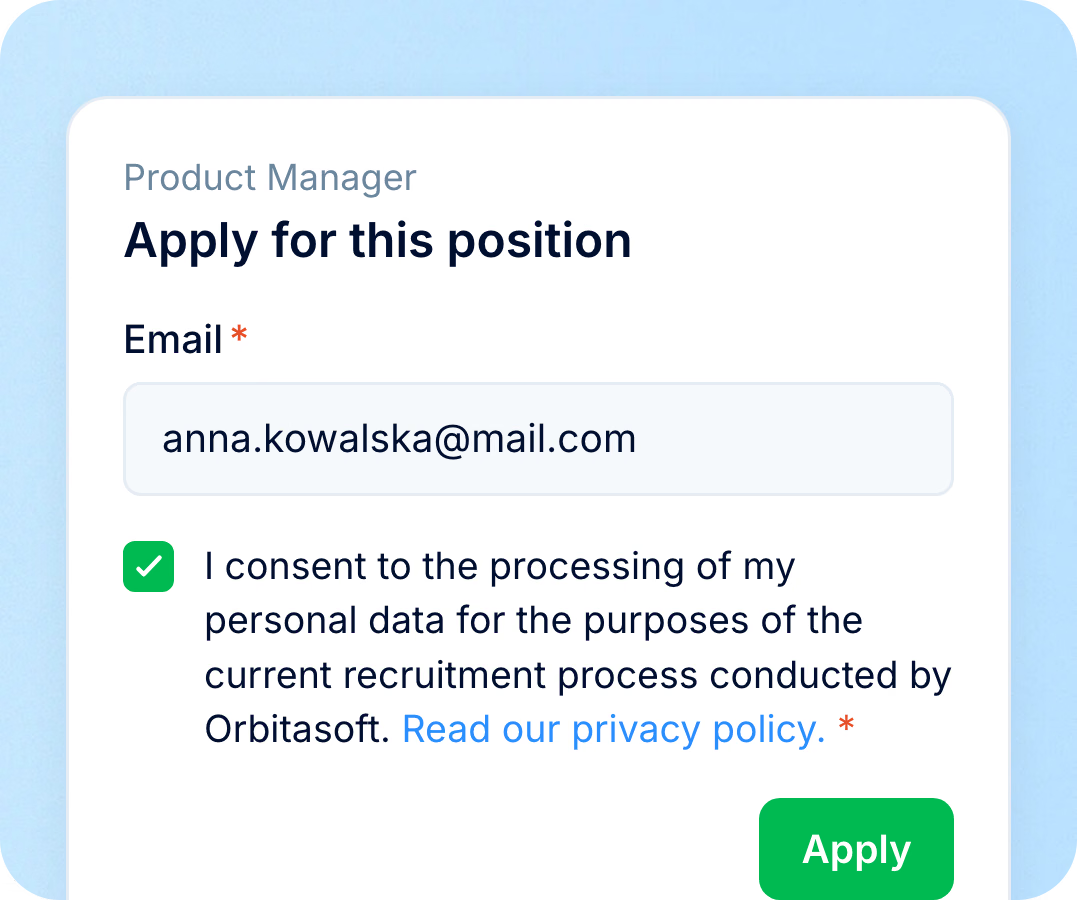
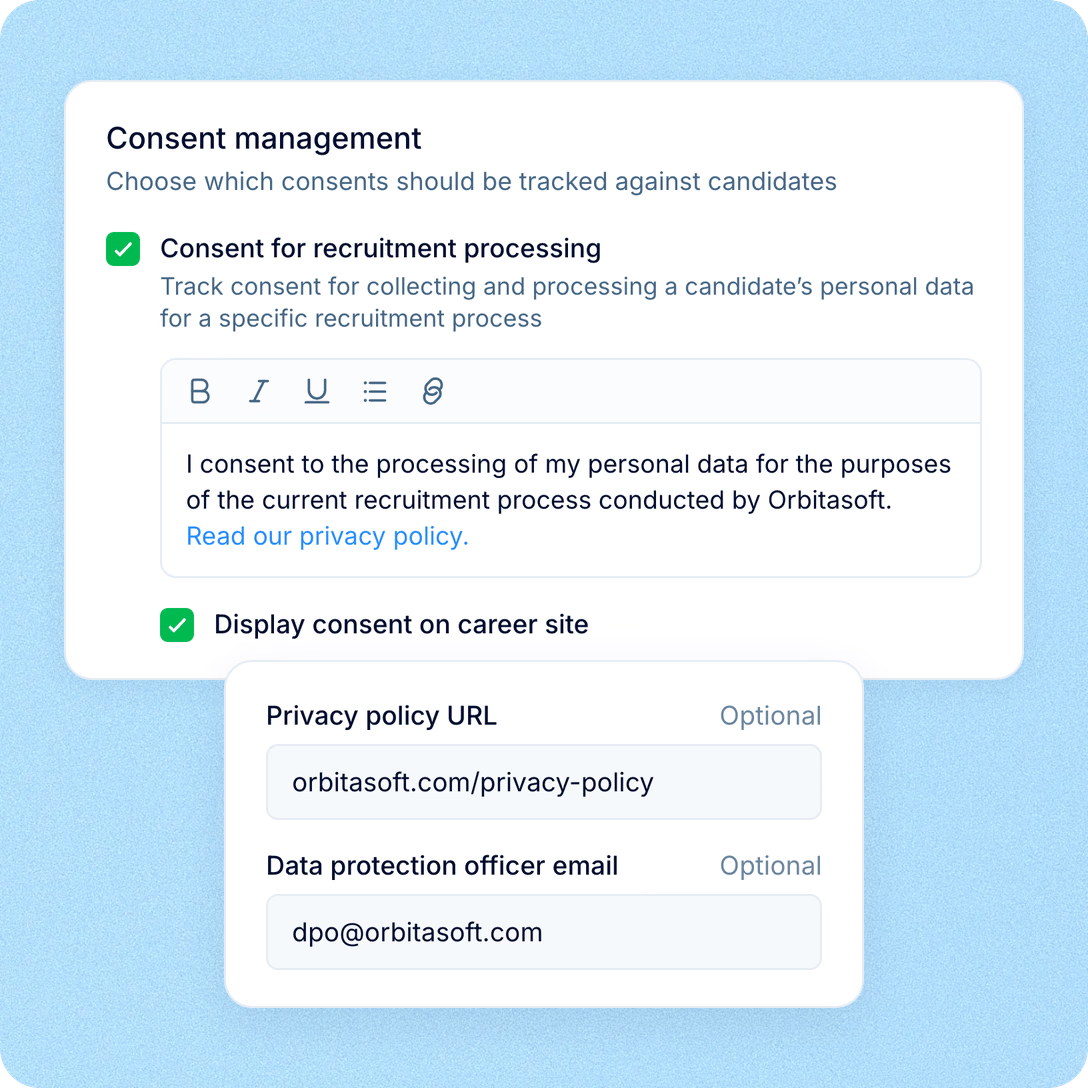
Consent at application
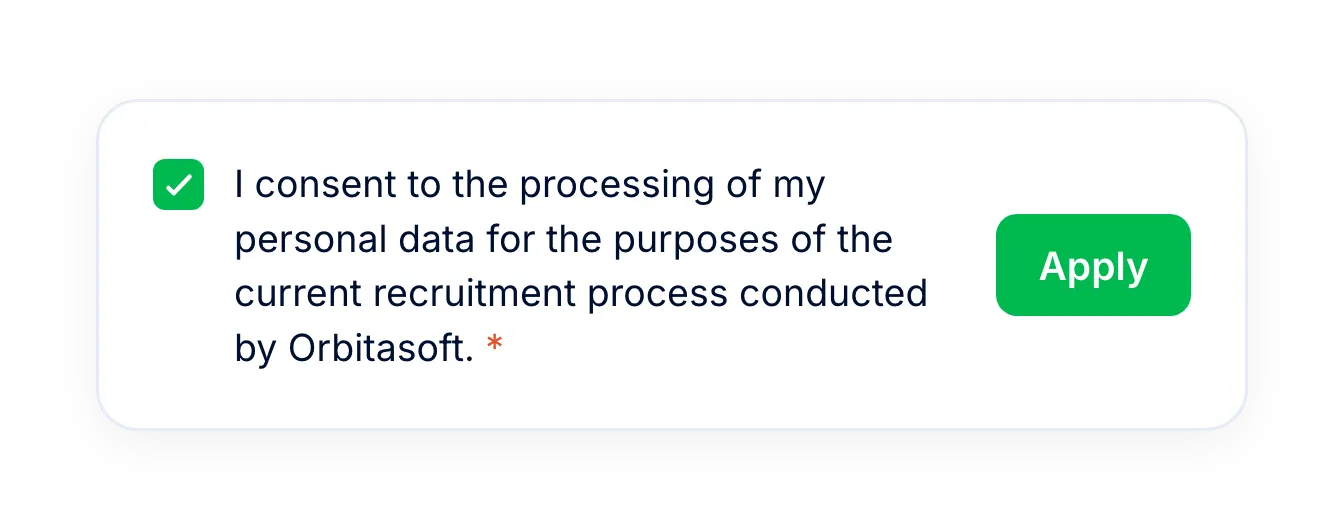
The career site shows your consent text and privacy policy link, and the candidate agrees when applying.
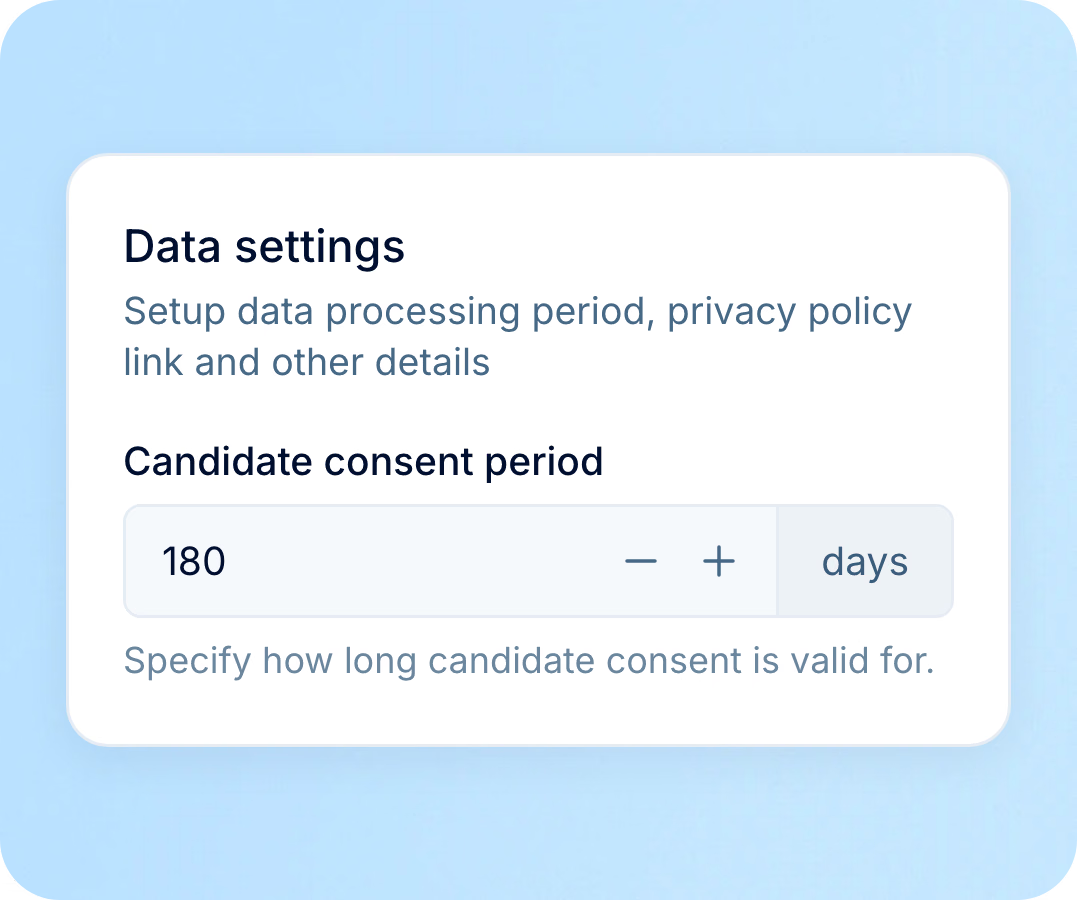
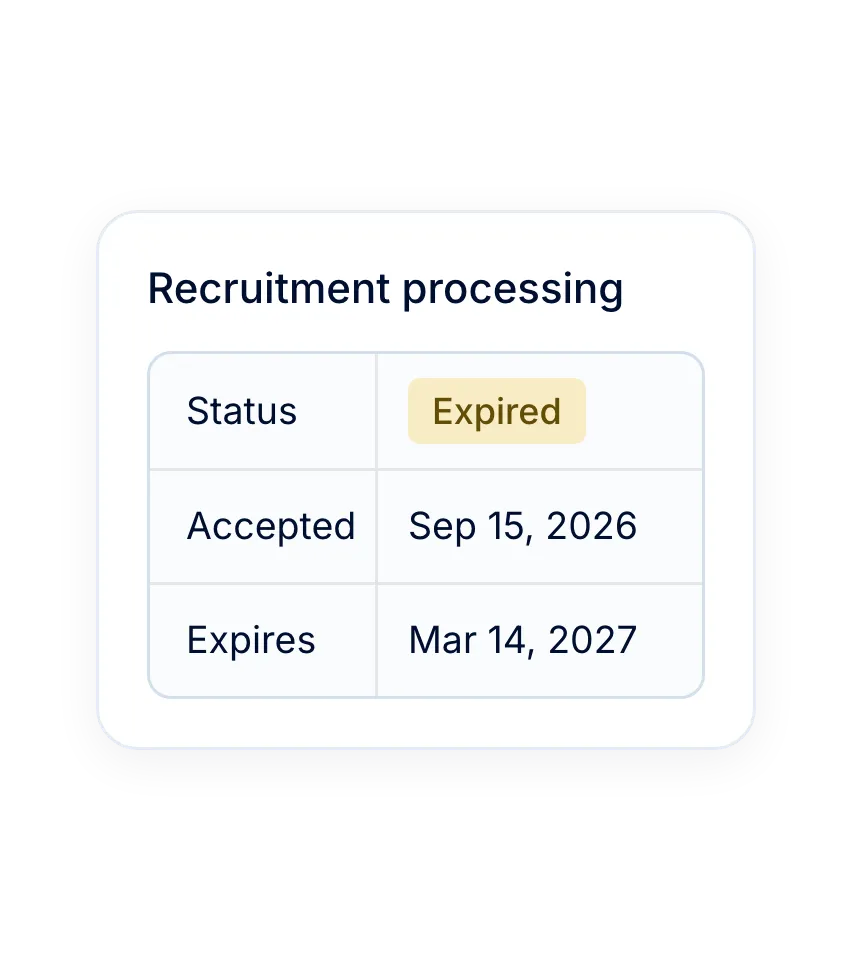
Expiry from the retention period
The accepted consent gets an expiry date calculated from the retention period set in GDPR settings.
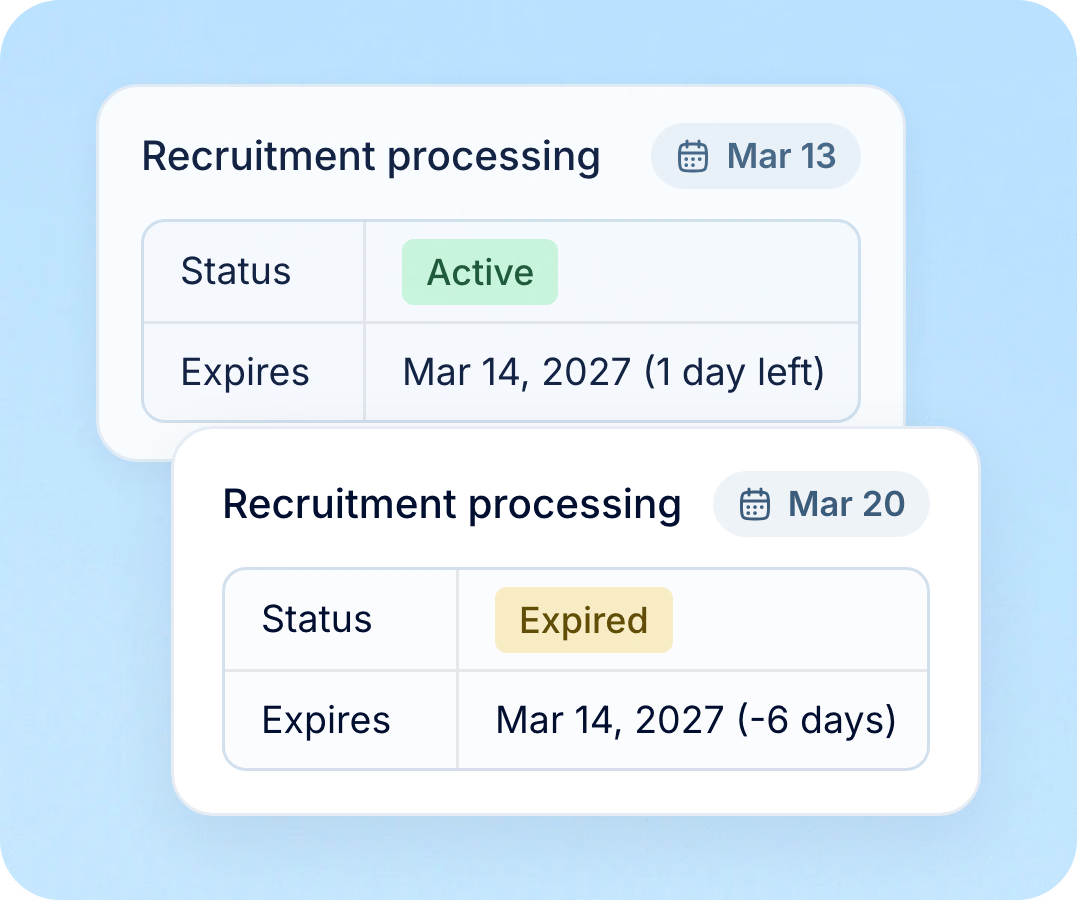
Status updated on expiry
When the date passes, the consent status changes to expired on the candidate, ready for follow-up.
GDPR settings
Recruit's GDPR settings define what candidates agree to and for how long, once for every vacancy.
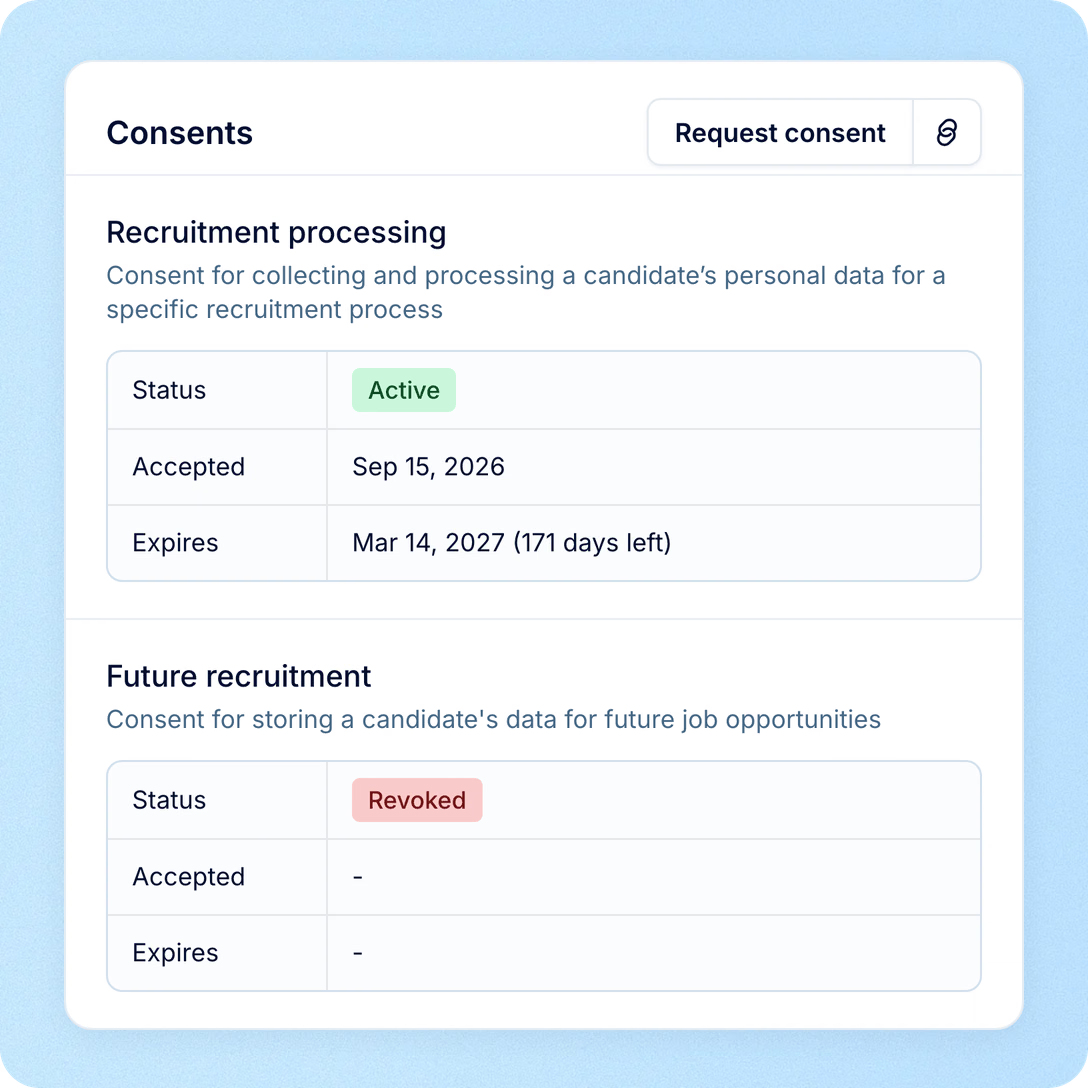
Consent on the candidate
Recruiters see where each candidate stands before they reach out, reuse a profile or share it.
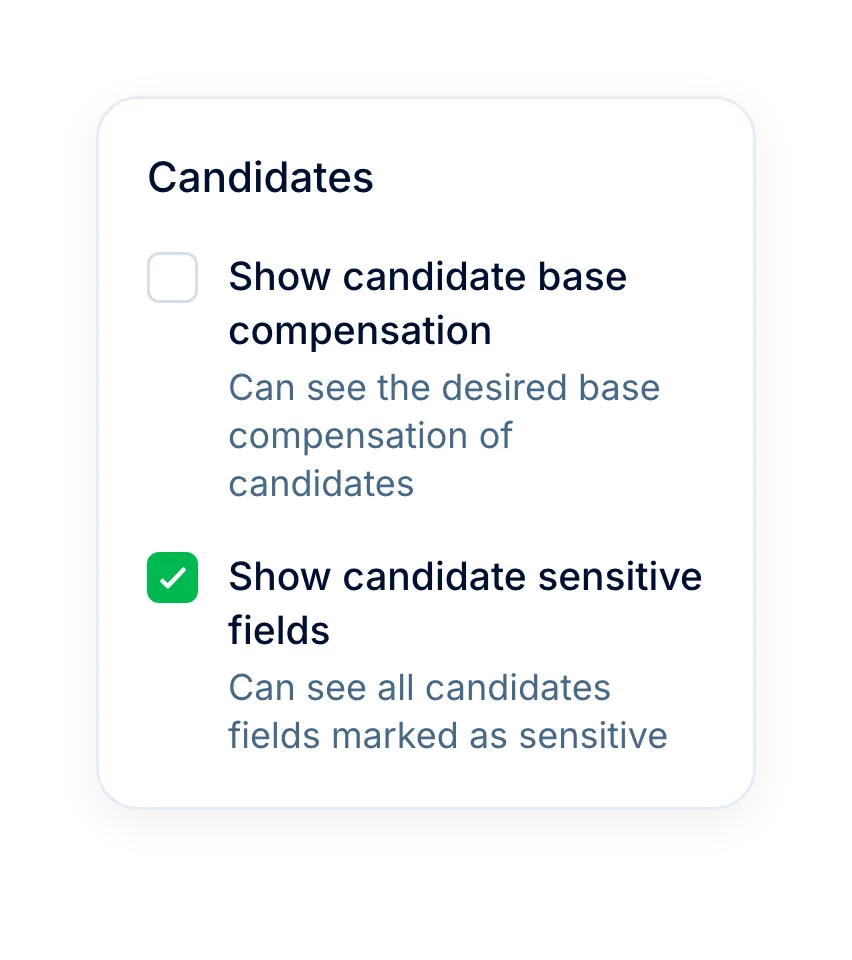
Sensitive data
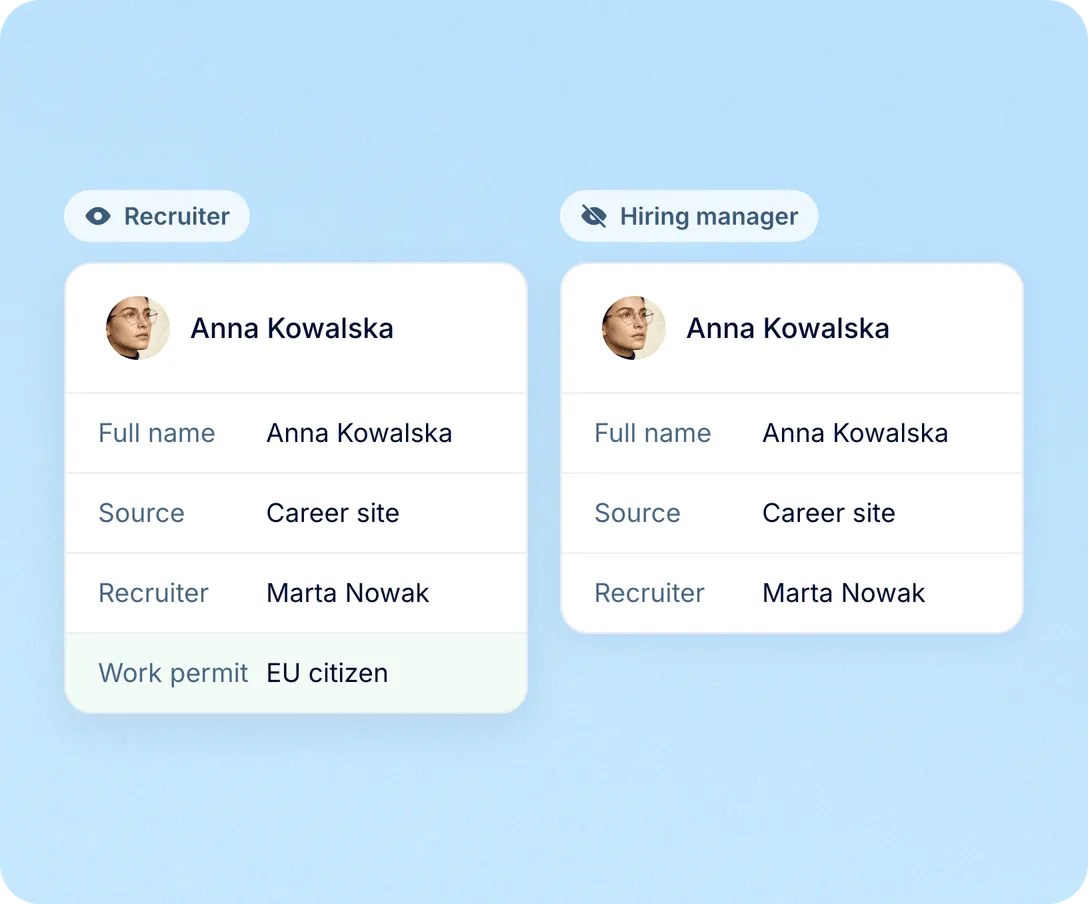
Candidate fields marked as sensitive stay out of view for anyone whose role does not allow them.

Custom candidate fields can be flagged as sensitive in settings.
Only roles with the sensitive-fields permission see or edit their values.
API keys get no access to sensitive candidate fields unless it is granted.


Our vision was clear – to make AWT Bavaria a transparent, people-centric organization that aligns with Western business standards. PeopleForce was the perfect partner to help us achieve that goal.
Talent pool
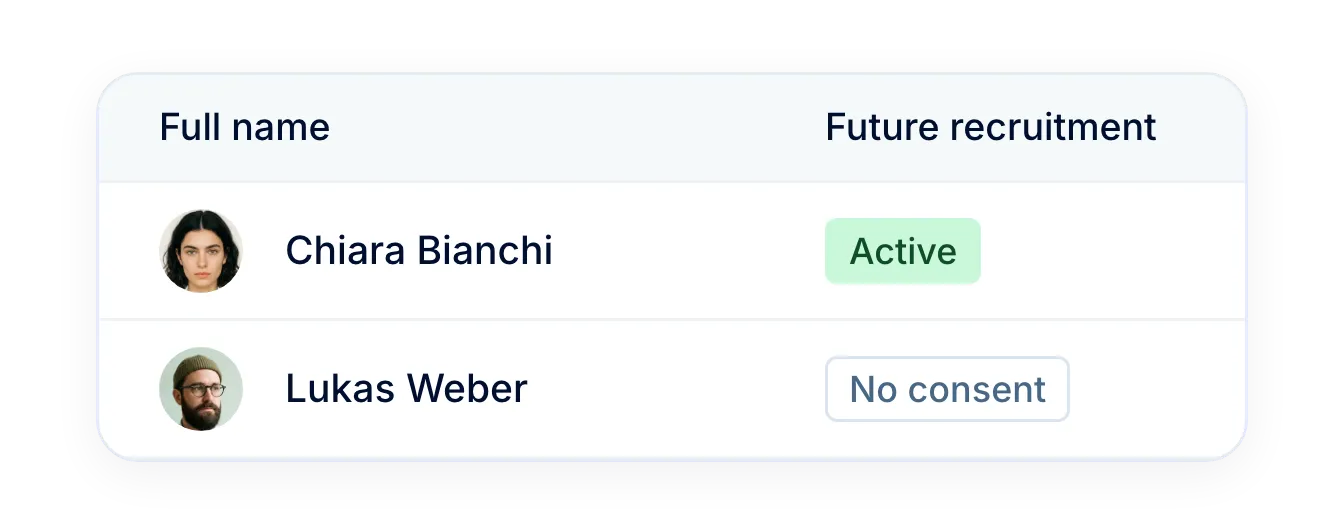
Filter the candidate database and any vacancy pipeline by consent and future recruitment consent status, from accepted to expired. Recruiters add only consenting candidates to talent pools and export lists with expiry dates for follow-up.
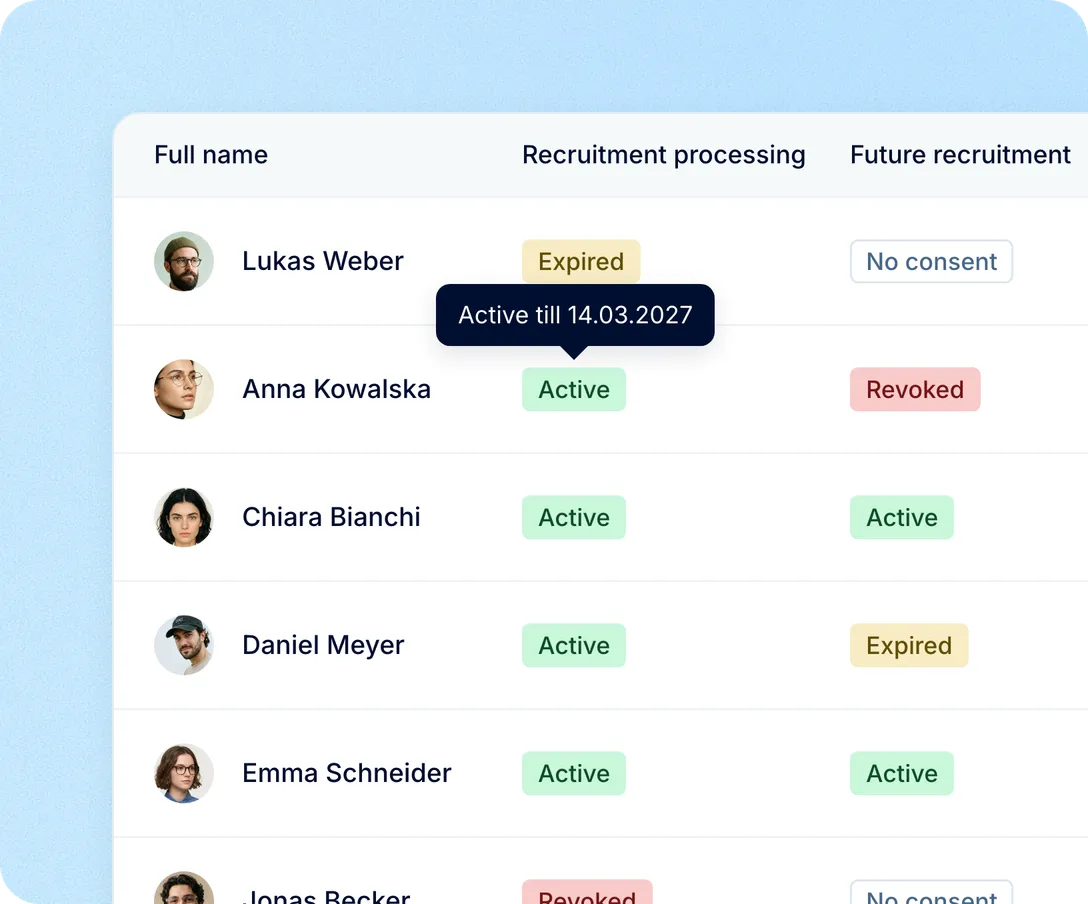
Candidate requests
When a candidate asks what you hold or how long you keep it, the consent record, its dates and the GDPR contact email are on hand. Recruiters answer from the profile instead of searching inboxes and spreadsheets.
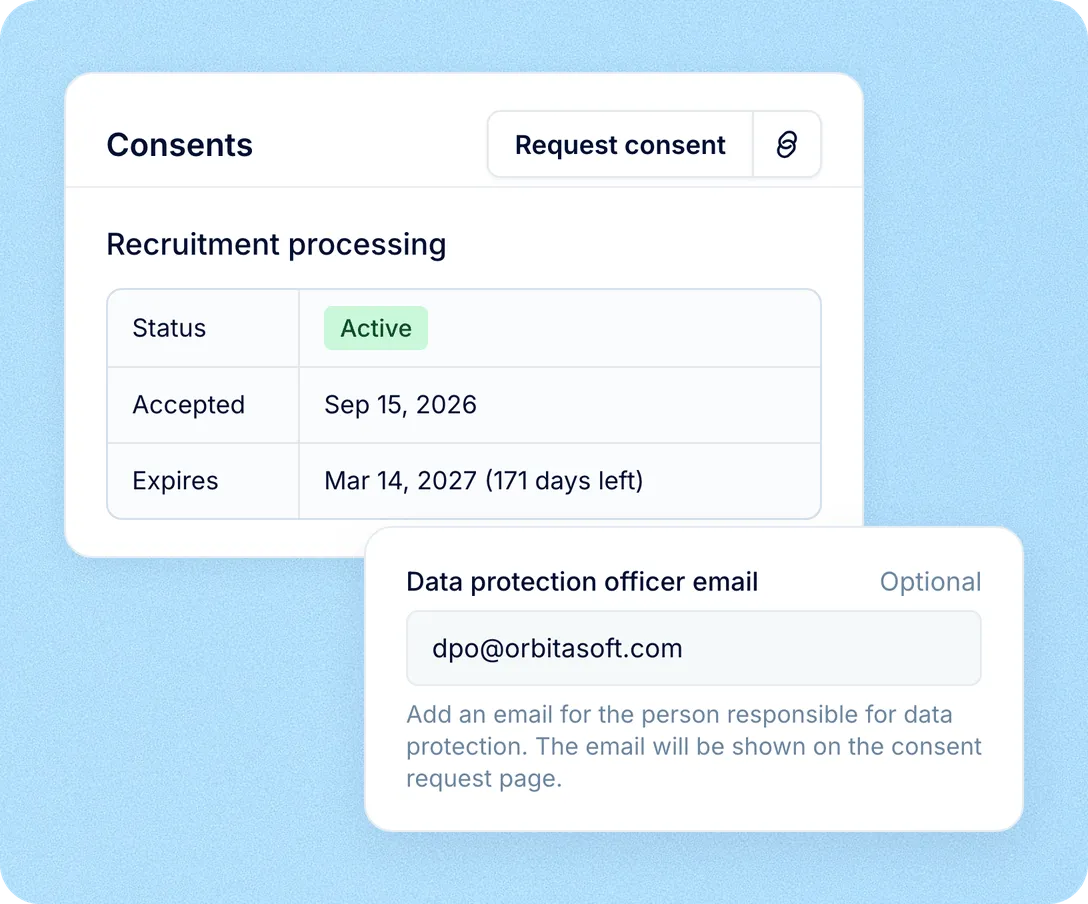
GDPR consent lives inside Recruit, so compliance travels with every application instead of sitting in a separate file.
For recruiters: know before you reach out
The consent badge shows on the candidate card before the first message.
For DPOs: sensitive data stays restricted
Fields marked as sensitive are visible only to roles with the permission to see them.
For HR: one retention rule
Expiry dates come from one setting, and statuses update on their own.
For talent teams: a pool you can reuse
Future recruitment consent shows which past applicants you may contact for new roles.
More in Recruit
Sourcing, screening, interviews and offers share the same candidate records and the same consent rules.
Every candidate you have ever sourced, in one searchable place
Search, filter and sort the whole database, act on a selection in bulk, and group the people worth coming back to into talent pools.

Every candidate you have ever sourced, in one searchable place
Search, filter and sort the whole database, act on a selection in bulk, and group the people worth coming back to into talent pools.
Beyond the features
Expiry is tracked for you, but every decision about a candidate's data stays with your team.

Nothing deleted behind your back
When consent expires, the status changes to Expired and the candidate stays until your team decides what to do.
Clean-up in one action
Filter by Expired, then request consent again or delete the whole selection at once.
Sensitive fields closed by default
API keys get no access to sensitive candidate fields until someone grants it.

Leader

Users Love Us

Regional Leader

High Performer
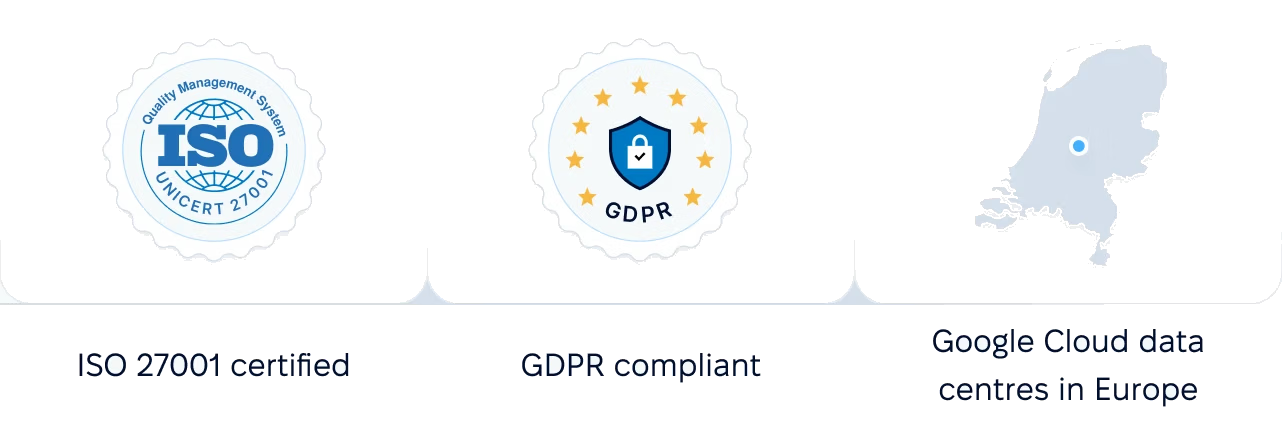
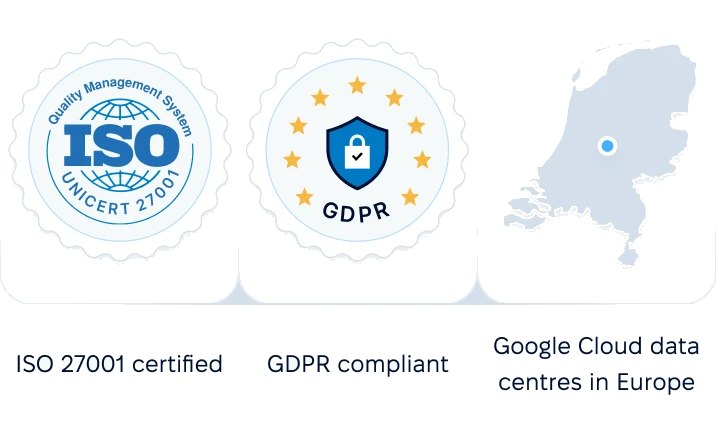
Certifications, granular access and full control over what happens to your data and equipment.
 Best Support
Get the full HR suite — Core HR, ATS, Performance, Surveys and more — at a fraction of enterprise platform pricing. See exactly what you'd pay.