



See multi-currency payroll with your own currencies
Bring the currencies your team is paid in and walk through a payroll run, from exchange rates to approval and export, with a product specialist.

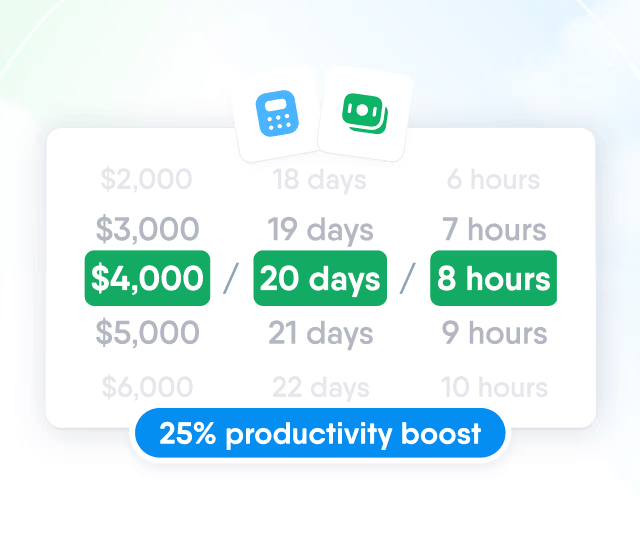
HR efficiency estimator
How does the HR efficiency estimator from PeopleForce work.
Calculate your impact
Salaries, bonuses and adjustments stay in the currency they were agreed in. Every payroll run converts them to one base currency and shows the rate behind each amount.

Payroll cycles
Each payroll cycle has a base currency, set when the cycle is created and kept for every run after it. People join a cycle through assignment rules, so teams paid in złoty and in pound sterling can each have their own cycle. Any other currency in the cycle is listed as an additional currency with its exchange rate.

Compensation data
Each pay item in the employee profile has its own currency, so a salary agreed in US dollars and a bonus paid in euro can belong to the same person. Payroll runs read these items from the profile, and Sync brings a run up to date after a change.

Exchange rates
Each cycle takes its exchange rates from one source. Finance teams can enter the rates they already work with, or use the official daily rates of a central bank.

Approval
Before approval, the rate date can be moved within the pay period. At approval, the rates of the run are fixed and stop changing.

Conversion
The run detail shows each pay item with its original amount, currency, exchange rate and converted amount in the base currency. When an employee asks about a figure, the answer is in the row.

A run can be approved only when every currency in it has a current rate. Until then, the missing parts are marked in the run.
Missing rates
An amount without a rate is counted one to one, and the run total is marked as an estimate.

Published bank rates
Rates from a central bank feed can't be changed by hand, so the run uses the rate the bank published.

Weekends and public holidays
On days without a publication, the last published rate is used for up to seven days.

Stale feeds
A rate published more than seven days ago is not applied, and approval is refused.

Totals and export
Each run adds up base pay, additional compensation and adjustments into one total gross in the base currency of the cycle. The run detail exports to Excel or CSV for your payroll provider or accounting team.


One total gross per run, with every foreign amount already converted at the run's rates.
Bring the currencies your team is paid in and walk through a payroll run, from exchange rates to approval and export, with a product specialist.
Beyond the features
Teams that pay people in more than one currency keep raising the same three problems. Here is how each one is handled.

Salaries in spreadsheets, one per currency
Managers kept their own files for pay in złoty, euro and dollars. Now each pay item sits in the employee profile with its currency, and every run converts it to one base currency.
A separate payroll tool for every country
Currency differences kept payroll split across local systems. Payroll cycles by base currency bring the figures into one place, with the rate behind each converted amount.
Contractors paid in several currencies
Teams paying contractors in euro, złoty or dollars needed one place for the rates. A contractor cycle uses the rates you enter, records who changed them and fixes them at approval.

Leader

Users Love Us

Regional Leader

High Performer
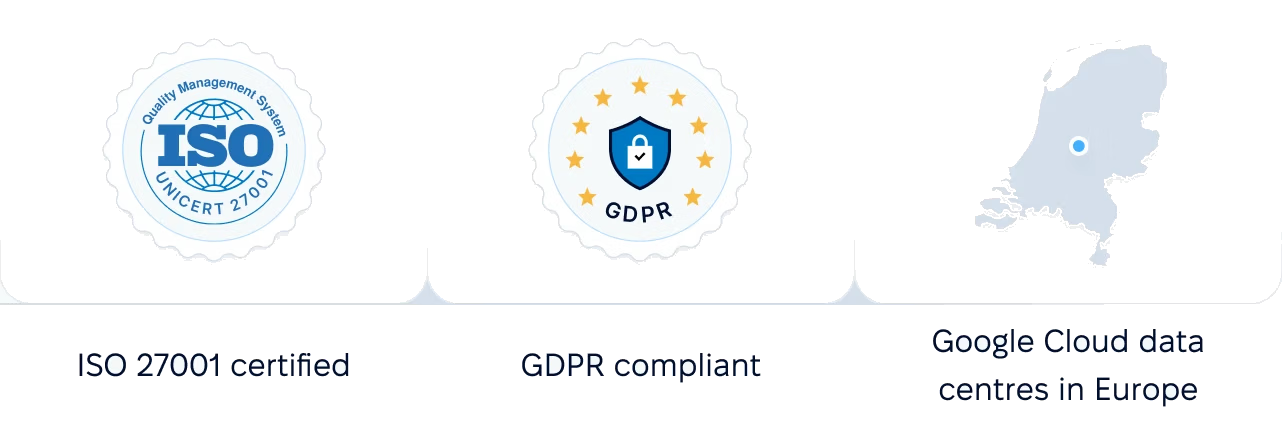
Certified infrastructure, data stored in European data centres, and payroll figures and exchange rates open only to roles with the Manage payroll permission.

 Best Support
More in Payroll
Payroll cycles, runs and pay calculations built on the compensation, work schedules and leave already kept in PeopleForce.
Payroll cycles
Group people paid on the same schedule, in the same currency and under the same pay rules. Weekly, bi-weekly, semi-monthly and monthly frequencies are available.

Payroll cycles
Group people paid on the same schedule, in the same currency and under the same pay rules. Weekly, bi-weekly, semi-monthly and monthly frequencies are available.