



Neighbours
When a question isn't a case
Not everything people bring you is a conversation. Two other routes exist, and the person choosing sees all three.


HR efficiency estimator
How does the HR efficiency estimator from PeopleForce work.
Calculate your impact
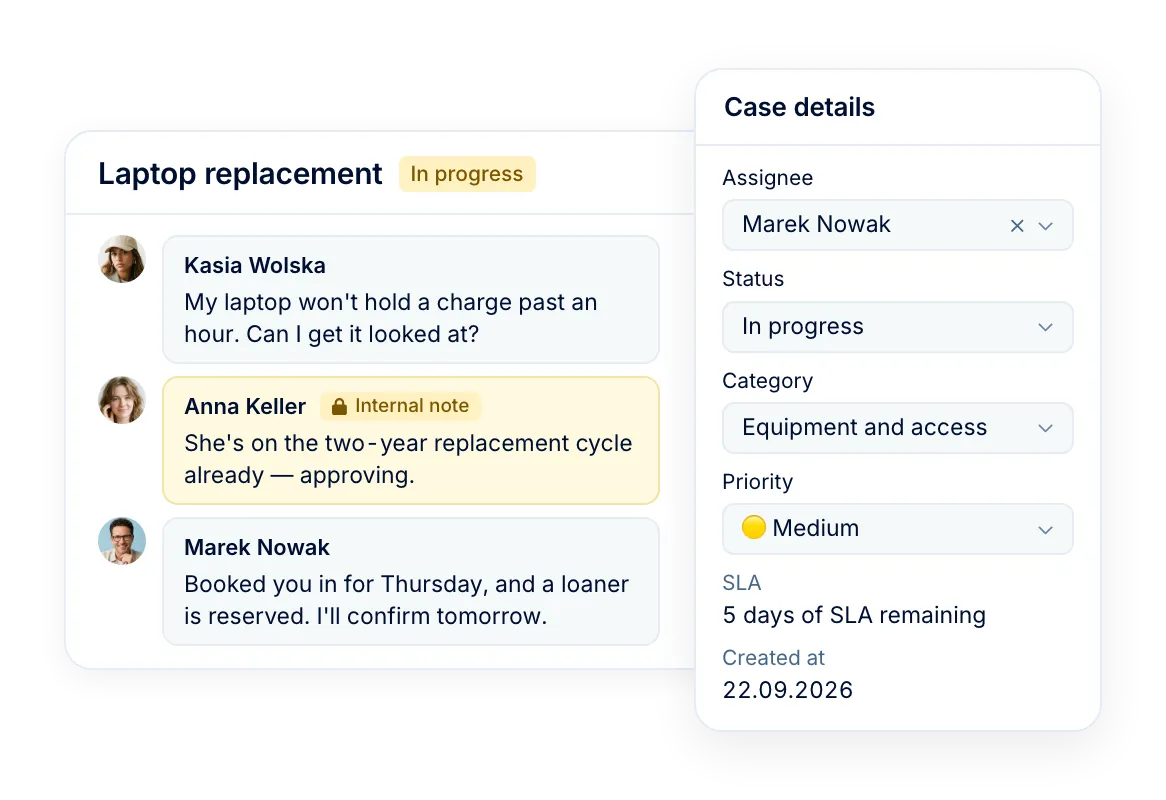
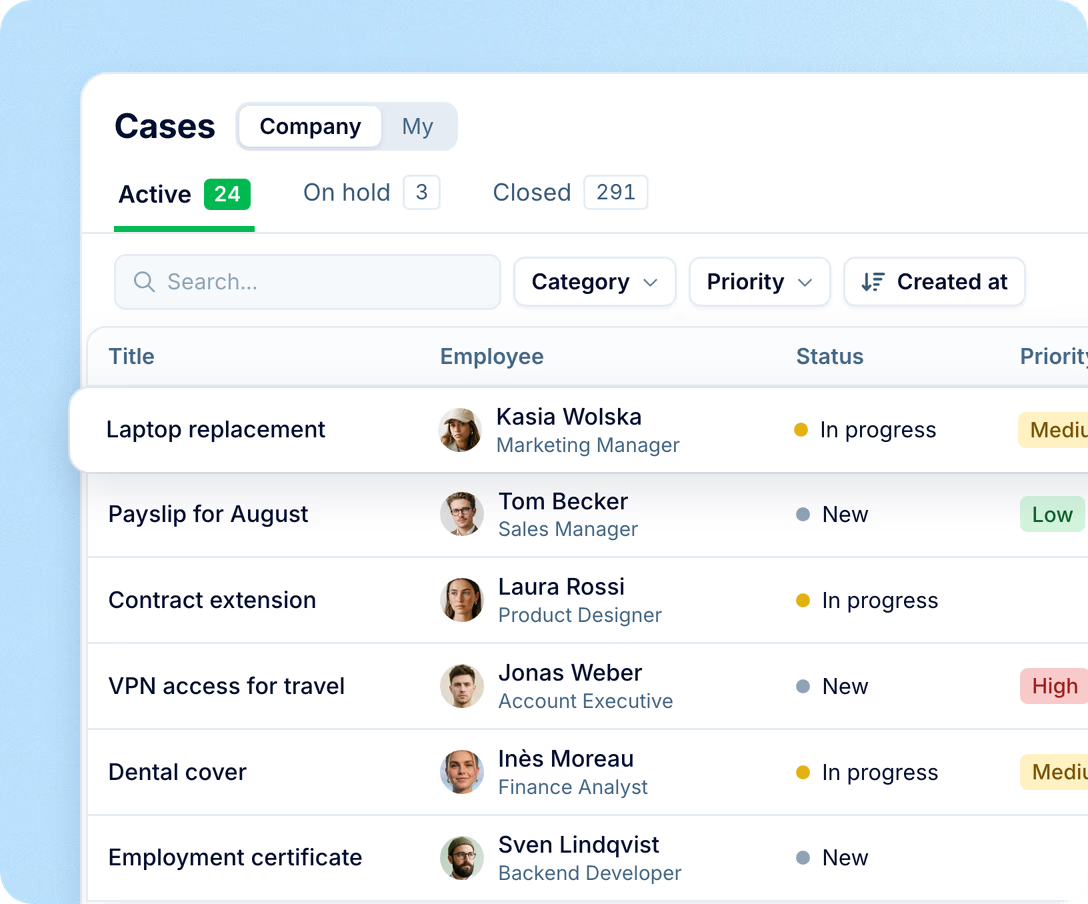
Someone asks about their payslip, their laptop, their contract. It becomes a case with a category, an owner and a thread — beside everything you already know about the person asking.
Routing
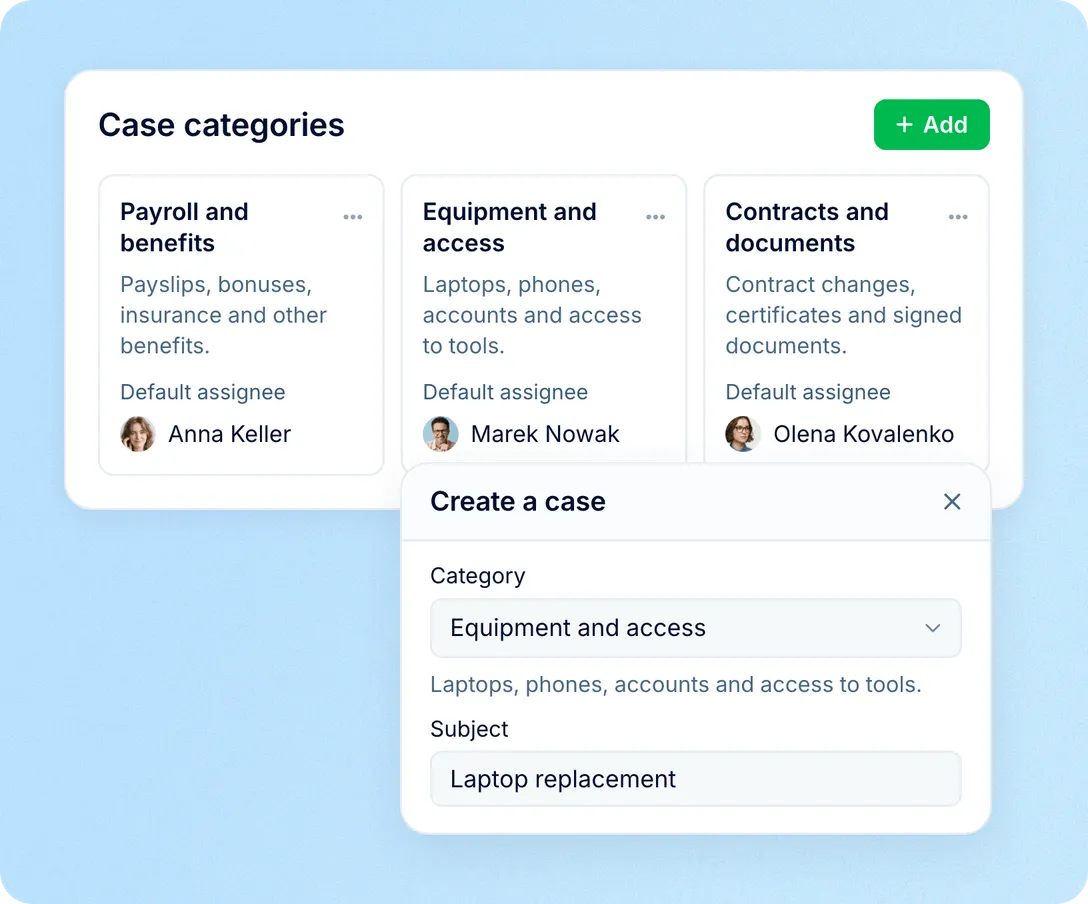
The person asking picks a category — payroll, equipment, contracts, whatever you set up. The category already carries the name of whoever handles it, so the case lands with them the moment it is created.

No need for anyone to know the org chart
A case can be passed to a colleague, and the thread goes with it
A category with nobody set reaches everyone on the role that handles cases
Context
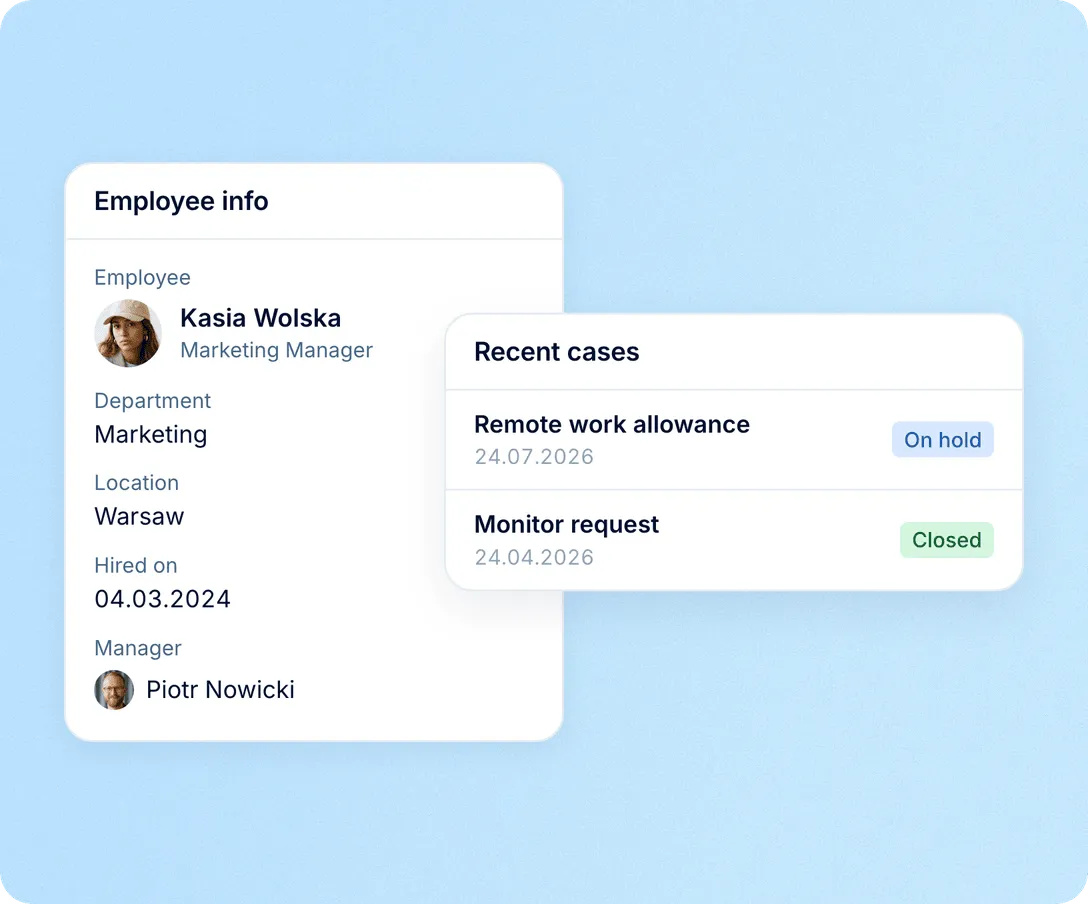
Whoever opens the case sees who is asking: their role, their team, their location, when they started, who they report to. And the questions this person has raised before.
No switching to a profile to work out the context
A repeat question reads as a pattern, not as a new request
New people in your HR team pick up a case without a handover
Privacy
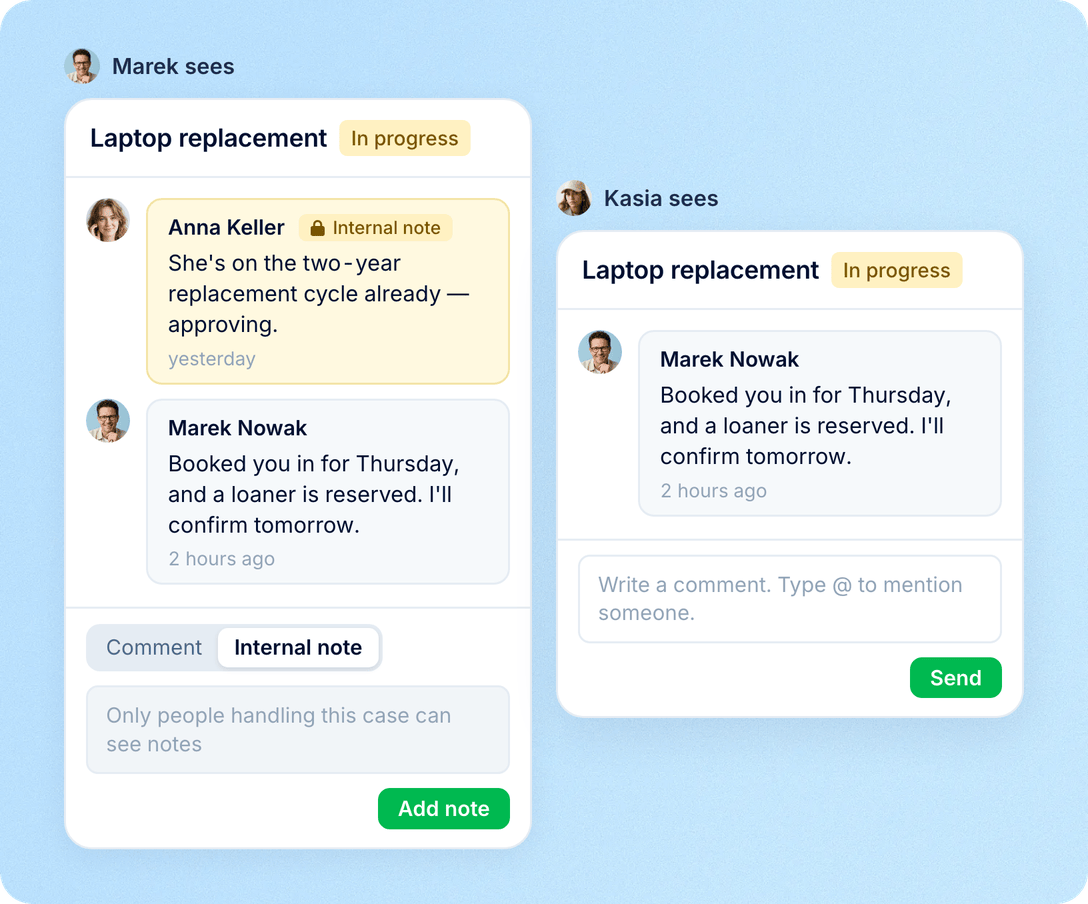
A case is private by default. It is open to the person it is about, whoever raised it, whoever is handling it, your administrators, and the roles you have given access — and to nobody else, including their manager.
Internal notes colleagues can use to agree an answer, invisible to the employee
Access follows the role you define, not seniority
Sensitive questions about pay or a contract stay in a small circle
Record
Everything said on a case — the question, the replies, the files, the internal discussion — stays on it. Months later the decision and the reasoning are still there, with dates and names.
Three tabs with live counts: active, on hold, closed
Filter by category, sort by date, assignee or how long it has been open
Export the list you are looking at to Excel or CSV
Neighbours
Not everything people bring you is a conversation. Two other routes exist, and the person choosing sees all three.
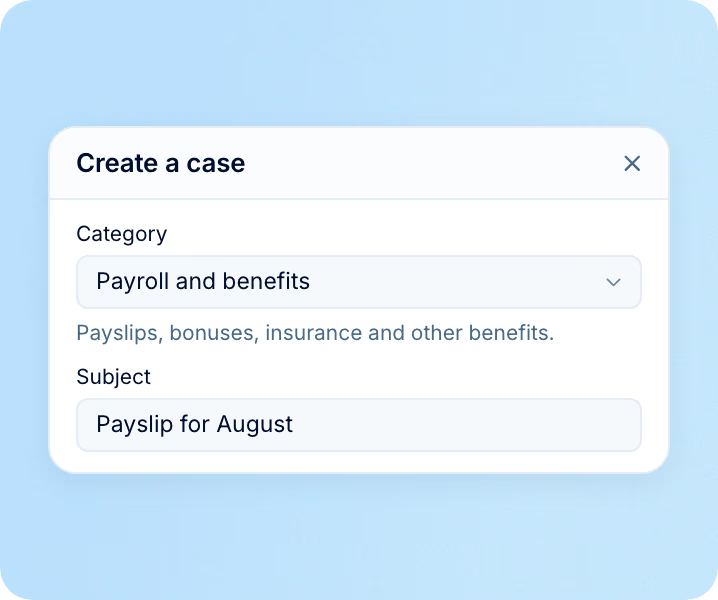
A case, routed by category
A payslip that looks wrong, a broken laptop, a benefits question.
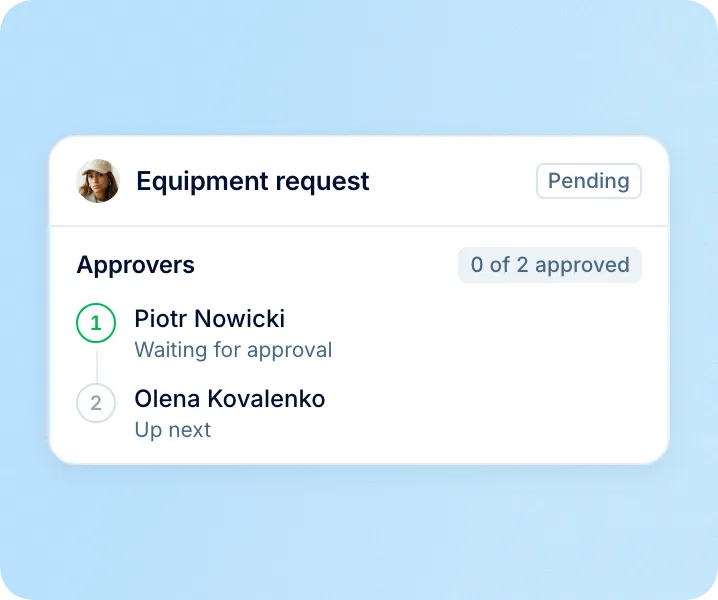
A request form with an approval chain
New equipment, a document, a change to their own details.
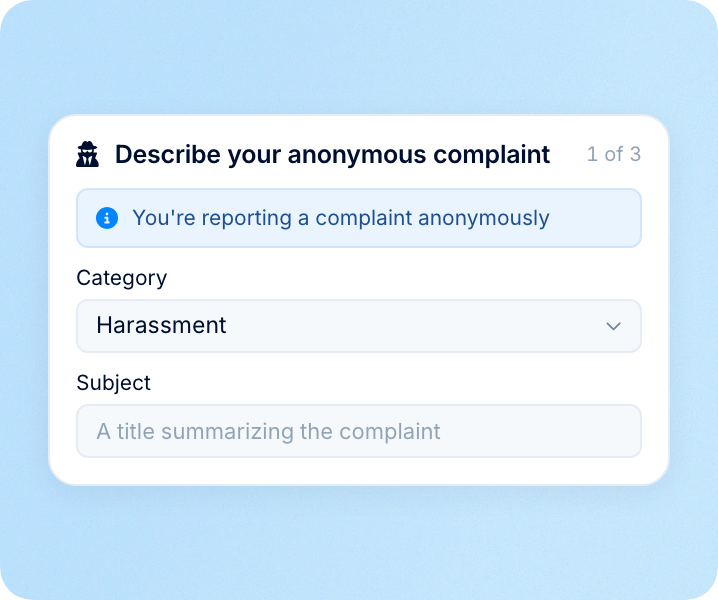
Safe Speak, anonymous, no account
Misconduct, reported through a page with no name behind it.
Getting started
There is no implementation project here. What takes thought is the list of categories, because that list is what routes everything afterwards.
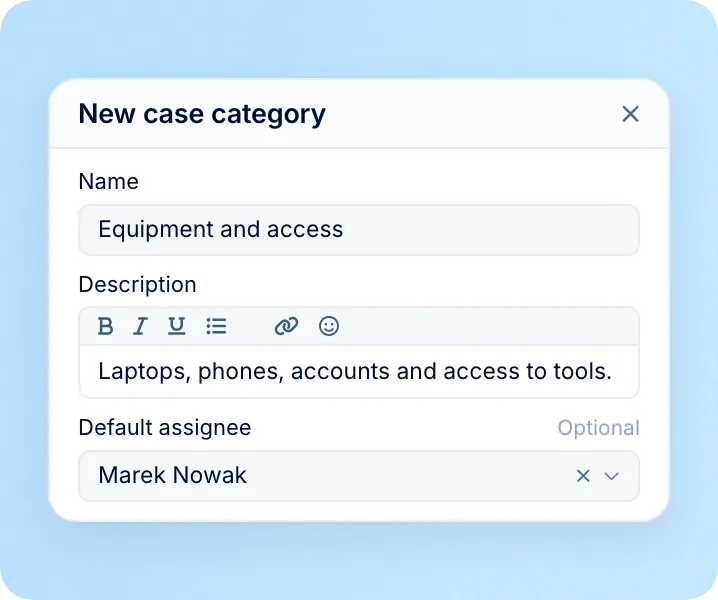
Write your categories
The list people choose from, each with the name of whoever answers it. Add a line under each one saying what belongs there — employees read it while they choose.
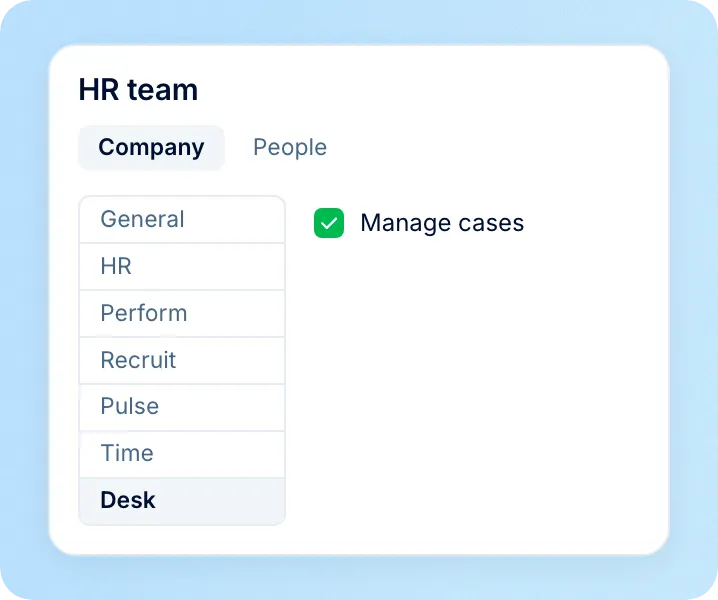
Give your team access
One permission on a role turns on the company-wide list for the people who handle cases. Everything else stays private to the case.
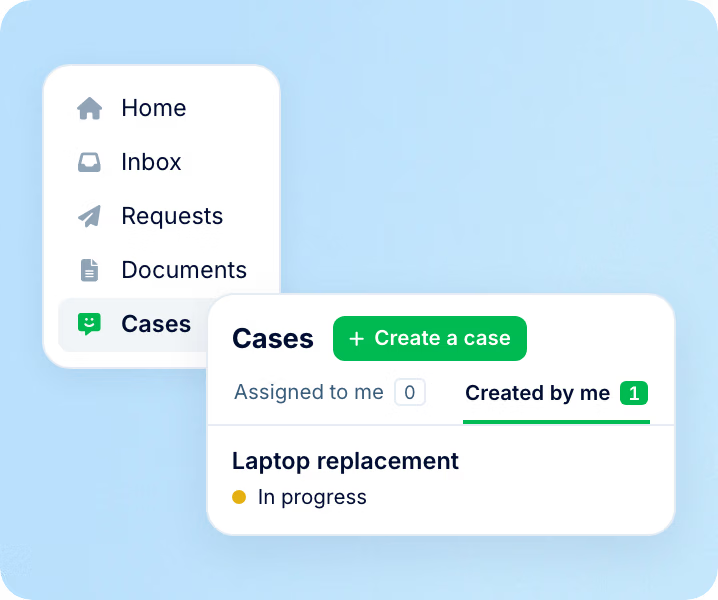
Tell people where it is
It appears in the sidebar they already open for leave and documents. Nothing new to install, no second login to explain.
Beyond the features
We get you live in weeks, not months — with real people answering after go-live, and room to add the rest of HR when you're ready.

Live in about four weeks
A dedicated success manager sets everything up with you — it's included in the plan, not a paid add-on.
Support in your language
Real people, not a ticket queue: a ~2-minute first reply and 98% satisfaction.
Room to grow
Start with Core HR and add recruiting or performance later — same employee record, no second system.

Leader

Users Love Us

Regional Leader

High Performer
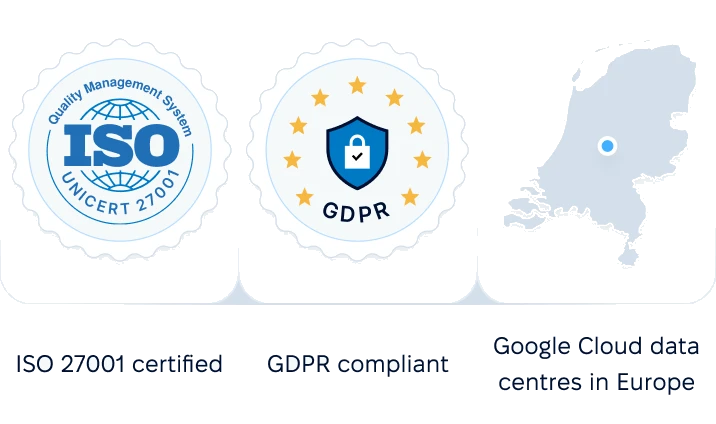
Certifications, granular access and full control over what happens to your data and equipment.

 Best Support
Thirty minutes, your real scenarios, and an honest answer on what it does and does not cover.