



More in Perform
Explore the rest of Perform
Development plans are one part of how people grow at your company. The rest of Perform includes feedback, recognition, competencies and talent calibration.


HR efficiency estimator
How does the HR efficiency estimator from PeopleForce work.
Calculate your impact
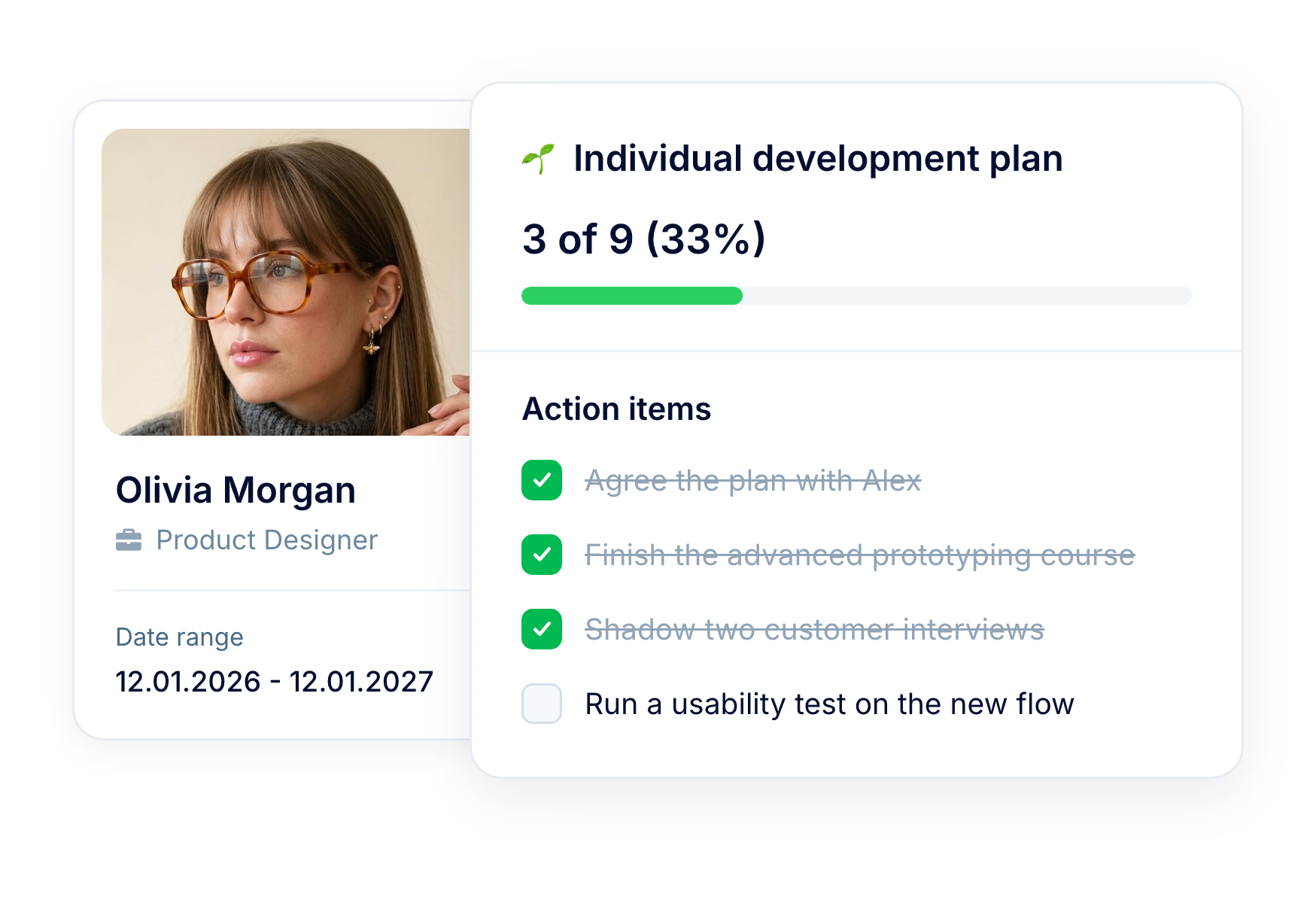
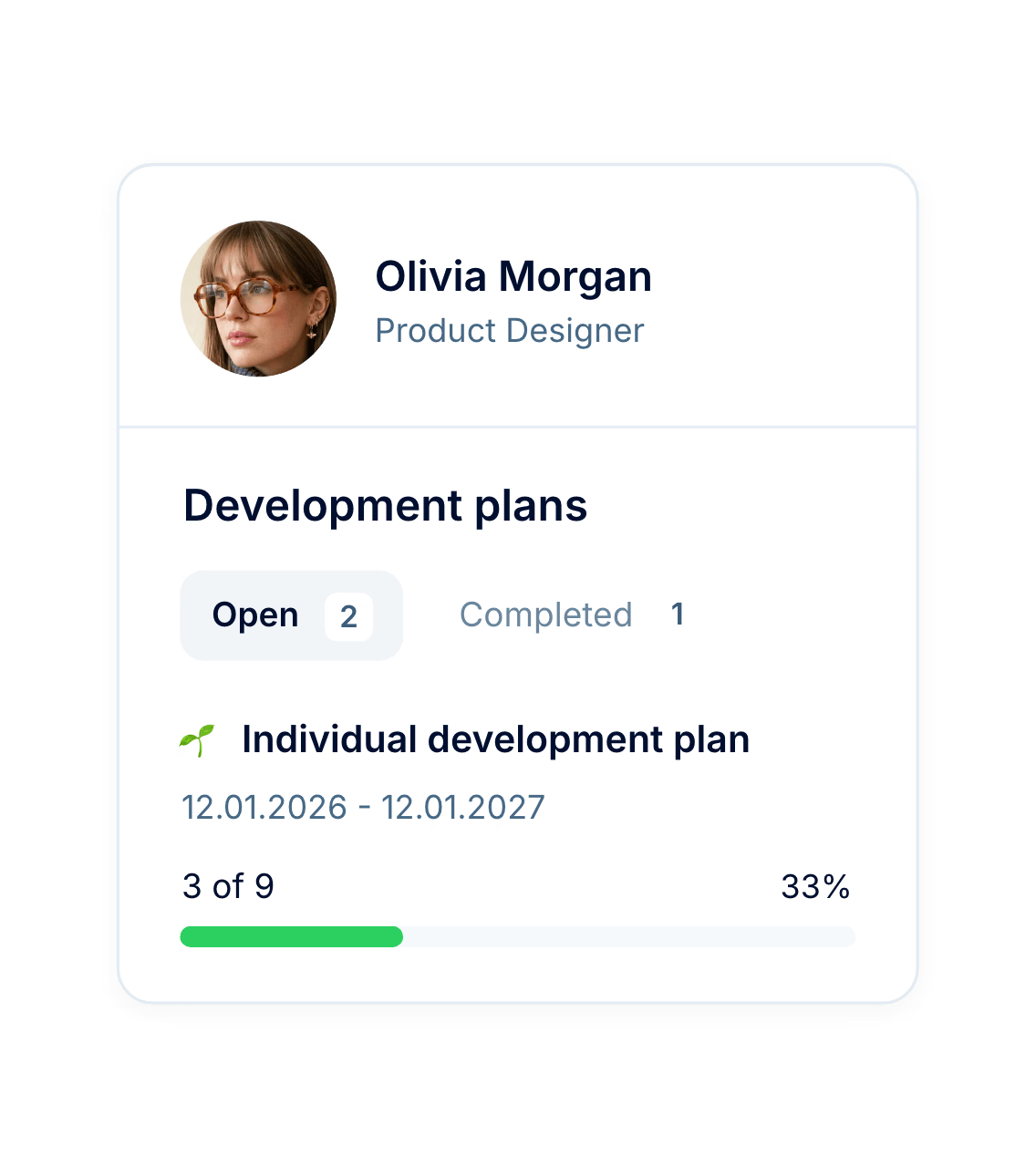
Keep every individual development plan (IDP), performance improvement plan (PIP) and career plan on the employee’s profile, with dates, action items and a progress figure that moves the moment someone ticks an item off. Once the action items are in, you can see how far each plan has come without asking for an update.
Progress
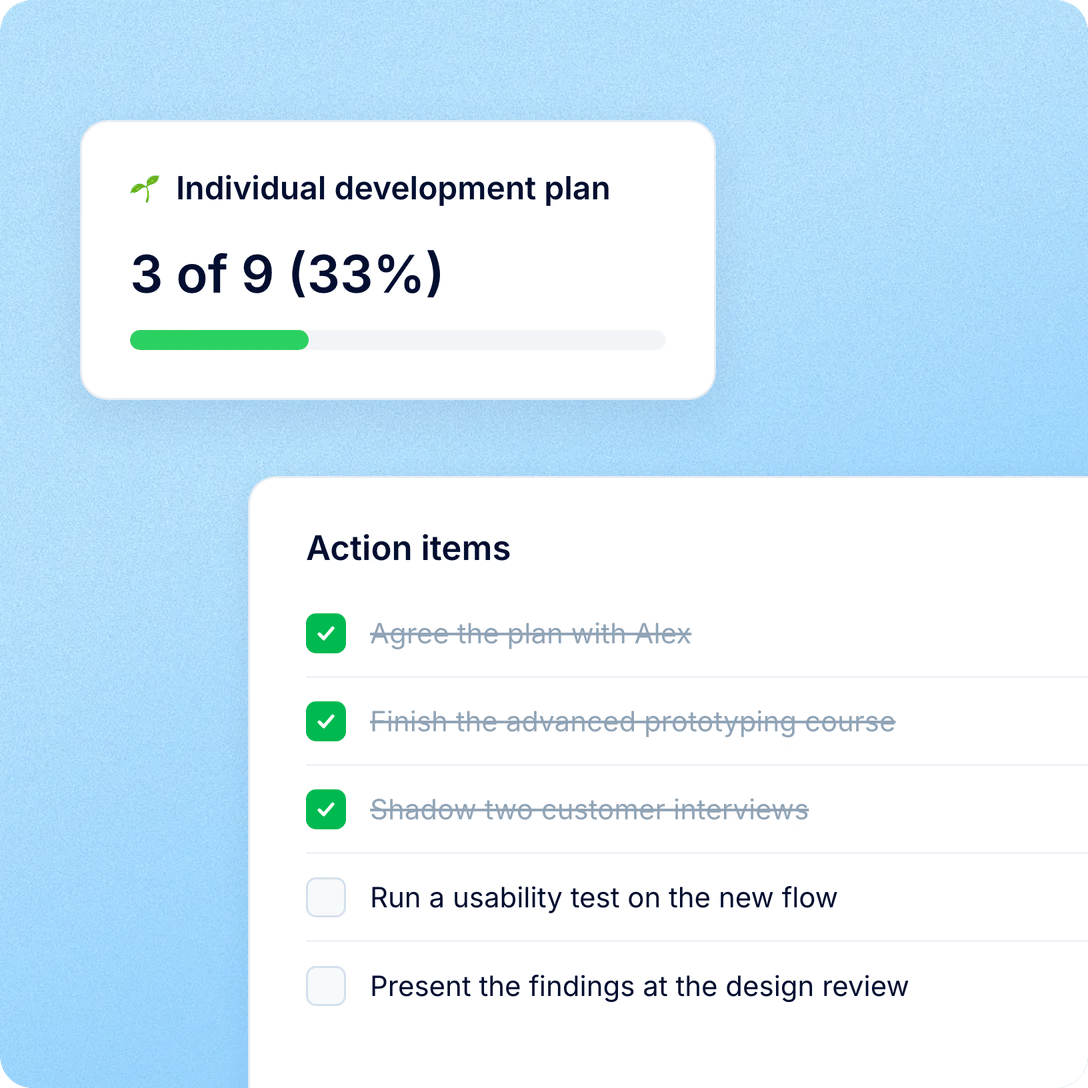
A plan is built around action items you tick off. Every time something changes, PeopleForce recounts the plan and updates the progress figure, so nobody has to type in a percentage.
Plan types
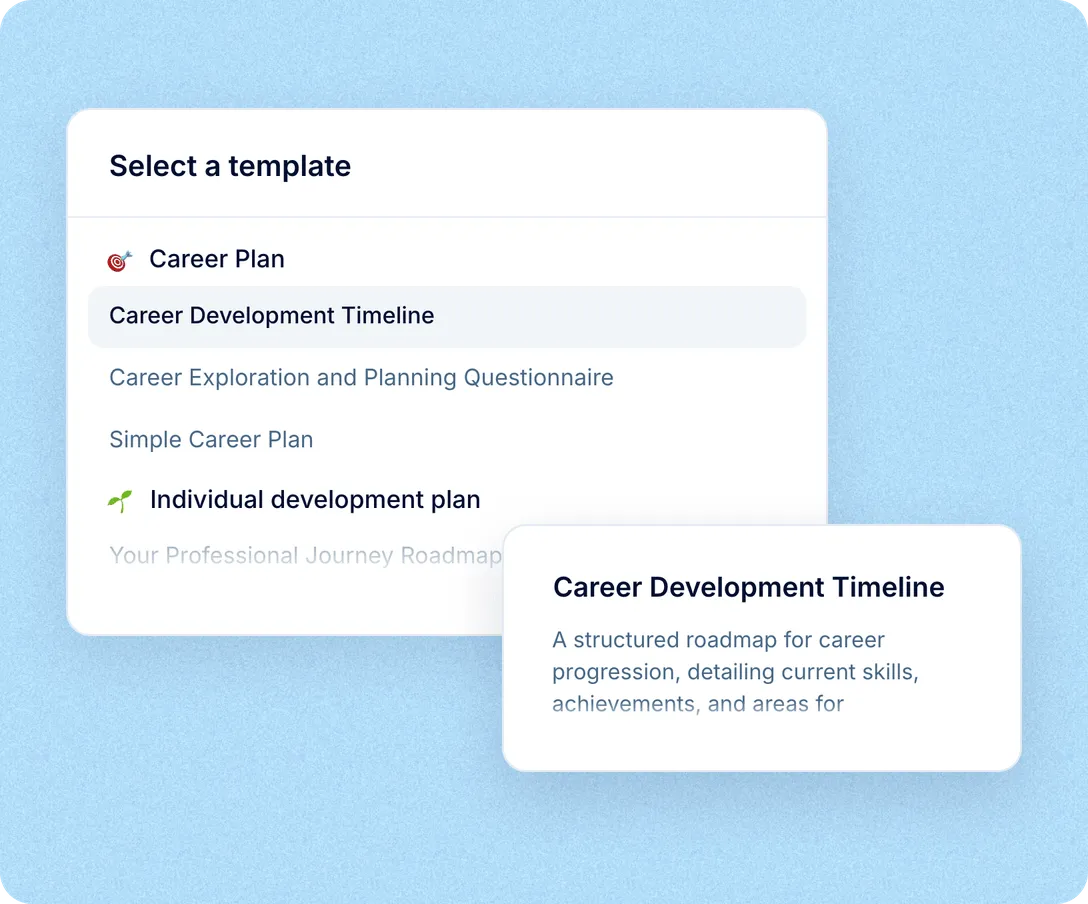
IDPs, personal development plans, performance improvement plans and career plans are ready on day one, each with starter templates for managers to build on. Types work as folders, so a report can tell a PIP from an IDP later. When your process needs something else, you add a type of your own.

PIPs next to growth plans. A performance improvement plan is one more plan type, with the same dates, action items, progress and report.
Templates in six languages: English, Polish, German, Brazilian Portuguese, Spanish and Ukrainian. New accounts get the set in the company’s language when it’s one of these.
Types you name yourself. Use them for anything with a person, dates and steps to tick, such as onboarding checklists, certification logs or feedback journals.
Each of them finds it in the part of PeopleForce they already use.
Views for you, your team and the company
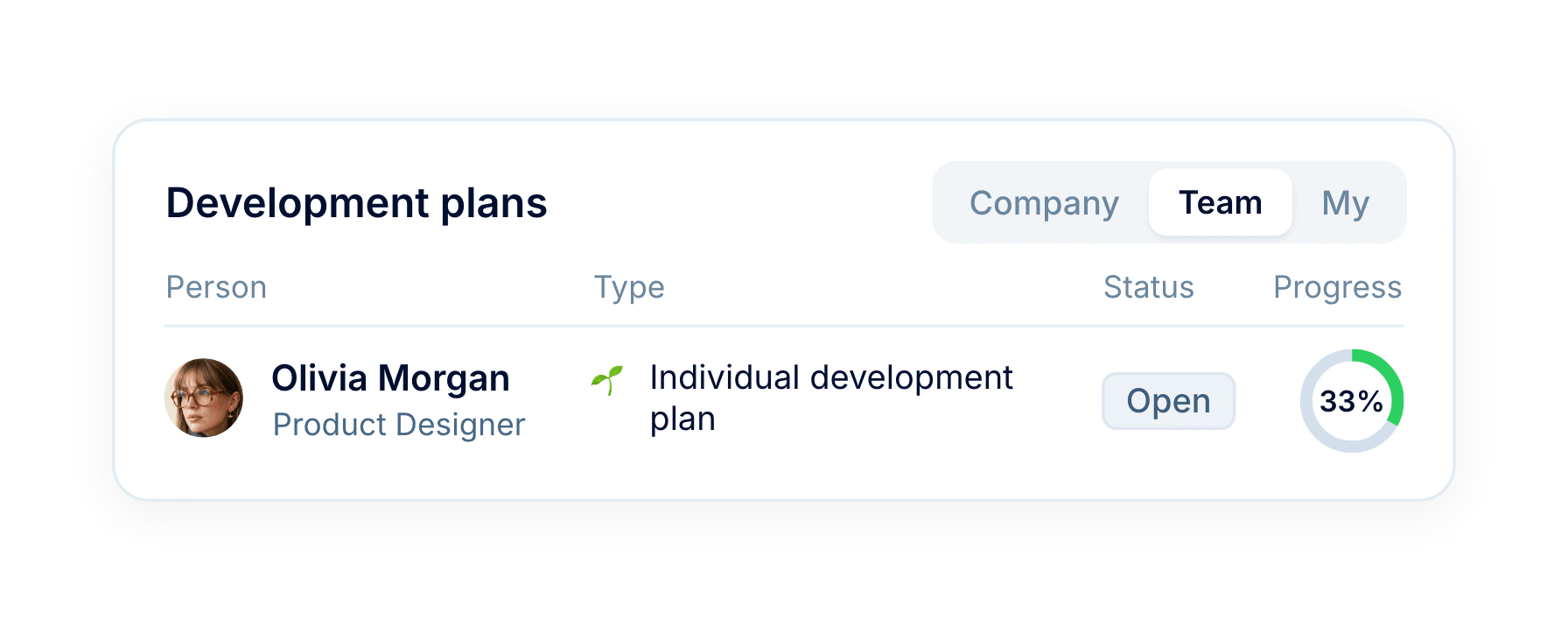
Your own plans under My, your team’s under Team if you manage one, and the whole company’s under Company for the roles you allow.
On the employee’s profile
Plans about a person sit on their profile under Performance, split into Open and Completed, where a manager can open them before a 1:1.
Every plan in one report
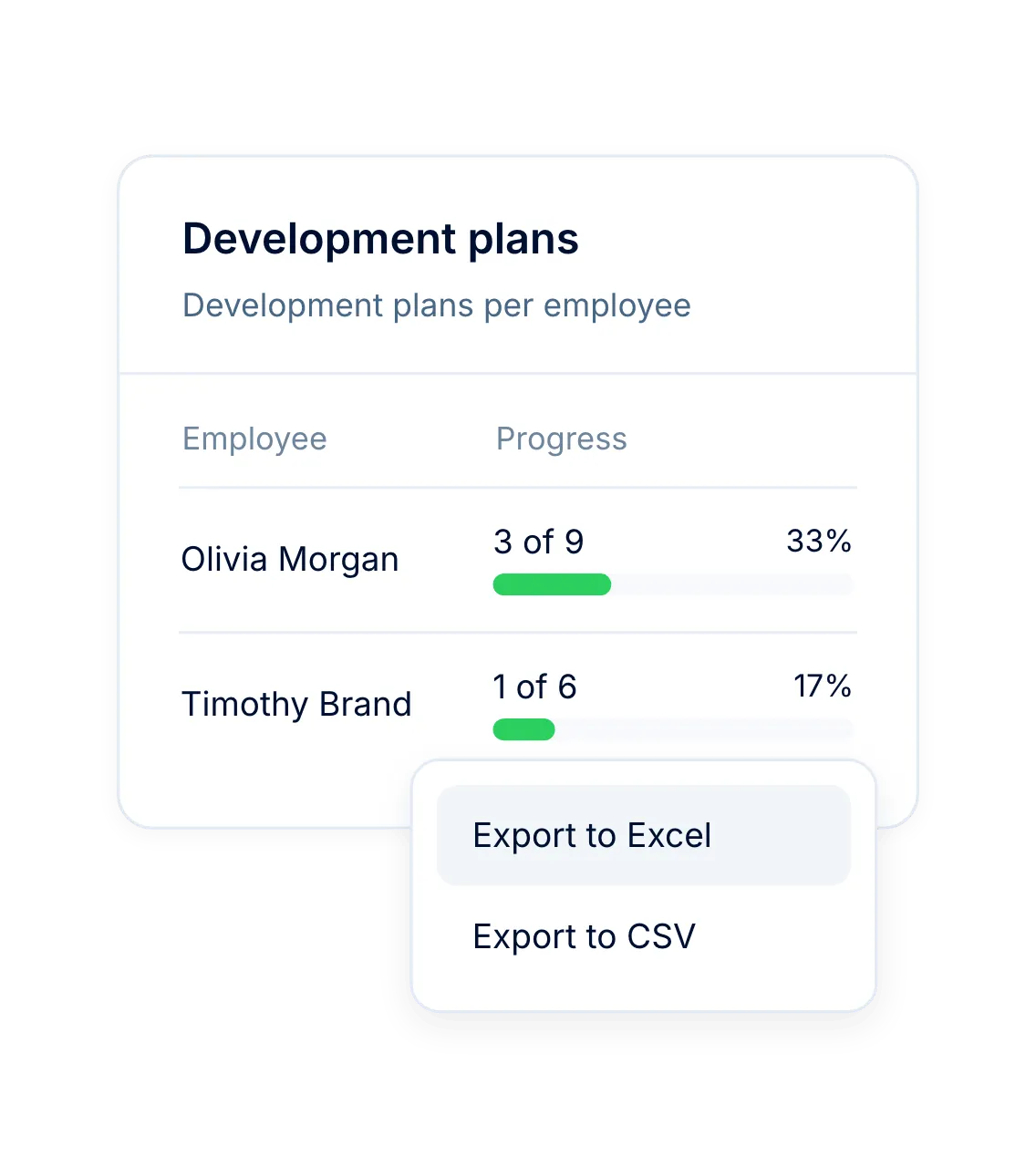
Filter by date range, plan type, status, people or reporting line, then export to Excel or CSV, with completed and total action items in every row.
Comments stay with the plan
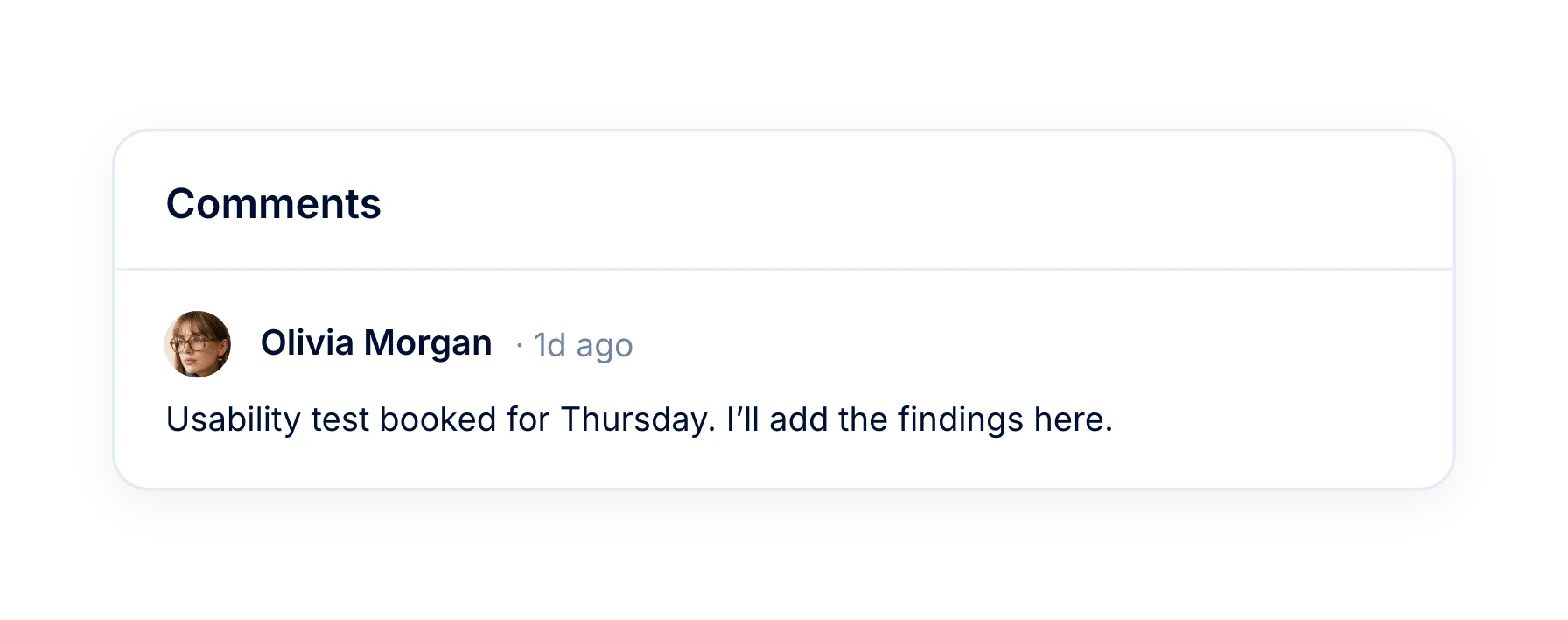
Anyone who can edit a plan can comment on it, so the discussion lives next to the plan.
More in Perform
Development plans are one part of how people grow at your company. The rest of Perform includes feedback, recognition, competencies and talent calibration.
Employee feedback
Give and request feedback, with visibility chosen on every note.

Beyond the features
You go live in weeks and can add the rest of HR when you’re ready.

Live in up to four weeks
A dedicated success manager guides your setup, and it’s included in your plan at no extra cost.
Support in your language
Real people on our support team answer, with a first reply in about two minutes and 98% satisfaction.
Room to grow
Start with Core HR and add Recruit or Perform later, all on the same employee record.

Leader

Users Love Us

Regional Leader

High Performer
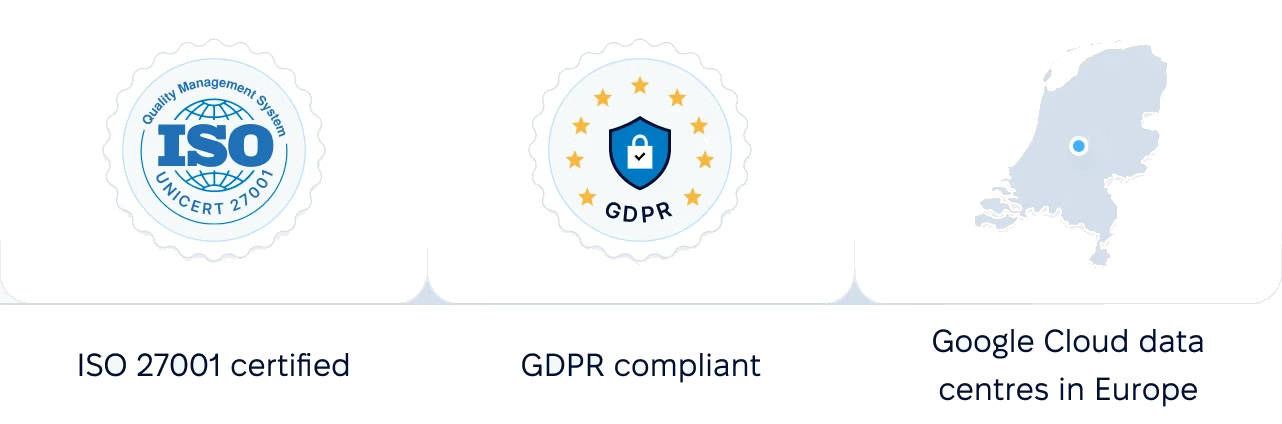
Certifications, granular access and full control over what happens to your data.
 Best Support
We will walk through plan types, templates and permissions, using your structure and roles.