



What AI companion does
- Reads leave balances, approved time off and public holidays
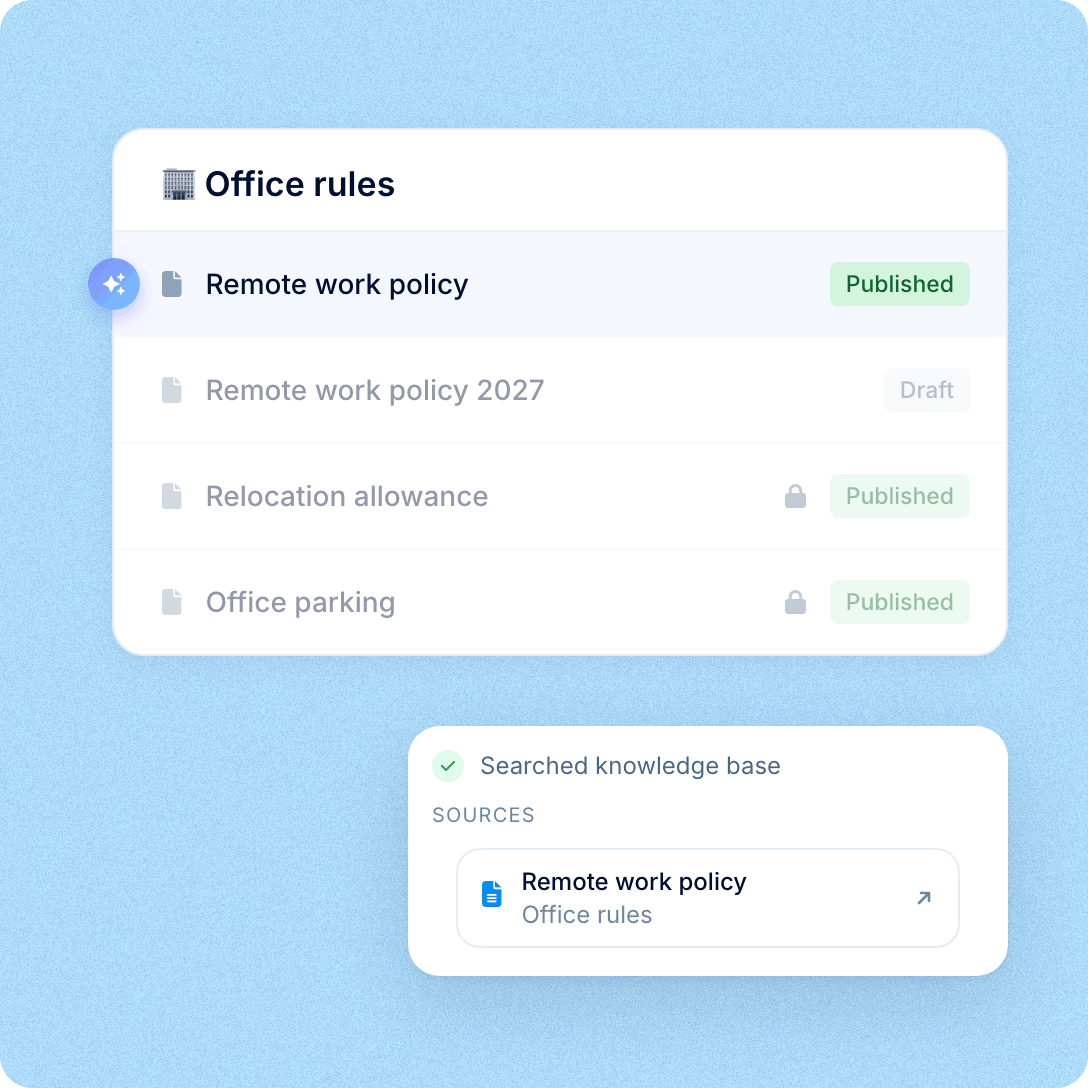
- Searches the knowledge base articles your team has published
- Counts people in your directory and draws the numbers as a chart

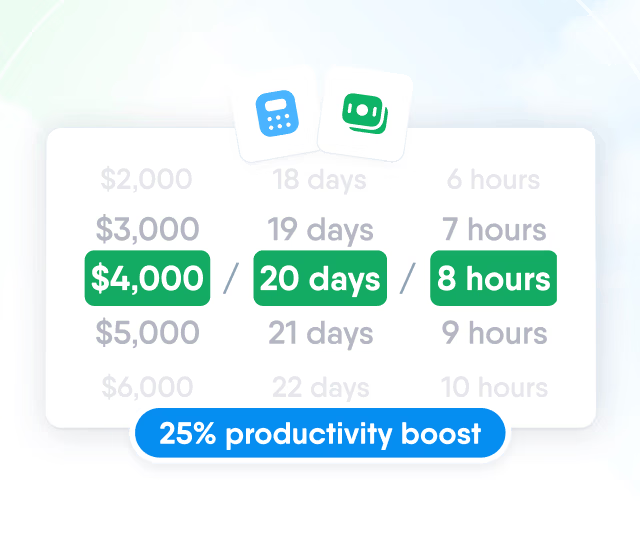
HR efficiency estimator
How does the HR efficiency estimator from PeopleForce work.
Calculate your impact
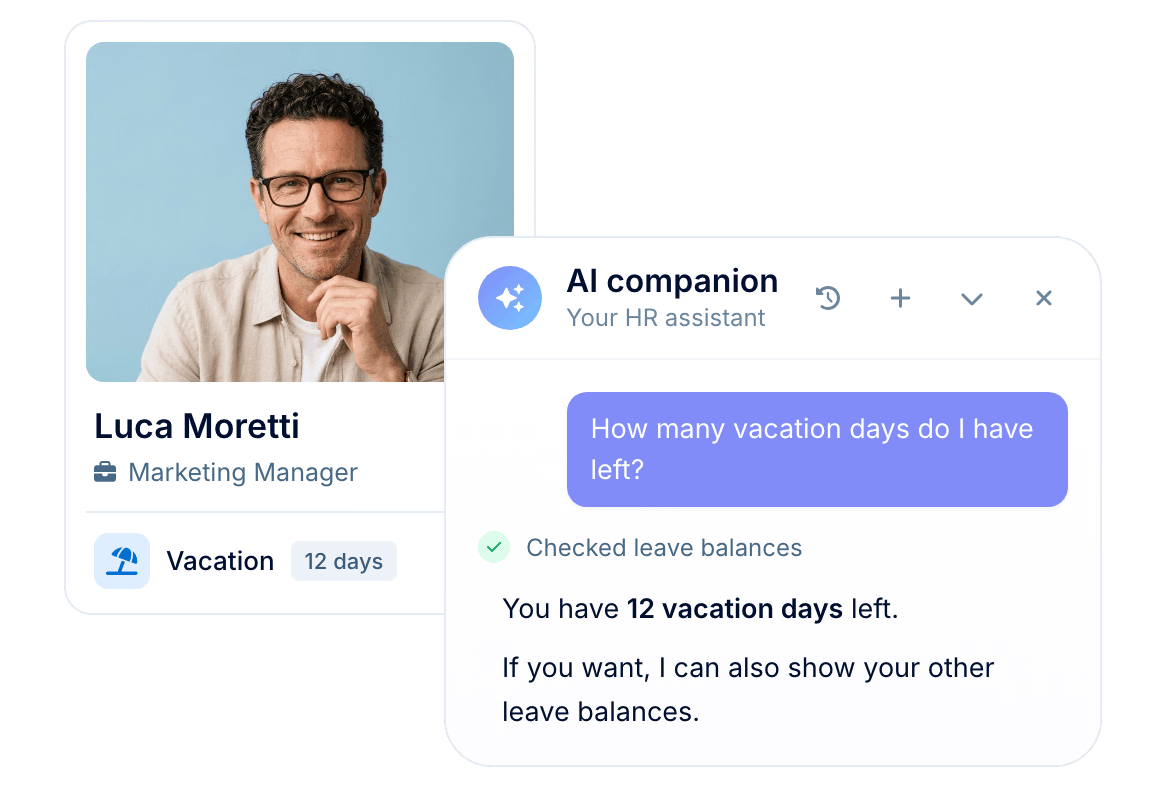
Ask how many days off you have left, what the remote work policy says or who’s out next week. AI companion looks up the answer in your PeopleForce data and knowledge base.
How it works
The same three steps run for every question, whether it’s one person’s leave balance or headcount for the whole company.
Someone asks a question
Employees, managers and HR ask AI companion the way they would ask a colleague, in the language they work in.
It checks your PeopleForce data
Time off, the people directory and your published knowledge base articles, limited to what the person asking is allowed to see.
It answers in the panel
A short reply, often with a table, a chart if you ask for one, and links to the articles behind a policy answer.
See it in action
Five questions asked on a demo account with fictional data, one for each kind of thing people ask: leave and policies, onboarding, procedures, HR documents and people analytics.
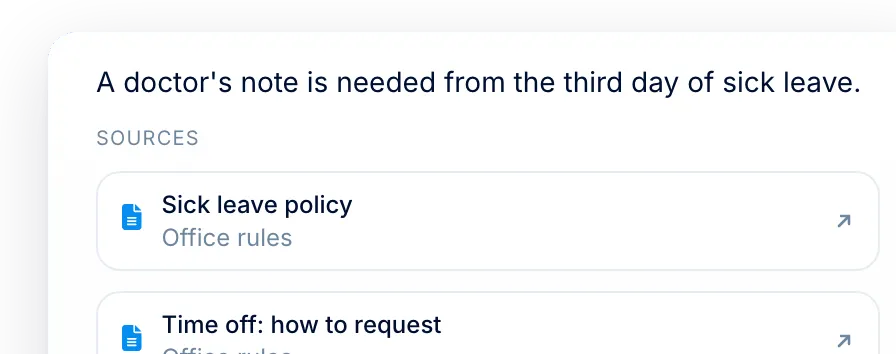
Sick today. Policy steps from the knowledge base plus the employee’s own sick-leave balance, with where to log the day.
For HR
Many of the questions that reach HR already have an answer in PeopleForce. When people ask AI companion first, they get it straight away, and HR keeps its time for the work that needs a person.

The articles HR has already published work as answers
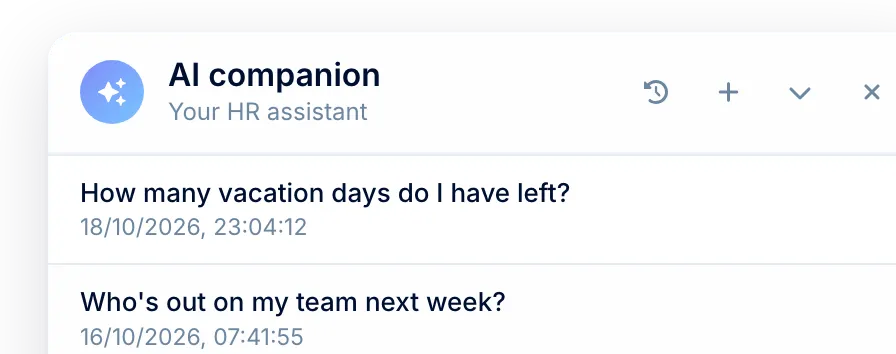
People can ask at 23:00 on a Sunday, not just in office hours
Everyone keeps their own chat history
Knowledge base
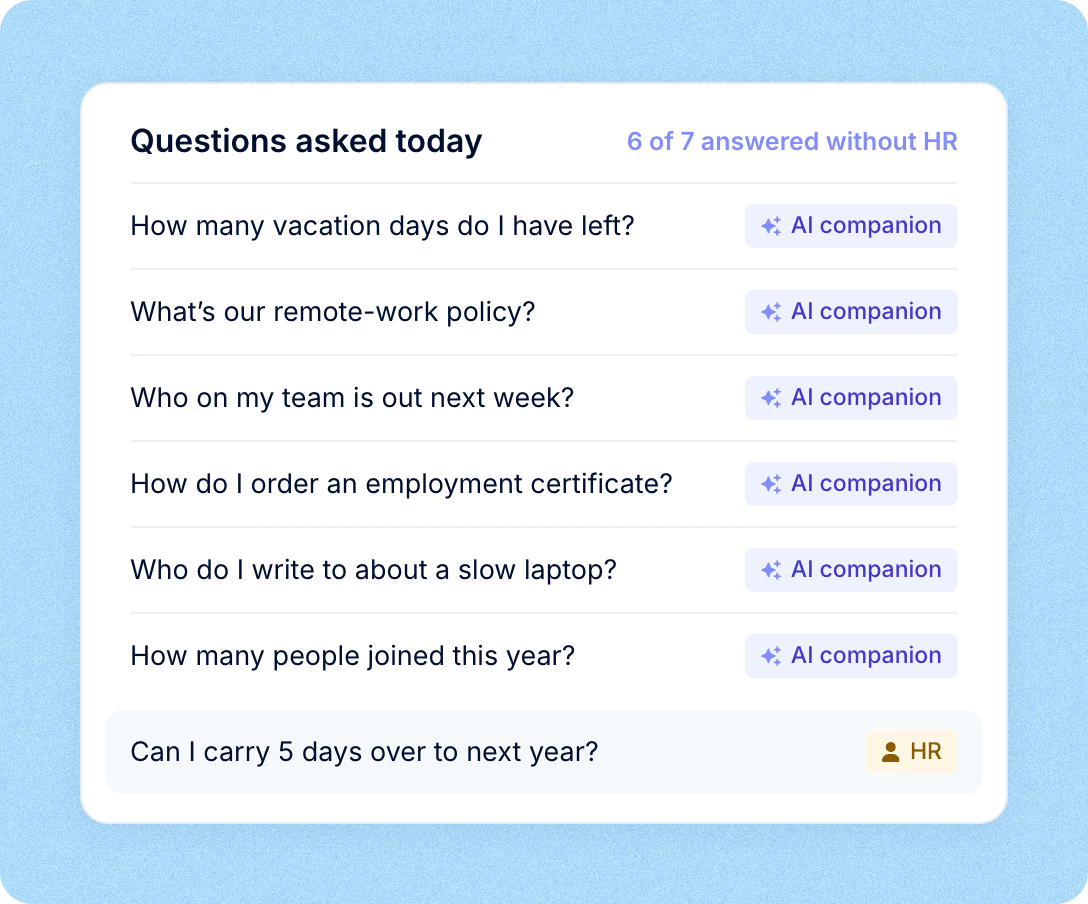
AI companion answers policy questions from the articles your team has published, by meaning rather than exact words, and links up to three matching articles under its reply.
Control
What it does in PeopleForce, and what stays your team’s decision.
When you can ask, who the answers cover, what happens to your data and how to check them.
Answers at any hour
An employee can ask at 23:00 on a Sunday and get the answer without waiting for HR to come online.
Scoped to your role
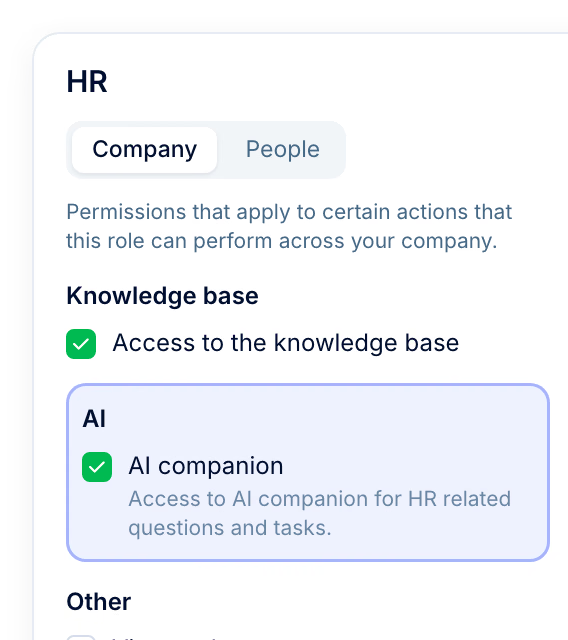
Only colleagues in the part of the company your role can see, and no field your role can’t view.
Your data stays yours
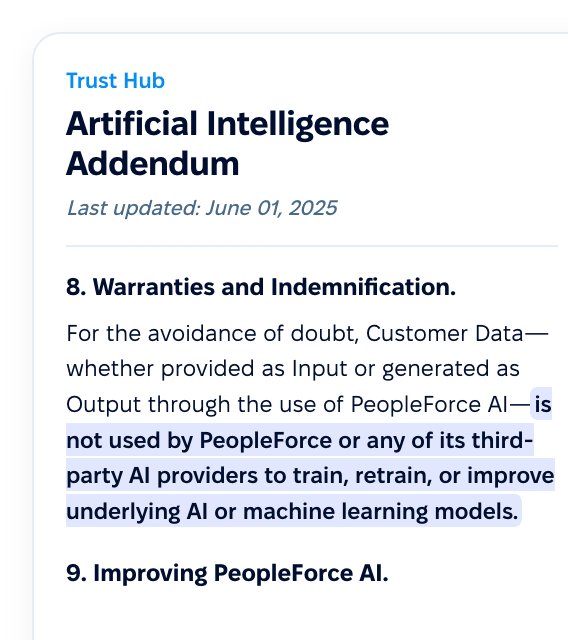
It isn’t used to train AI models, as set out in our AI Addendum.
Links to check against
AI companion can be wrong, so a policy answer links the articles it used.
More in PeopleForce
Recruiting, interview notes, performance reviews and the writing coach use AI for the slow parts of hiring and reviews, and people still make the calls.
A head start on every application
Screening criteria drafted from the job description, match verdicts on applications and CV parsing. The recruiter still makes the call.

A head start on every application
Screening criteria drafted from the job description, match verdicts on applications and CV parsing. The recruiter still makes the call.
Beyond the features
You go live in weeks and can add the rest of HR when you’re ready.

Live in up to four weeks
A dedicated success manager guides your setup, and it’s included in your plan at no extra cost.
Support in your language
Real people on our support team answer, with a first reply in about two minutes and 98% satisfaction.
Room to grow
Start with Core HR and add Recruit or Perform later, all on the same employee record.

Leader

Users Love Us

Regional Leader

High Performer
Certifications, granular access and full control over what happens to your data.
 Best Support
Get the full HR suite — Core HR, ATS, Performance, Surveys and more — at a fraction of enterprise platform pricing. See exactly what you’d pay.