



More in Perform
Explore the rest of Perform
Feedback is one part of how people grow at your company. Perform also includes recognition, development plans, competencies and talent calibration.


HR efficiency estimator
How does the HR efficiency estimator from PeopleForce work.
Calculate your impact
Give feedback while it’s fresh, or ask a colleague for it, and choose on every note whether the person it’s about can read it. When review time comes, it’s already collected on their profile.
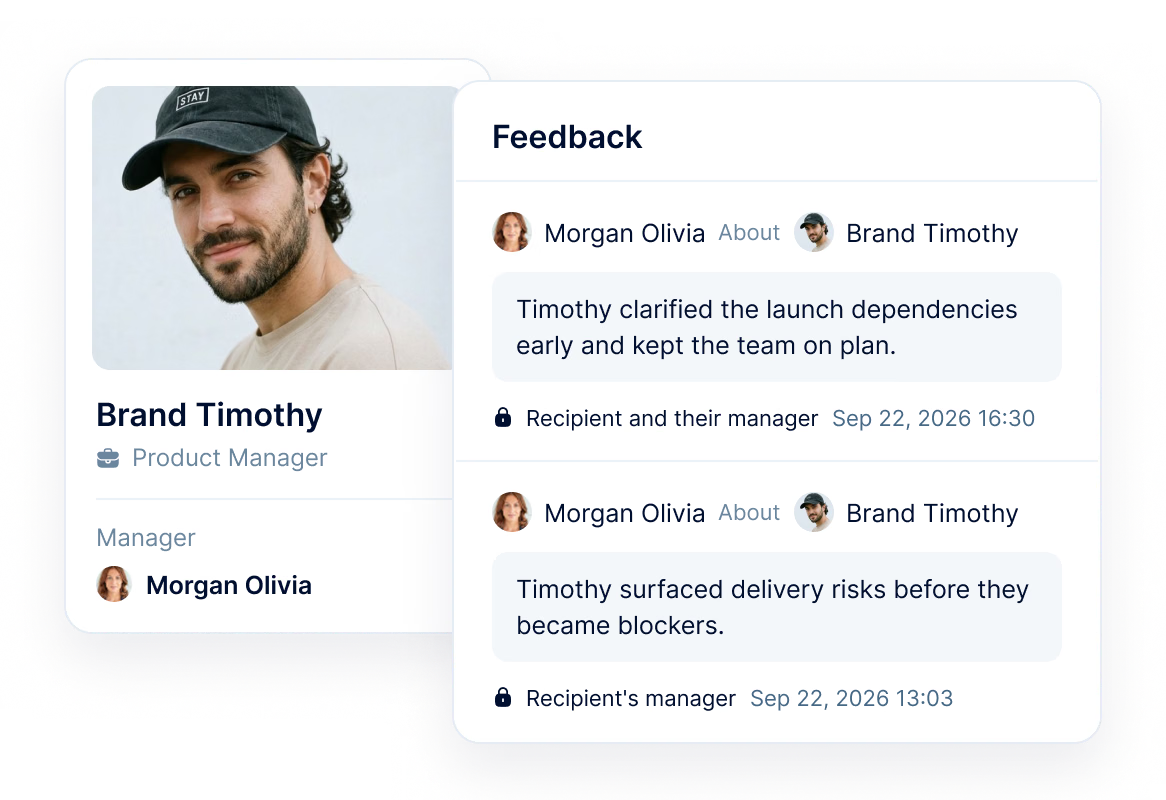
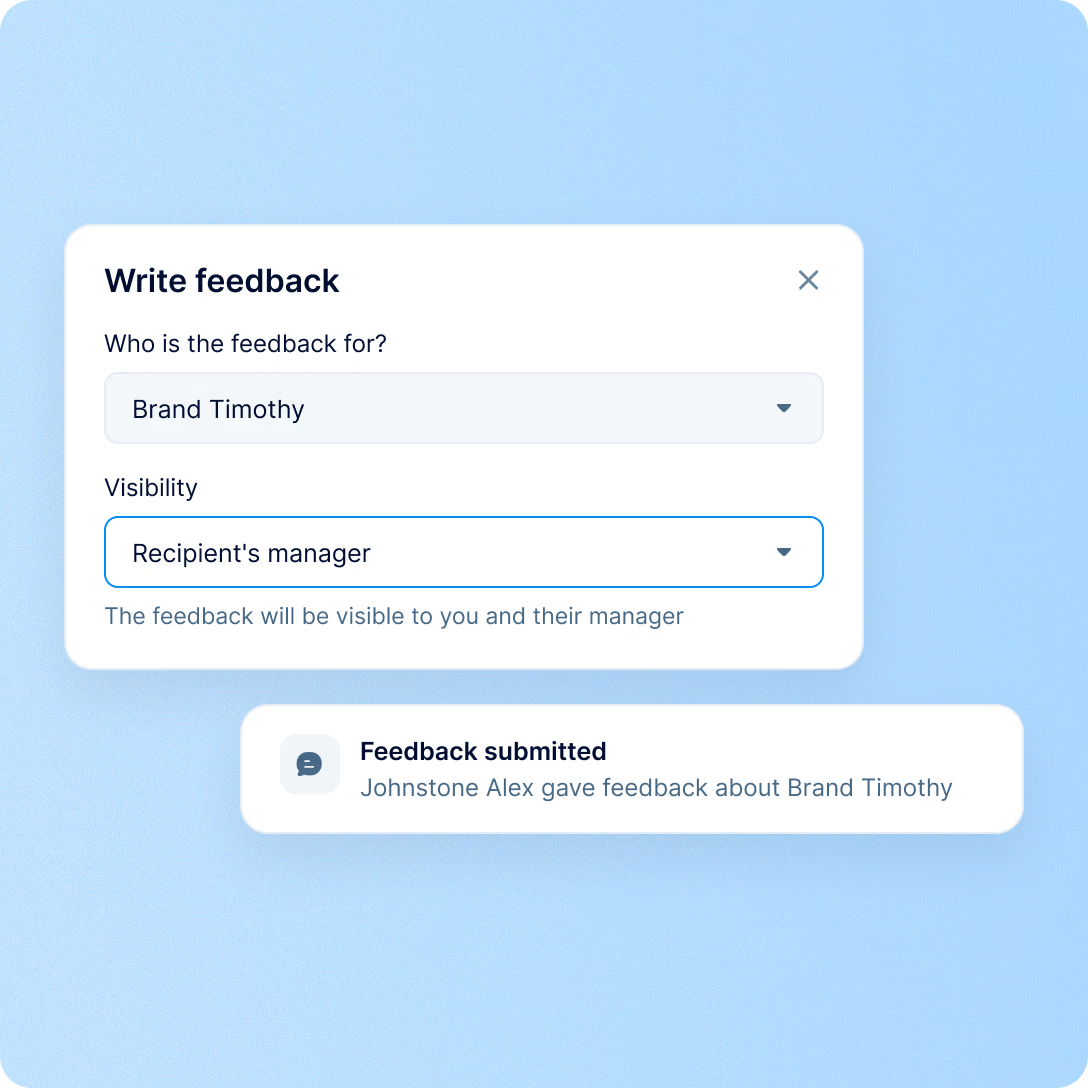
Visibility
Some feedback is meant for the person, and some is meant for their manager only. Because visibility is set on each note, praise and a sensitive observation can sit side by side, each shared with the people it was written for.
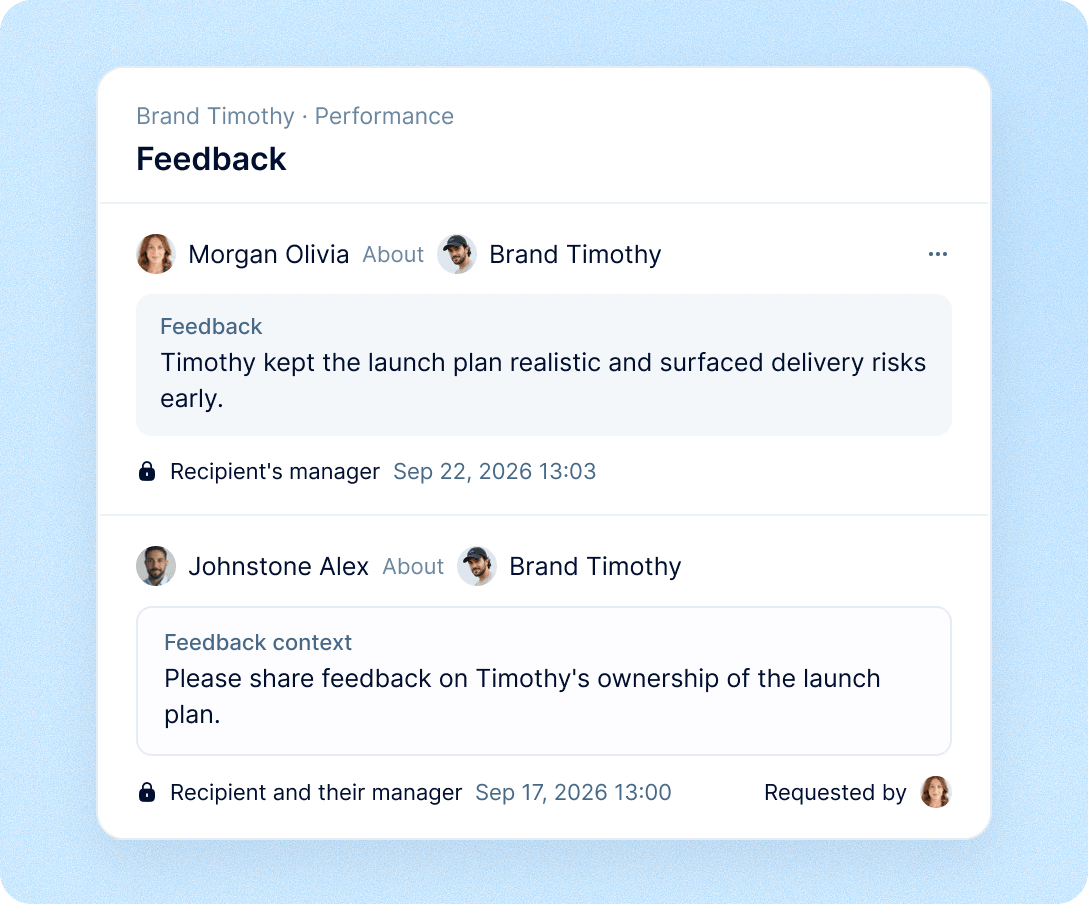
On the profile
Feedback about a person collects on their profile under Performance, so a manager can open it before a 1:1 or a review instead of reconstructing the year from memory.

Their feedback in one list, newest first. Every note about the person that is shared with their manager.
The same visibility rules. Managers see the notes about their reports; the person never sees the manager-only ones.
It’s in the top bar, on Home and in the Team view, and roles decide who can give and request it.
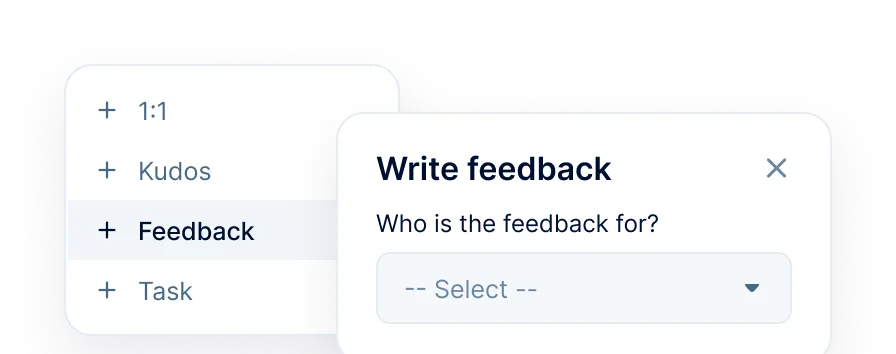
Write it without leaving your page
Quick add opens the same dialog from any screen, so feedback gets written while it’s fresh.
See the feedback about your whole team
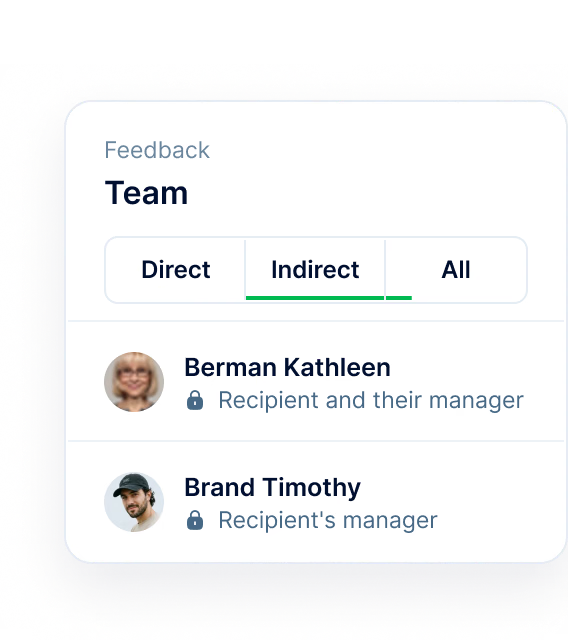
Switch the Team view between direct reports, indirect reports and everyone below you, and read one list at the depth you need.
Requests do not get lost
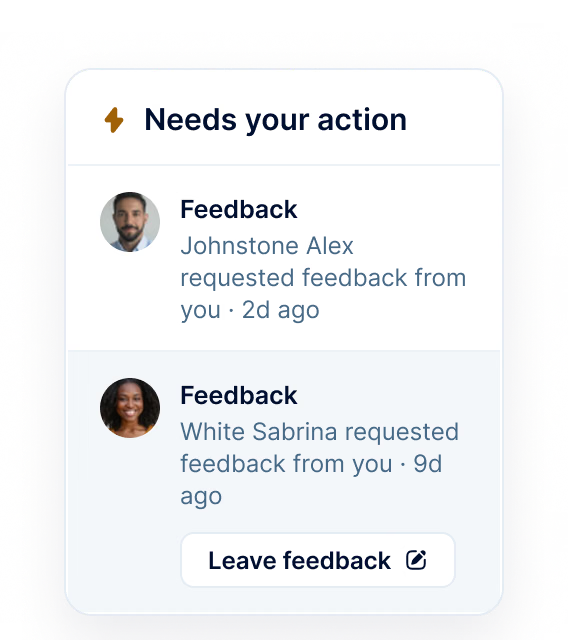
A request you owe appears under Needs your action on Home, with a button to answer it from the list.
Roll it out at your own pace
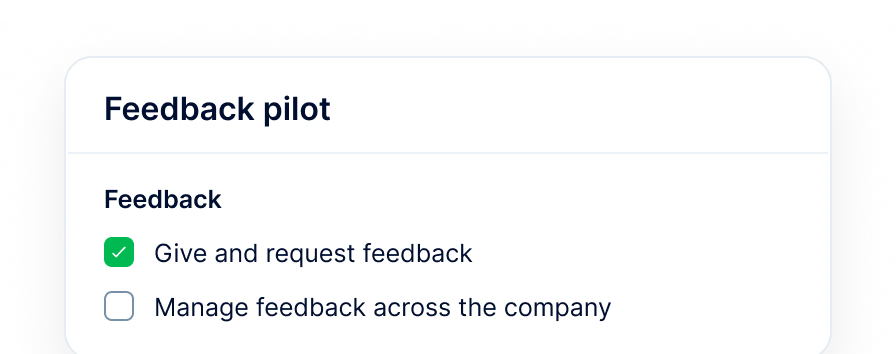
Give and request feedback is a role permission, off by default. Switch it on for a small group first; everyone else can still receive feedback and answer requests.
More in Perform
Feedback is one part of how people grow at your company. Perform also includes recognition, development plans, competencies and talent calibration.
Employee recognition
Recognition that stays visible, all the way to review time.

Beyond the features
You go live in weeks and can add the rest of HR when you’re ready.

Live in up to four weeks
A dedicated success manager guides your setup, and it’s included in your plan at no extra cost.
Support in your language
Real people on our support team answer, with a first reply in about two minutes and 98% satisfaction.
Room to grow
Start with Core HR and add Recruit or Perform later, all on the same employee record.

Leader

Users Love Us

Regional Leader

High Performer
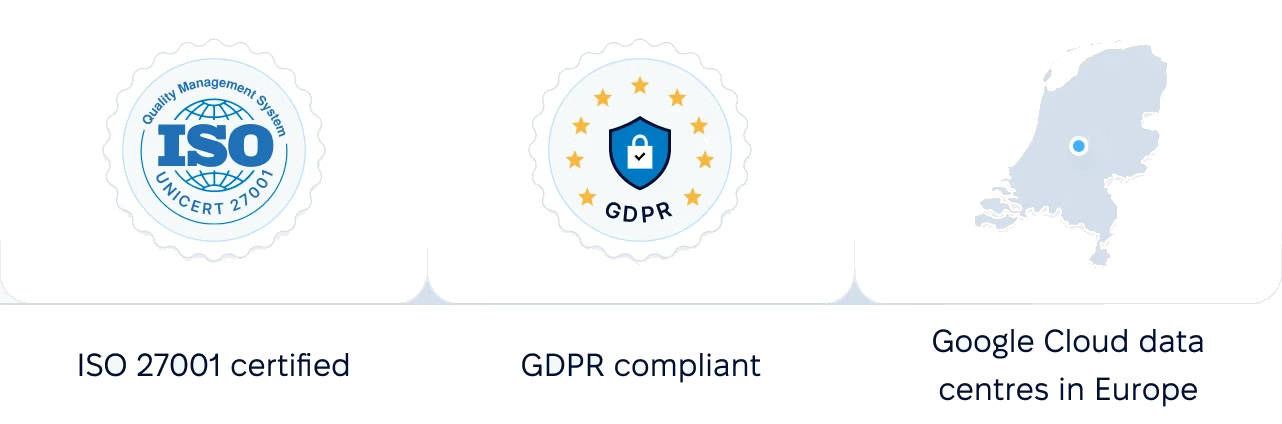
Certifications, granular access and full control over what happens to your data.
 Best Support
We will walk through giving and requesting feedback, the two visibility options and the role permission, with examples that match your teams.