




How it works
From register to return
The equipment list moves out of a spreadsheet nobody trusts and into the employee record. An asset is added once and then keeps its whole story, however many people use it.

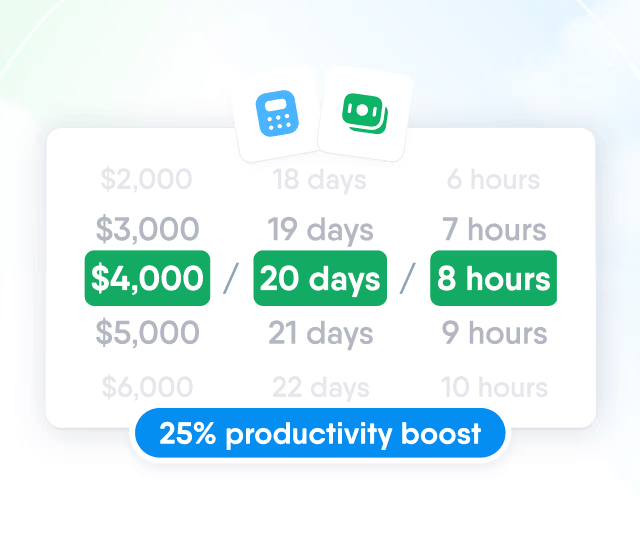
HR efficiency estimator
How does the HR efficiency estimator from PeopleForce work.
Calculate your impact
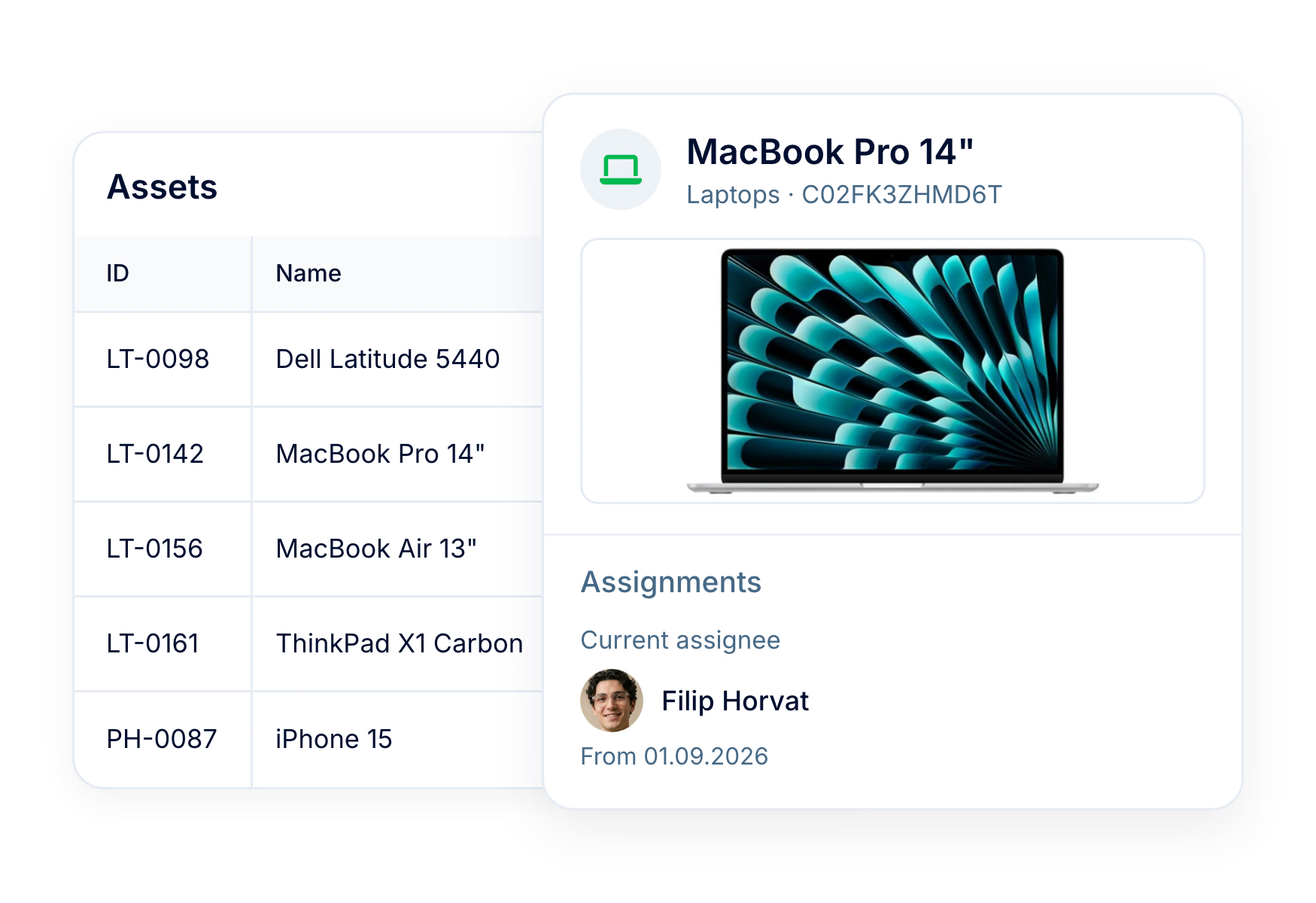
Asset management in PeopleForce tracks every laptop, phone and access card issued to employees. Each asset has a serial number, photo, custom fields and a dated history of who held it, and one filter shows equipment still assigned to people who have left.
We had many tools and needed to streamline them. When you start to get bigger as a company, it’s irritating when your employees have to go to 5 platforms instead of 1. It’s just inefficient and slows you down
230,000+
company assets tracked in PeopleForce
75,000+
equipment returns recorded with a return date
How it works
The equipment list moves out of a spreadsheet nobody trusts and into the employee record. An asset is added once and then keeps its whole story, however many people use it.
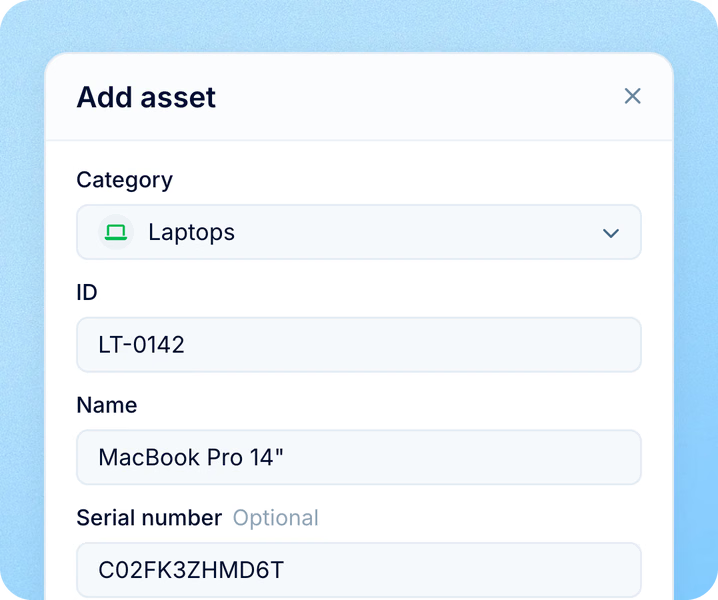
Asset added to the register
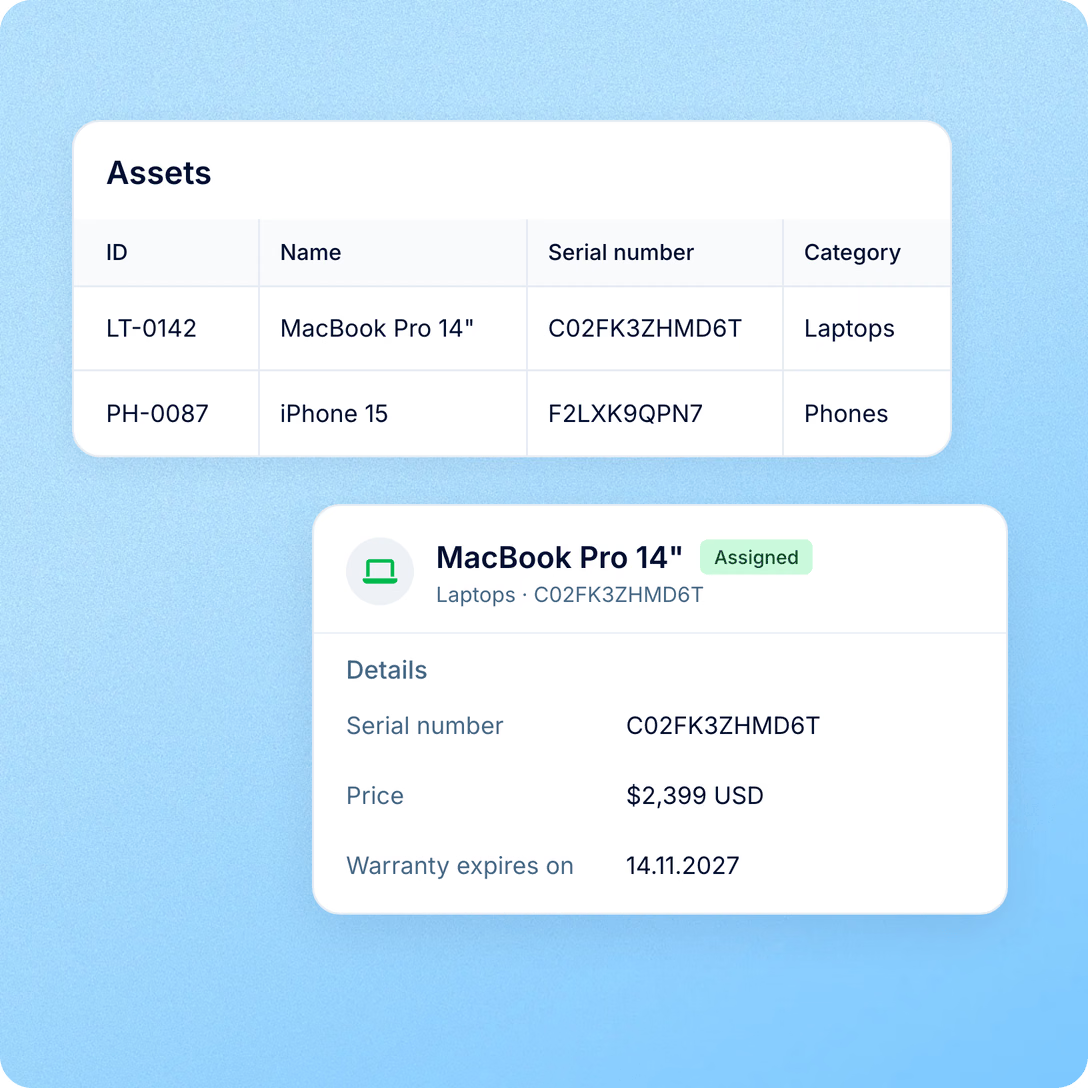
Add equipment by hand or import the list you already have, with category, code and serial number.
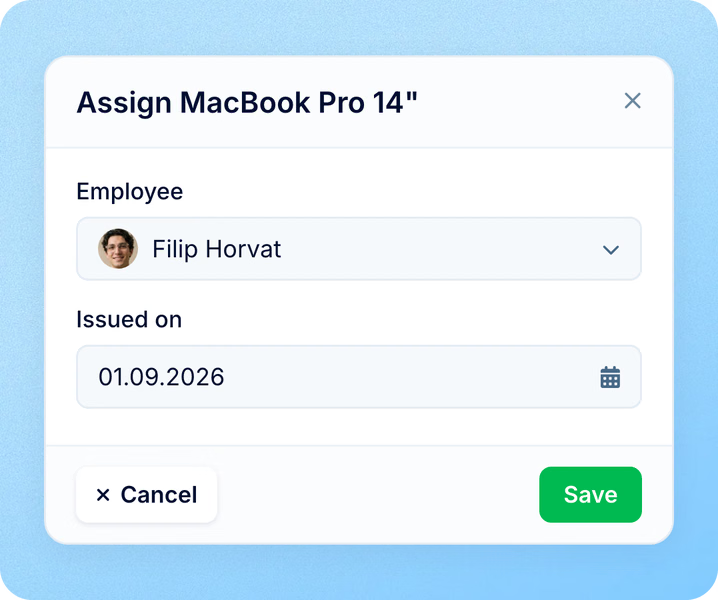
Asset issued to an employee
Assign it with an issue date; a future date takes effect on that day.
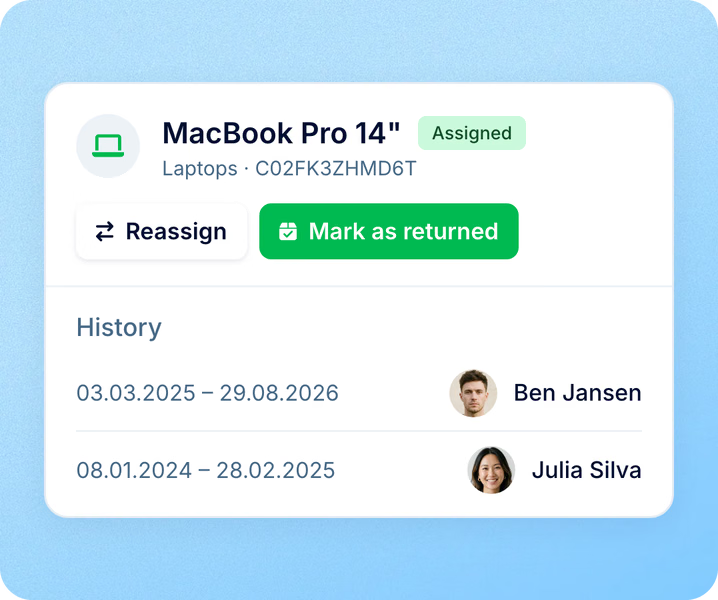
Asset returned or reassigned
Record the return date or reassign in one step, and the history keeps every holder.
The register
Company assets list everything the business owns and hands out, right next to the people who hold it, with the details IT, HR and finance ask for.
For employees
Assets are part of the employee record, so the holder and HR look at the same list.
Assignments
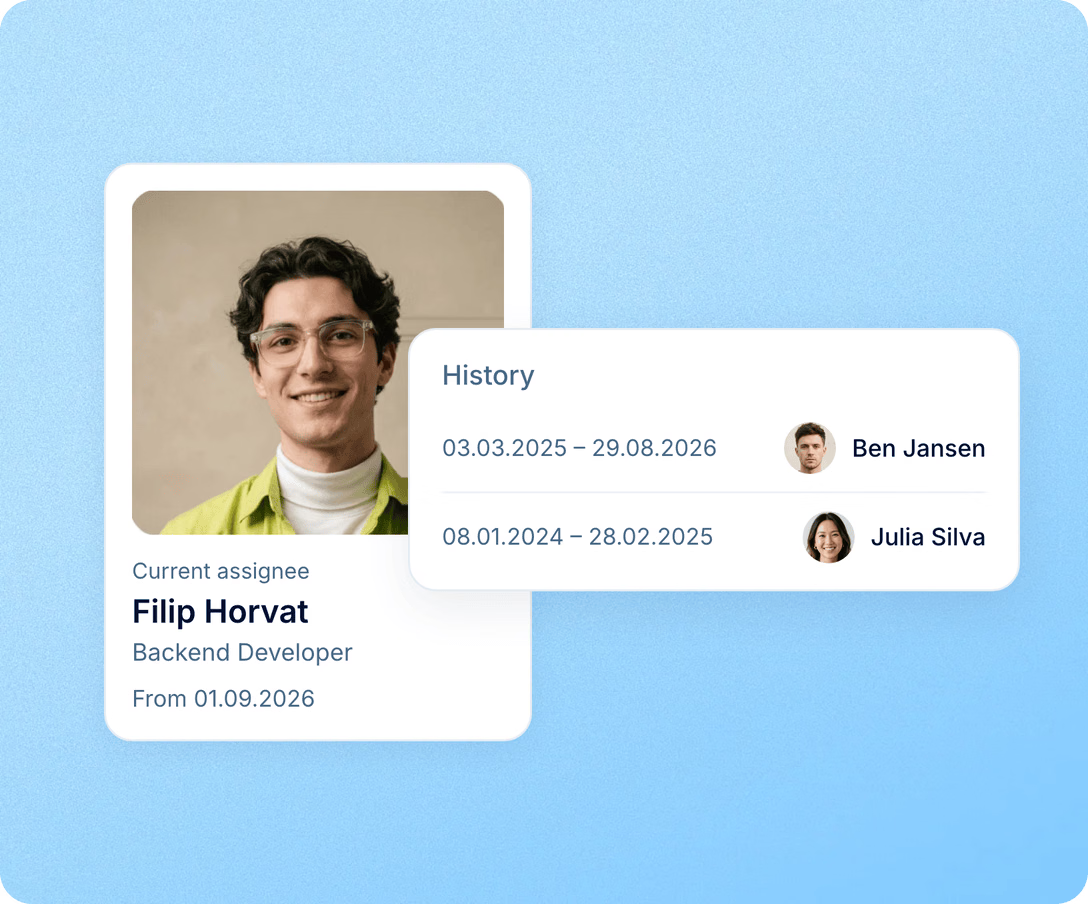
Every handover is recorded as a dated assignment, so the history of each laptop or phone stays complete from purchase to write-off.

Each assignment has an issue date and a return date.
An asset has one holder on any given date, so overlapping assignments are blocked.
Reassign moves the asset to the next person in one action.


PeopleForce helped our managers manage certain processes more effectively; now it's convenient for us to find data, spend less time on it, and understand where everything is located.
Import and API
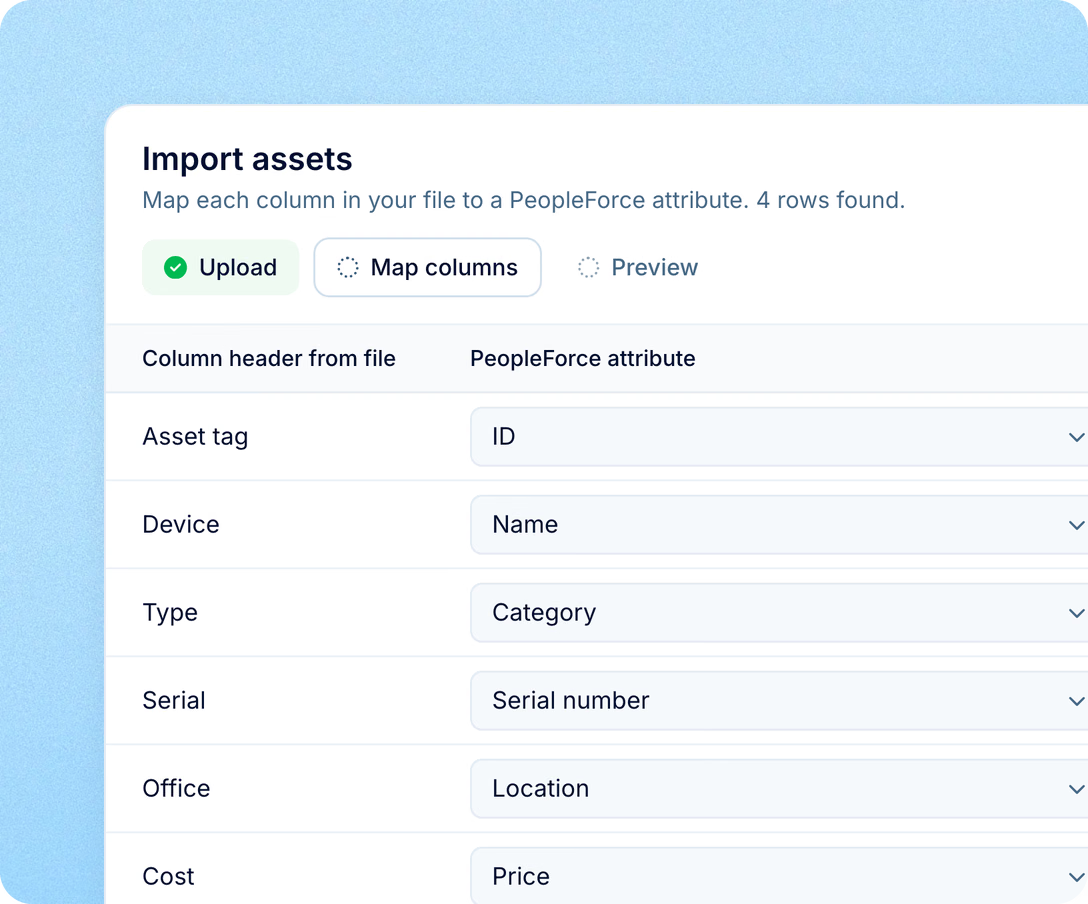
Import assets and their current assignments from a file instead of typing them in one by one. The public API reads and writes assets, categories and assignments, so an IT inventory or procurement system can keep PeopleForce up to date.
Filters and reports
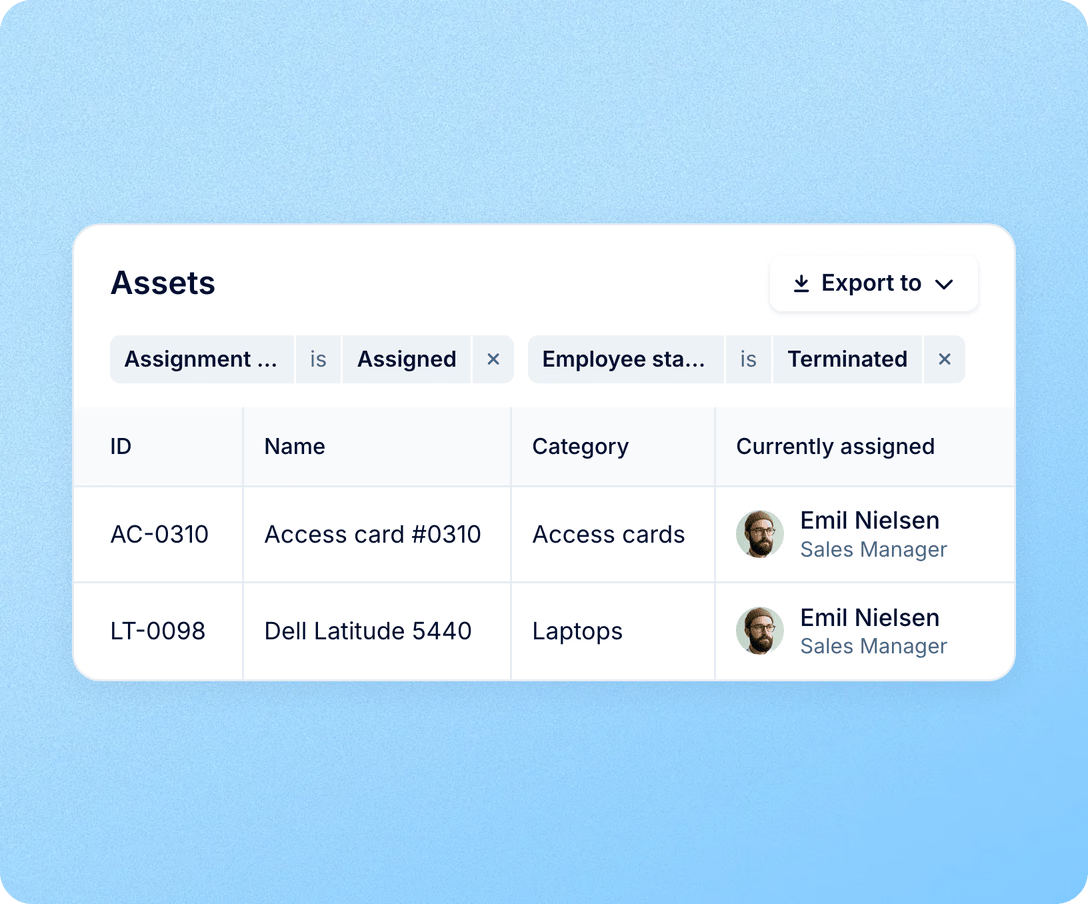
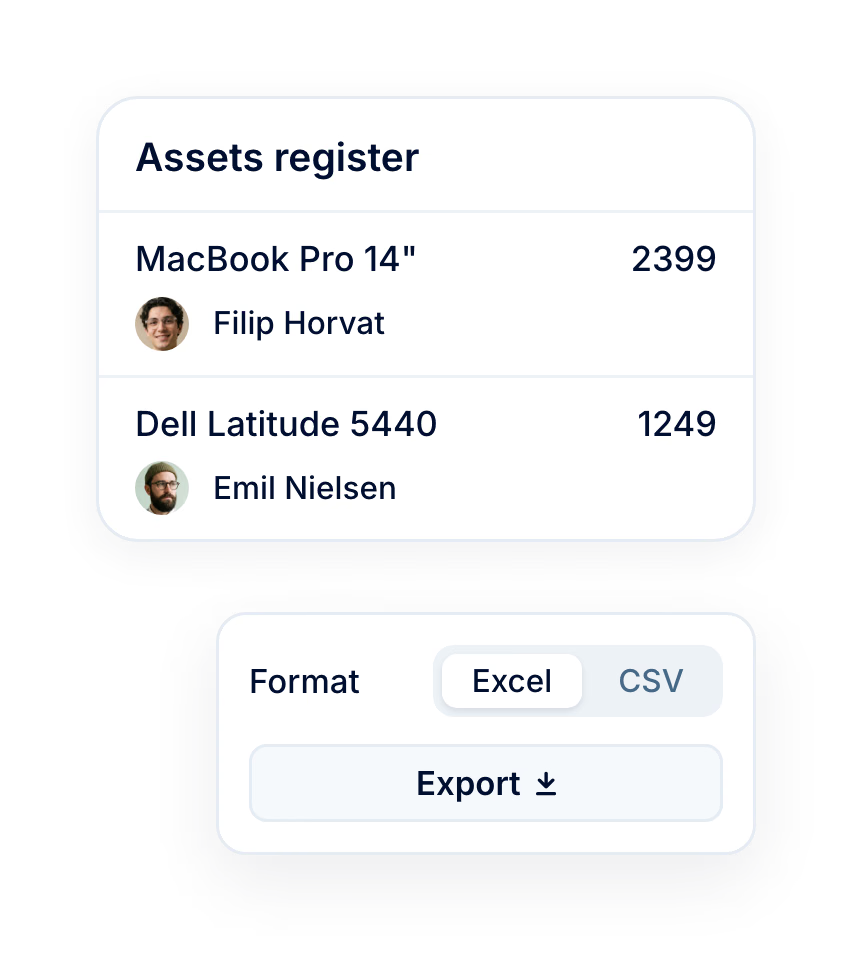
Filter company assets by assigned or not assigned to see what is free to hand out, and by employee status to find equipment still held by people who have left. The asset report adds filters by person, category, division and location, with export for audits.
Assets live in Core HR, so equipment, people and processes stay connected in one system.
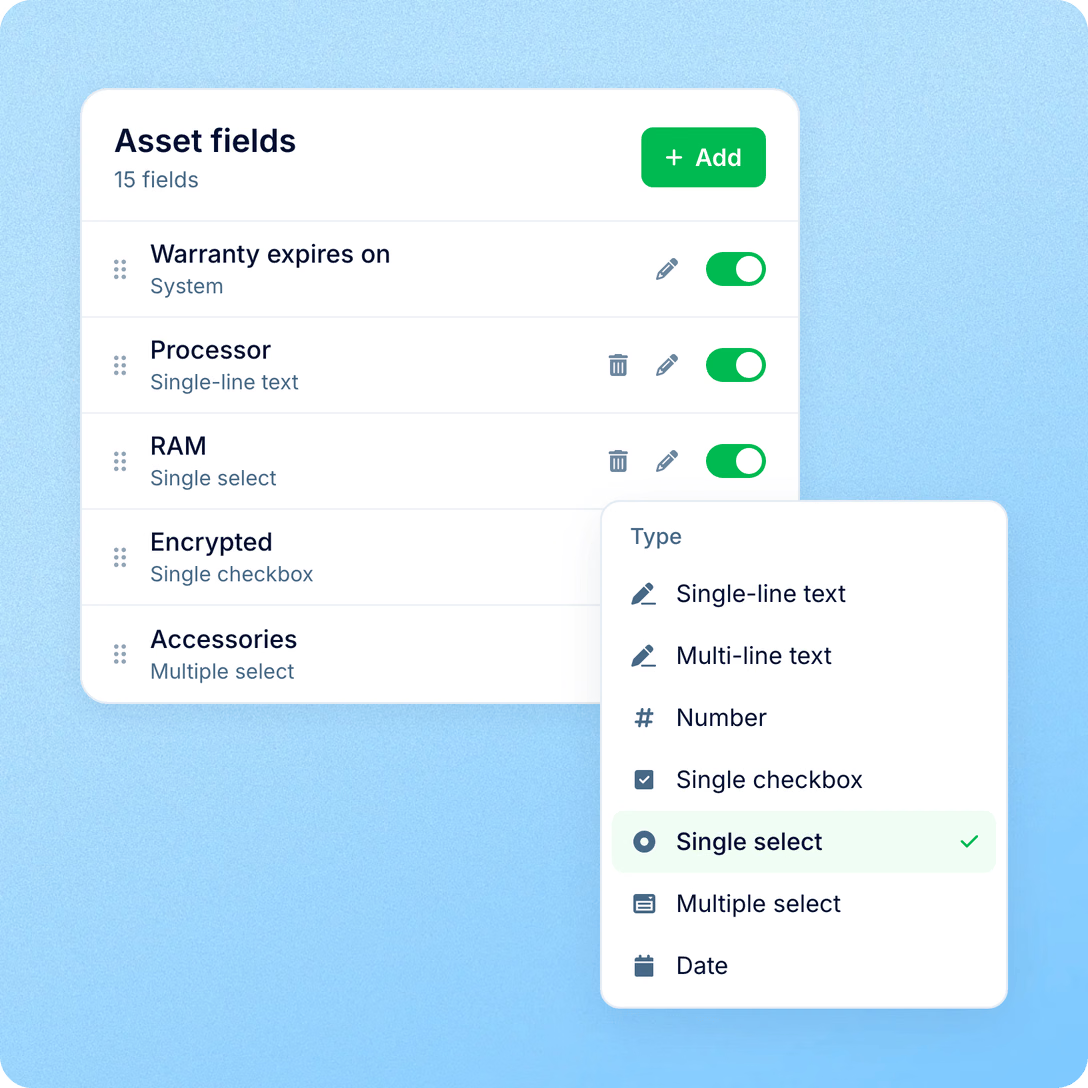
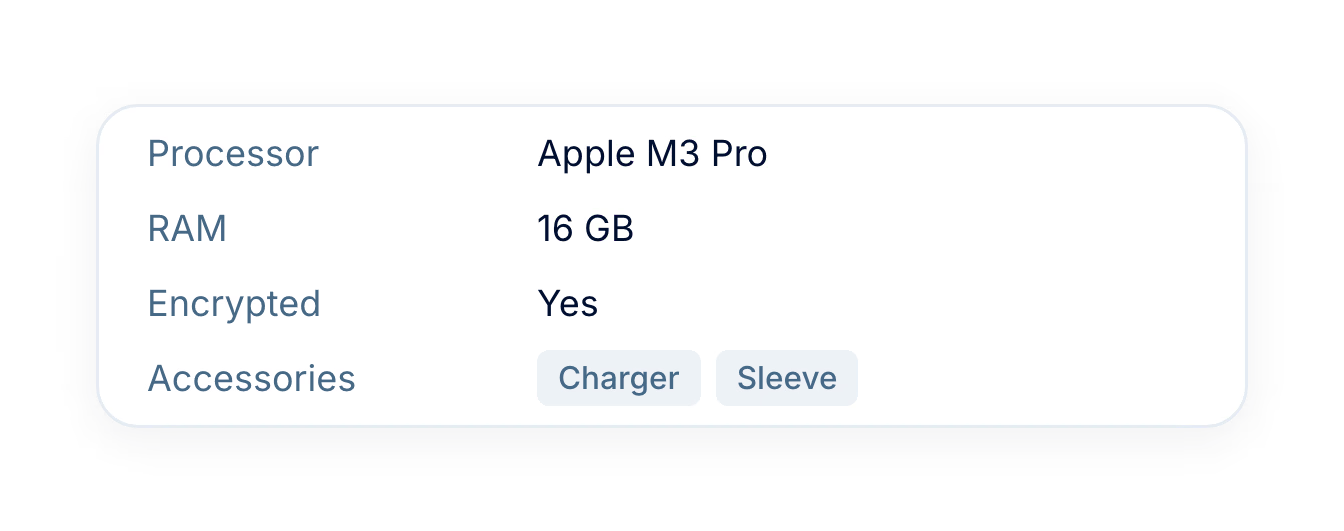
For IT: specs and serials in one place
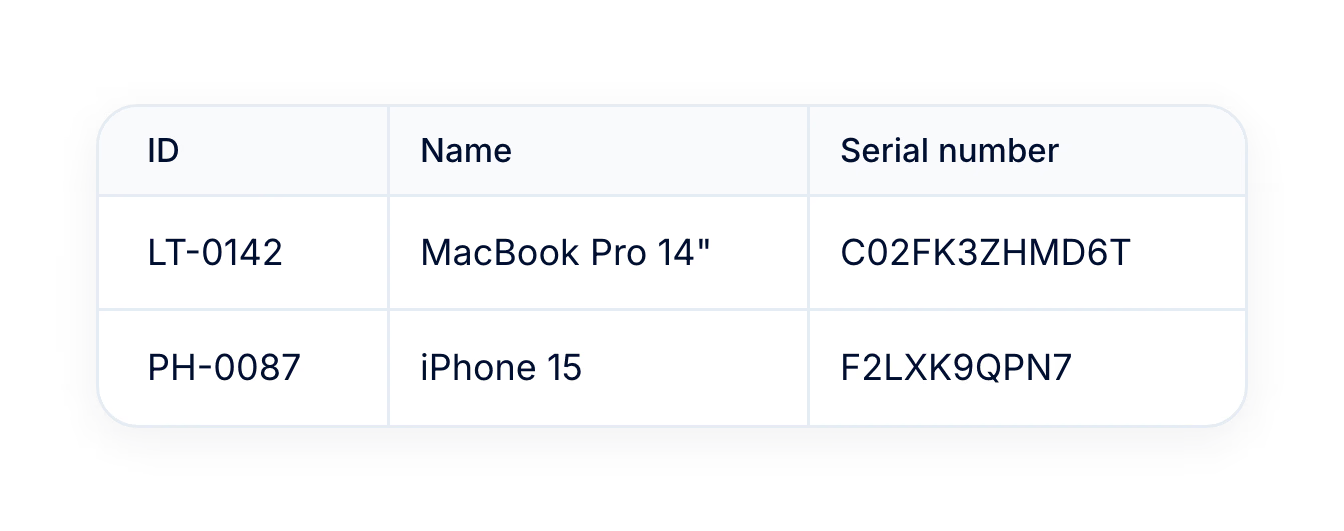
Custom fields hold RAM, processor, warranty end and anything else your team tracks.
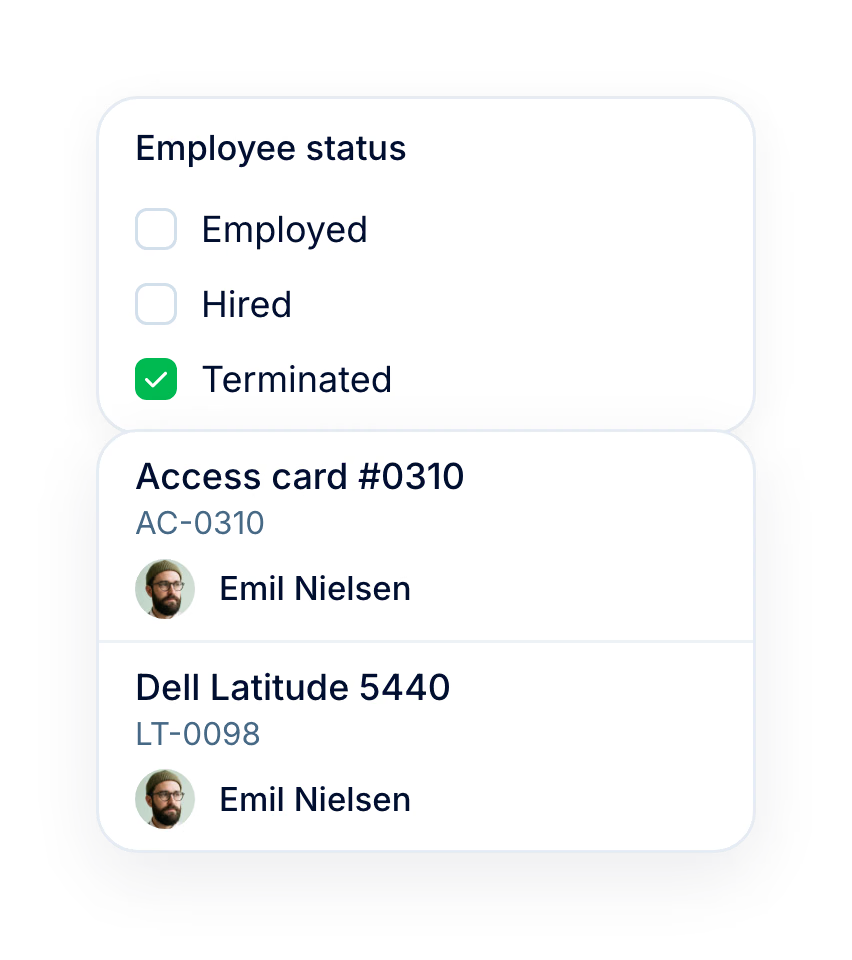
For HR: equipment back after exits
The employee-status filter lists what is still assigned to people who have left.
For finance: prices and history for audits
Every asset carries its price, currency and a dated list of holders, ready to export.
For employees: their own equipment
My assets shows what each person holds, so nobody asks HR for the serial number again.
More in Core HR
Every essential for managing your people, from records, leave and requests to preboarding and documents, in one connected system.
Profiles with the equipment attached
Each employee profile shows job, contact and personal details alongside the assets the person holds.

Profiles with the equipment attached
Each employee profile shows job, contact and personal details alongside the assets the person holds.
Beyond the features
One register for every laptop, phone and badge, tied to the people and places that use them.

No duplicates in the register
PeopleForce rejects a second item with the same serial number or code, so every device appears in the register once.
80,000+ handovers last year
Teams recorded more than 80,000 equipment handovers in PeopleForce in the last 12 months, each with its own issue date.
70,000+ items added last year
Teams added more than 70,000 assets to PeopleForce in the last 12 months.

Leader

Users Love Us

Regional Leader

High Performer
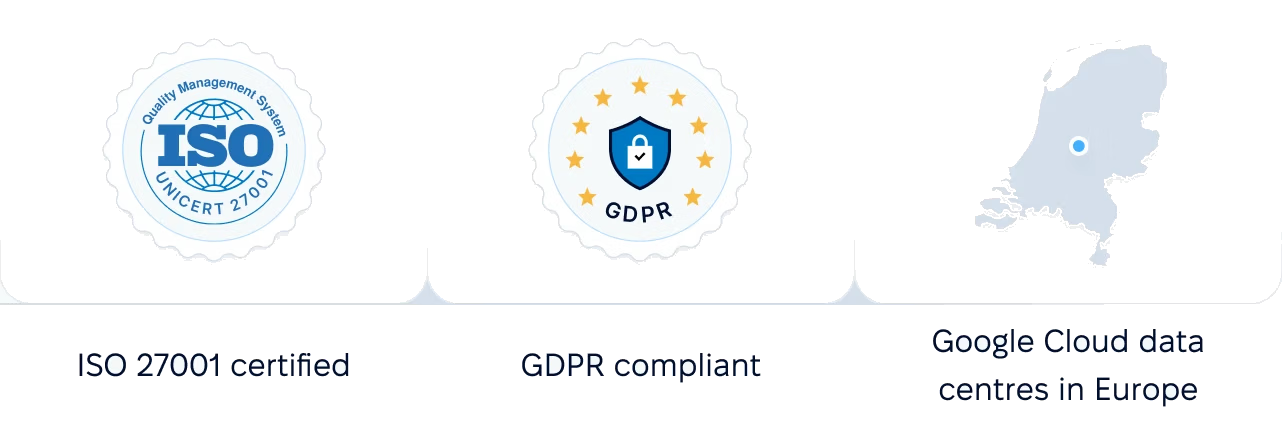
Certifications, granular access and full control over what happens to your data and equipment.
 Best Support
Get the full HR suite — Core HR, ATS, Performance, Surveys and more — at a fraction of enterprise platform pricing. See exactly what you'd pay.