



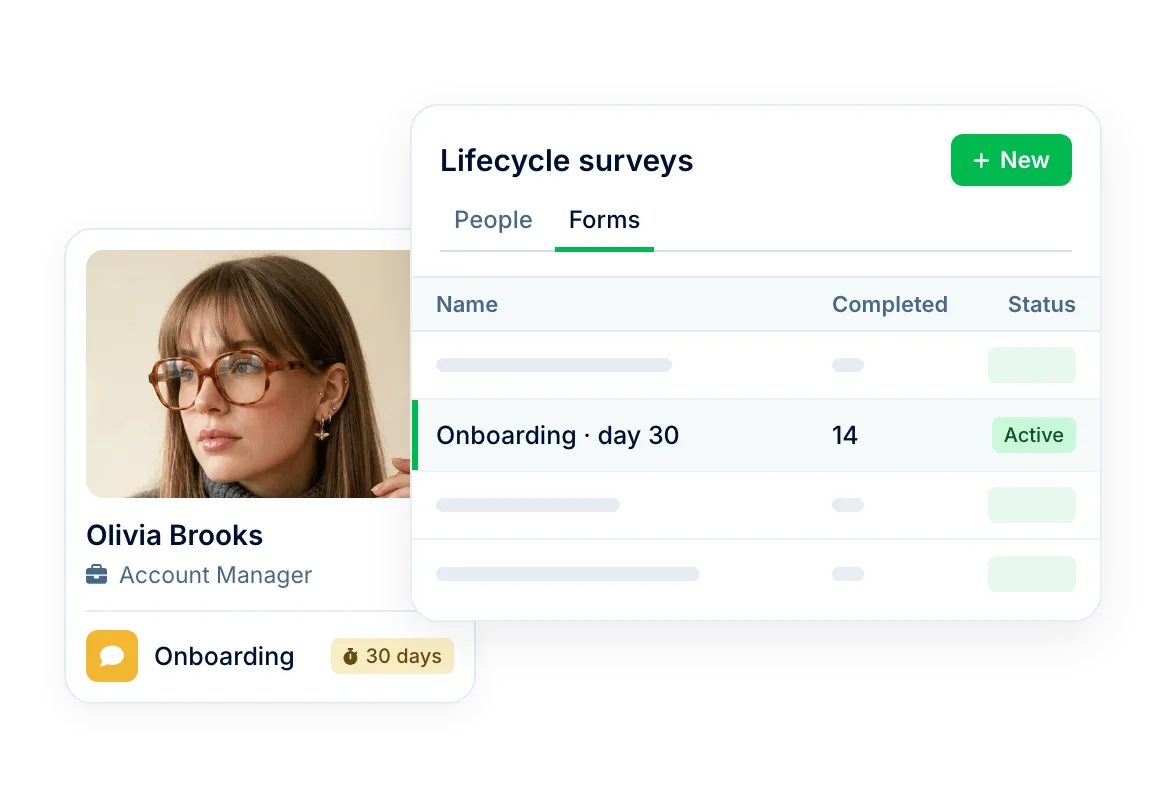
Follow one employee through a moment
- Triggered by each employee's own dates through a workflow
- Answers can go to the manager or HR as soon as they arrive
- Each person's answers, plus an Excel export of the form


HR efficiency estimator
How does the HR efficiency estimator from PeopleForce work.
Calculate your impact
Build a form once and add it to a workflow. Each employee gets it a set number of days from their first day, end of probation or last day, and answers can go straight to their manager.
How it works
Build the form
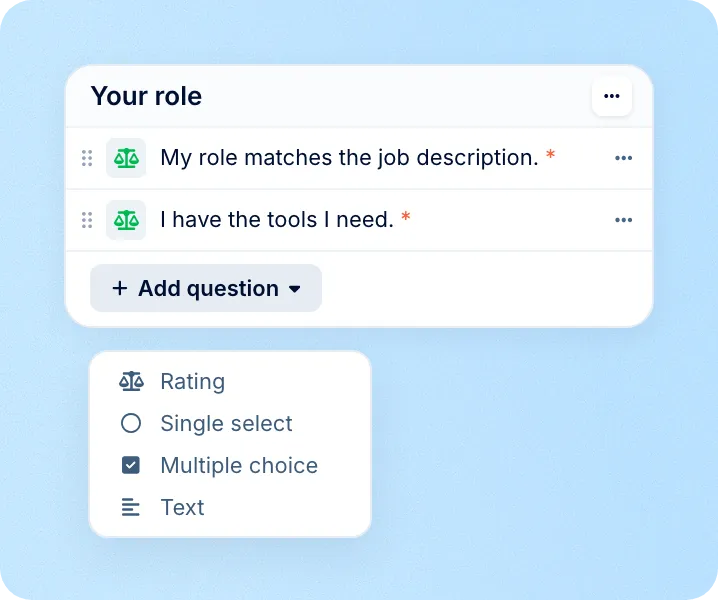
Add sections and rating, single select, multiple choice or text questions. Mark any question as required.
Add it to a workflow
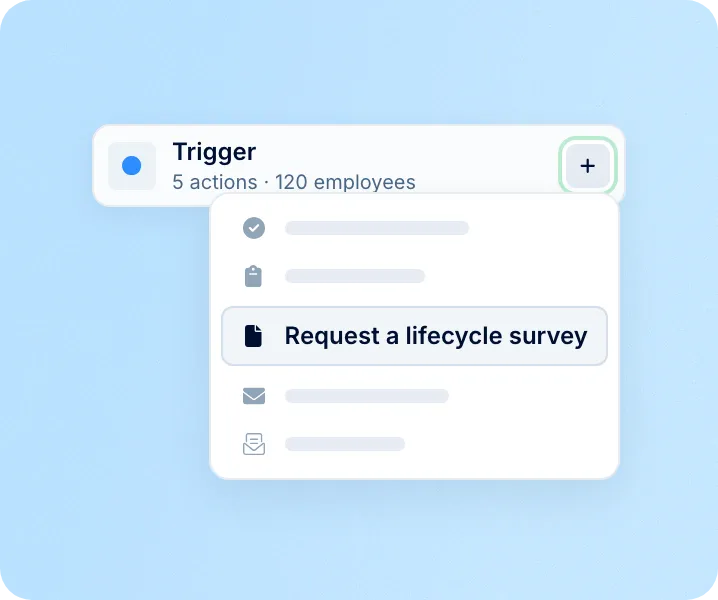
Add the Request a lifecycle survey step and pick the date it counts from: first day, end of probation or last day.
Read the answers
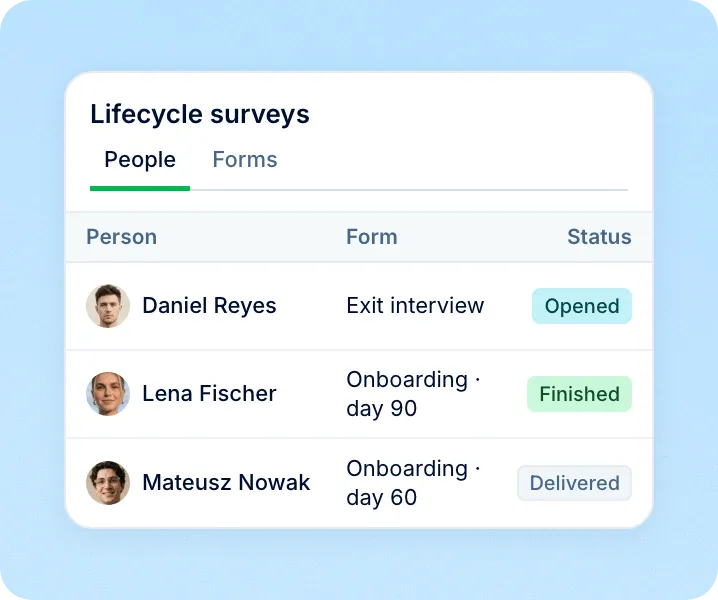
See who has answered in one list, open each person's answers, or export the form to Excel.
Moments
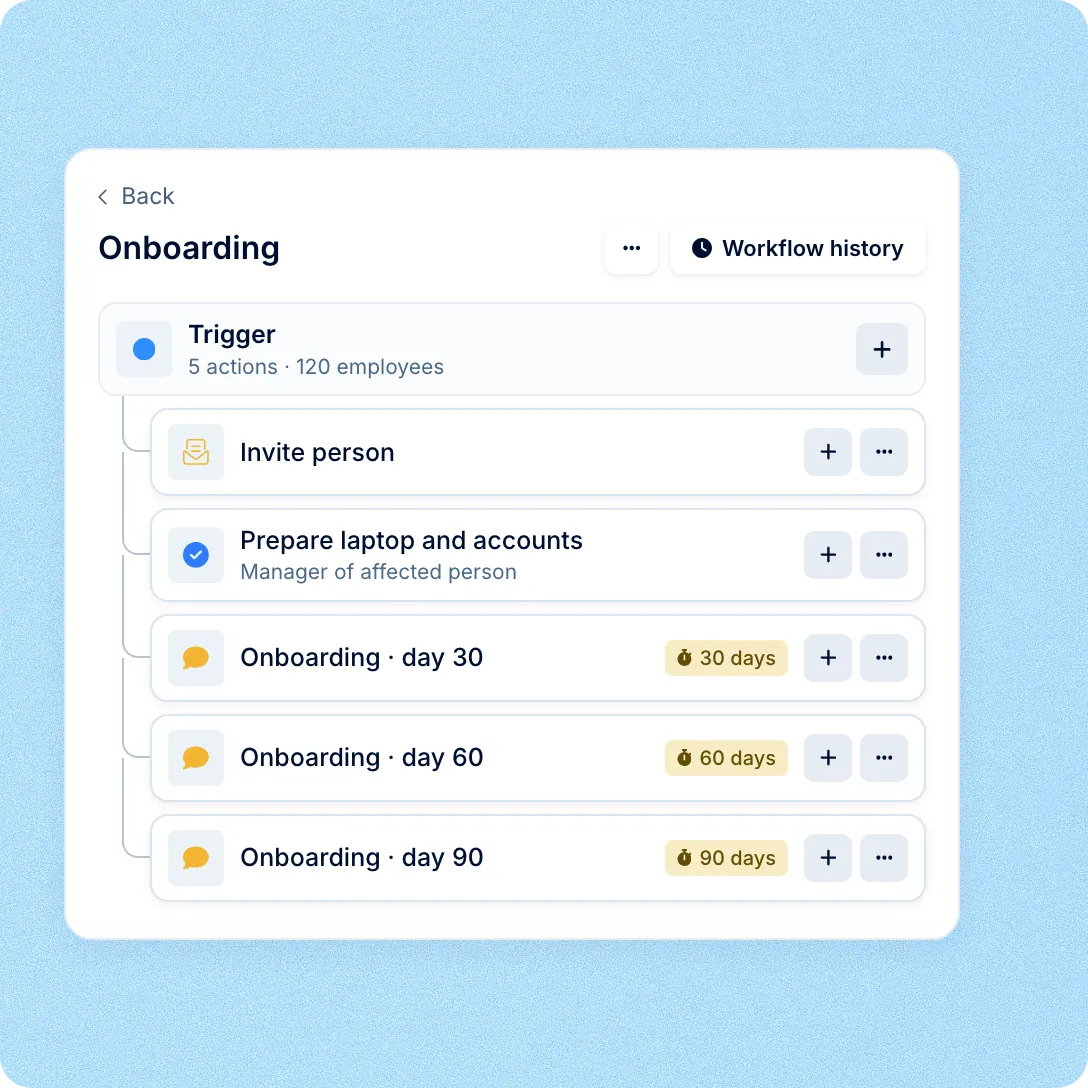
One form covers every employee who reaches the same moment. Pick the date it counts from and how many days before or after it the survey goes out.
Responses
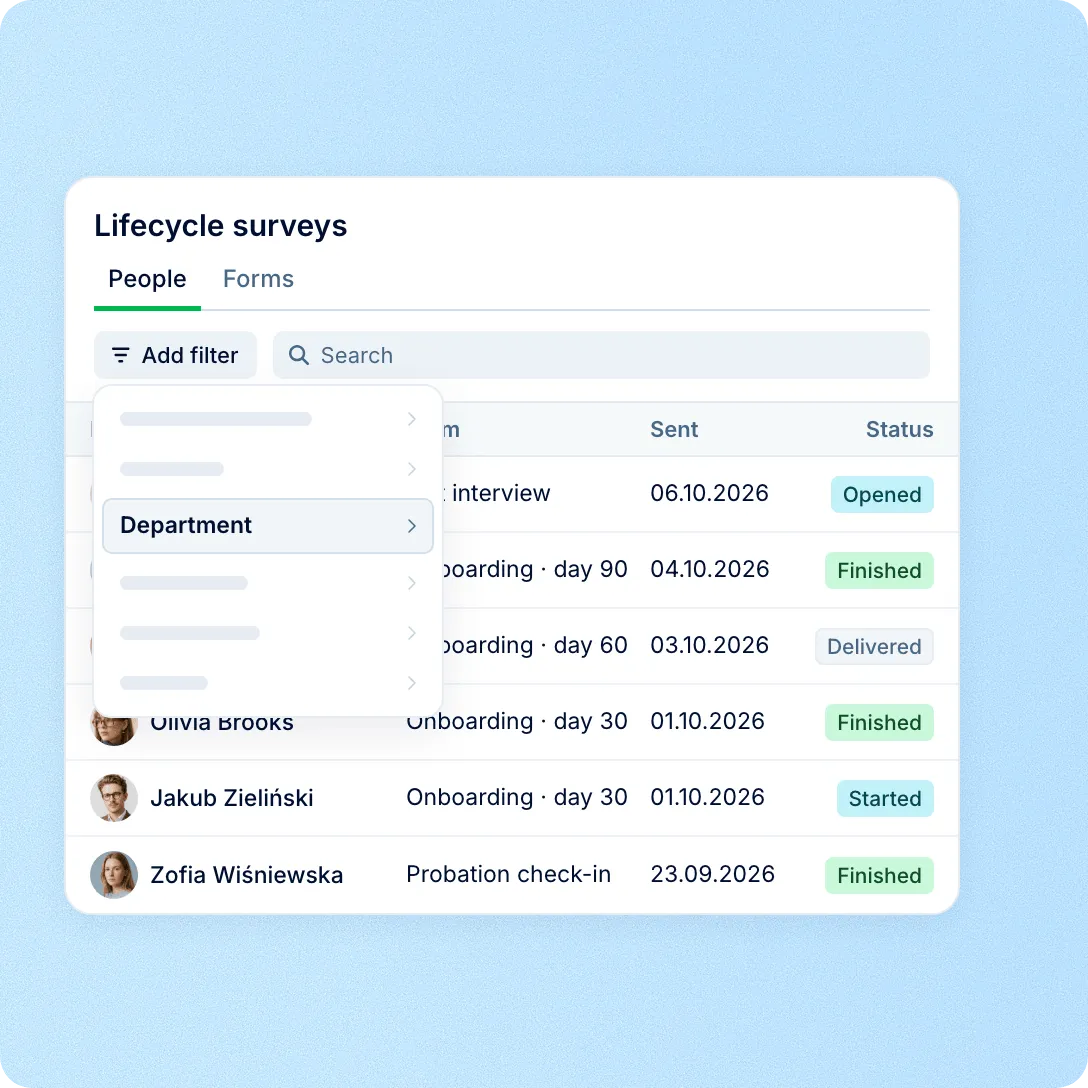
Every survey sent lands in one list with the person, the form and the date it went out. Open any completed form, or export a form to Excel.

Scope
Workflows
The survey is a step in the same workflow as onboarding tasks, welcome emails and offboarding steps. On the Professional plan, work anniversaries and custom date fields can start it too.
Workflows in Core HR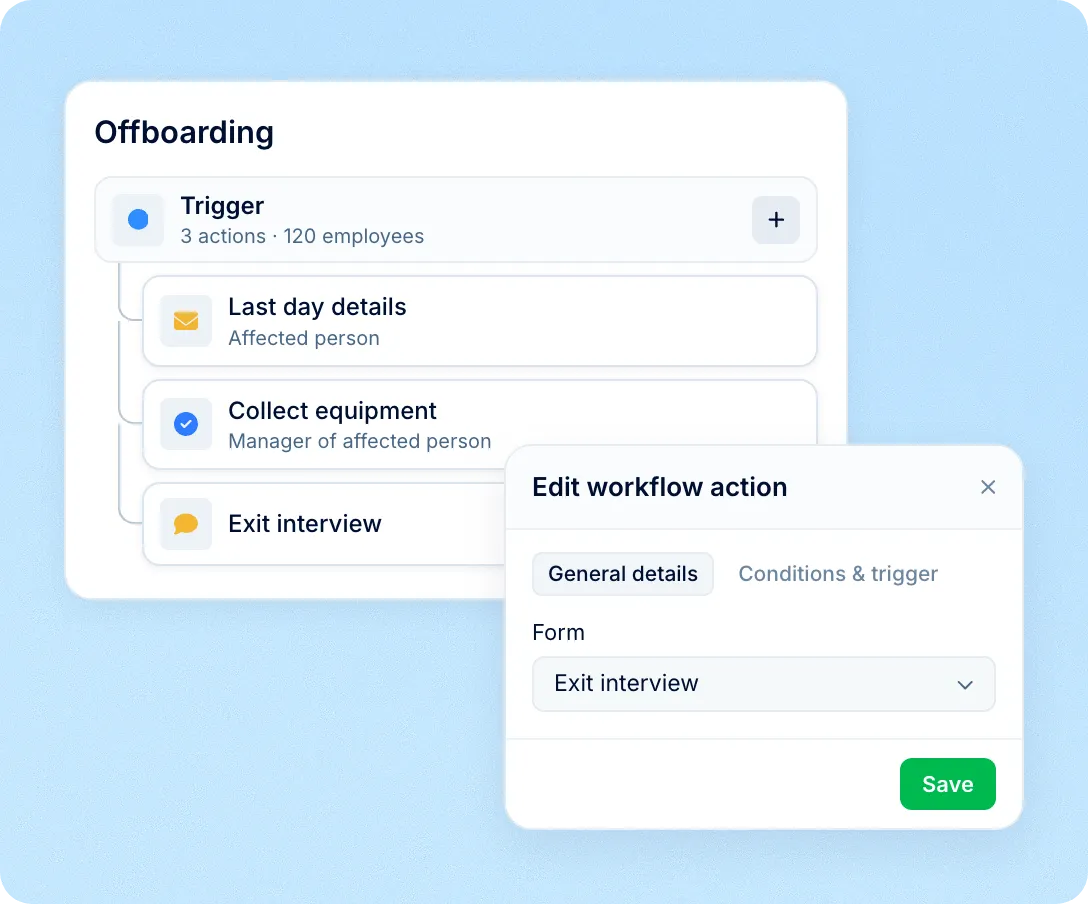
Reminders
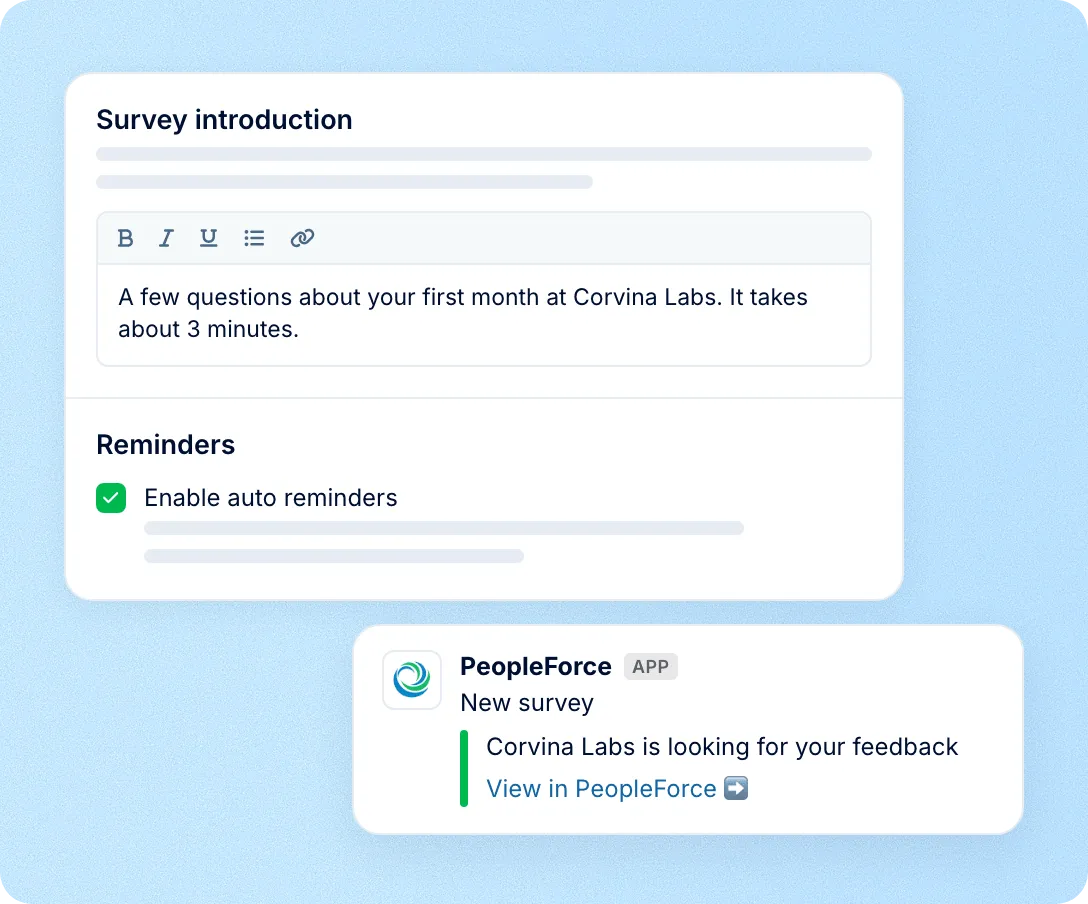
The invitation arrives in PeopleForce, by email and on mobile, plus Slack when connected. The link opens without signing in. Reminders follow up for up to two weeks.
Answers
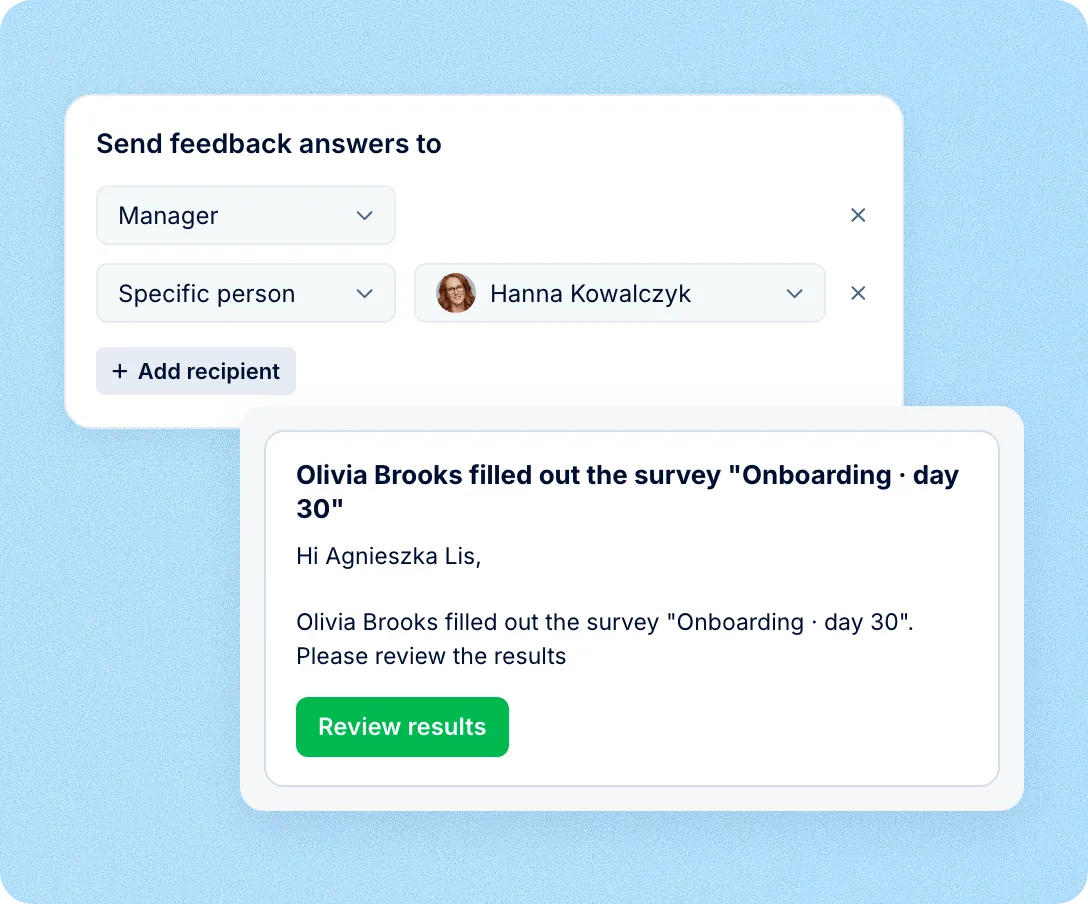
Choose who is notified when someone completes the form: their manager, a specific person, or a colleague named in a profile field. Each gets a link to the answers.
Dates from employee profiles
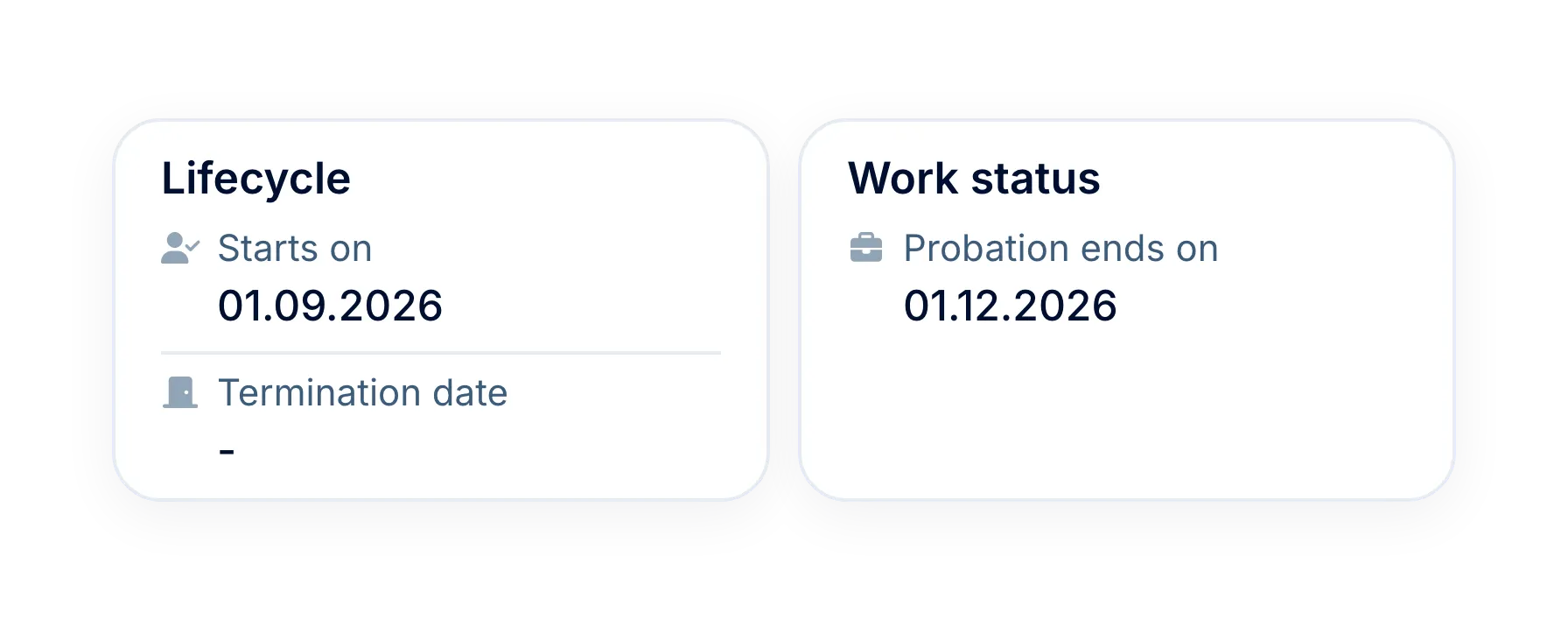
Hire, probation and last-day dates come from Core HR, so there is nothing to sync.
Personal survey links
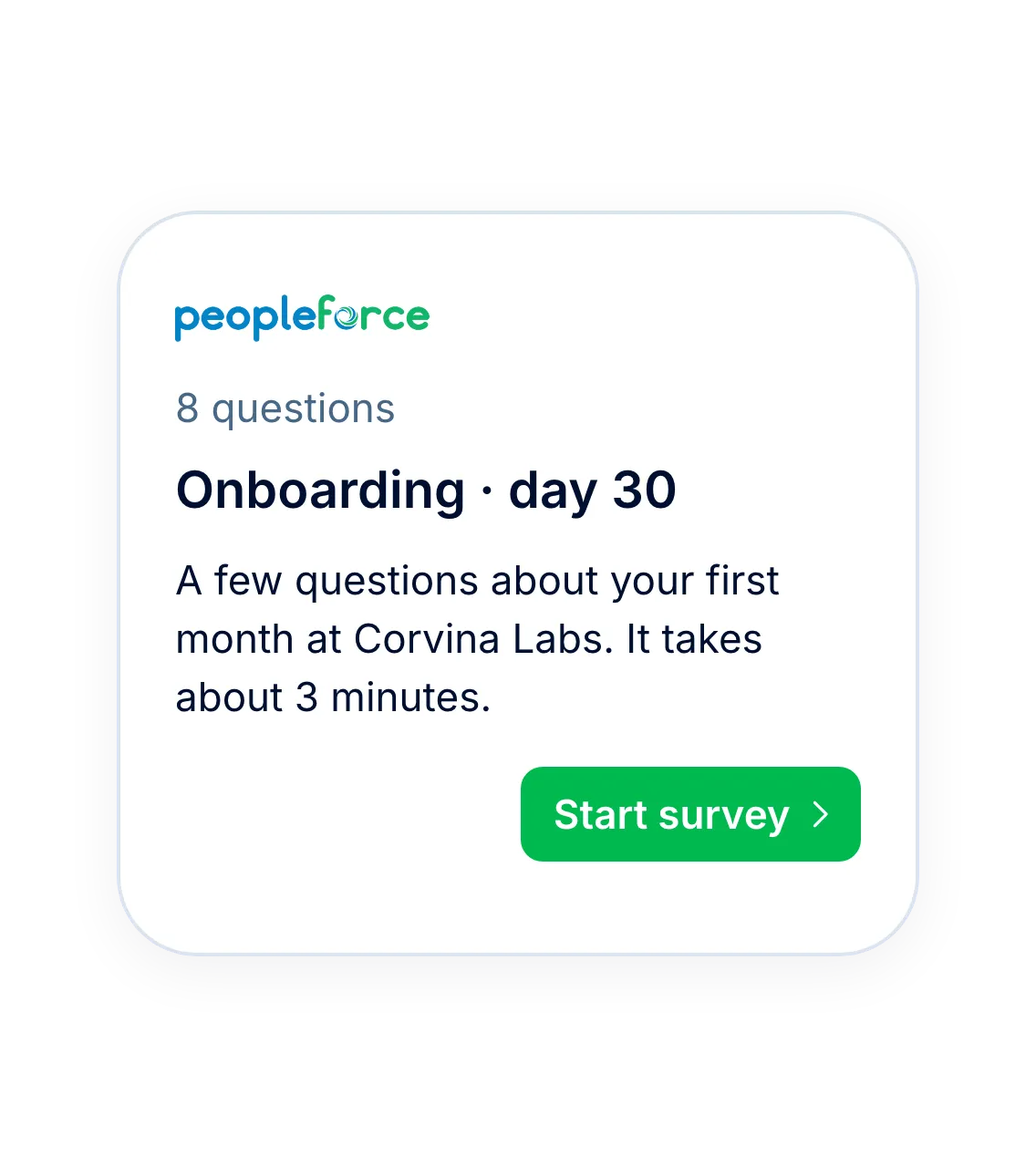
Each person gets their own link, which opens without signing in to PeopleForce.
Screens in their language
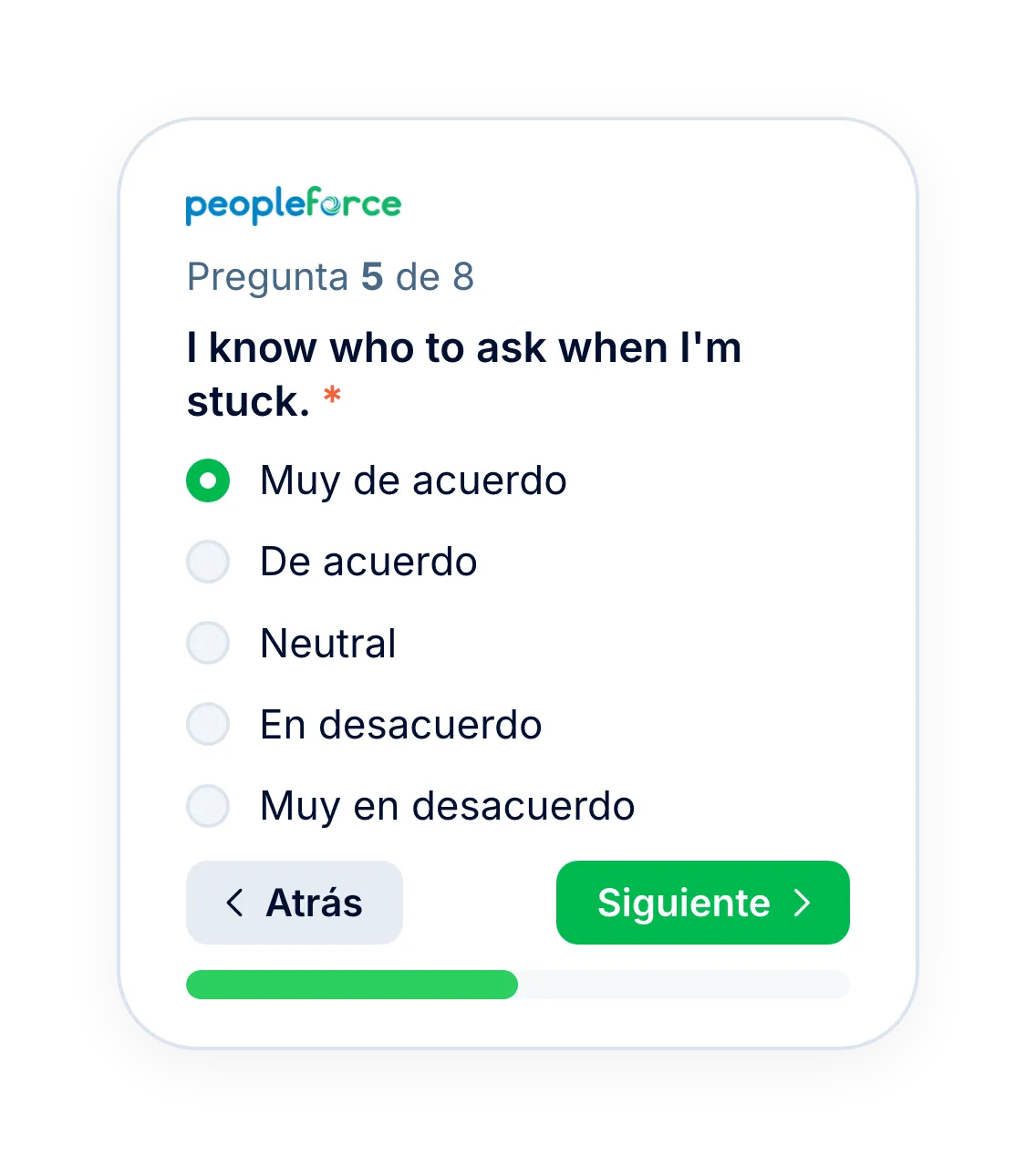
The survey interface follows the language set for each employee.
Responses through the API
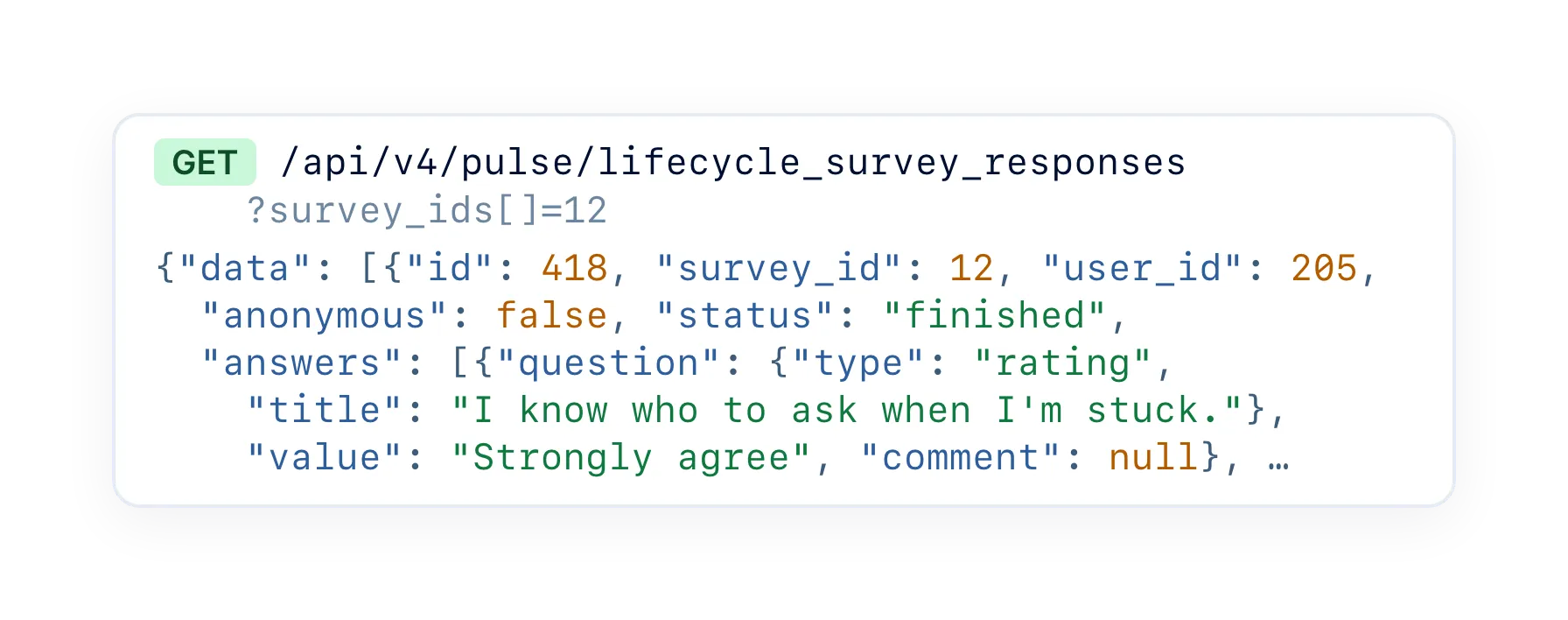
On the Professional plan, public API endpoints return lifecycle forms and responses.
More in PeopleForce
Lifecycle surveys sit next to engagement surveys in Pulse and run on Core HR workflows.
Engagement scores by driver, team and segment
Run company-wide surveys on a schedule and read the results by driver, department and tenure, with an anonymity threshold you set.

Engagement scores by driver, team and segment
Run company-wide surveys on a schedule and read the results by driver, department and tenure, with an anonymity threshold you set.
Beyond the features
A dedicated team gets you live, real people keep answering after go-live, and there's room to add the rest of HR when you're ready.

Setup done with you
A dedicated success manager sets everything up with you — it’s included in the plan, not a paid add-on.
Support in your language
Real people, not a ticket queue, from your first question onwards.
Surveys and HR in one system
Survey dates come straight from Core HR profiles, so every new hire and leaver is covered.

Leader

Users Love Us

Regional Leader

High Performer
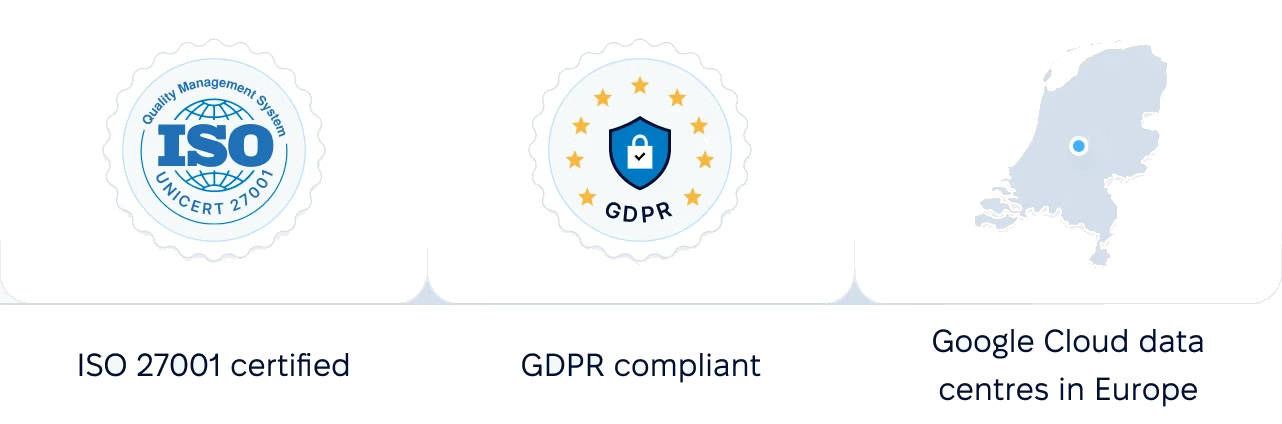
Certifications, granular access and full control over what happens to your data and equipment.
 Best Support
Get the full HR suite — Core HR, ATS, Performance, Surveys and more — at a fraction of enterprise platform pricing. See exactly what you'd pay.