



Assigned
Assigned by HR
Directly, through a training group or as a workflow step, with a due date and reminders in the app and by email.


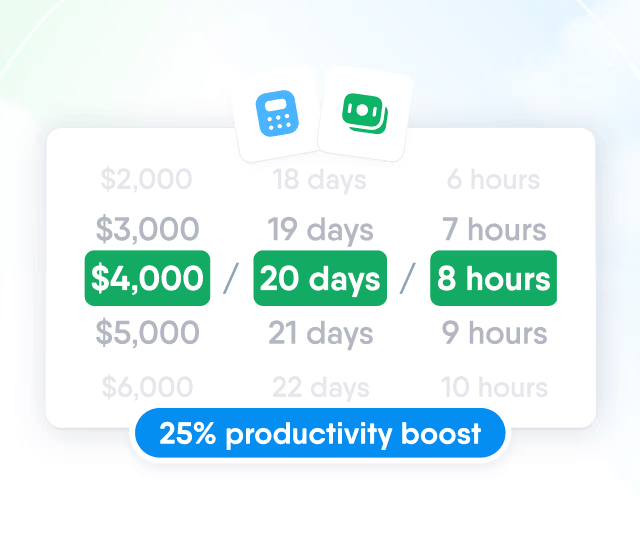
HR efficiency estimator
How does the HR efficiency estimator from PeopleForce work.
Calculate your impact
Learn
Build courses from documents, video, SCORM packages and tests, or draft them with AI from your own files. Training groups enrol people by department, location or legal entity, and completions are renewed before they expire.


Courses from your own content, SCORM packages or AI.

Training groups and workflows enrol the right people.

Progress, test results and the people who need attention.

Completions expire and reopen on the schedule you set.


Courses
Authors put a course together from text pages, video, audio, embedded pages, SCORM packages and tests, in the order people take them. Each item stays a draft until it is published, so learners see only finished content.
SCORM 1.2 and 2004 packages
Upload the .zip exported from Storyline, Rise, iSpring or Captivate. The package runs inside the course and reports its own completion.

Video, audio and embedded pages
A YouTube or Vimeo link or an uploaded MP4 or AVI file up to 300 MB, audio files, and any https page such as a slide deck.

Separate publishing of changes
Edits to a published lesson wait as unpublished changes. Learners keep the published version until the author publishes the new one.

AI
Describe what people should know after the course and attach your own documents, such as a policy or a handbook. AI outlines the sections, writes the lessons and builds a closing test, using only the documents you attach.
Learn more

Tests
Tests check what people took from the course, and completion rules set what a learner has to do before a lesson counts as complete. Both are set for each item in the builder.
Learn more
How Learn works
Each step works on what the one before produced: the course, the people from Core HR and their progress.
Create the course
From your own content, a SCORM package or AI, with a test to close it.
Assign it
Directly, through a training group or a workflow, with a due date.
People take it
Lesson by lesson in the browser, with reminders before the due date.
Track and renew
Insights show who needs attention, and completions reopen before they expire.

See the whole flow in a demo
A walkthrough on your own training, from a policy document to a training group and its reports.
Training groups
A training group assigns a set of courses to everyone who matches its rules and tracks them as one cohort. Courses can also be assigned as a step in a workflow, for example in onboarding.
Choose who joins
Department, division, location, position, team, employment type, legal entity or group, matched together or separately. Named people can be added by hand.
Add courses and a deadline
Launch the group

For training that has a due date and has to be repeated, the course sets how long people have to finish and how long a completion counts.

Enrolment
HR assigns the courses people must take, and the catalog opens others for people to join on their own. Both lead to the same enrolment, progress and reports.
Assigned
Directly, through a training group or as a workflow step, with a due date and reminders in the app and by email.
Catalog
Each course is hidden, open to join or needs approval. Requests go to the employee’s manager, and seat limits and cost per person keep places and spend under control.

For learners
What employees see when a course is assigned to them or chosen from the catalog.
Assigned courses with due dates
Each person sees the courses assigned to them with due dates and progress, and works through them lesson by lesson in the browser. A started course is picked up again with Continue course.

Access
Managing courses is a company permission: the people who hold it create, edit and assign courses and see everyone’s progress. Learners see only the courses they are enrolled on and the catalog.

Insights
Each course reports who has finished it, how long it takes and where people stop.


Completion rate, on-time completion, time per learner and active learners in the last 30 days.
Content formats




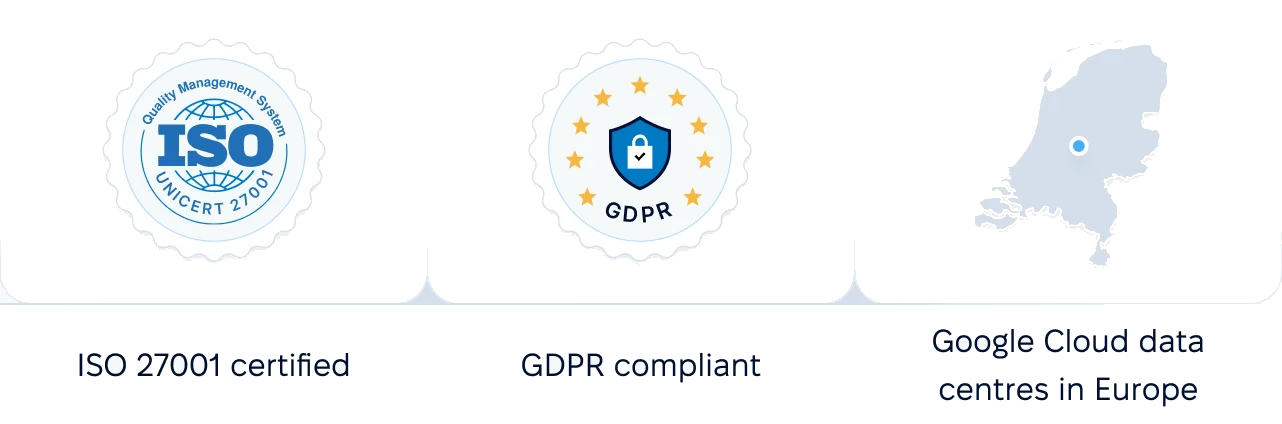
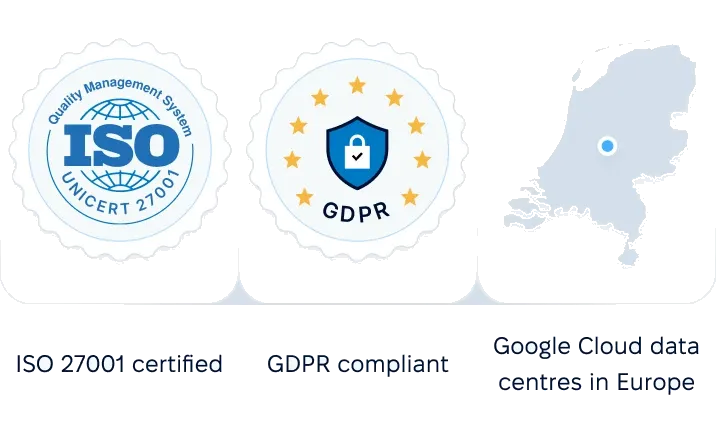
Certifications, role-based access and control over where your training records are stored.
 Best Support

Momentum Leader

High Performer

Grid Leader

Regional Leader
Bring a policy, a handbook or a SCORM package, and we will show how it becomes a course, who a training group would enrol and what its reports look like.


Book a demo
A course built from one of your documents.

Set up
Courses, categories and the roles that manage them.

Launch
Your first training group enrols the people who match its rules.