



How it works
The monthly timesheet cycle
Hours build up in each person's timesheet through the month instead of being collected in a spreadsheet at the end. Every month has a status HR can see: Unsubmitted, Pending, Approved or Rejected.


HR efficiency estimator
How does the HR efficiency estimator from PeopleForce work.
Calculate your impact
Bring working hours, approved leave and public holidays into one monthly timesheet. Review and approve hours in PeopleForce, then export the data for payroll—with less manual checking and chasing.
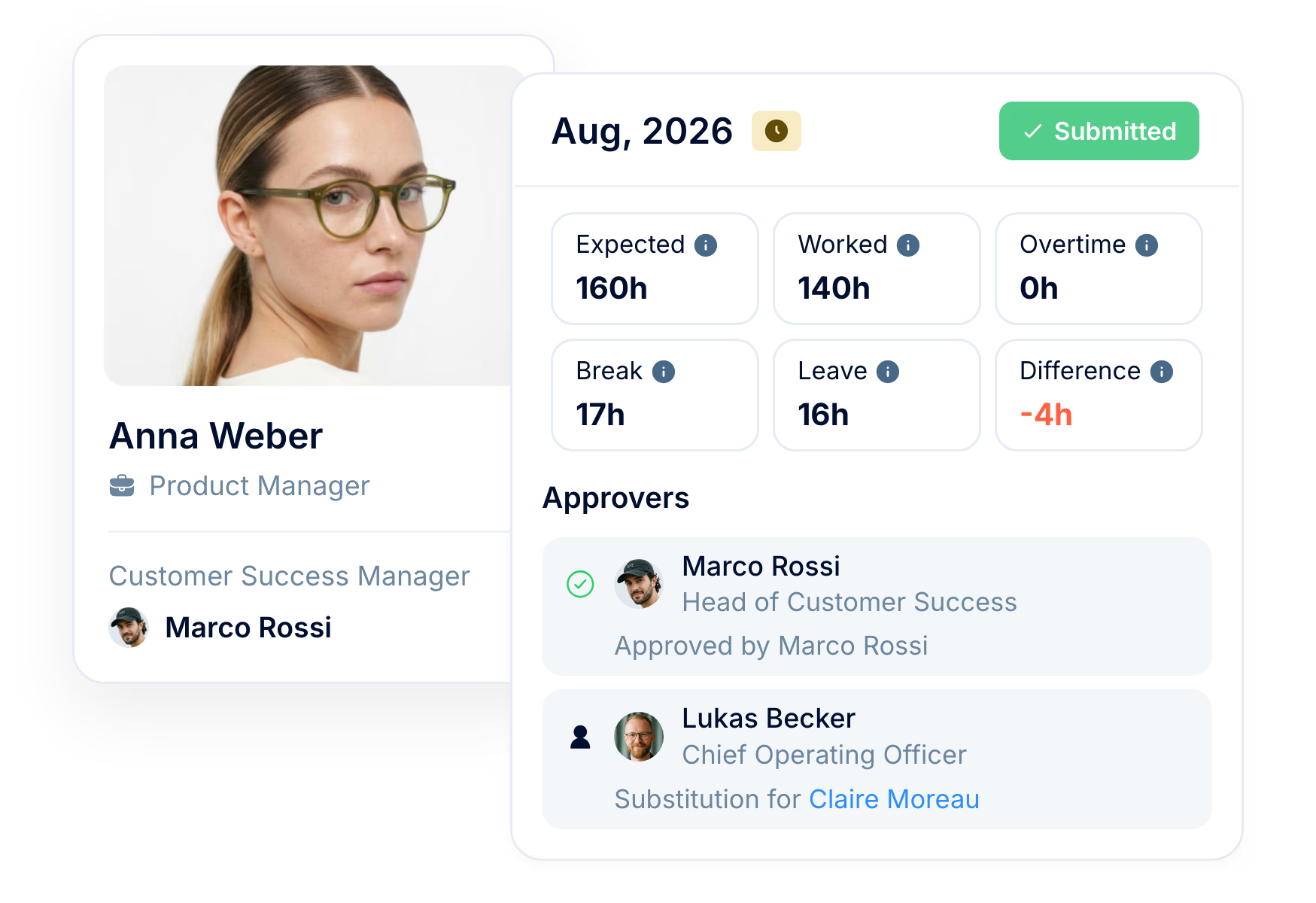
How it works
Hours build up in each person's timesheet through the month instead of being collected in a spreadsheet at the end. Every month has a status HR can see: Unsubmitted, Pending, Approved or Rejected.
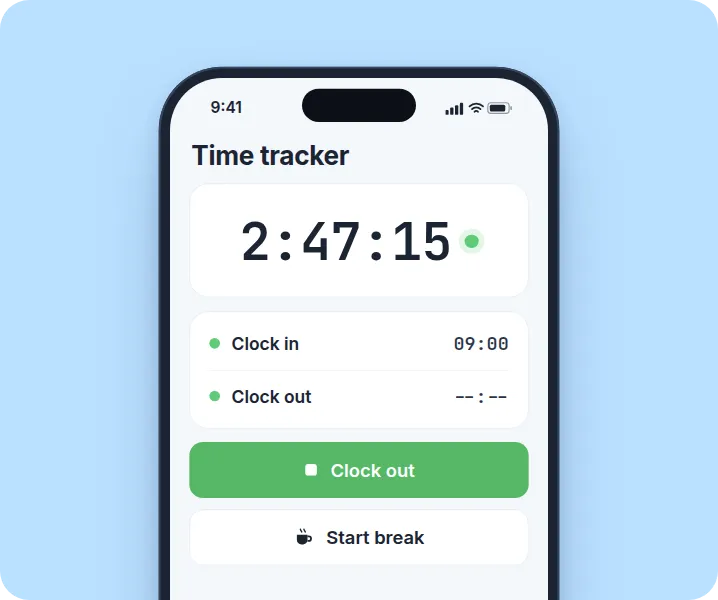
Hours through the month
Employees clock in and out, add entries by hand or autofill working days, and see the difference to expected hours as they go.
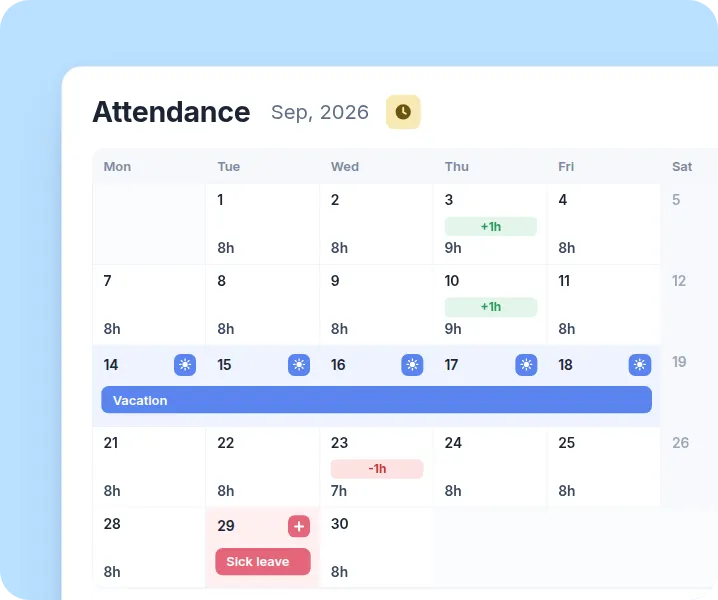
Submission and lock
When the month ends, or earlier with early submission, the employee submits it. The month becomes Pending and its entries are locked.
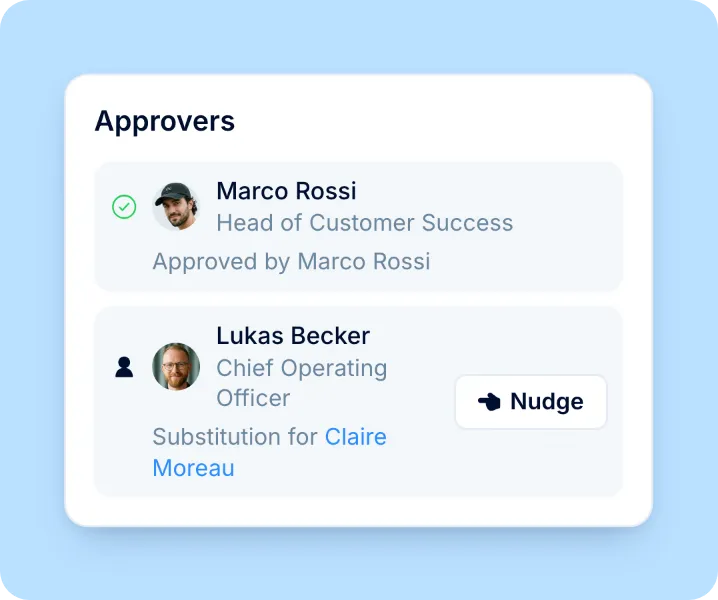
Approval or send-back
Approvers in the policy sign it off one after another, and the month becomes Approved.
Logging time
Whether employees work fixed hours or track time as they go, they use the same monthly timesheet. Autofill saves daily logging, while clock-out alerts help catch timers left running.

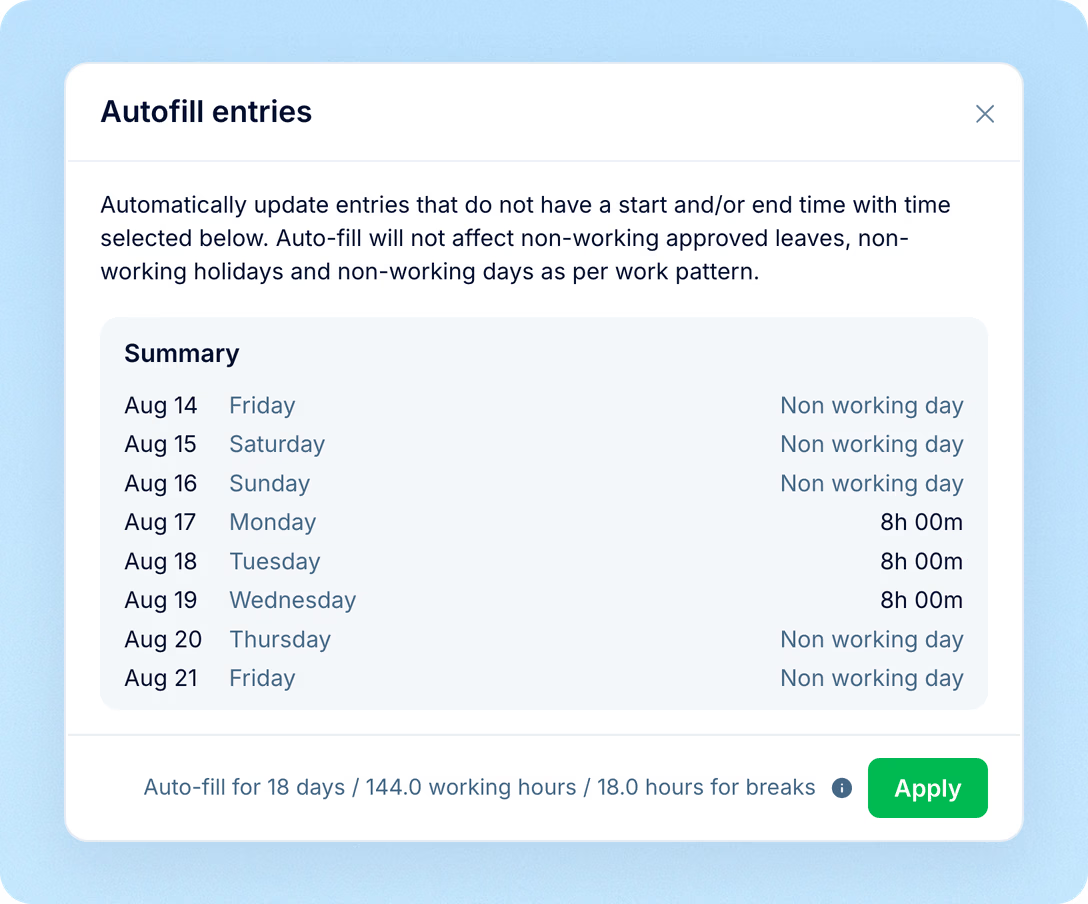
Autofill working days with start and end times and an optional break, skipping days off, public holidays and full days of approved leave.
Track time on the web or in the mobile app, or add past entries by hand. A badge shows whether each entry was tracked or manual, and its history shows who created or changed it, and when.
Catch forgotten clock-outs with alerts when the timer exceeds expected hours, if enabled in the attendance policy.
Monthly view
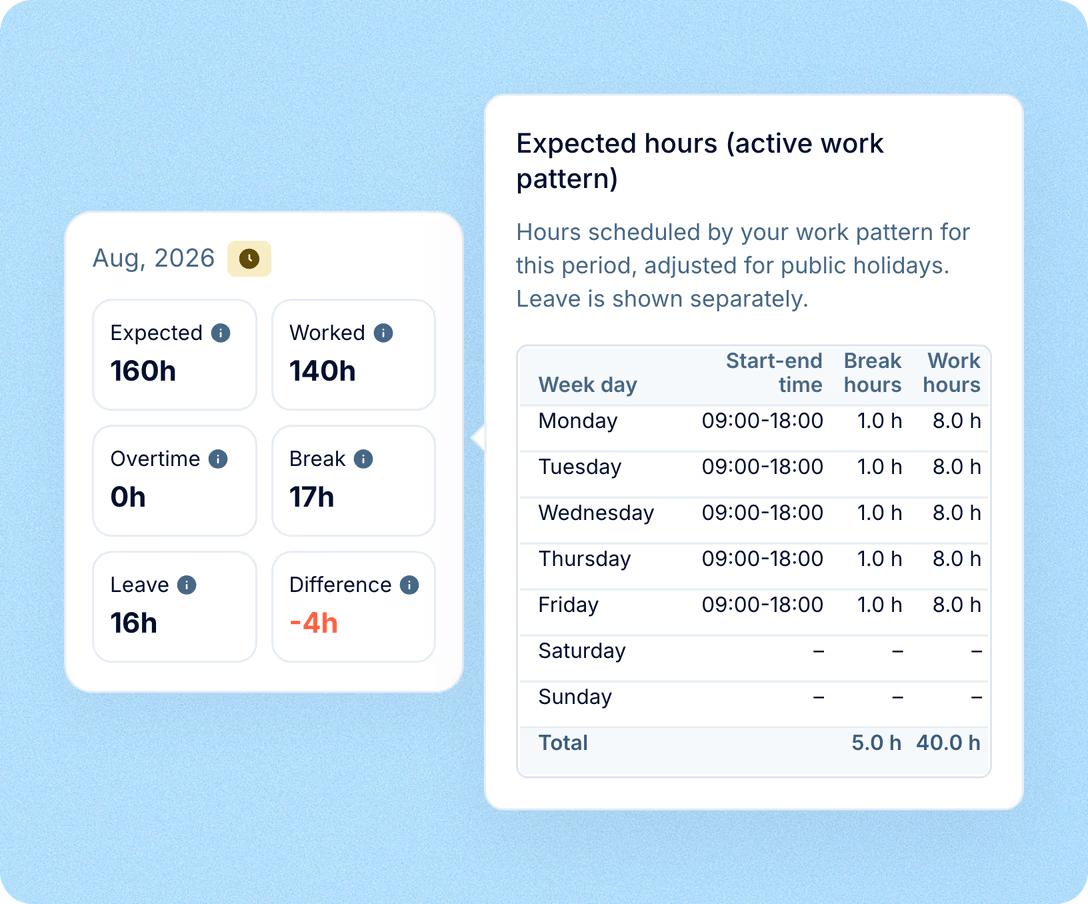
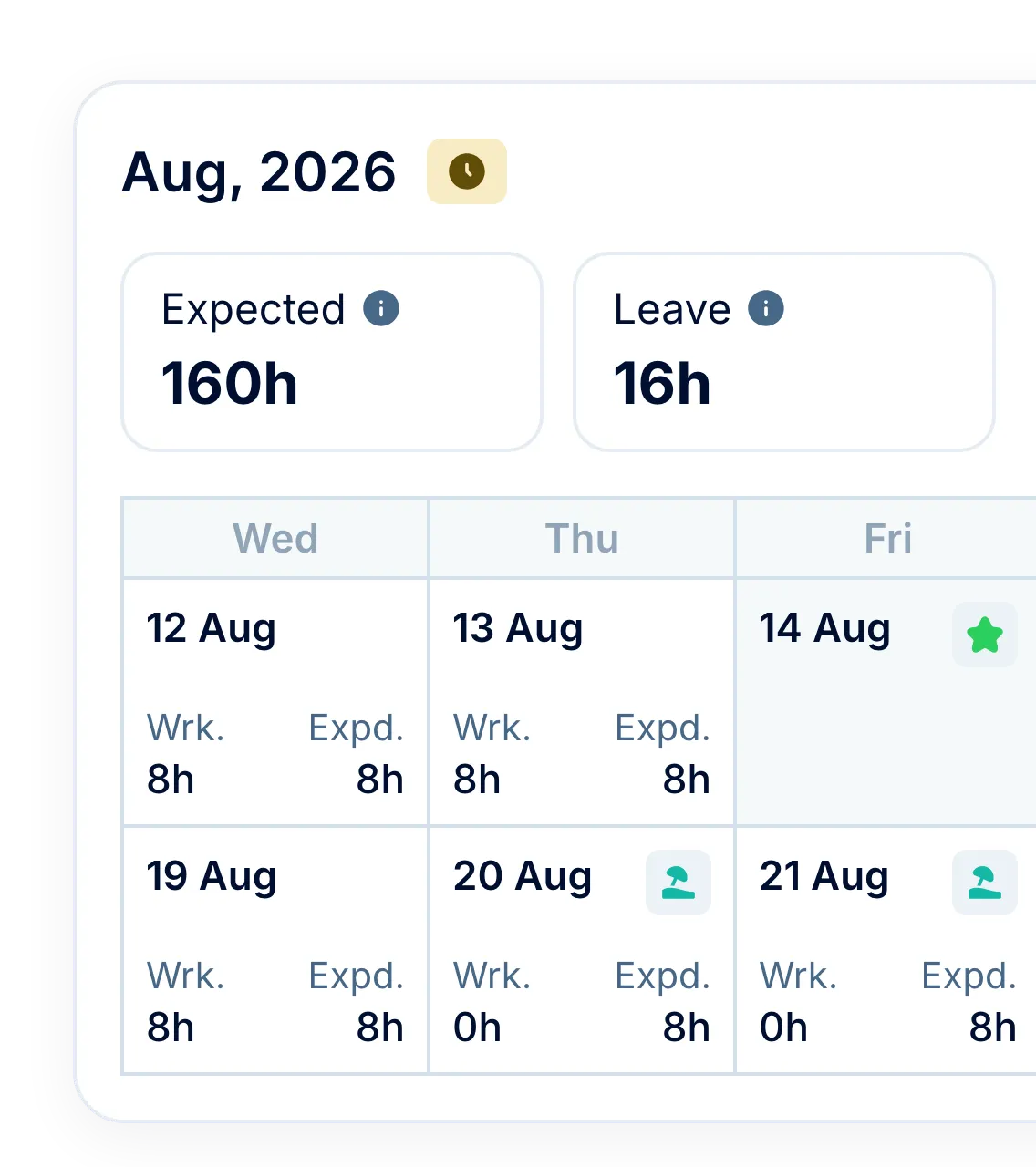
Spot missing hours before they delay month-end checks. Each timesheet brings together worked hours, approved leave and public holidays, showing the difference against the employee’s work pattern before submission.
Expected hours come from the work pattern in effect on each day, with the public holidays of the employee's location.
Approved non-working leave, such as vacation or sick leave, fills the Leave figure without being entered again.
Difference compares worked hours plus leave with expected hours, in red for a shortfall and green for extra time.
Approvals
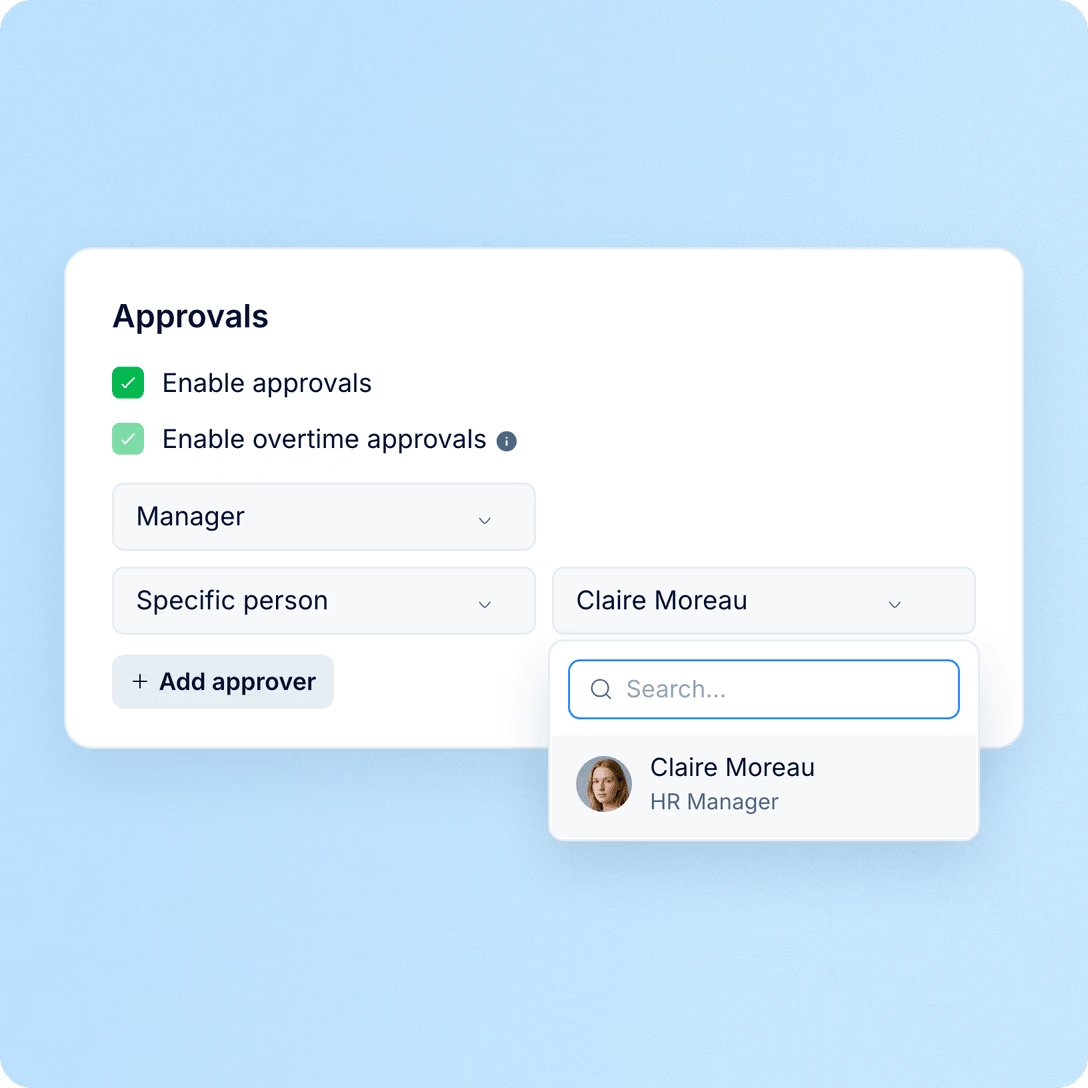
Keep approvals moving, even when a manager is away. Set the approval chain once in your attendance policy, and PeopleForce routes submitted timesheets through each step every month.
Month end
In many teams month end means a spreadsheet of who has sent their hours, a round of messages and days of re-keying before payroll. In PeopleForce, the list of who is missing, the reminders and the export are on one screen.
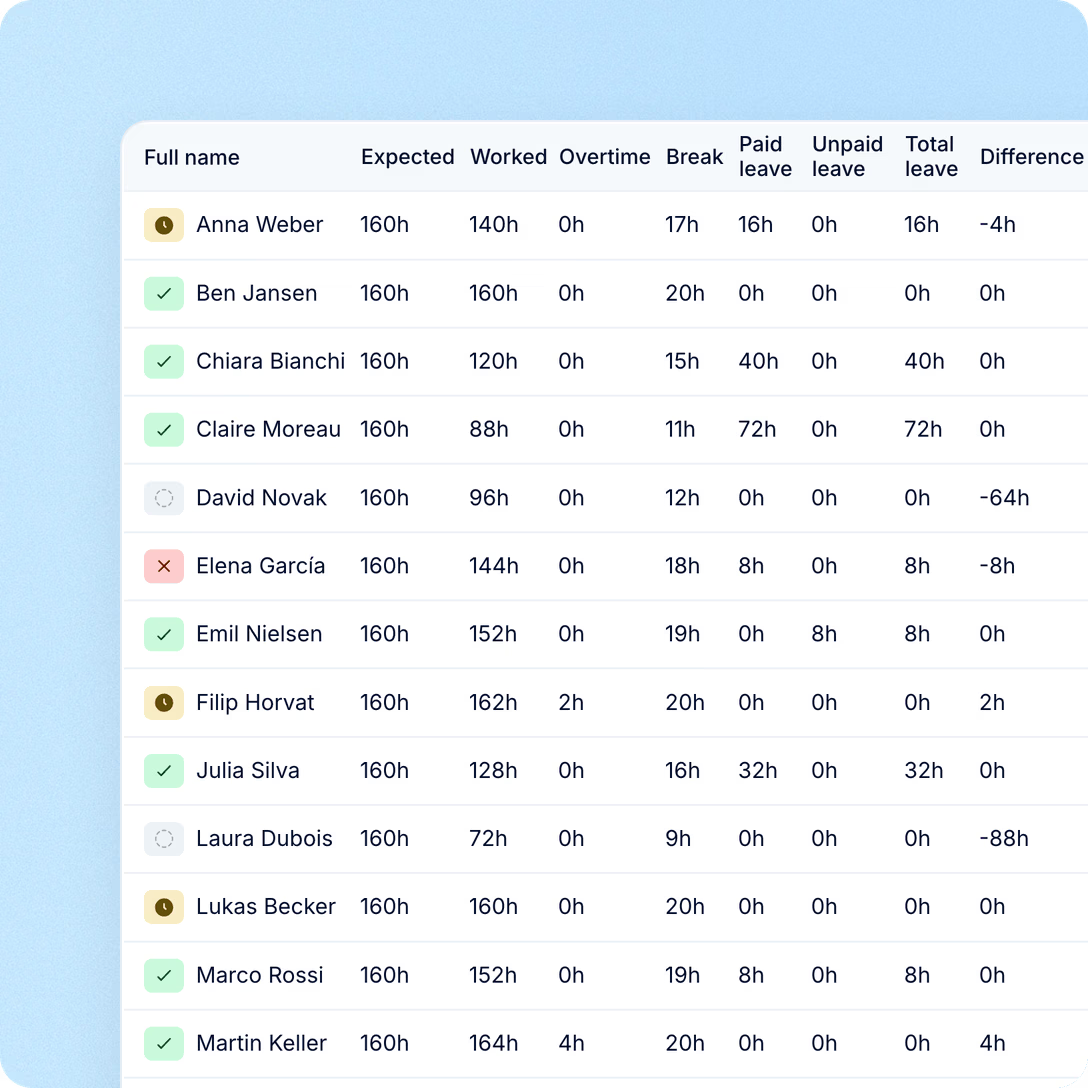
Employees fill it in, approvers sign it off, HR and payroll receive the hours. Everyone works from the same people, work patterns and leave in PeopleForce, so the numbers already add up.
For employees: one timesheet a month
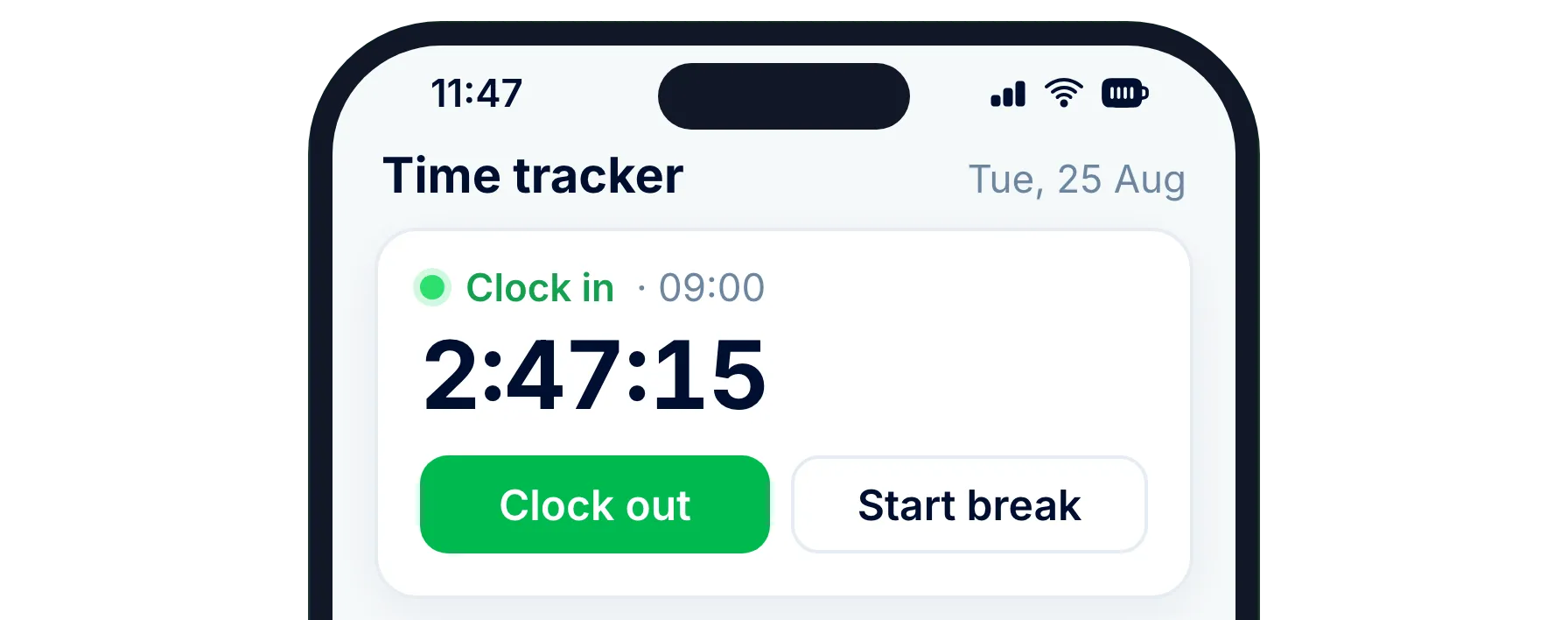
Clock in on the web or in the mobile app, autofill a standard month and check the difference to expected hours before submitting.
For managers: requests that find them
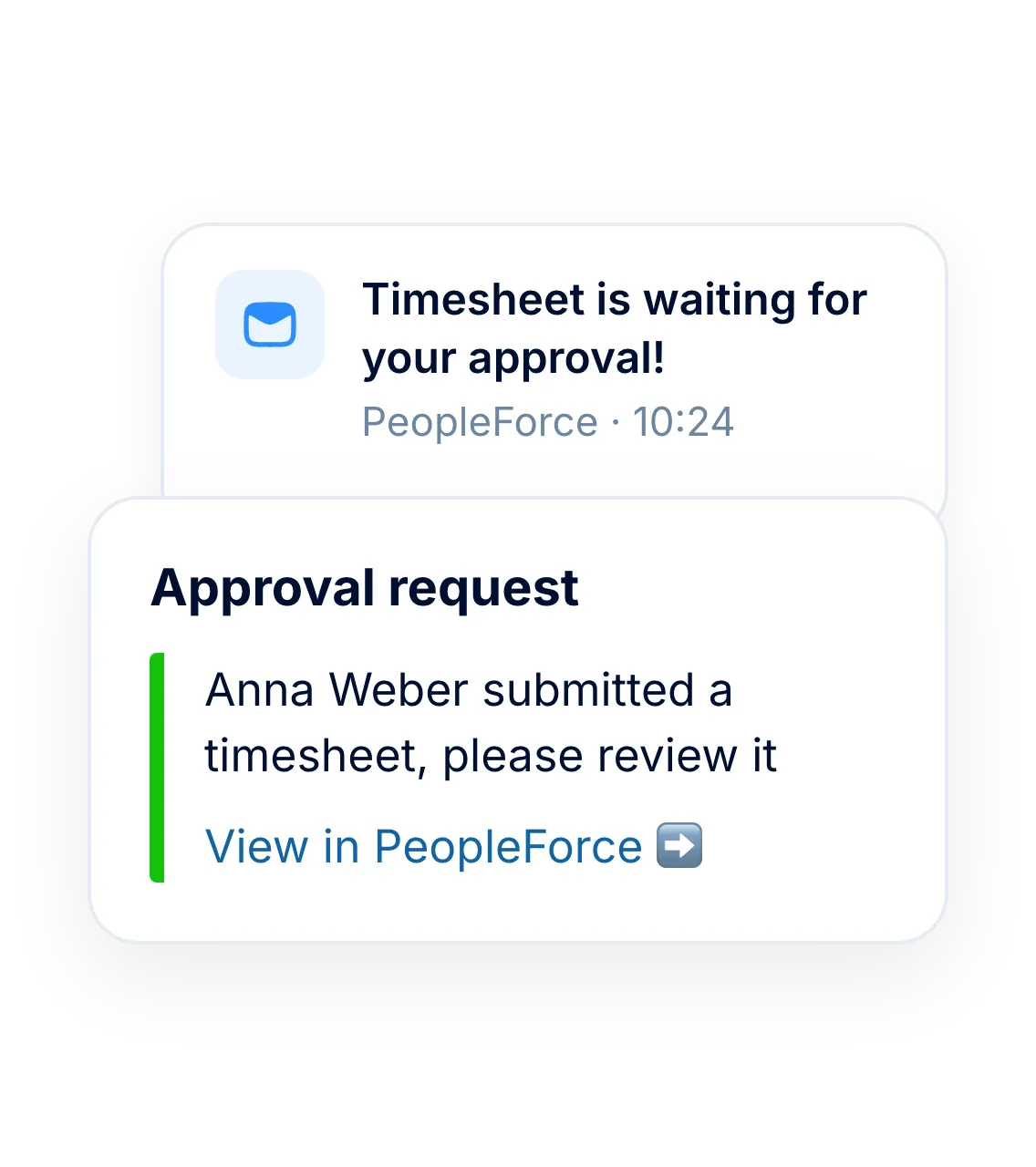
Timesheets arrive in PeopleForce, by email and in Slack or Teams with a link, and go to a substitute if the approver is on leave when they arrive.
For HR: hours that match leave
Approved leave and public holidays are already counted in every timesheet, and a submitted month can't be edited unless an approver sends it back.
For payroll: hours before the cut-off
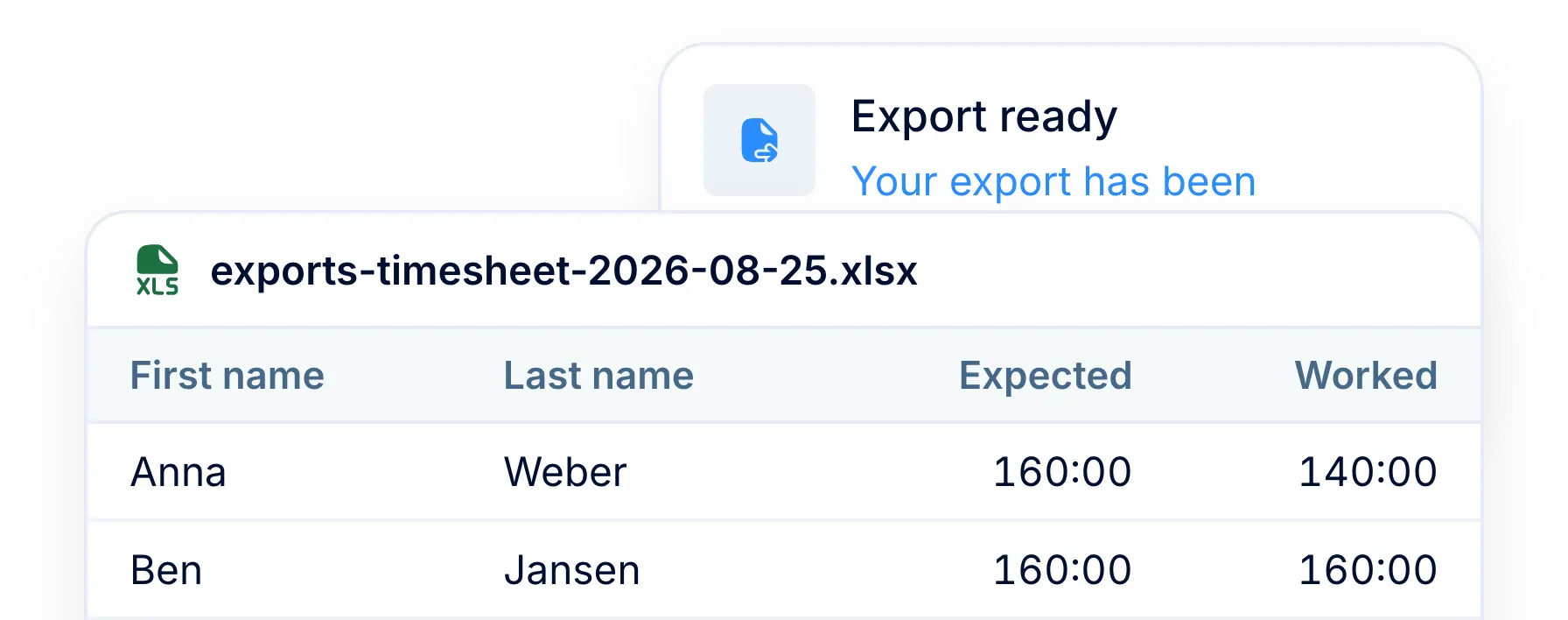
If payroll closes before month end, early timesheet submission lets people fill in and submit the current month ahead of it.
More in PeopleForce
Overtime rules, project hours, attendance policies and leave all feed the same monthly timesheet.
Overtime requests and rates
When a day runs past expected hours, the employee requests overtime and approvers review it. Only approved overtime counts, with its type and rate.

Overtime requests and rates
When a day runs past expected hours, the employee requests overtime and approvers review it. Only approved overtime counts, with its type and rate.

Leader

Users Love Us

Regional Leader

High Performer
Certifications, granular access and full control over what happens to your data.


 Best Support
See how a month goes from the first clock-in to approved hours in a short demo.