



How it works
From contractor rates to an approved run
Set up the cycle once. Every period, PeopleForce builds the run and you approve it.

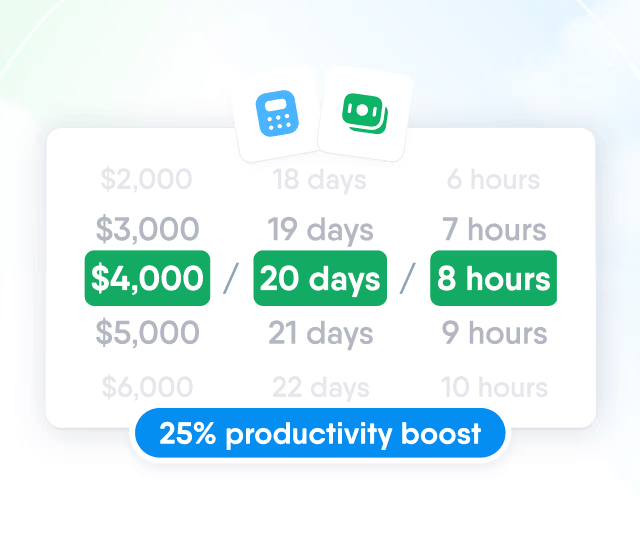
HR efficiency estimator
How does the HR efficiency estimator from PeopleForce work.
Calculate your impact
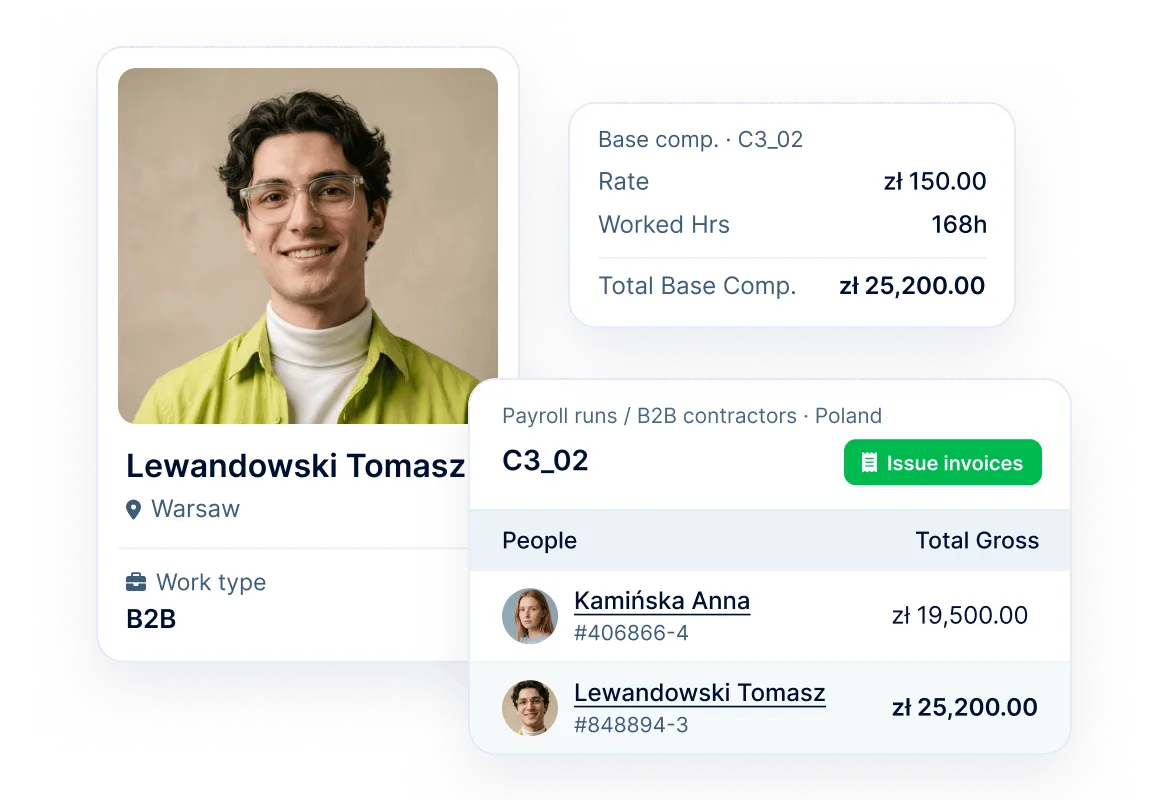
Run contractors in their own invoicing cycle. PeopleForce works out what each one is owed from compensation, time off and hours, in the cycle's currency. Invoice collection is coming soon.
How it works
Set up the cycle once. Every period, PeopleForce builds the run and you approve it.
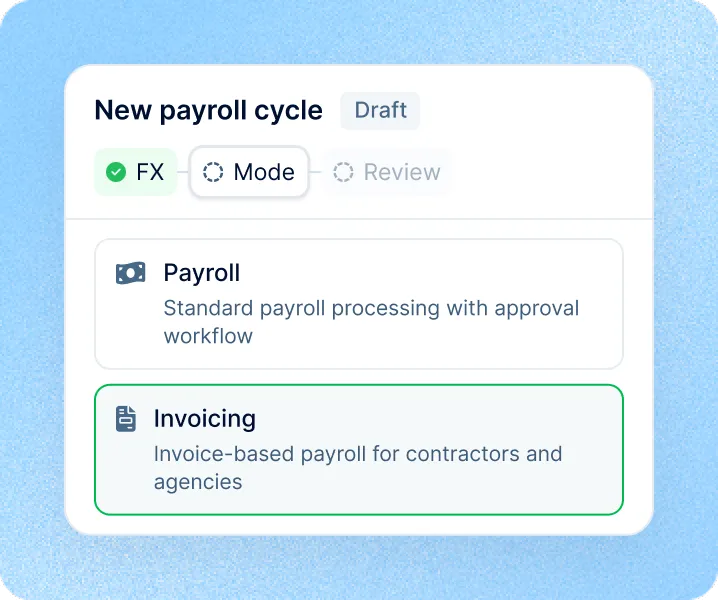
Set up an invoicing cycle
Choose Invoicing mode and add contractors by rule: legal entity, department, location or employment type.
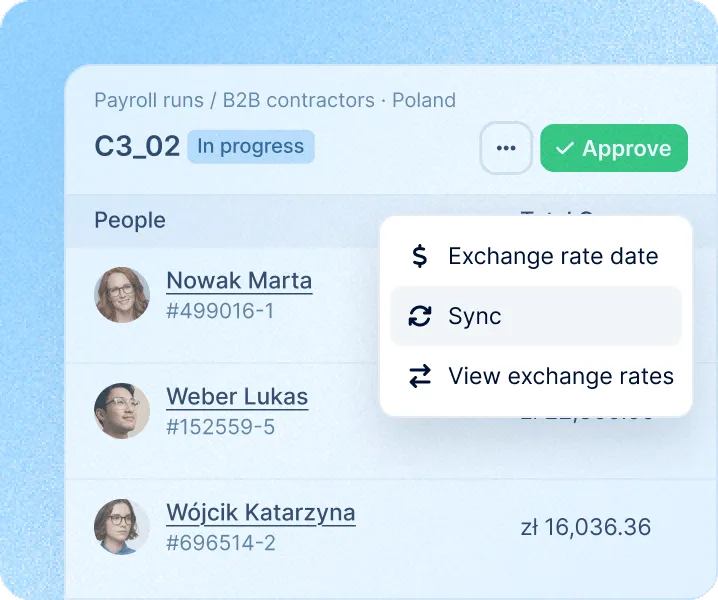
Amounts worked out for you
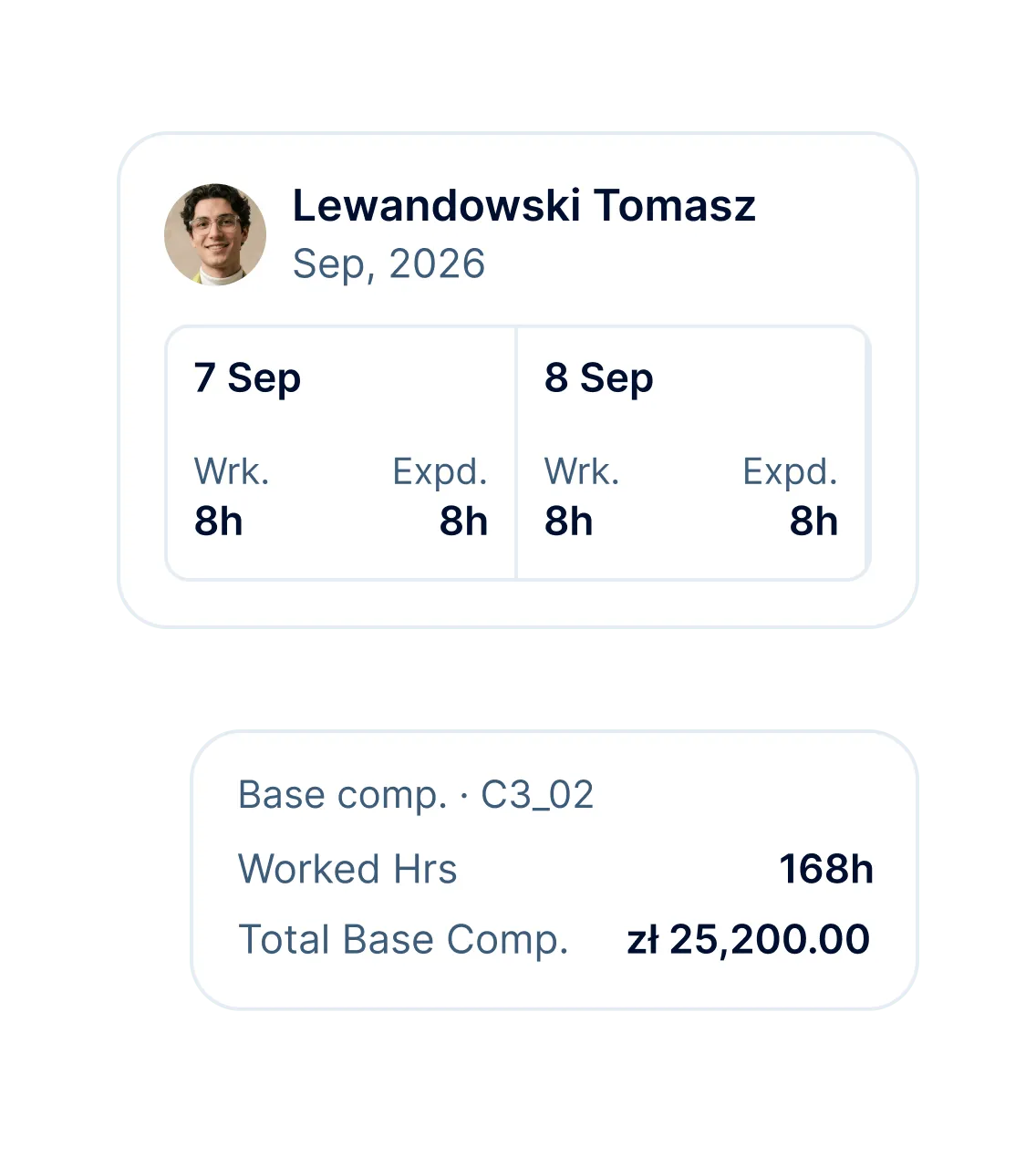
Each run pulls in compensation, adjustments, time off and hours, converted to the cycle's currency.
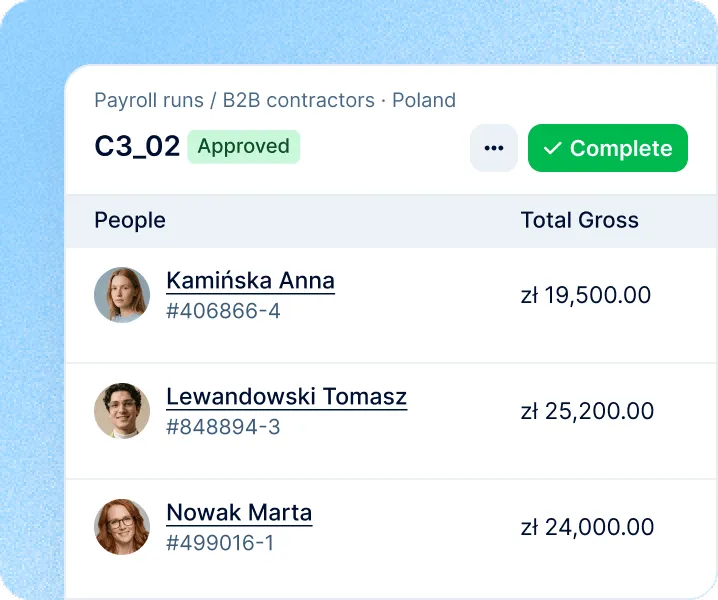
Approve and close the run
Approve the amounts, confirm the invoices are issued, then complete the run.
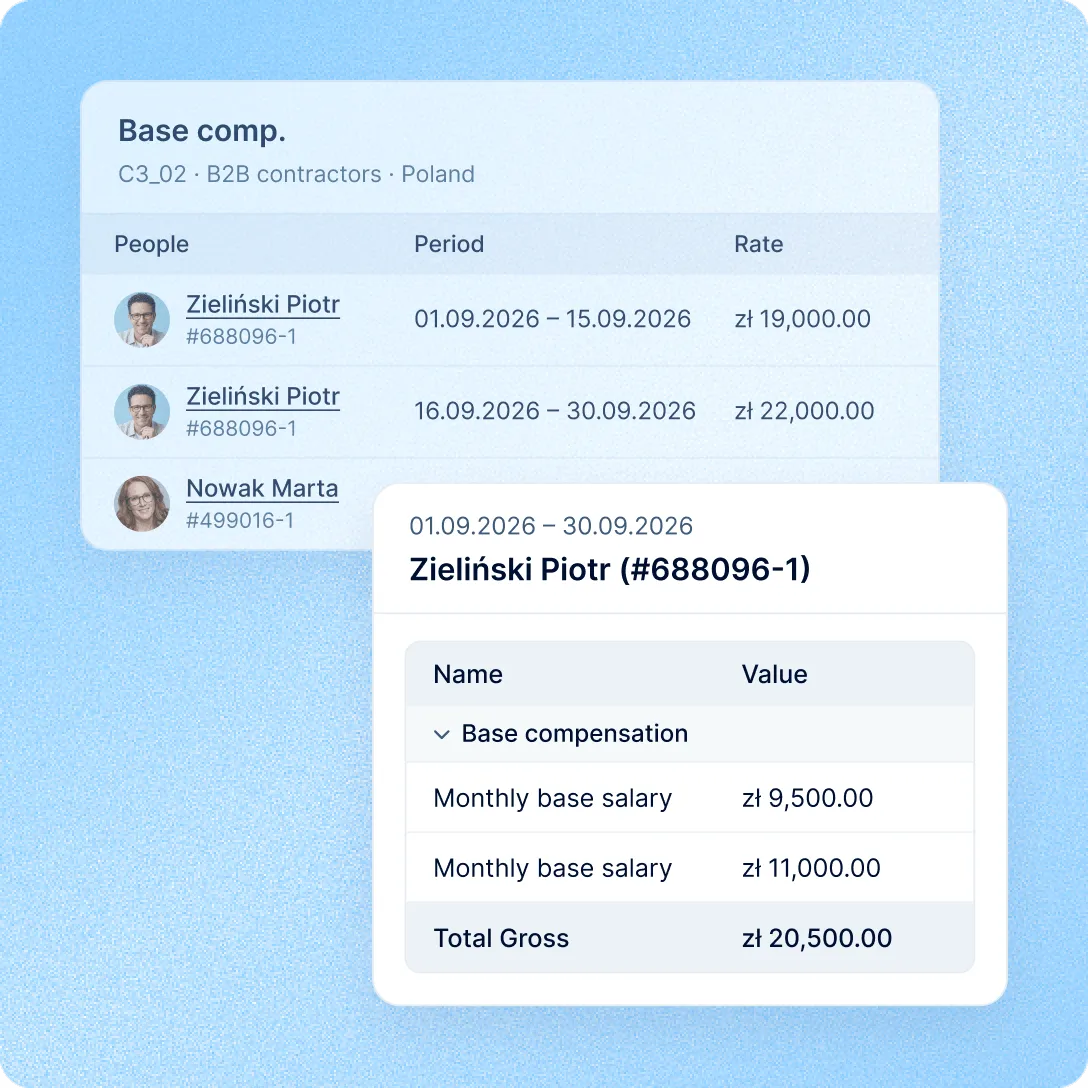
Invoicing: amounts
Contractor rates sit in Core HR next to everyone else's pay. The invoicing run picks them up together with time off, hours and adjustments, so finance starts from a number, not a spreadsheet.
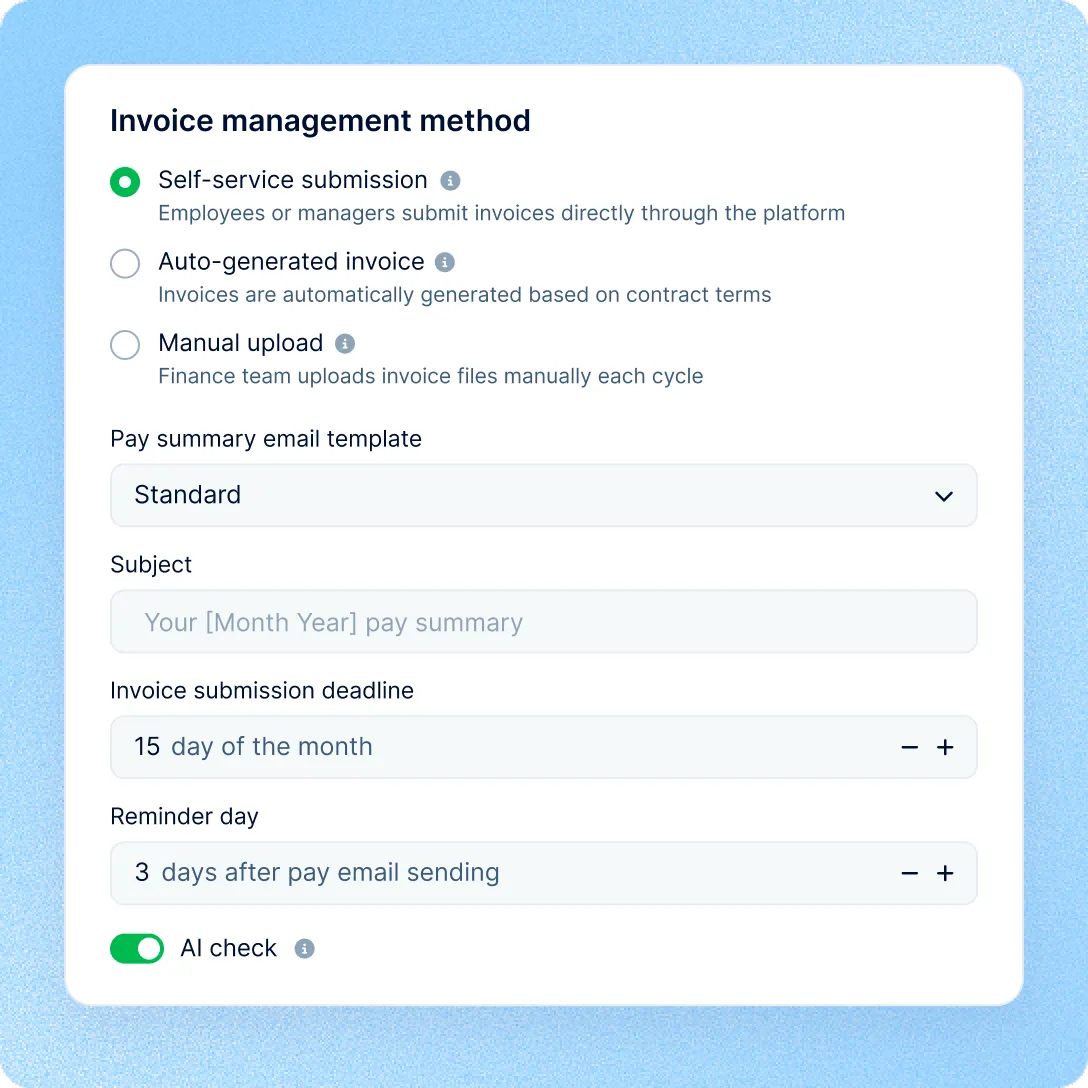
Invoicing: collection
Pick how each cycle gets its invoices: contractors submit them, PeopleForce generates them for confirmation, or finance uploads them. You can choose the method in the cycle today. AI check can be turned on for any method, and each invoice will be checked against the approved run for differences in the gross total or line items.
Where PeopleForce stops
PeopleForce Payroll works out gross amounts and keeps the record. Paying contractors, taxes and bookkeeping stay with your bank, accountant or ERP.
Invoicing: cycles
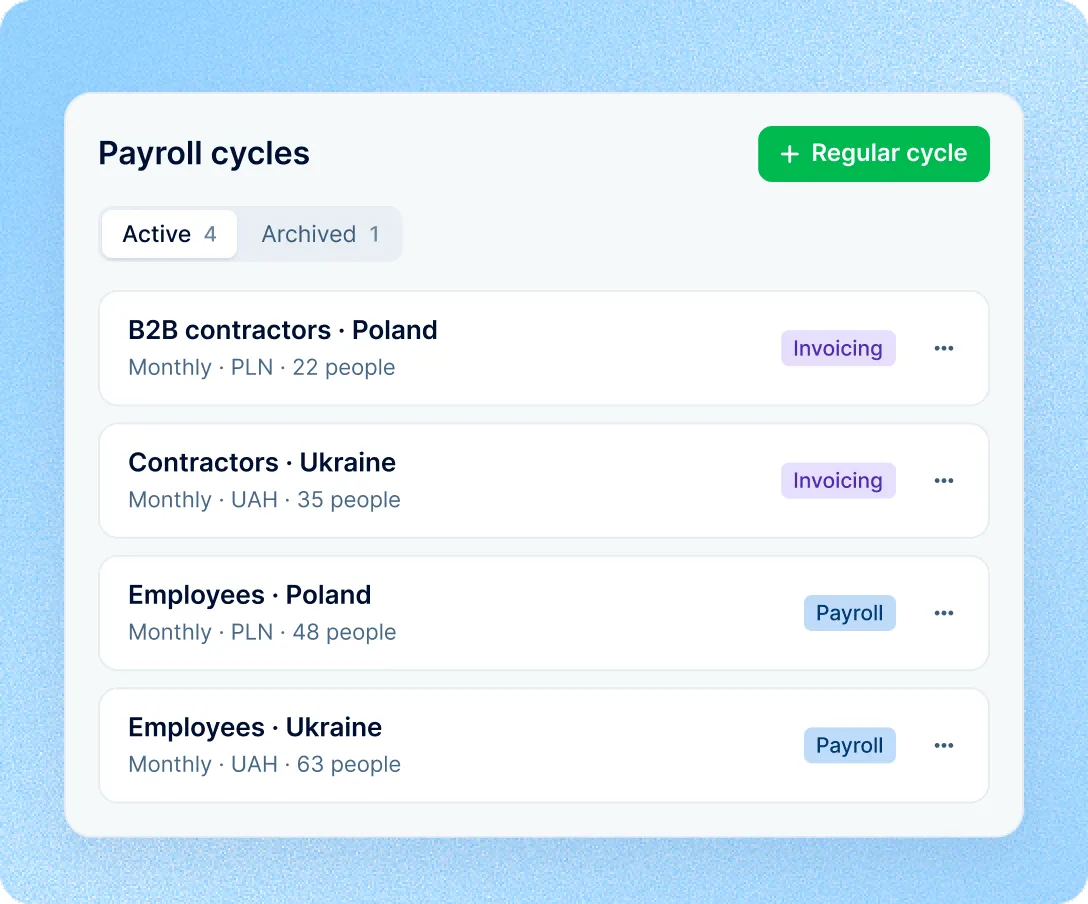
Run an invoicing cycle for contractors next to payroll for employees. Split cycles by legal entity or employment type, each with its own currency, all in one list filtered by mode.
Invoicing: runs
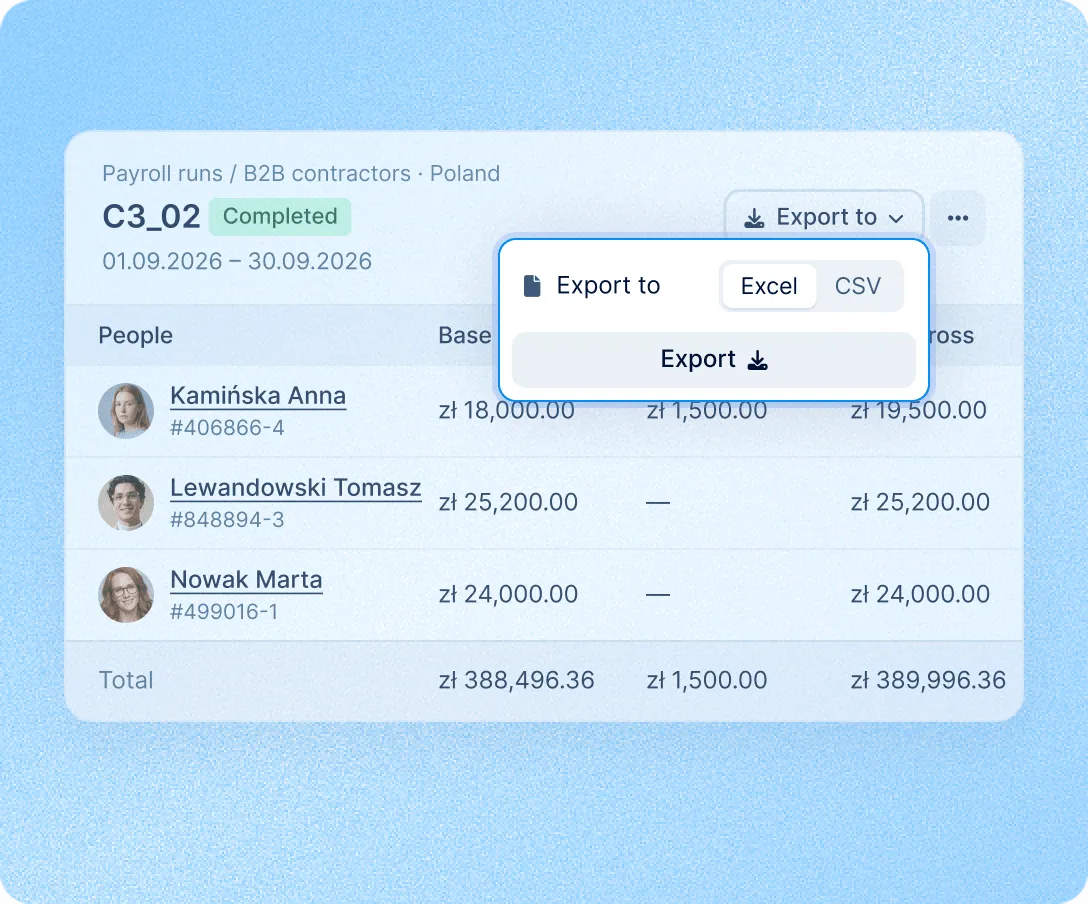
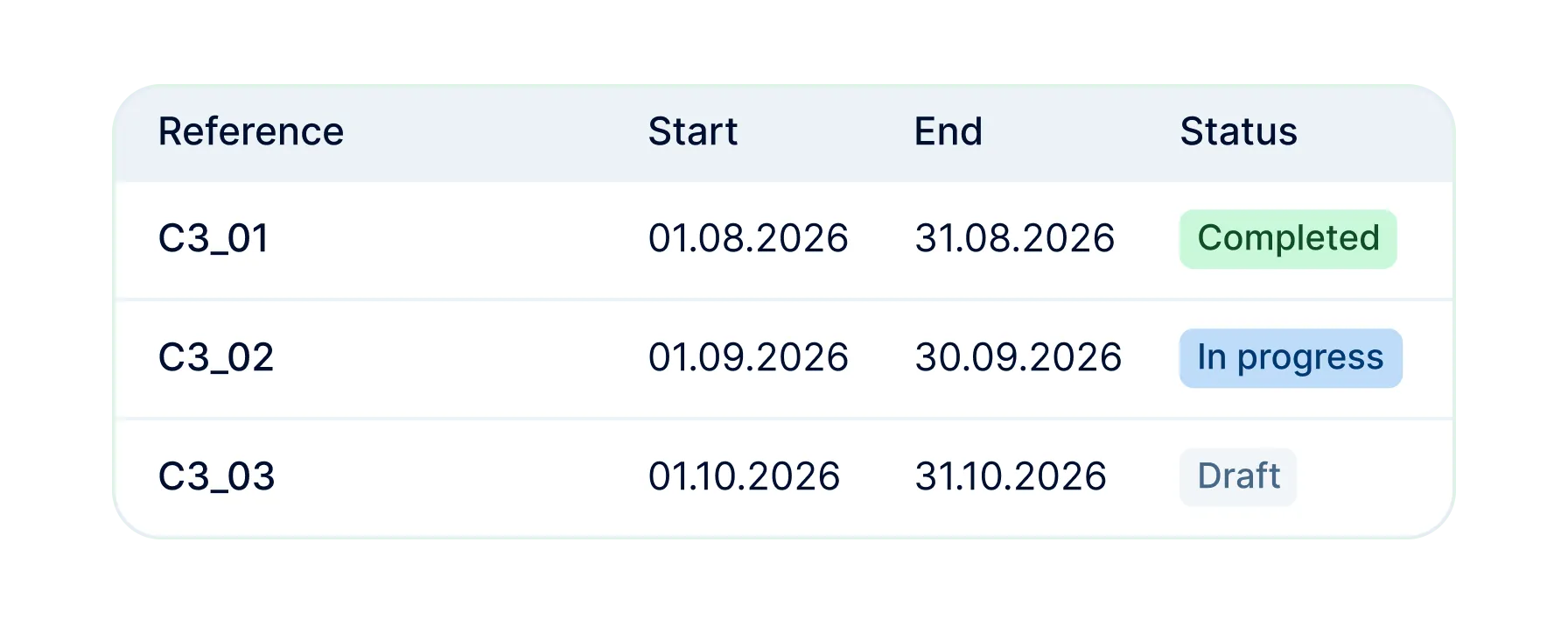
Runs go from Draft to In progress, Approved and Completed. Approval locks amounts and exchange rates, invoices are marked issued before completion, and runs export to Excel or CSV.
HR records, compensation, time and payroll in one system, so contractor amounts don't start in a spreadsheet.
One record for every worker
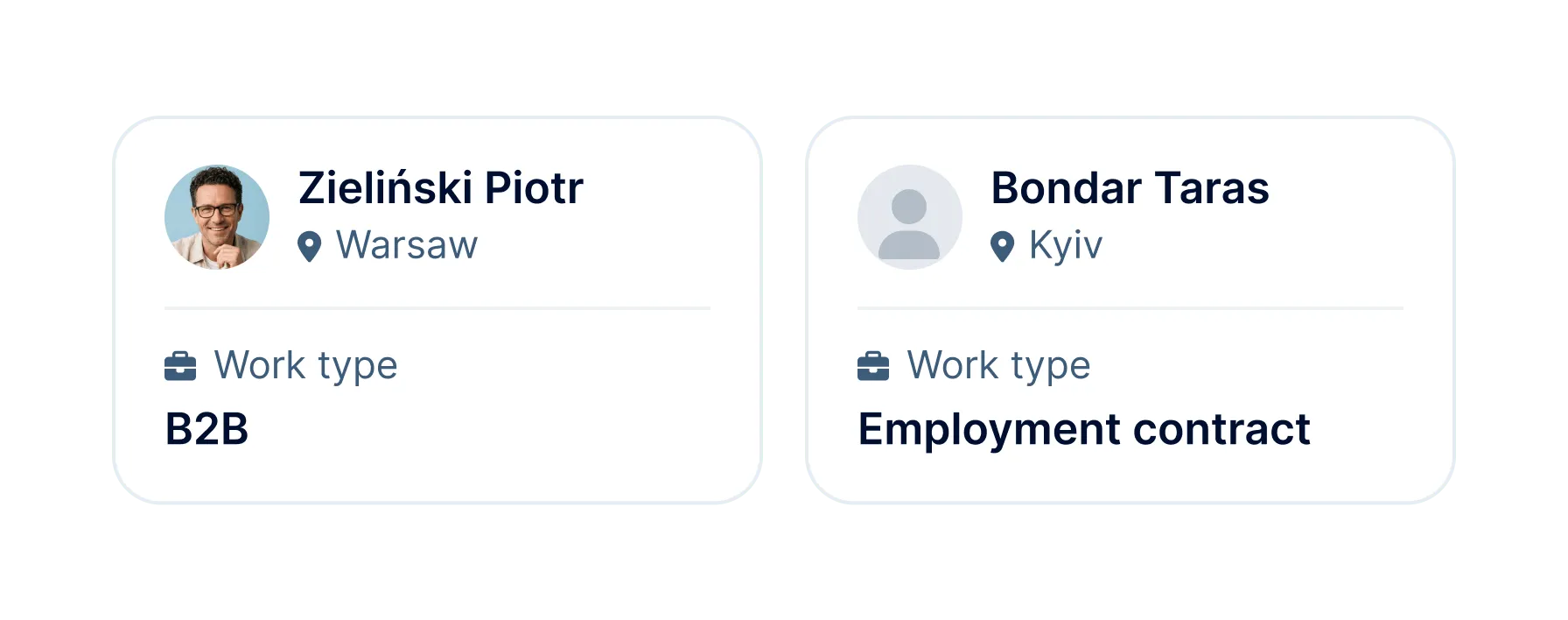
Employees and contractors have the same profile, one org chart and one compensation history.
No second system for rates
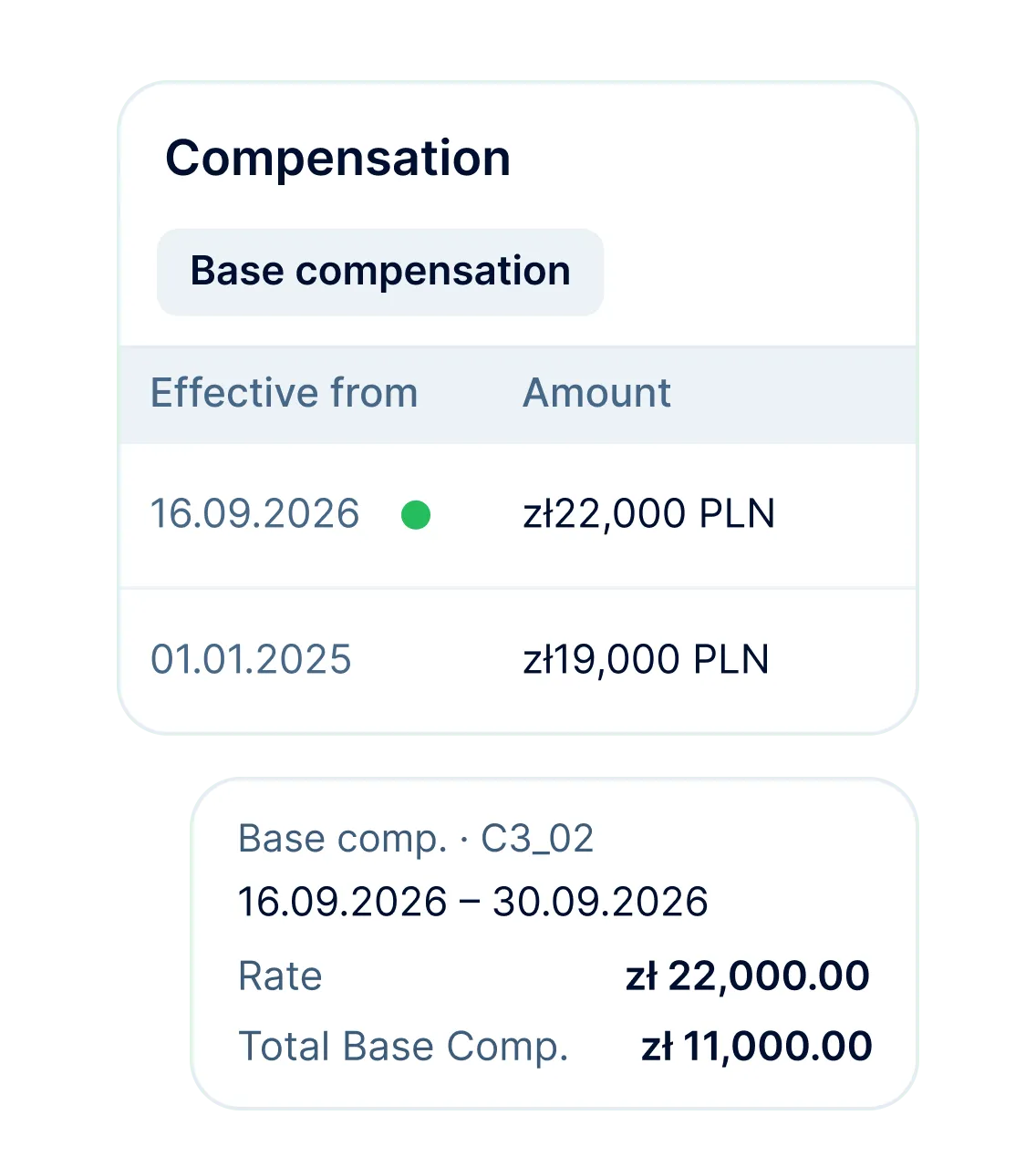
Contractor rates and adjustments live in Core HR, and every run reads them from there.
Hours straight from Time
With PeopleForce Time, approved timesheet hours feed hourly pay in the run, with no export.
Set up once, run each period
The cycle keeps its schedule, rules and currency, and builds a new run every period.
More in Payroll
Payroll cycles, runs and pay calculations built on the compensation, work schedules and leave already kept in PeopleForce.
Payroll cycles
Group people paid on the same schedule, in the same currency and under the same pay rules. Weekly, bi-weekly, semi-monthly and monthly frequencies are available.

Payroll cycles
Group people paid on the same schedule, in the same currency and under the same pay rules. Weekly, bi-weekly, semi-monthly and monthly frequencies are available.
Beyond the features
We get you live in weeks, not months, with real people answering after go-live, and room to add the rest of HR when you're ready.

Live in about four weeks
A dedicated success manager sets everything up with you. It's included in the plan, not a paid add-on.
Support in your language
Real people, not a ticket queue: a ~2-minute first reply and 98% satisfaction.
HR and payroll in one system
Compensation, time off and hours are already in PeopleForce, so payroll starts from your HR data, with nothing to import.

Leader

Users Love Us

Regional Leader

High Performer
Certifications, granular access and full control over what happens to your data and equipment.


 Best Support