Whistleblowing channel for anonymous reports

Safe Speak in PeopleForce Desk gives employees a confidential way to report misconduct — and HR one place to handle it.

Whistleblowing channel for anonymous reports

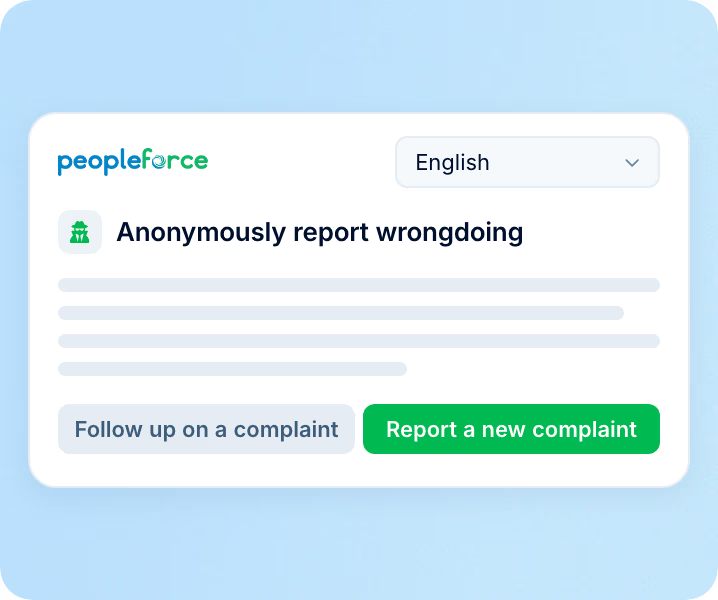
Safe Speak: the reporting page

How a report reaches you

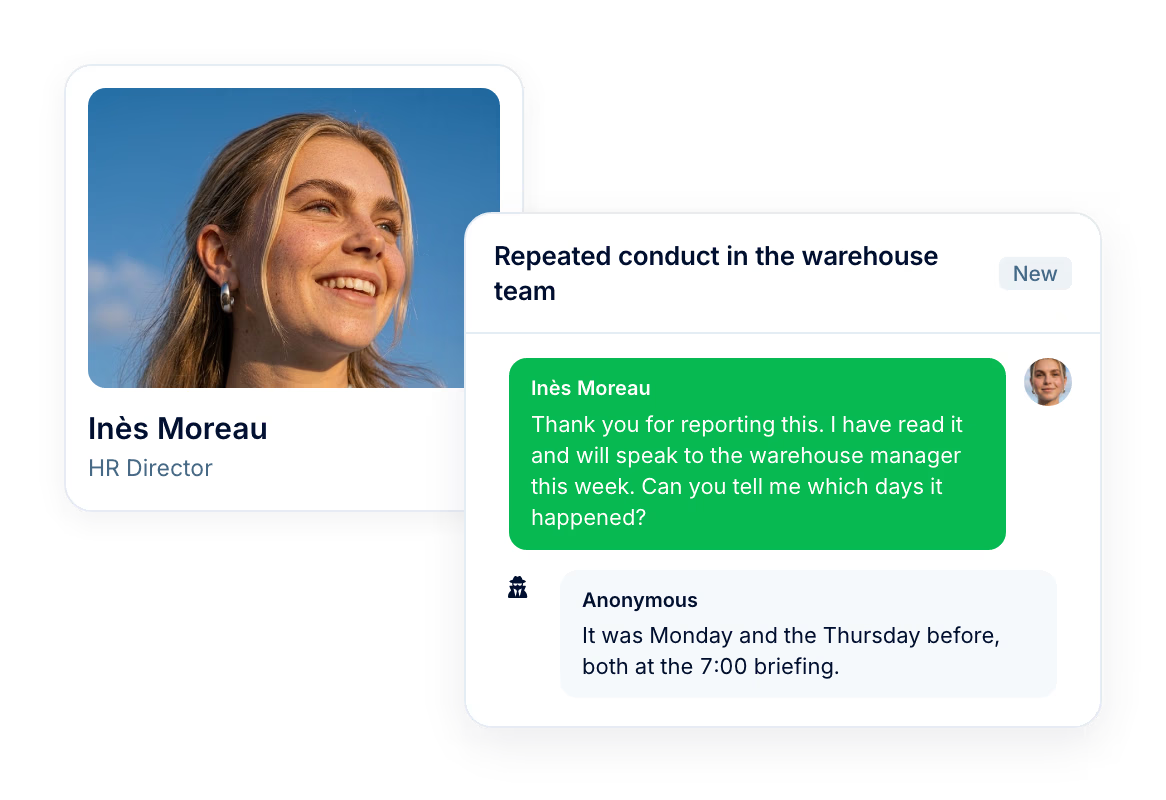
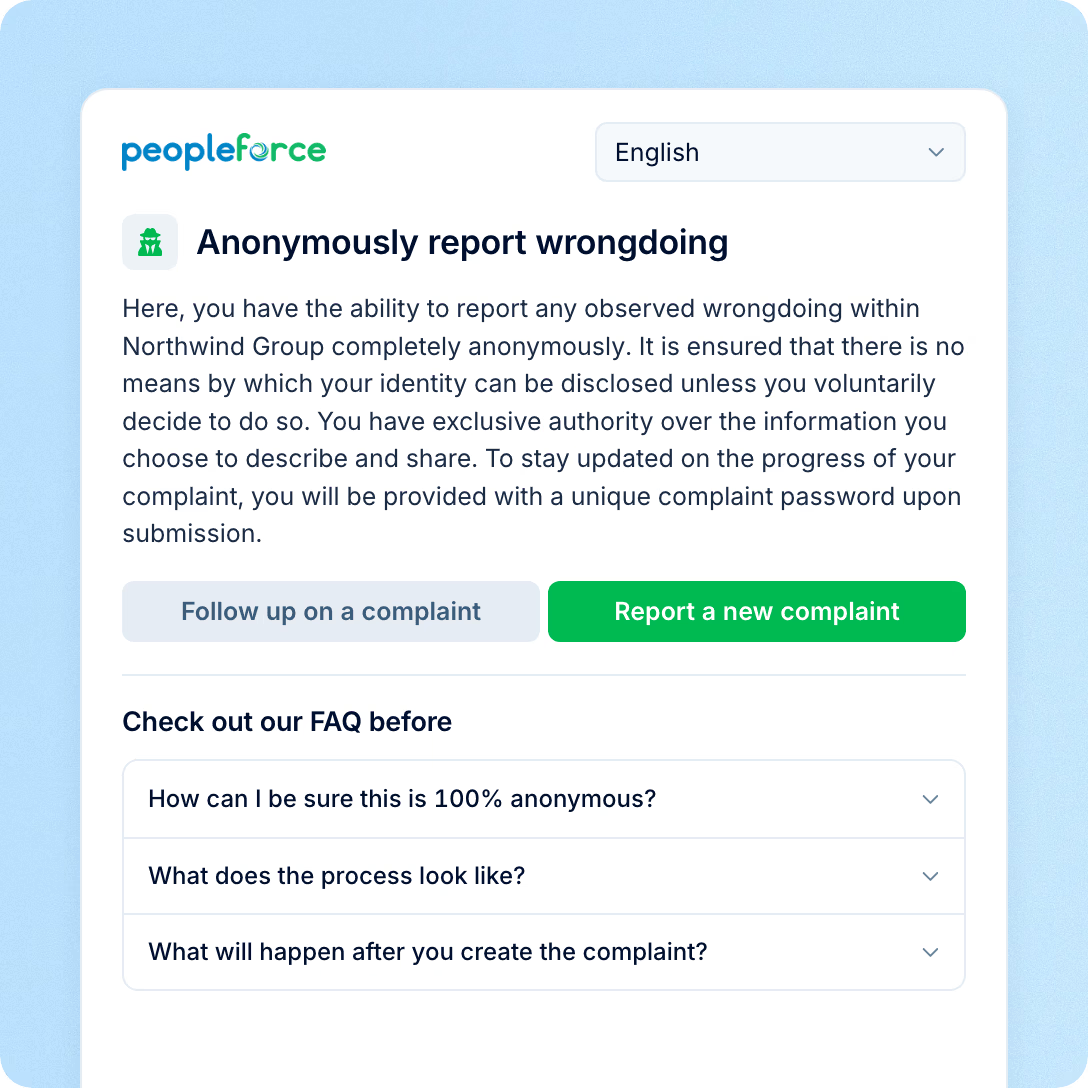
Your account has one Safe Speak link. It is a public page, so the person raising a concern never signs in, never appears in your employee list and never leaves an address you could write back to. What they get instead is a key to the case.

  • A page that opens without a login

    The link works for anyone who has it — employees, contractors, suppliers and former employees. No account is created, and no name or email is asked for.

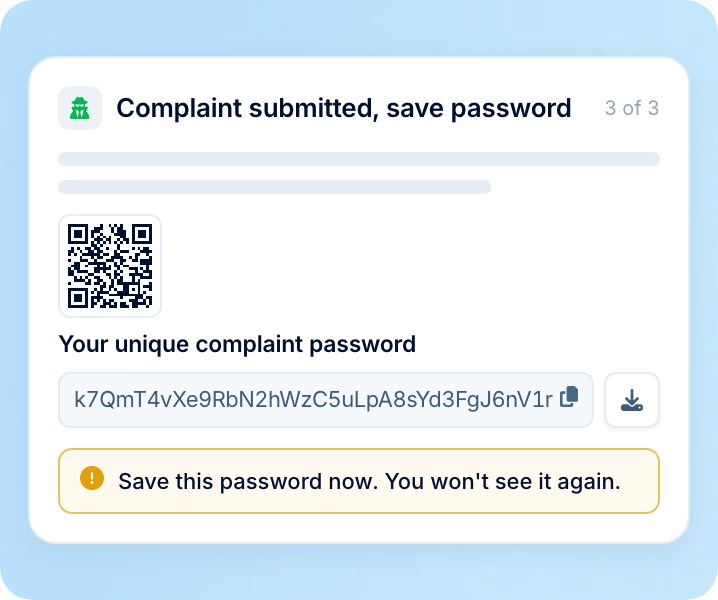
  • A case password and QR receipt

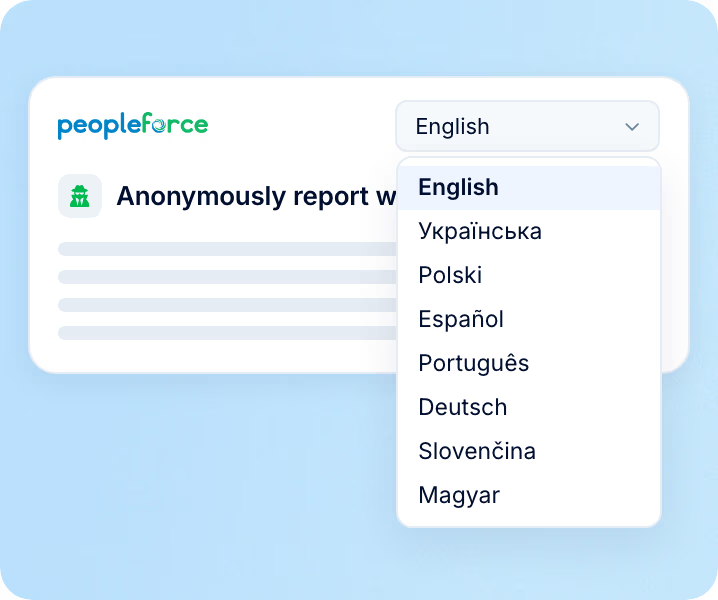
  • Nine languages on one link

preview

Safe Speak: access

Who can read the reports

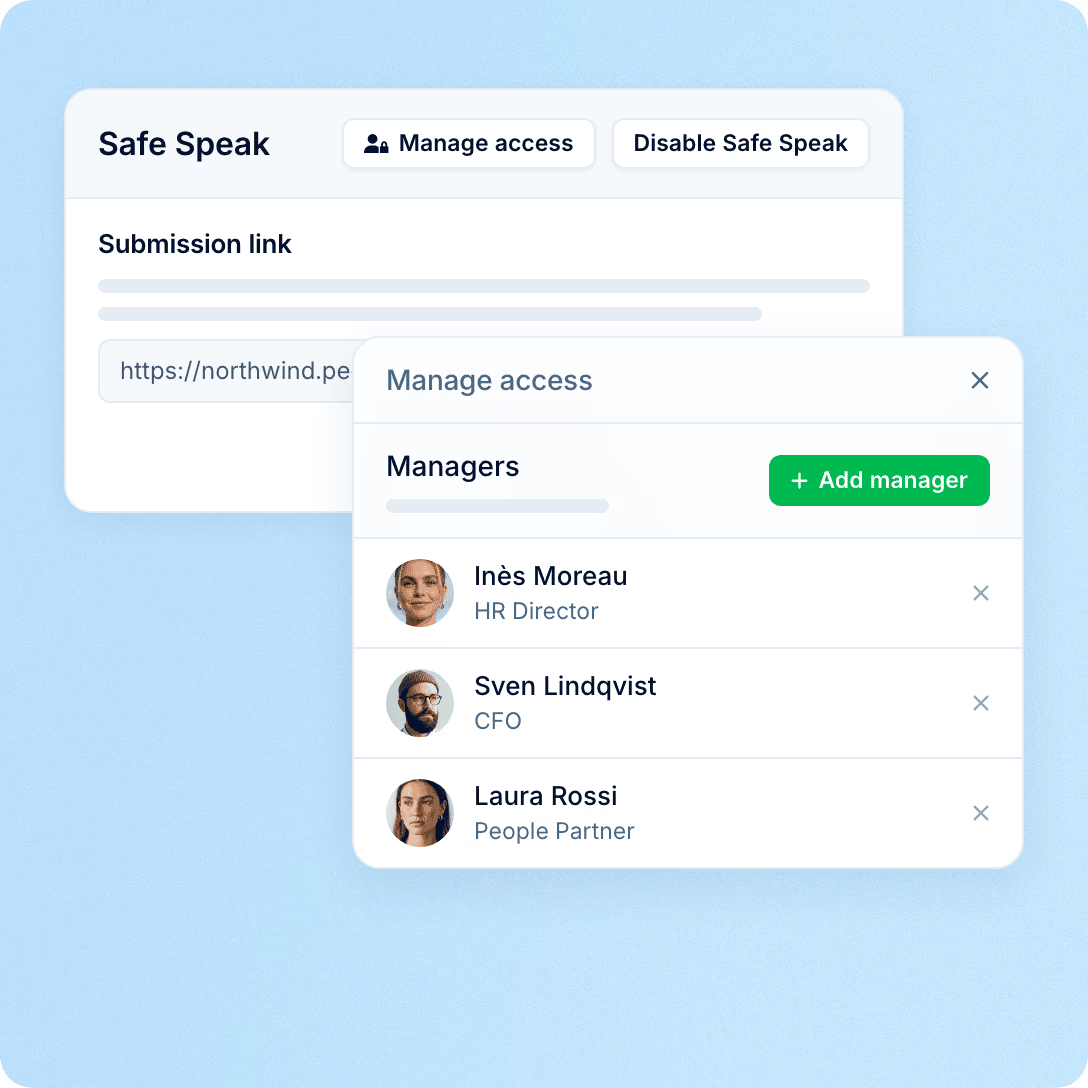
Access to Safe Speak is set by a separate, named list. Being a PeopleForce administrator does not put someone on it, and neither does the right to manage ordinary HR tickets — a person has to be added by name, and can be taken off the same way. It is the first thing to settle when a reporting channel lives inside an HR system: not whether the report is anonymous, but who inside the company can open it.

  • A named access list

    Only the people on the Safe Speak list see complaints. The list is set on its own, independently of every other role and permission in the account.

  • Internal notes kept apart from replies

  • A named handler answering an unnamed reporter

preview

Safe Speak: handling

Working a case

Every report arrives in its own list with the handling tools the rest of Desk uses: a category, a status, a priority, an assignee and one thread that holds the whole correspondence.

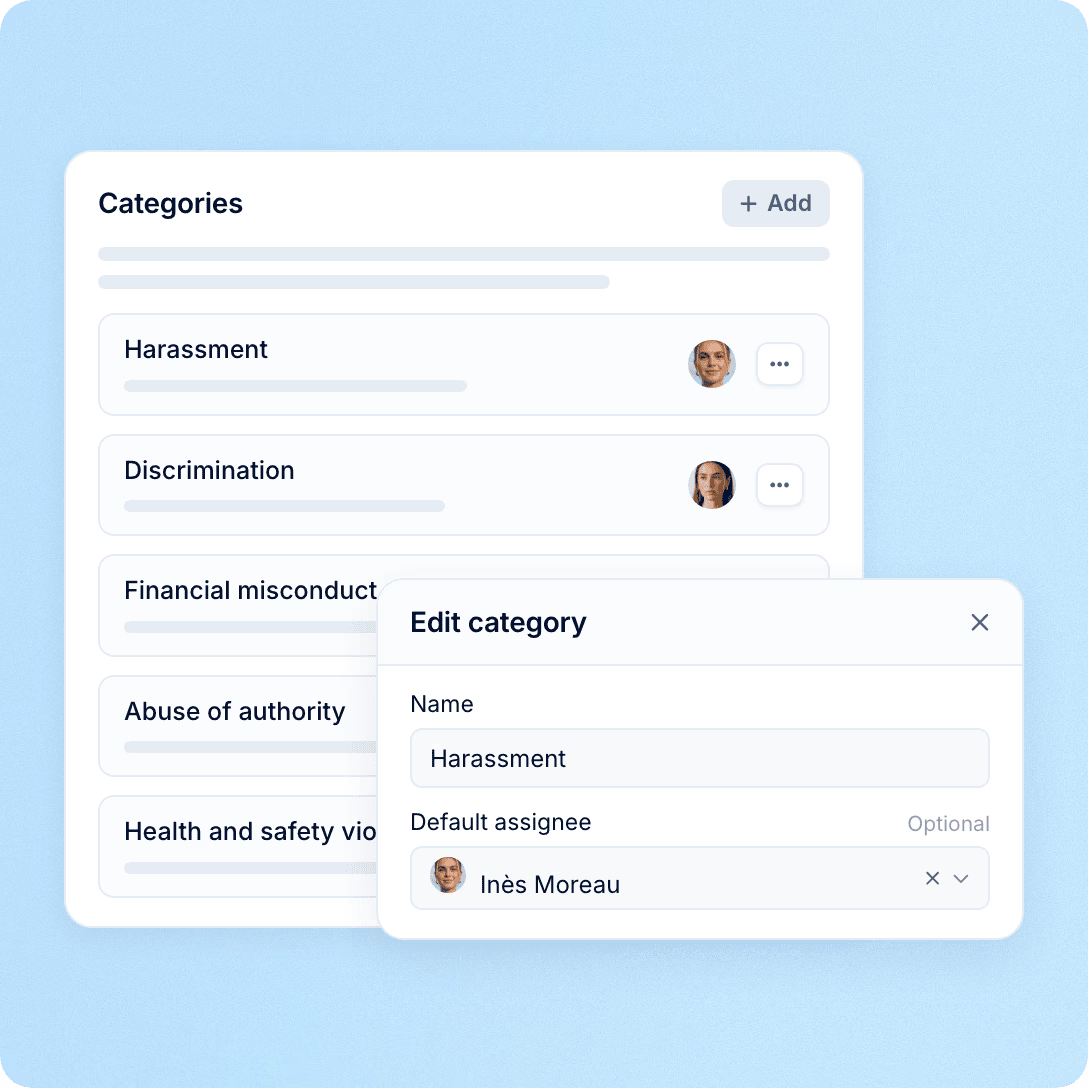
  • A handler assigned by category

    You name the categories the form offers, and each one carries its own default handler — harassment to the HR director, financial misconduct to the CFO. The report reaches that person the moment it lands, before anyone has read it.

  • A report that cannot be rewritten

  • A seven-day marker on every report

preview

In practice

What this changes in practice

Three consequences of running the channel inside your HR system rather than beside it.

Included
A channel included with the platform

A channel included with the platform

Safe Speak switches on with Desk. No separate vendor to procure, no separate rollout, no second admin panel for HR to maintain.

Beyond payroll
A link that works beyond your payroll

A link that works beyond your payroll

Contractors, suppliers, candidates and former employees use the same link as employees, because the page never asks who anyone is.

Reporter-held key
A key only the reporter holds

A key only the reporter holds

No account, no name, no email and no employee record is attached to a case. The password that gets the reporter back in is issued once and cannot be issued again.

Safe Speak: scope

What your organisation sets, and what PeopleForce runs

Directive (EU) 2019/1937 asks organisations with 50 or more employees to run an internal reporting channel, acknowledge a report within seven days and come back to the reporter within three months. Safe Speak is where those reports arrive and where the conversation happens. The procedure around it — who handles what, on what terms, kept for how long — is written by your organisation and its advisers.

Your organisation decides

  • Which categories the reporting form offers
  • Who sits on the access list, and who is taken off it
  • Whether one channel serves both your whistleblowing and your anti-harassment procedure, or two run separately
  • How long a closed case is kept, and what your privacy notice says about it

PeopleForce runs

  • The public reporting page and its nine languages
  • The case record, with no account or identity attached to it
  • The case password, the QR receipt and the way back into the thread
  • Access limited to the named list, statuses and the seven-day marker
  • A deleted complaint stays readable to the reporter, showing who deleted it and when

More in Desk

The rest of the module

Safe Speak comes with Desk, where employees bring everything else they need from HR, IT and finance.

Every question to HR, IT and finance in one place

Questions to HR, IT and finance as tickets, with categories, assignment and a thread per request.

Learn more
HR helpdesk

Beyond the features

Why HR teams choose PeopleForce

We get you live in weeks, not months — with real people answering after go-live, and room to add the rest of HR when you're ready.

Live in about four weeks

A dedicated success manager sets everything up with you — it's included in the plan, not a paid add-on.

Support in your language

Real people, not a ticket queue: a ~2-minute first reply and 98% satisfaction.

Room to grow

Start with Core HR and add recruiting or performance later — same employee record, no second system.

icon

Leader

Summer 2026
icon

Users Love Us

Milestone Summer 2026
icon

Regional Leader

Europe Summer 2026
icon

High Performer

Europe Summer 2026

Security and operational continuity

Certifications, granular access and full control over what happens to your data.

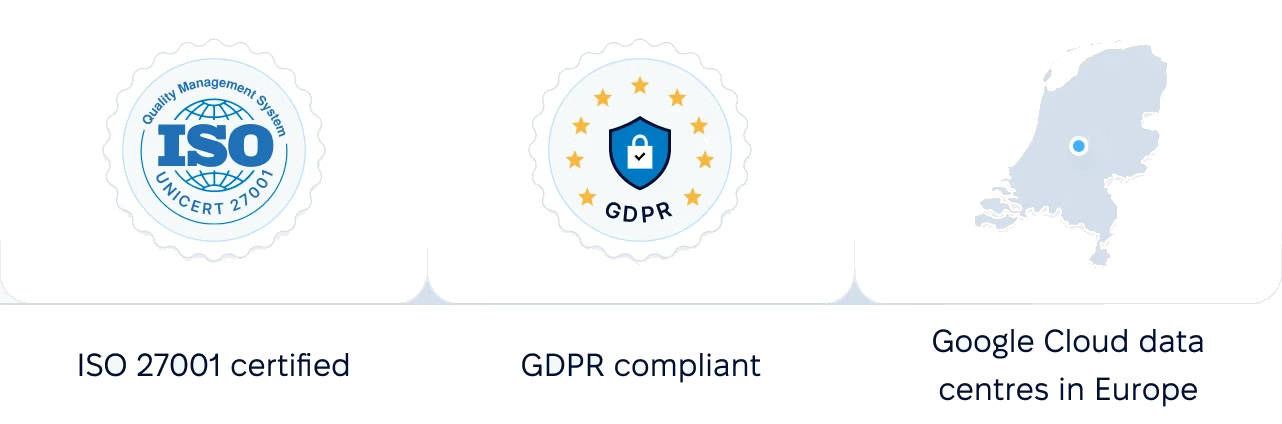
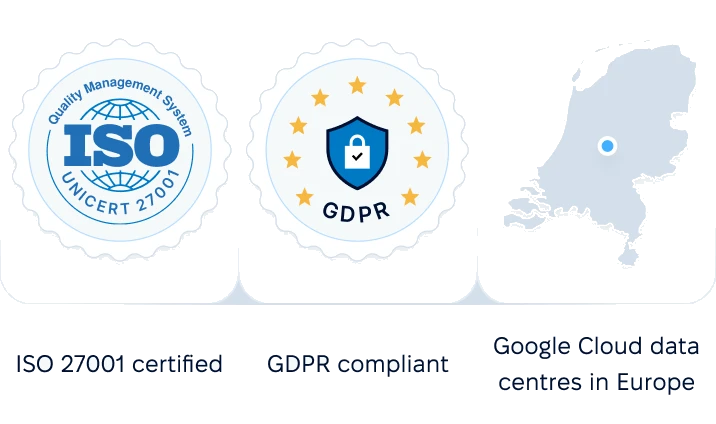
ISO 27001 certified, GDPR compliant, Google Cloud data centres in Europe
G2Best Support

Frequently asked questions

Can a PeopleForce administrator read the reports?

Can someone outside the company report something?

How does the reporter learn about your reply if you have no contact for them?

What happens if the reporter loses the case password?

Can we use it for harassment and bullying, not only breaches of law?

What does it cost?

Which languages does the reporting page support?

Can the reporter attach files?

See Safe Speak with your own categories

A 30-minute walkthrough of the reporting page, the access list and how a case is handled — set up the way your organisation would run it.