



More in AI
Explore the rest of AI in PeopleForce
AI insights is one of the AI features for performance reviews in PeopleForce. Below are the other AI tools for reviews, plus AI Companion and AI in recruiting.

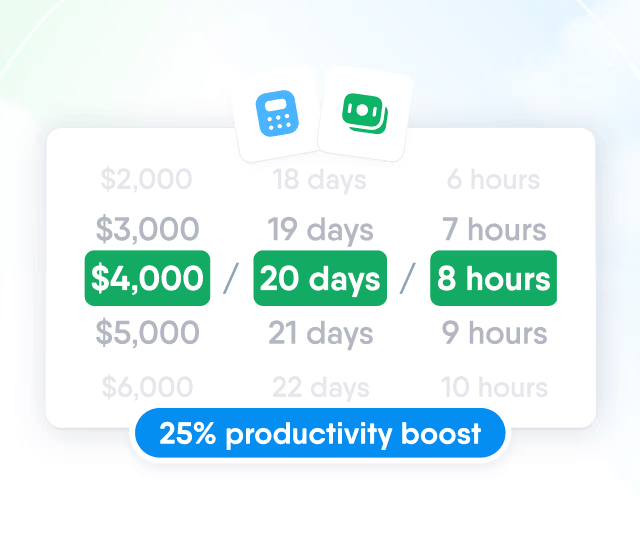
HR efficiency estimator
How does the HR efficiency estimator from PeopleForce work.
Calculate your impact
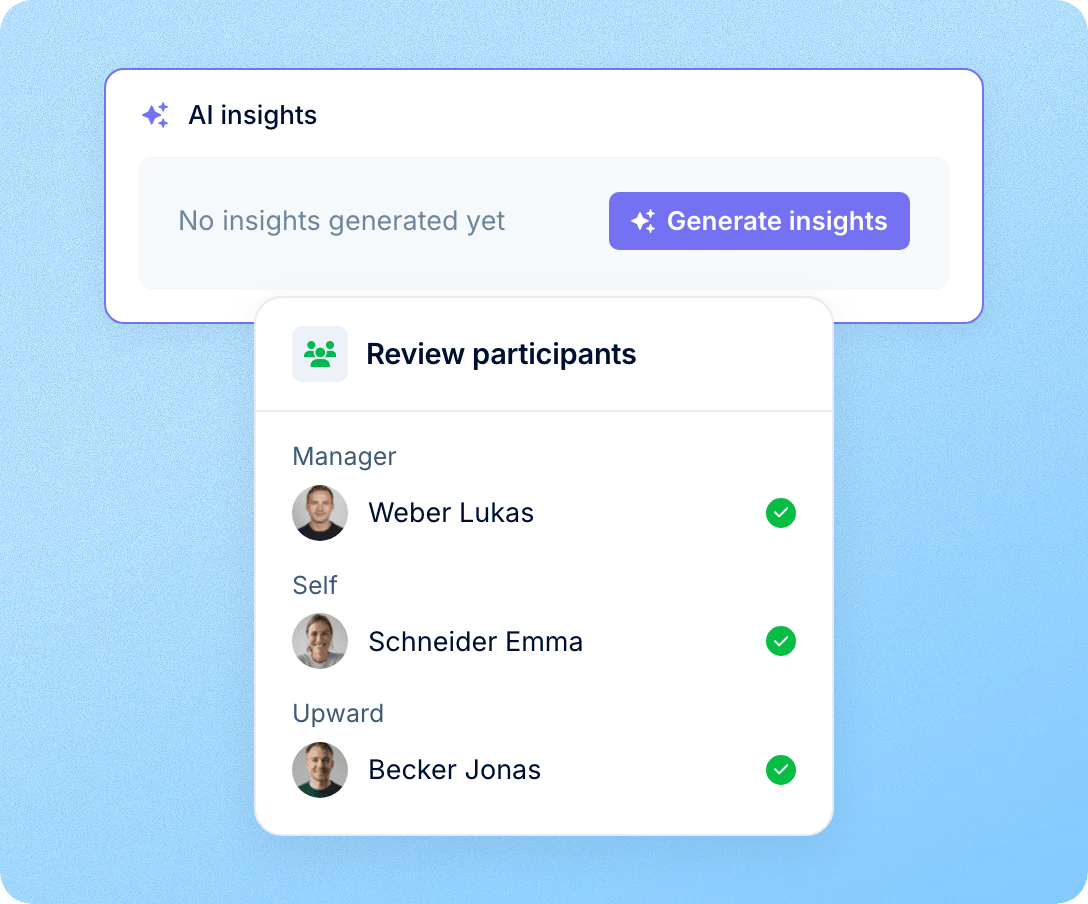
On any employee’s review, the people running the cycle press Generate insights. The AI reads the ratings and written answers from that person’s reviewers and writes a short summary of their strengths and opportunities. It appears on the review, next to the answers it’s based on.
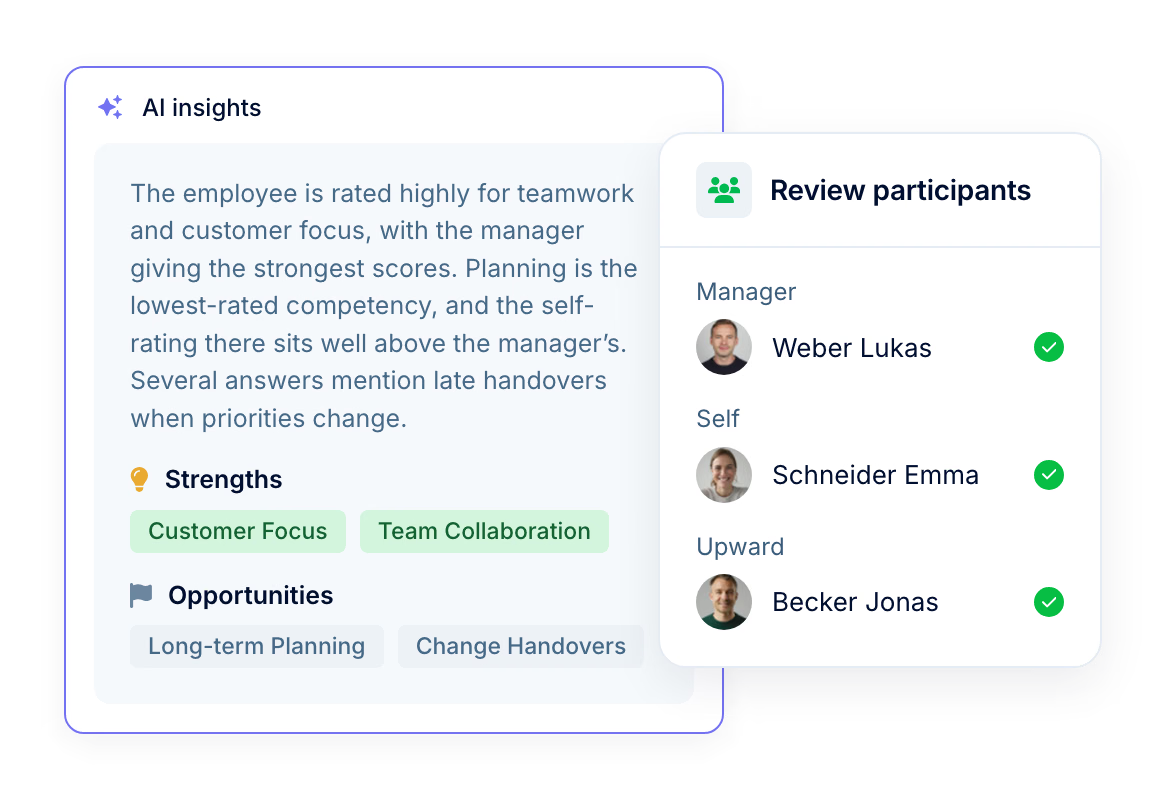
AI insights
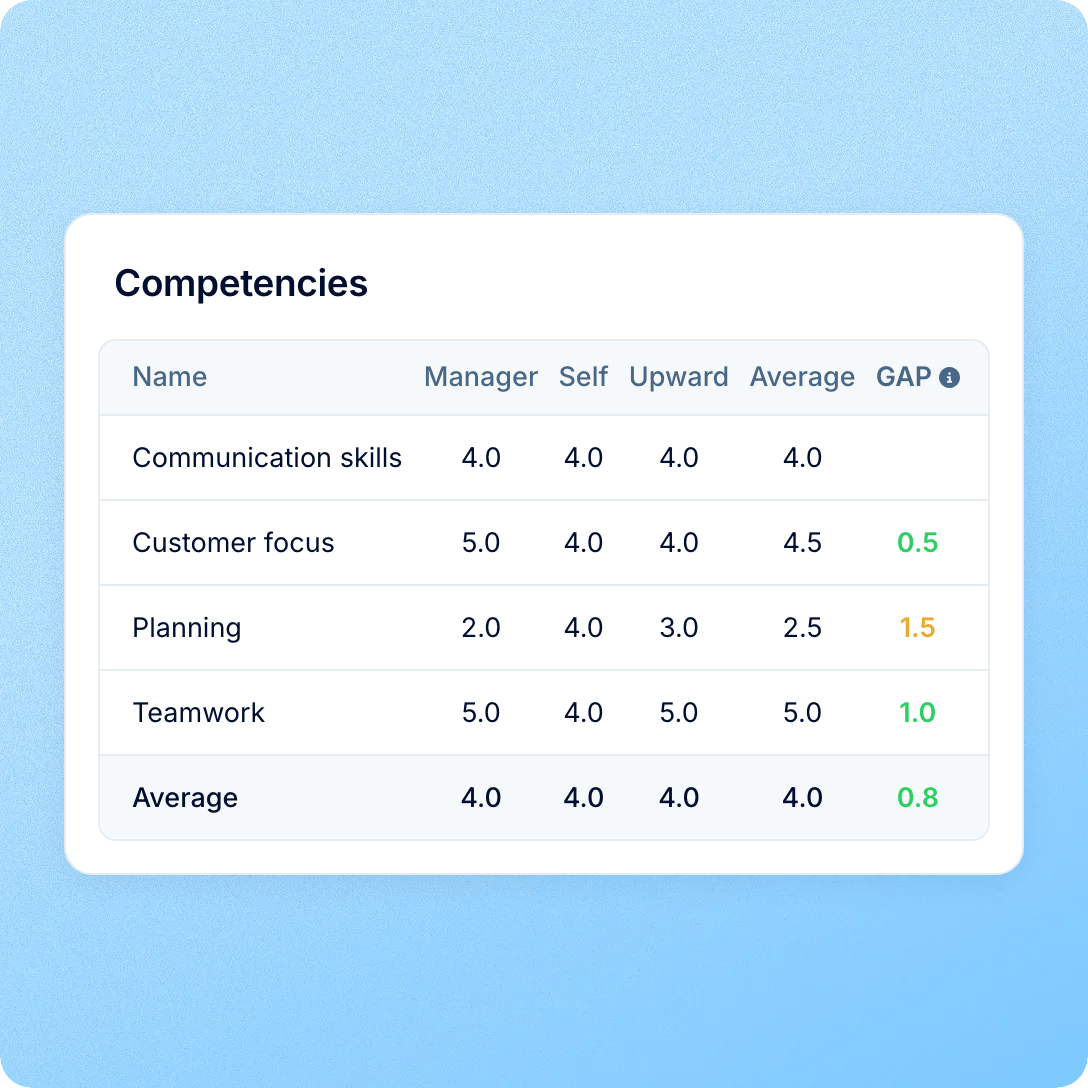
A single review can hold ratings and answers from several reviewers. AI insights reads the competency ratings from every reviewer group, along with their answers to the rest of the review: other rating questions, written answers and comments. Then it gives you the gist before you read the full review.

Covers every reviewer group
Self, manager, peers, upward, team leads and your own custom reviewer groups. It sees every rating, written answer and comment on the review’s other questions. Each one is marked with the type of reviewer who gave it, never with the reviewer’s name.

A summary, strengths and opportunities
In your control
Nothing is generated until one of the people running the cycle presses Generate insights. The result then stays on the review for everyone else running the cycle. It works alongside the writing coach, which helps reviewers as they write, and the AI reviewer, which adds its own review to the cycle.

Shown only to the people running the cycle. The person who created the cycle, its collaborators, admins, and anyone whose role has Manage all review cycles see the card and can press the button. Employees don’t see it on their results.
Uses only this review’s answers. It reads the ratings and answers submitted for this review. Reviewer names aren’t passed on: each answer is marked only with the type of reviewer, such as manager or peer. It doesn’t look up 1:1 notes, goals or feedback itself, but if the AI reviewer is on the cycle, its answers, which draw on those sources, are included.
Ratings and sharing stay untouched. It doesn’t change any rating, the performance score or what’s shared with the employee, and your review data isn’t used to train AI models, as our AI Addendum sets out.
More in AI
AI insights is one of the AI features for performance reviews in PeopleForce. Below are the other AI tools for reviews, plus AI Companion and AI in recruiting.
AI writing coach
Before submitting, reviewers press Check my draft. Each written answer gets a score from 1 to 5 and a note on what to sharpen, against your own feedback framework.

AI writing coach
Before submitting, reviewers press Check my draft. Each written answer gets a score from 1 to 5 and a note on what to sharpen, against your own feedback framework.
Beyond the features
You go live in weeks and can add the rest of HR when you’re ready.

Live in up to four weeks
A dedicated success manager guides your setup, and it’s included in your plan at no extra cost.
Support in your language
Real people on our support team answer, with a first reply in about two minutes and 98% satisfaction.
Room to grow
Start with Core HR and add Recruit or Perform later, all on the same employee record.

Leader

Users Love Us

Regional Leader

High Performer
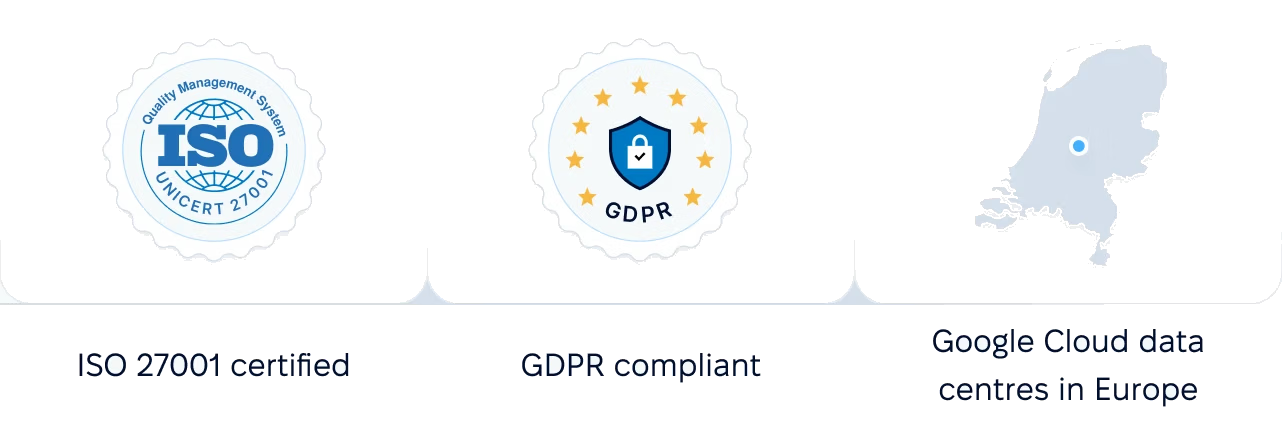
Certifications, granular access and full control over what happens to your data.
 Best Support
We will walk you through a review, its answers and its AI insights card.