



Without code
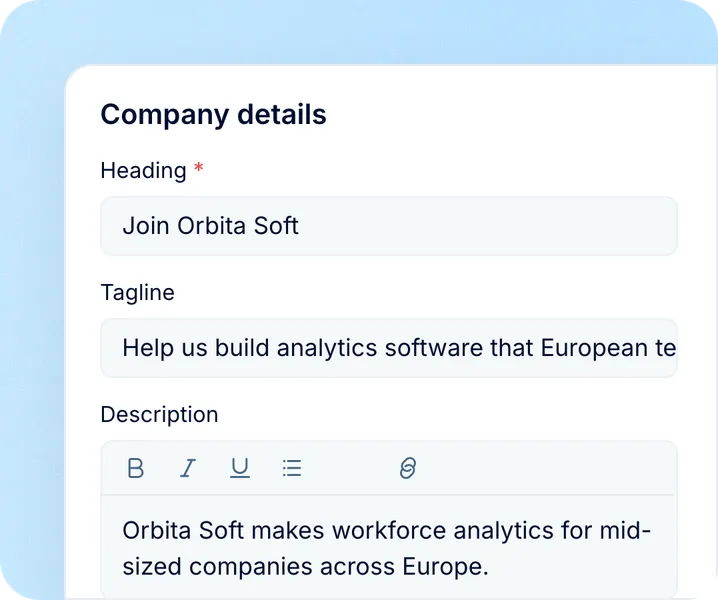
- Logo, favicon, heading, tagline and description
- Photo slider, social links and a link-preview image
- Filters by location, department, division and work type

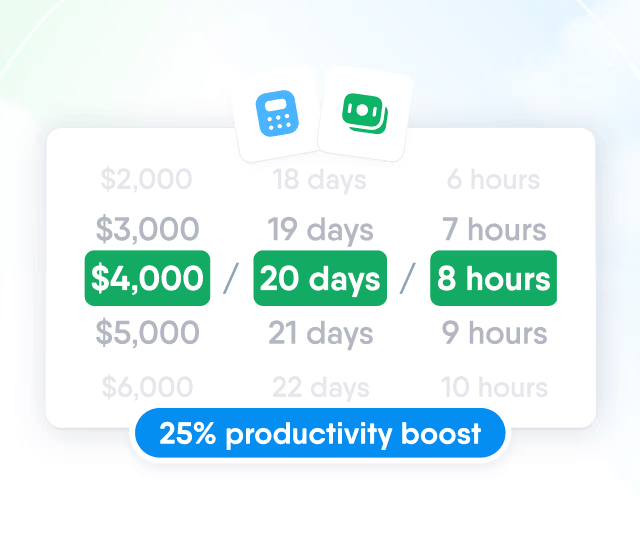
HR efficiency estimator
How does the HR efficiency estimator from PeopleForce work.
Calculate your impact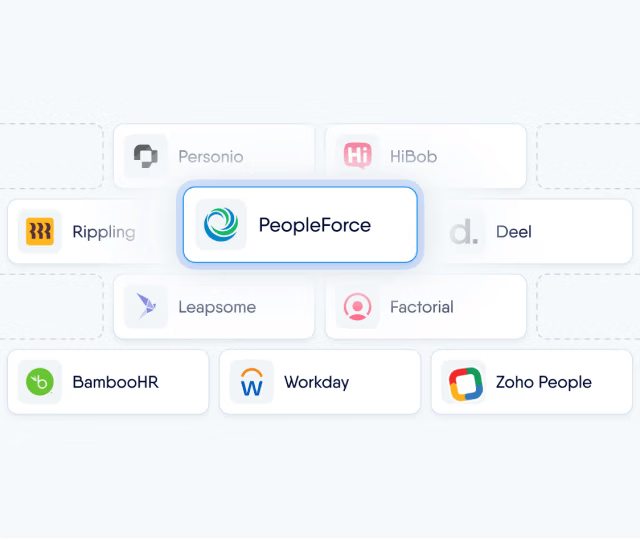
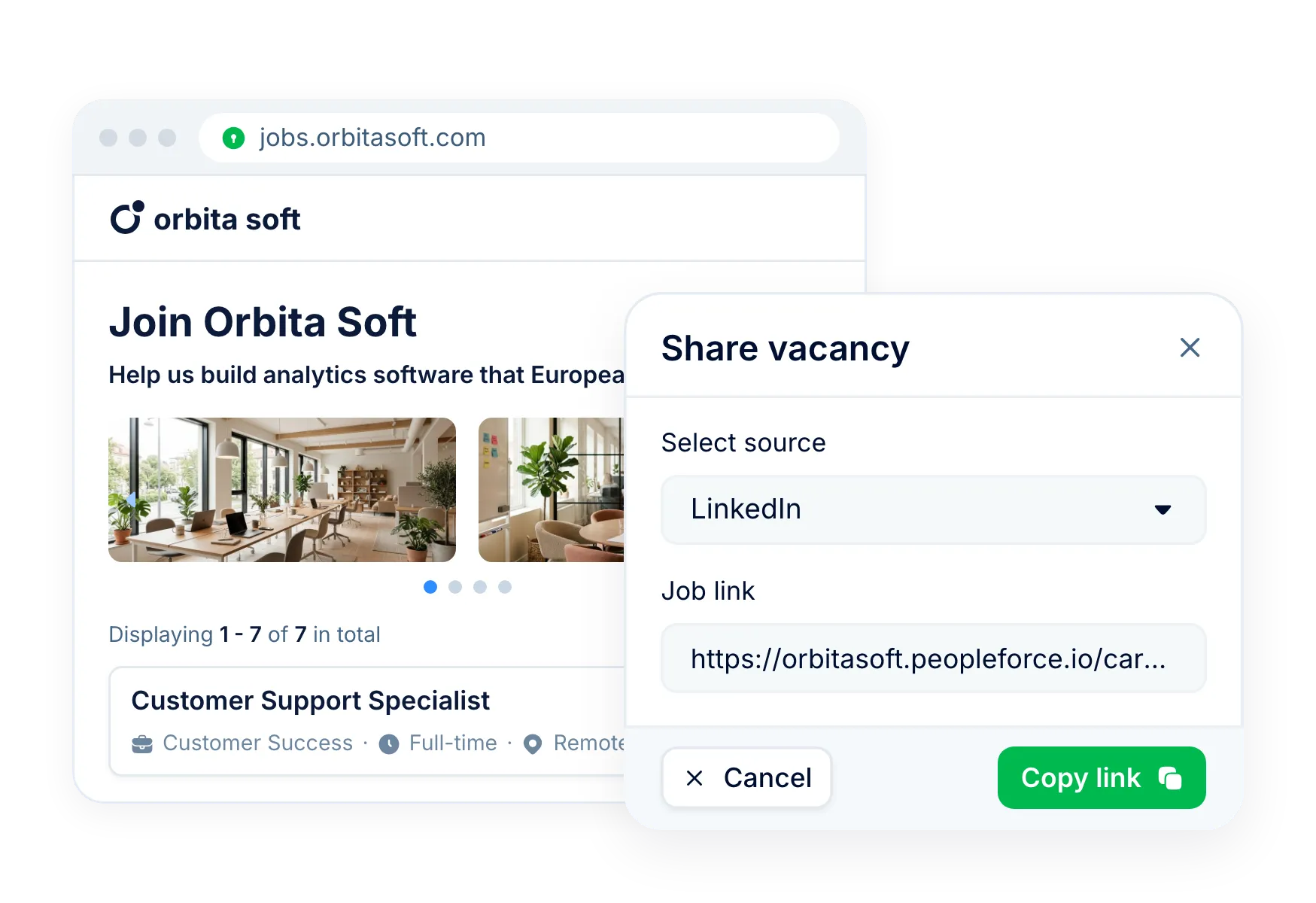
List your open vacancies on jobs.yourcompany.com with your logo, photos and styles. Build the application form for each vacancy and tag every link you share with its source.
How it works
Set up the site once. Every open, published vacancy appears on it with its own form.
Set up the site
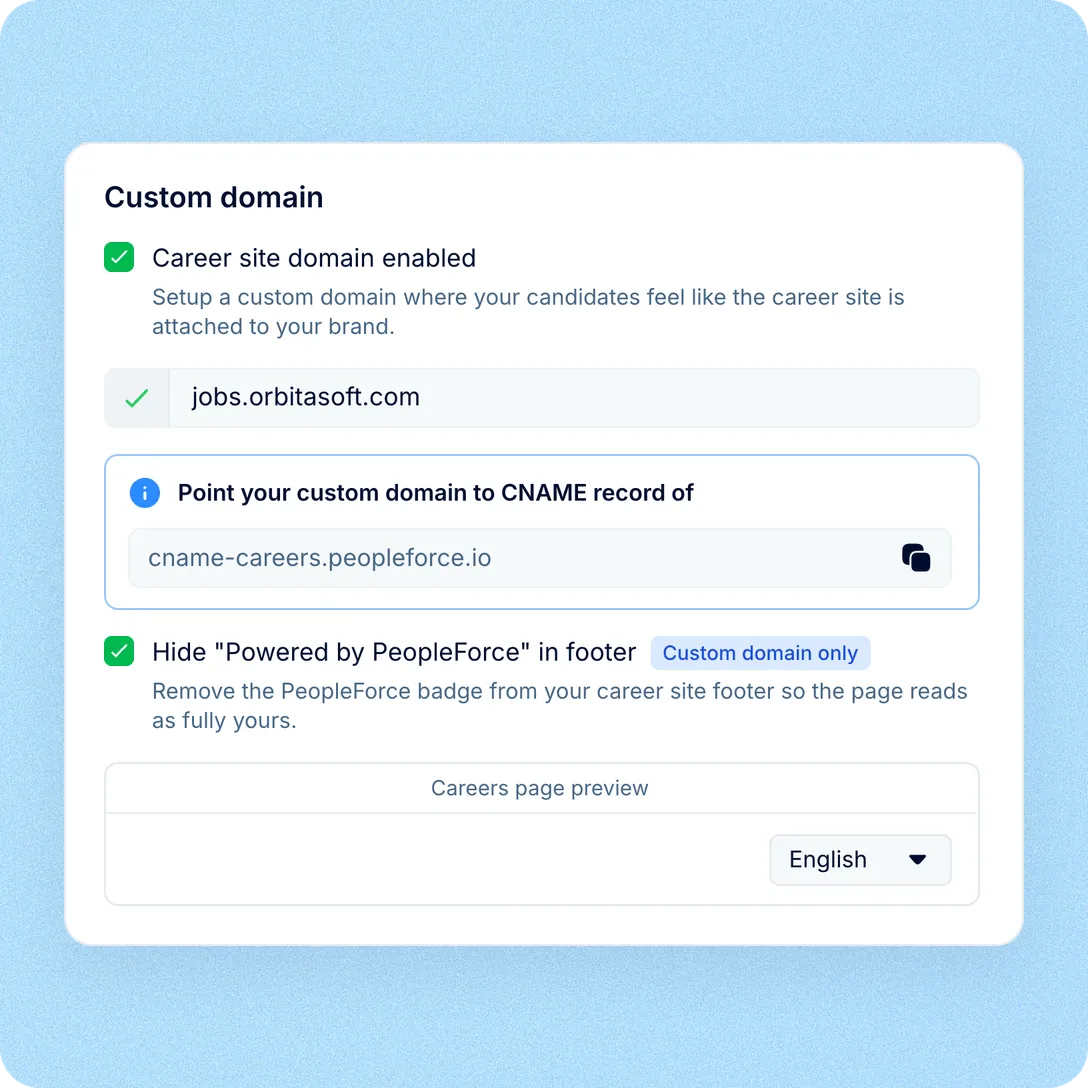
Add your logo, heading, description, photos and social links in Settings, then point your own subdomain to it.
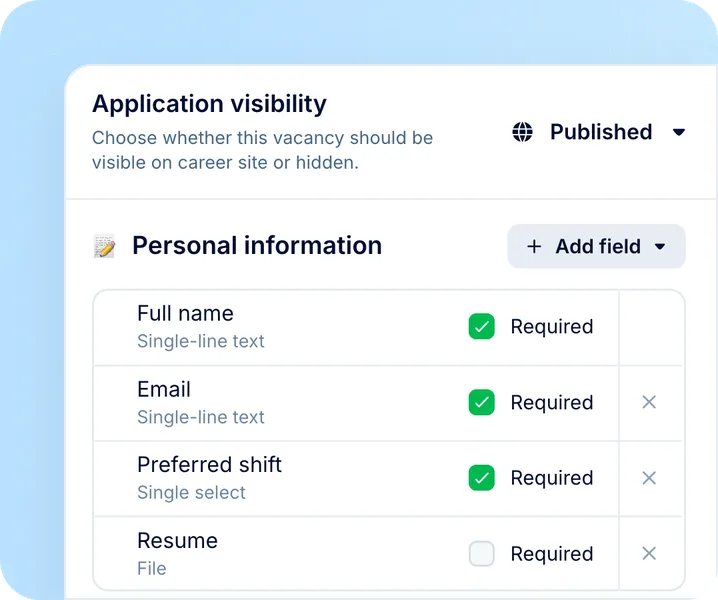
Build the form
Choose the fields each vacancy asks for and mark the ones that are required. New vacancies start from your last form.
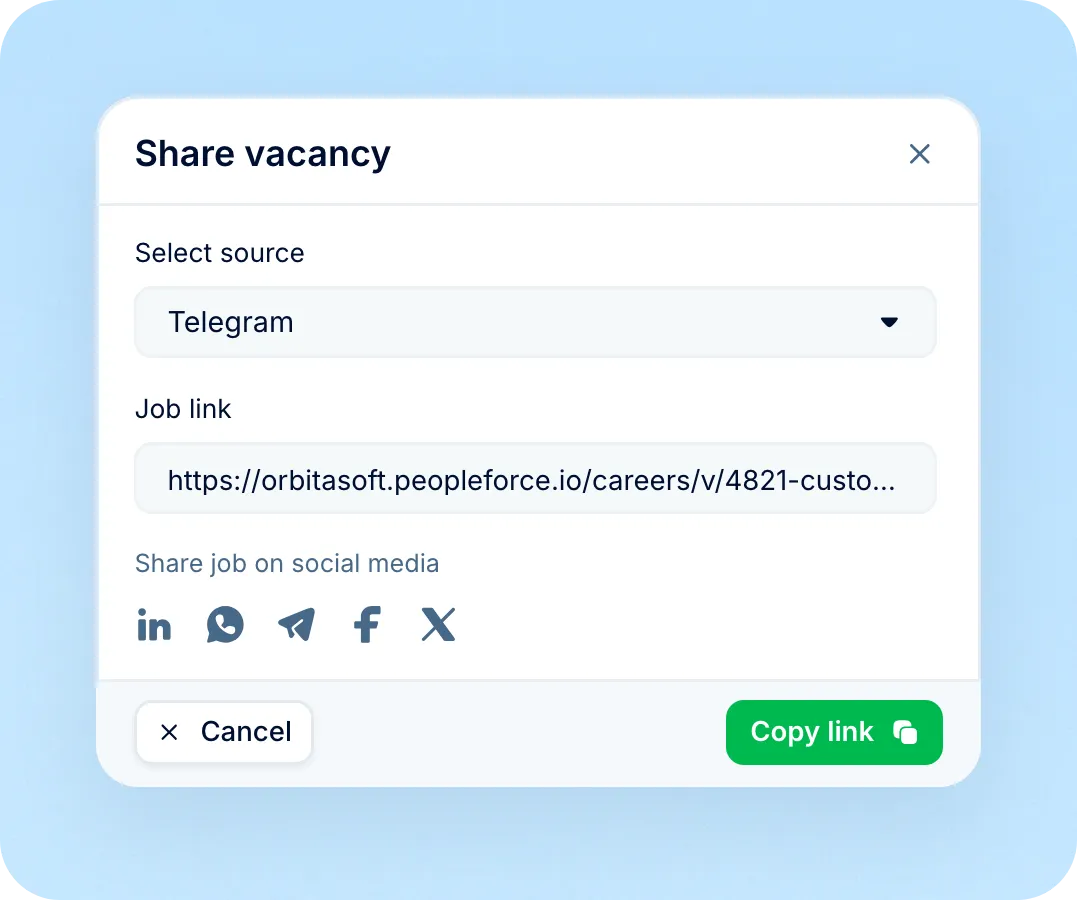
Share tagged links
Copy a vacancy link tagged with its source. Applications land in the pipeline with that source on the candidate.
Career site: branding
Candidates see your company from the first click: your address in the browser, your logo in the header and your story above the vacancies.
Career site: form
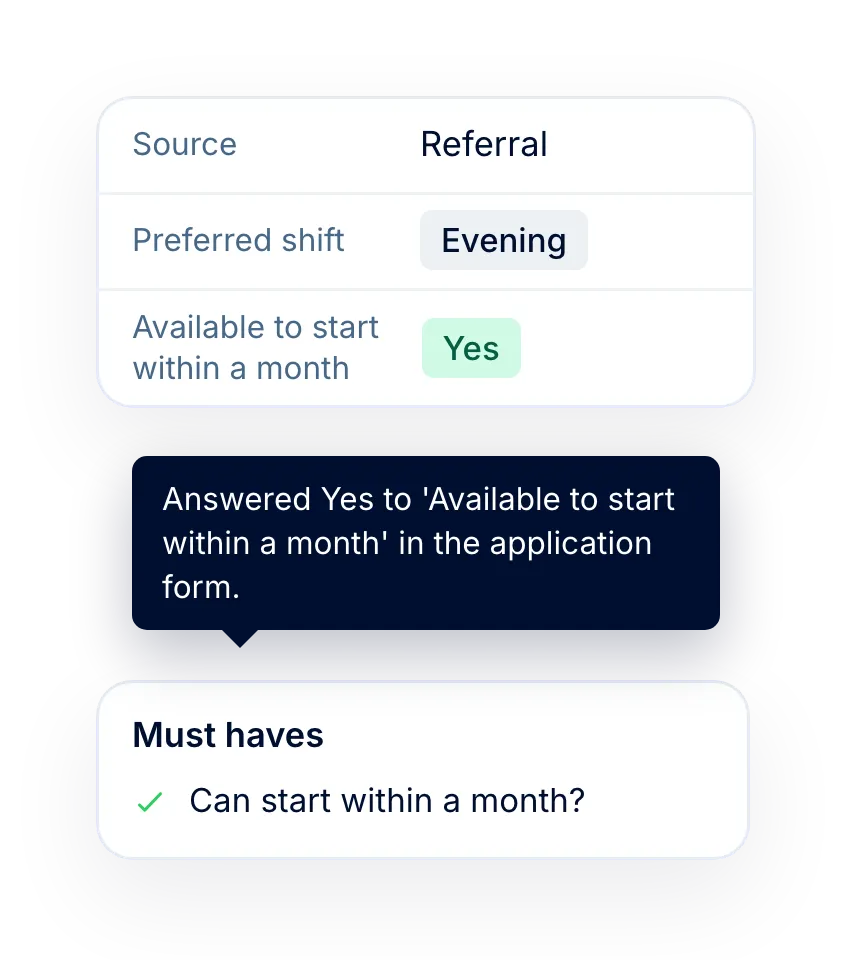
Each vacancy has its own application form. Ask for what this role needs, keep the form short, and the answers land on the candidate profile.
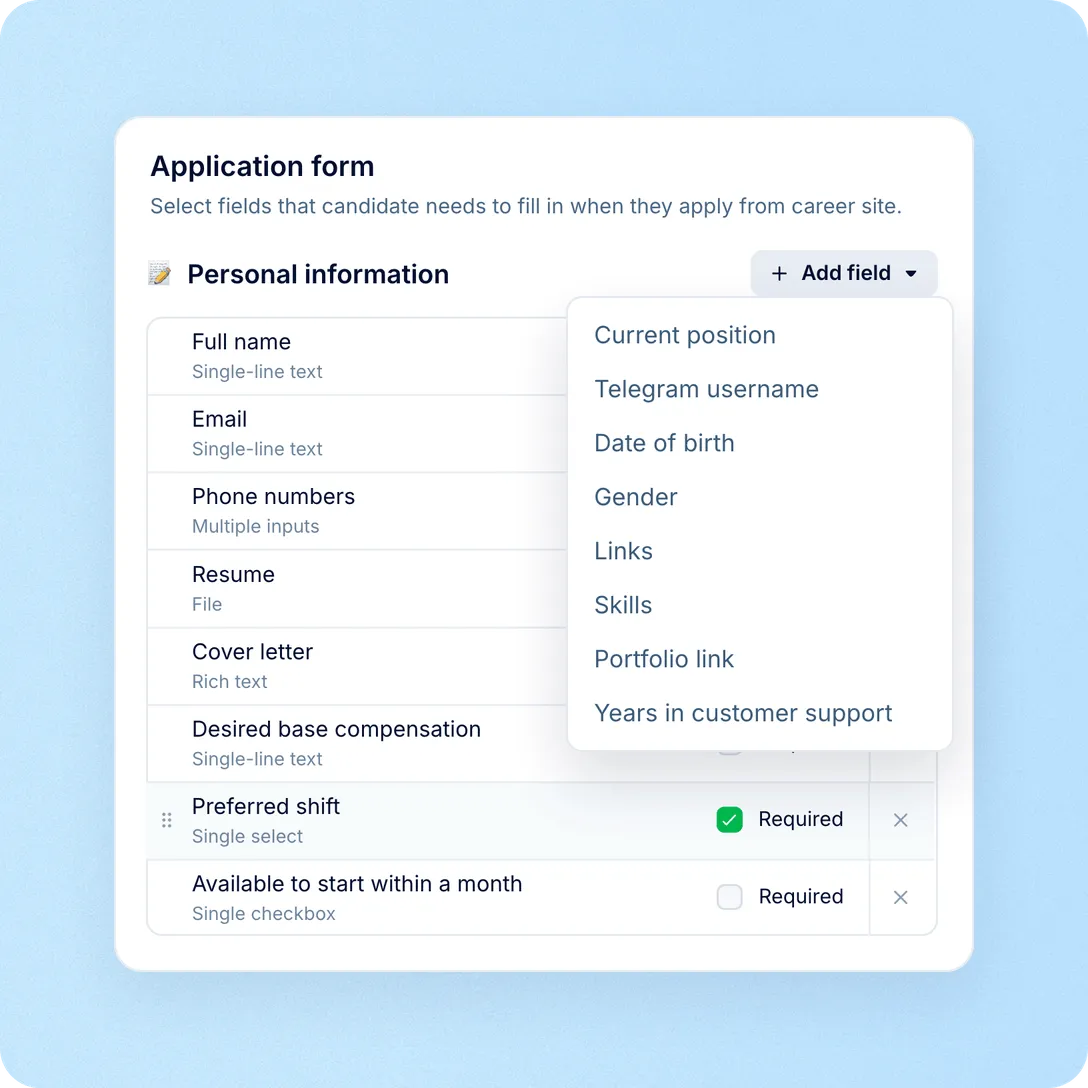

Career site: included
The career site is on from day one, with no add-on or separate plan. Set up the basics yourself and hand the fine detail to your web team.
Career site: sources
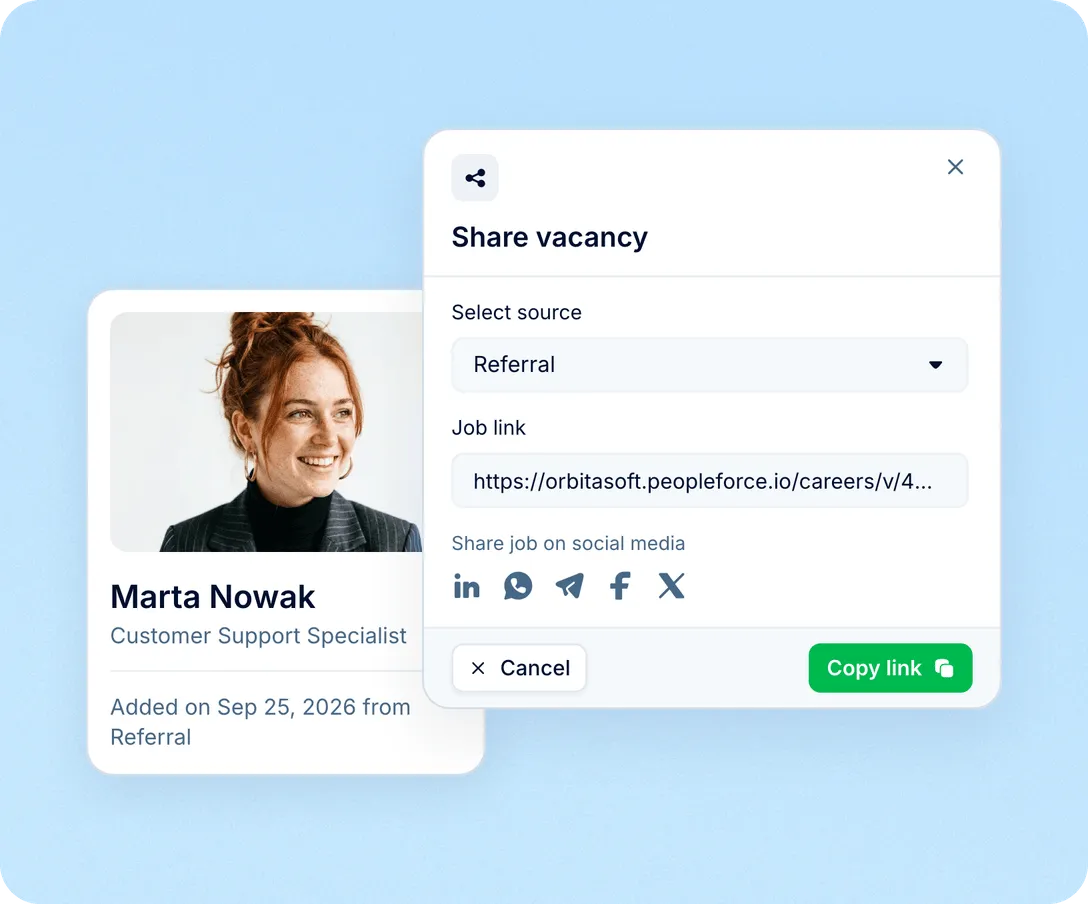
Pick a source in the vacancy’s Share window and copy the link for LinkedIn, a Telegram channel or a referral. Everyone who applies through it is labelled with that source.
Career site: pipeline
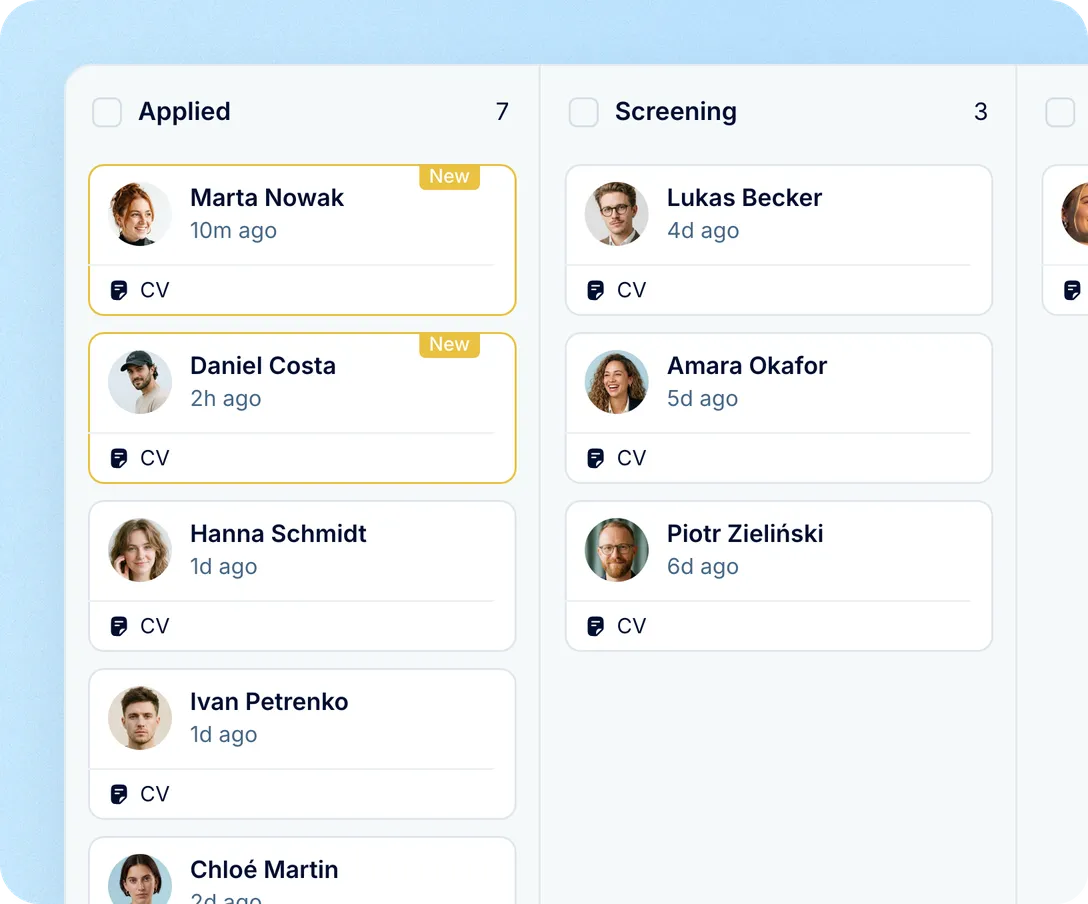
Each application adds the candidate to the vacancy’s first stage. The hiring lead and collaborators are notified, stage automations run, and returning candidates are matched to their record.
Career site: website
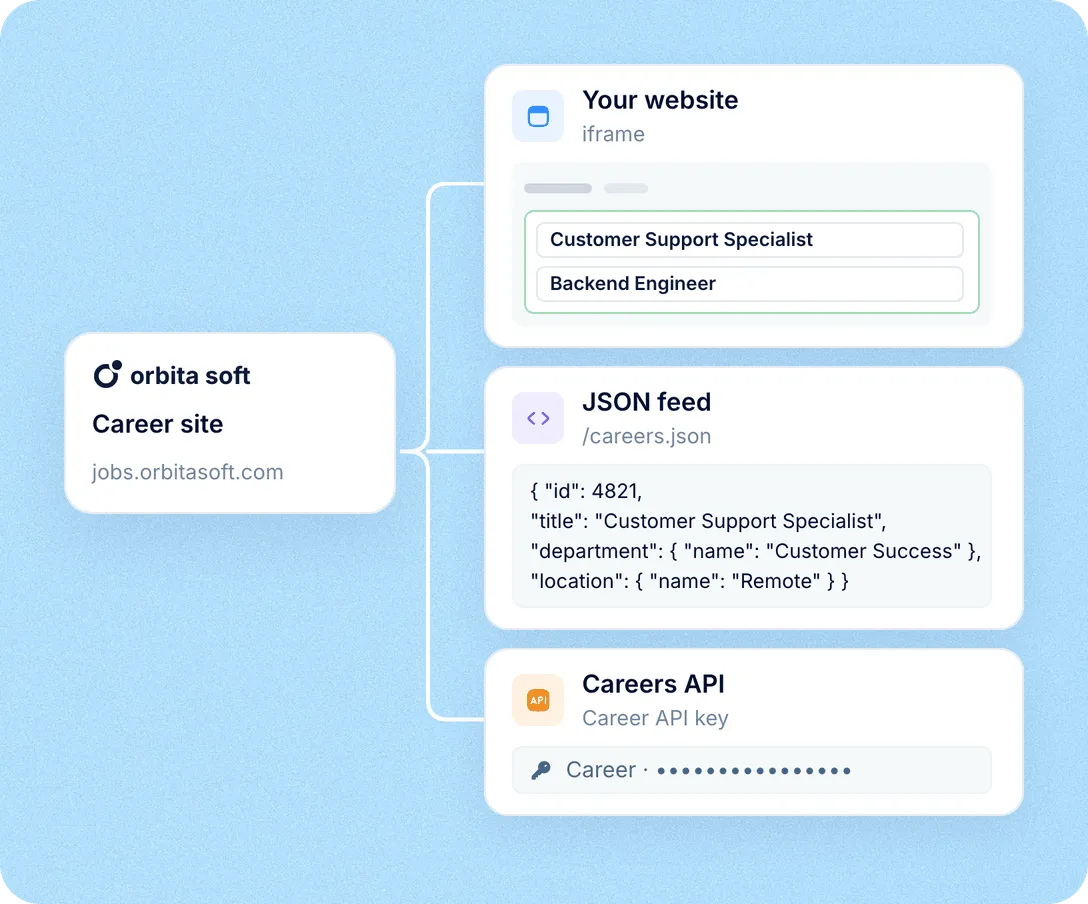
Keep the career site as it is, or show it inside your website in an iframe. Developers can also pull open vacancies from a JSON feed or the Careers API.
The career site is part of Recruit, so every application joins the same vacancies, candidate records and reports as the rest of your hiring.
Consent on the record
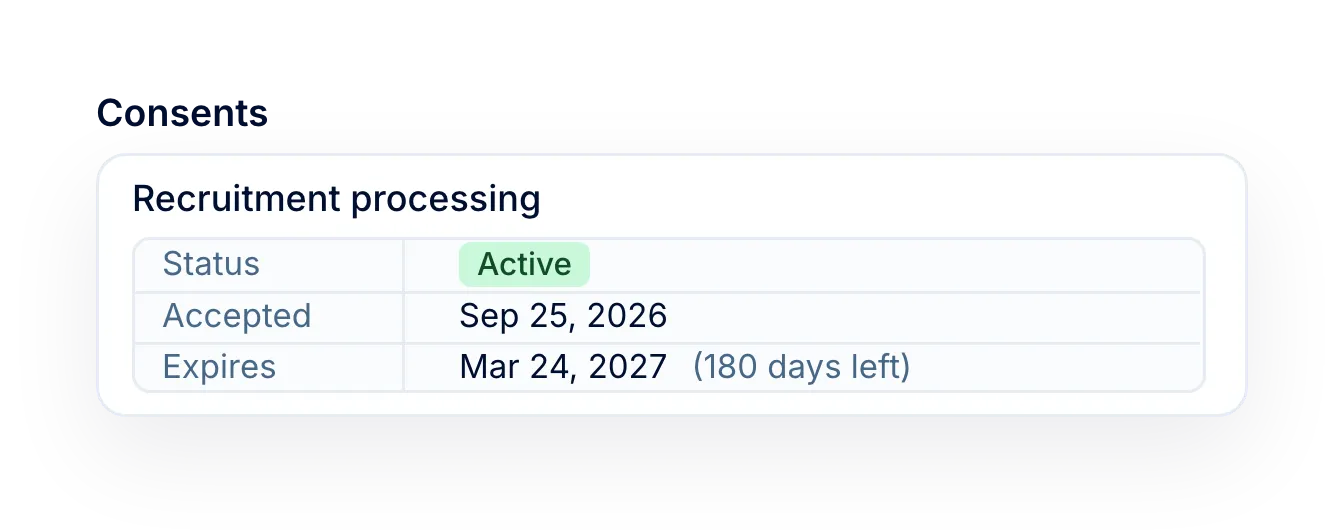
GDPR consent ticked on the form is saved on the candidate, with its status and expiry.
Answers AI can read
With AI screening on, form answers go into the review along with the CV.
Posted to job boards too
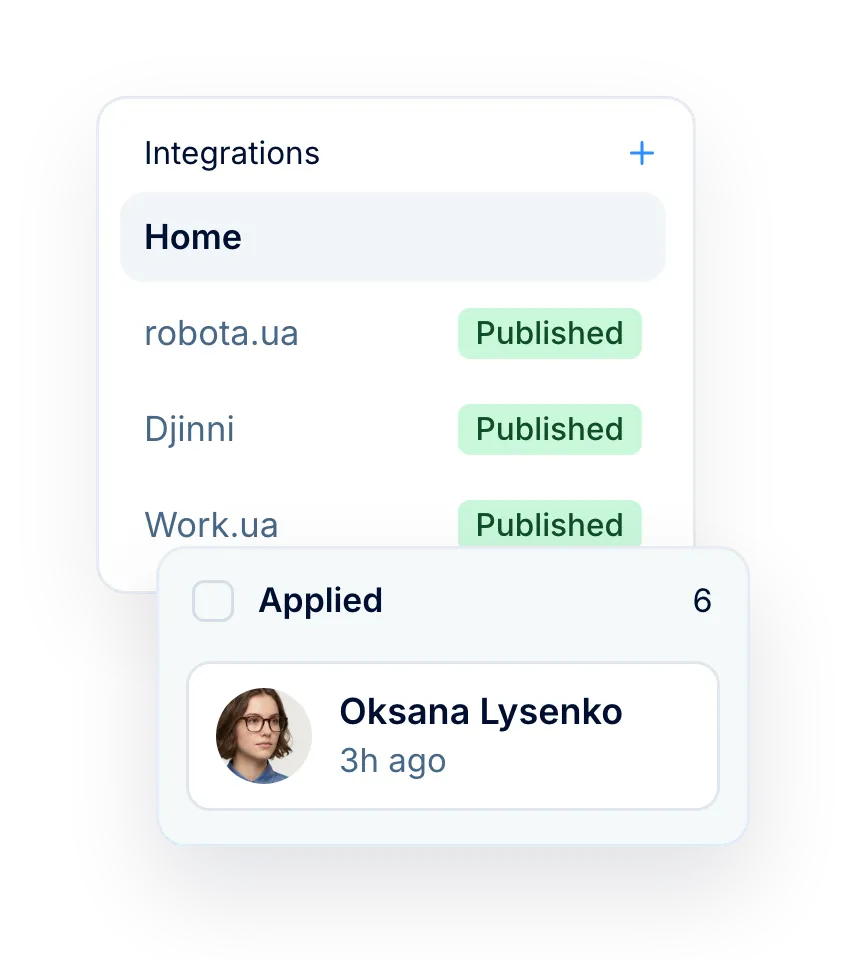
Publish to Work.ua, Robota.ua or Djinni, and candidates from there join the same pipeline.
Sources in your reports
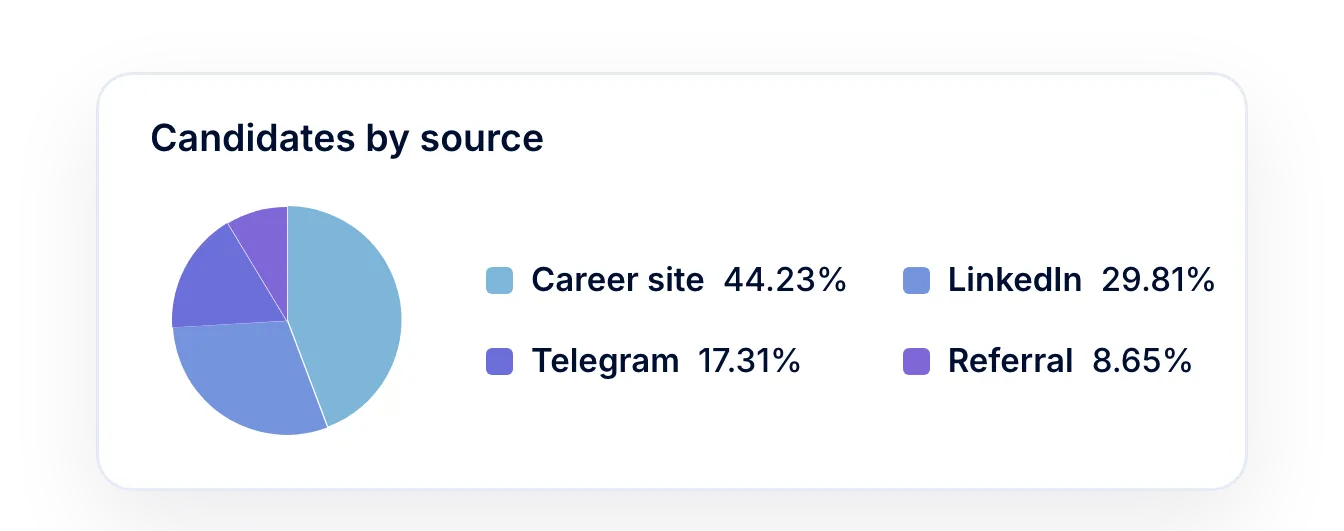
The Candidate sources report counts candidates by source, by vacancy and over time.
More in Recruit
Everything around the hire: your candidate database, AI candidate screening, job board posting, candidate consent, interview scheduling and hiring analytics.
Every candidate you have ever sourced, in one searchable place
Search, filter and sort the whole database, act on a selection in bulk, and group the people worth coming back to into talent pools.

Every candidate you have ever sourced, in one searchable place
Search, filter and sort the whole database, act on a selection in bulk, and group the people worth coming back to into talent pools.
Beyond the features
A dedicated team gets you live, real people keep answering after go-live, and there’s room to add the rest of HR when you’re ready.

Setup done with you
A dedicated success manager sets everything up with you — it’s included in the plan, not a paid add-on.
Support in your language
Real people, not a ticket queue, from your first question onwards.
Hiring and HR in one system
Hire from the candidate profile and the Core HR hire form opens already filled in.

Leader

Users Love Us

Regional Leader

High Performer
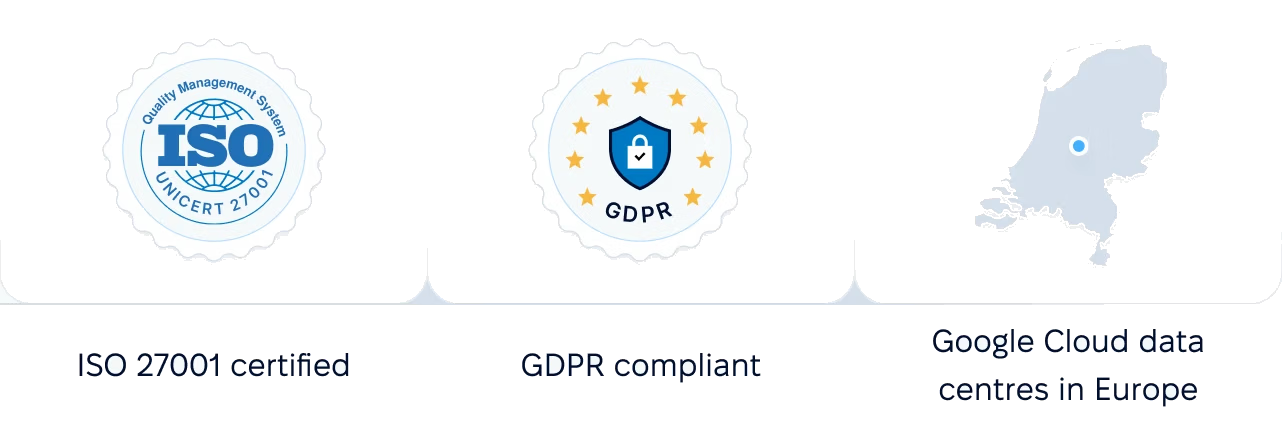
Certifications, granular access and full control over what happens to your data and equipment.
 Best Support
Get the full HR suite — Core HR, ATS, Performance, Surveys and more — at a fraction of enterprise platform pricing. See exactly what you'd pay.