



Notify and readership
From a policy update to who has opened it
Update an article, tell the people it is meant for, then see who has opened it.


HR efficiency estimator
How does the HR efficiency estimator from PeopleForce work.
Calculate your impact
Keep your employee handbook, company policies, SOPs and onboarding guides in one internal wiki, and decide who reads each article by department, location or manager.
Access and lifecycle
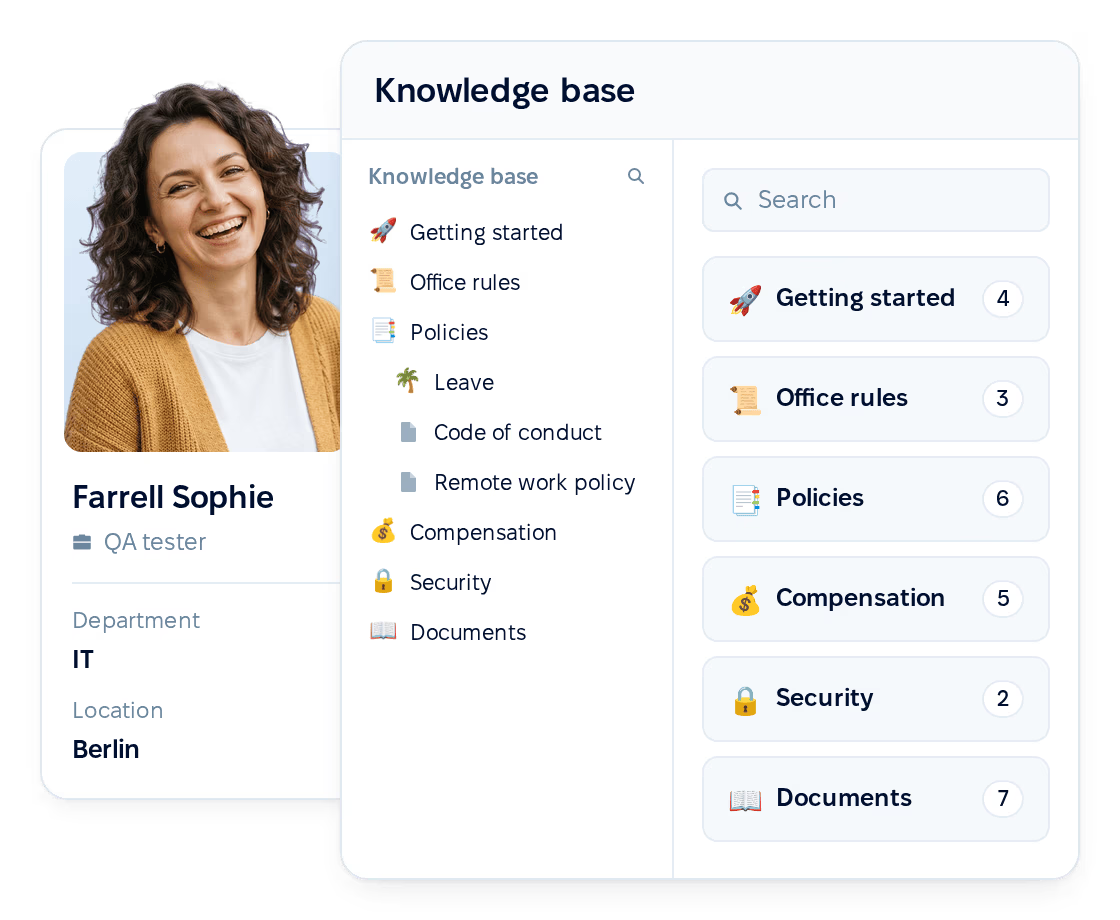
Who can read each article is worked out from HR data, from the day a new hire is added to their last working day.
Editor and publishing
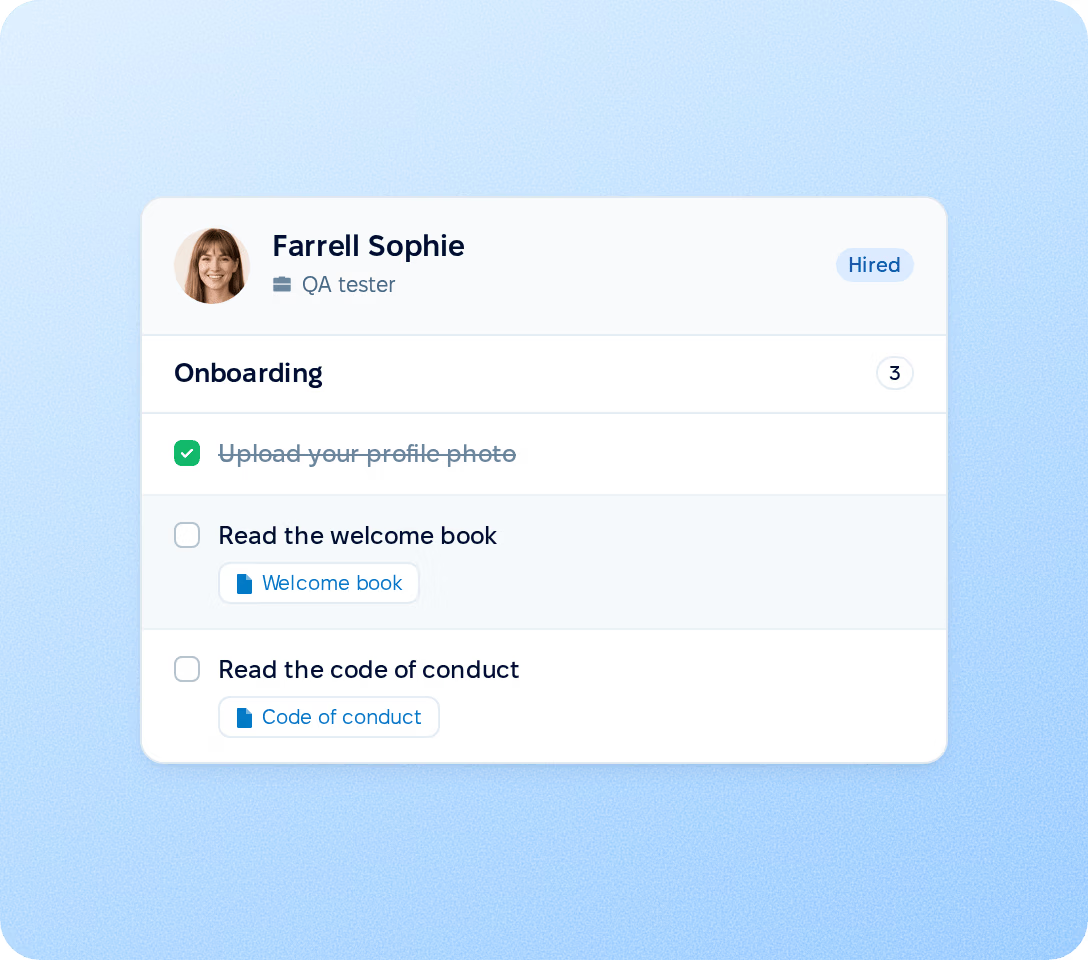
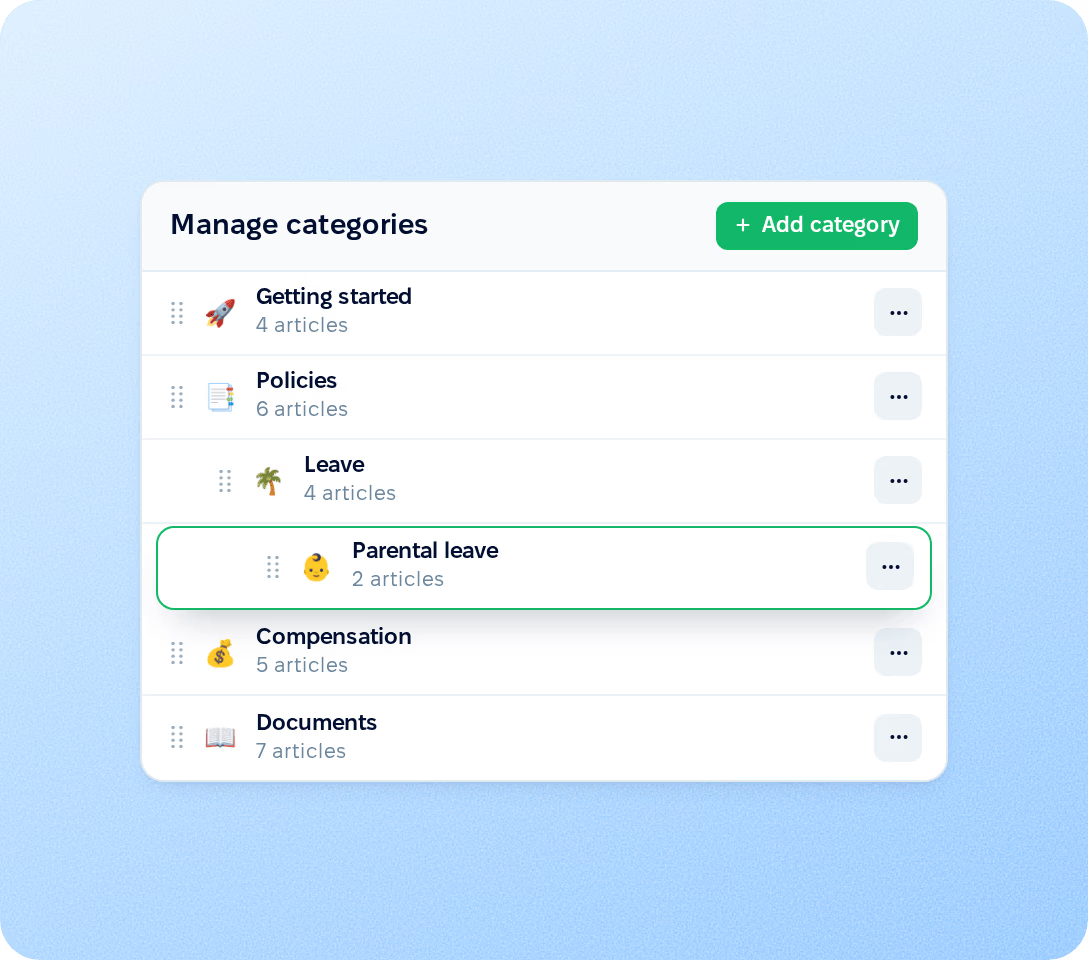
Build an internal wiki of policies, SOPs and onboarding guides in nested categories, and publish changes only when they are ready. Reading is on for the whole company by default. Two role permissions let people edit either the content shared with them or the whole knowledge base.
Notify and readership
Update an article, tell the people it is meant for, then see who has opened it.
Update the policy
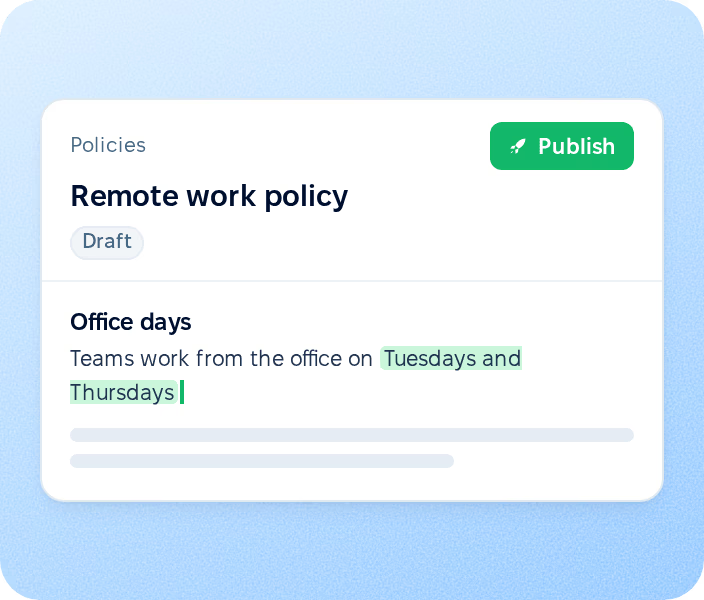
Edit the published article. Readers keep the current version until you publish the change, and the previous version stays in the history.
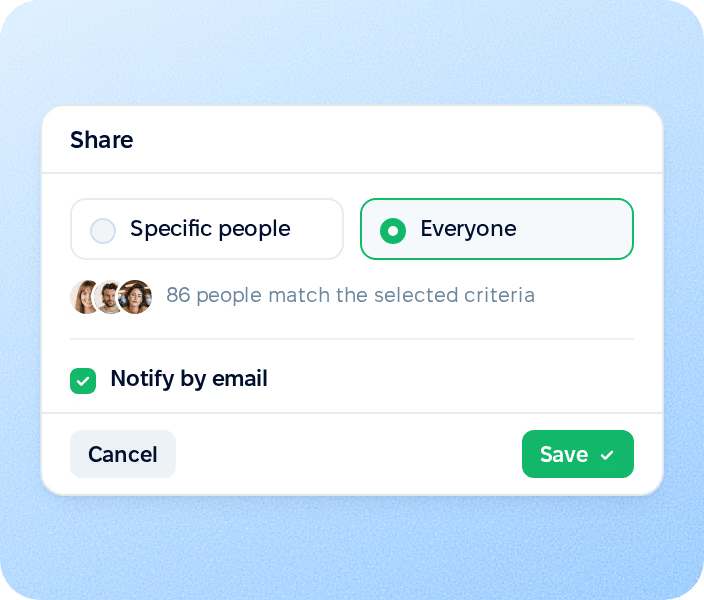
Notify the audience
From Share, select Notify by email. The email goes only to people who can open the article.
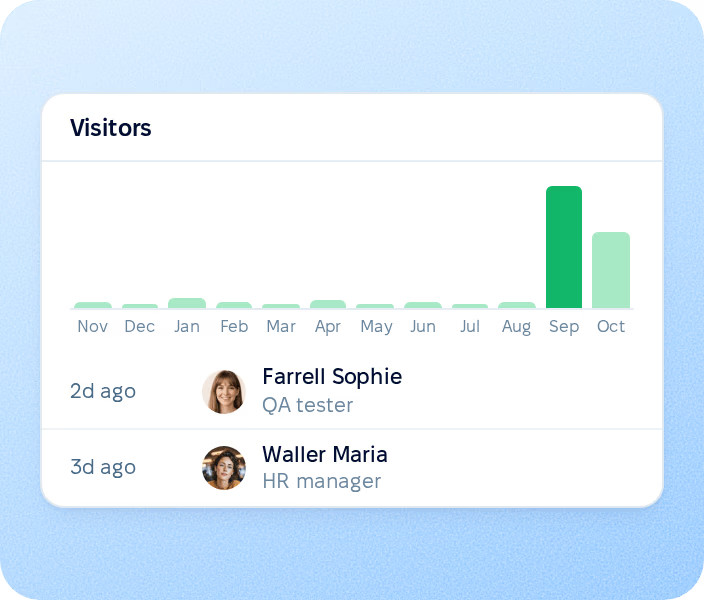
See who has opened it
The view counter lists every colleague who has opened the article with the date of their first visit, next to a chart of first opens over the last twelve months.
Search and AI
Every channel applies the same access rules, so employees only find the articles they are allowed to read.
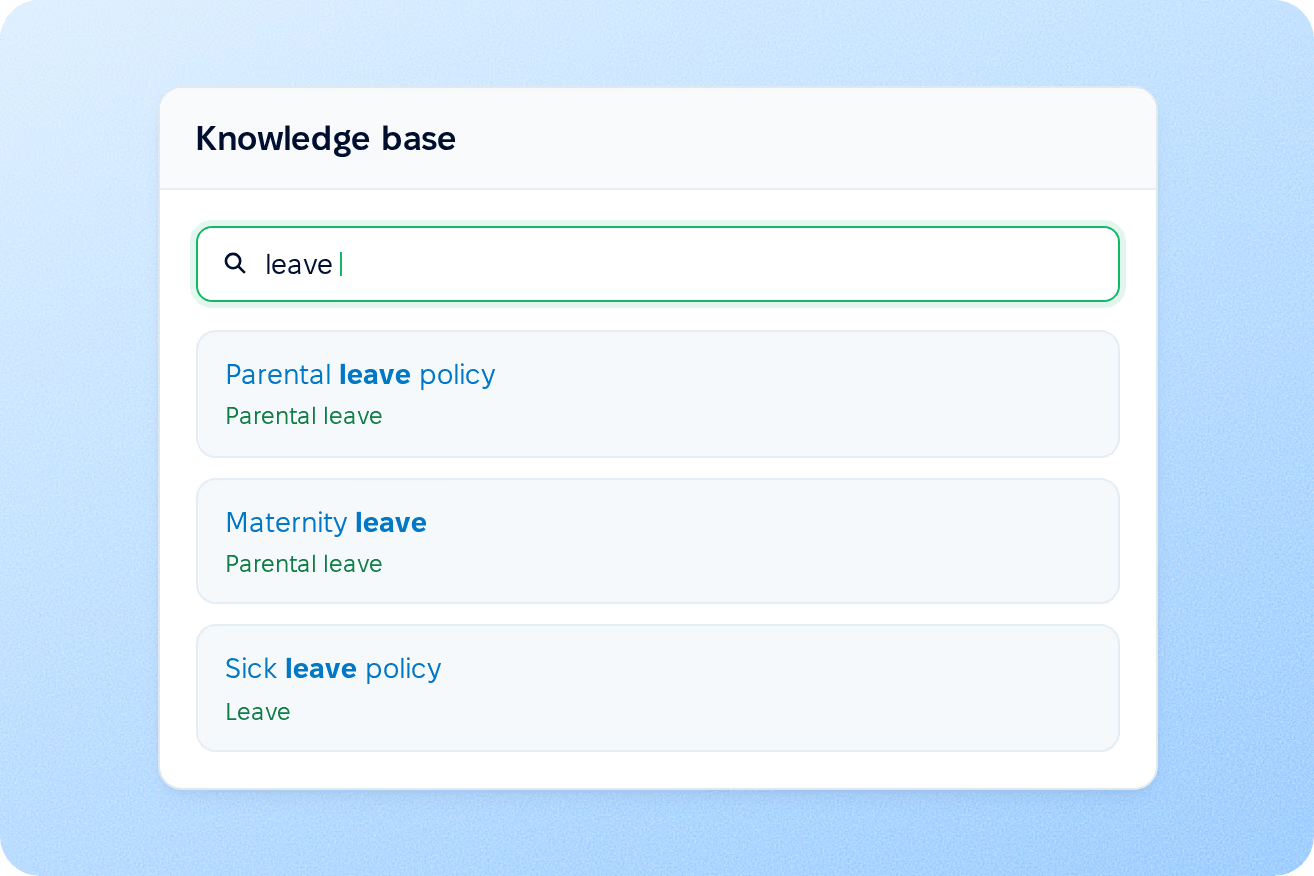
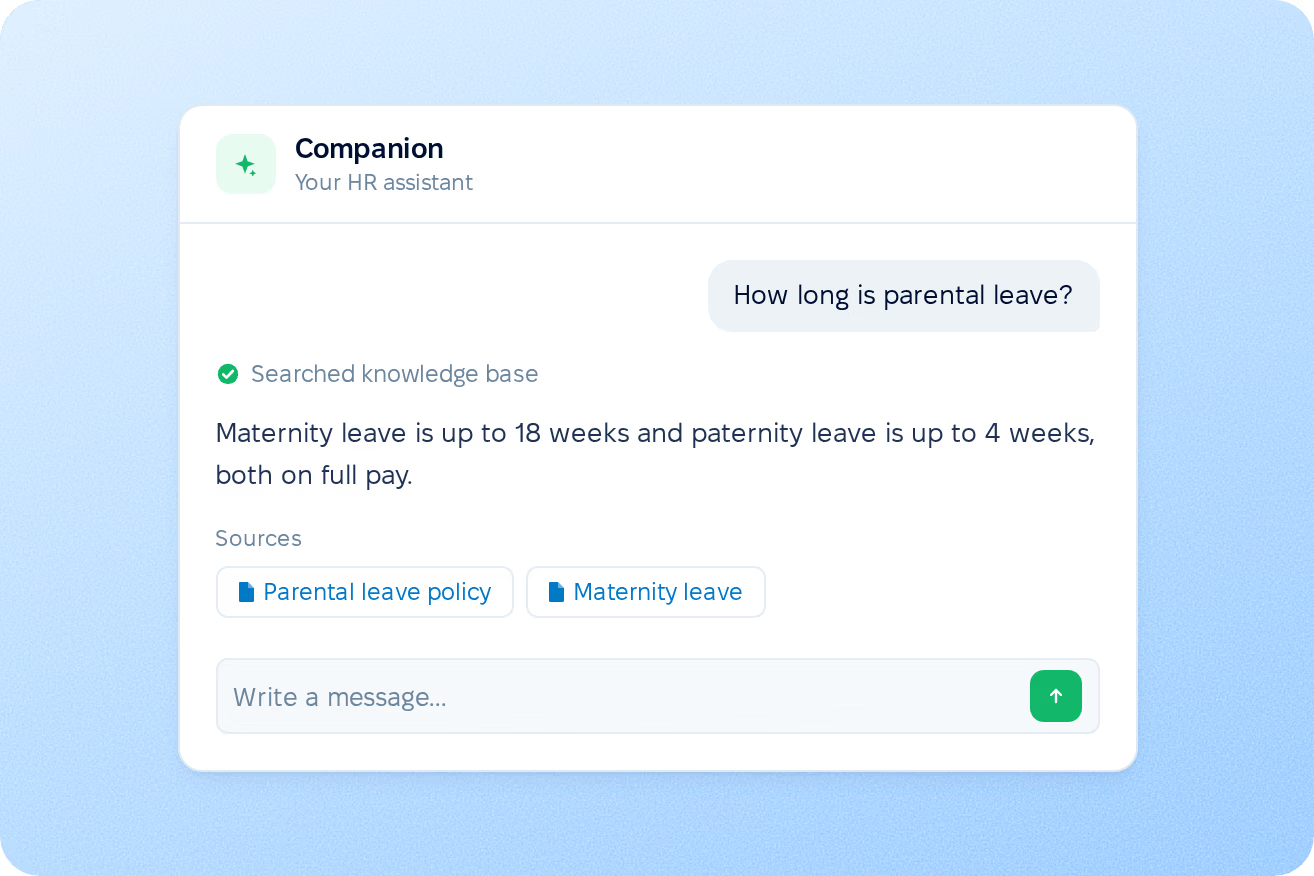
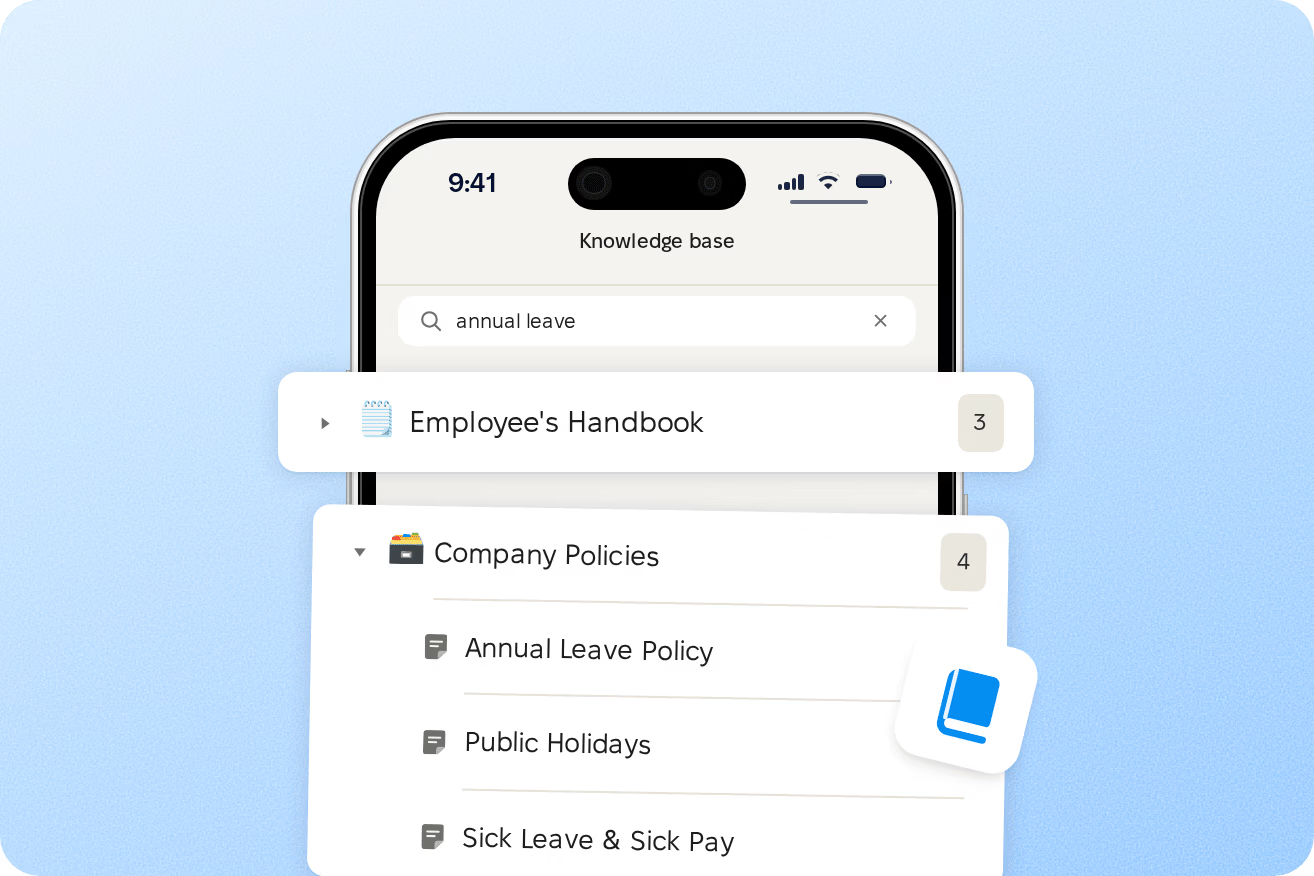
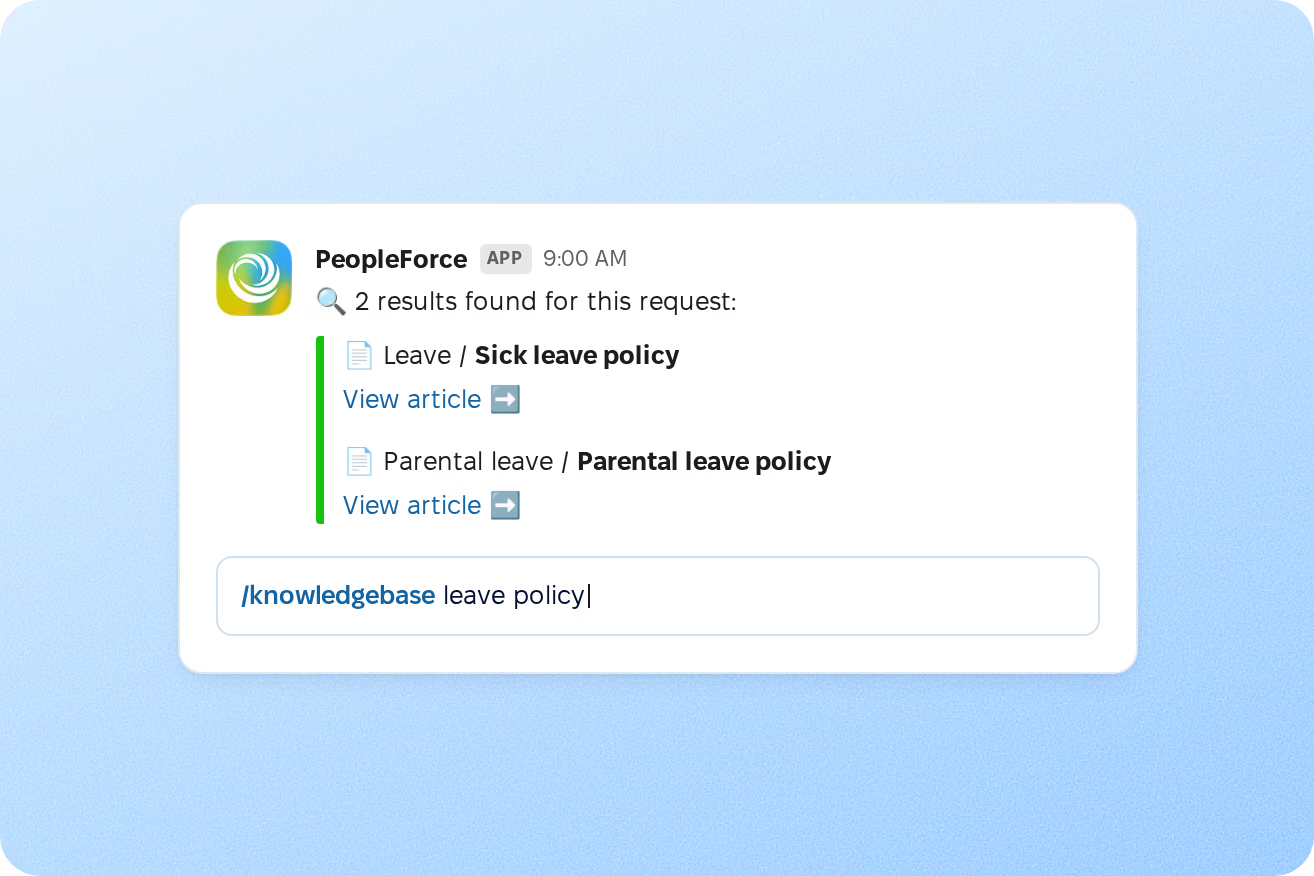
Results appear as you type, with matched words highlighted in article titles. Search covers the title and text of every article you can open.
More in Core HR
Everything around each employee record, from preboarding and onboarding to documents, access rules and the org chart, in one connected system.
Signed documents before day one
New hires complete their profile, upload files and sign documents from one link, without a PeopleForce account.

Signed documents before day one
New hires complete their profile, upload files and sign documents from one link, without a PeopleForce account.
Beyond the features
You go live in weeks and can add the rest of HR when you’re ready.

Live in up to four weeks
A dedicated success manager guides your setup, and it’s included in your plan at no extra cost.
Support in your language
Real people on our support team answer, with a first reply in about two minutes and 98% satisfaction.
Room to grow
Start with Core HR and add Recruit or Perform later, all on the same employee record.

Leader

Users Love Us

Regional Leader

High Performer
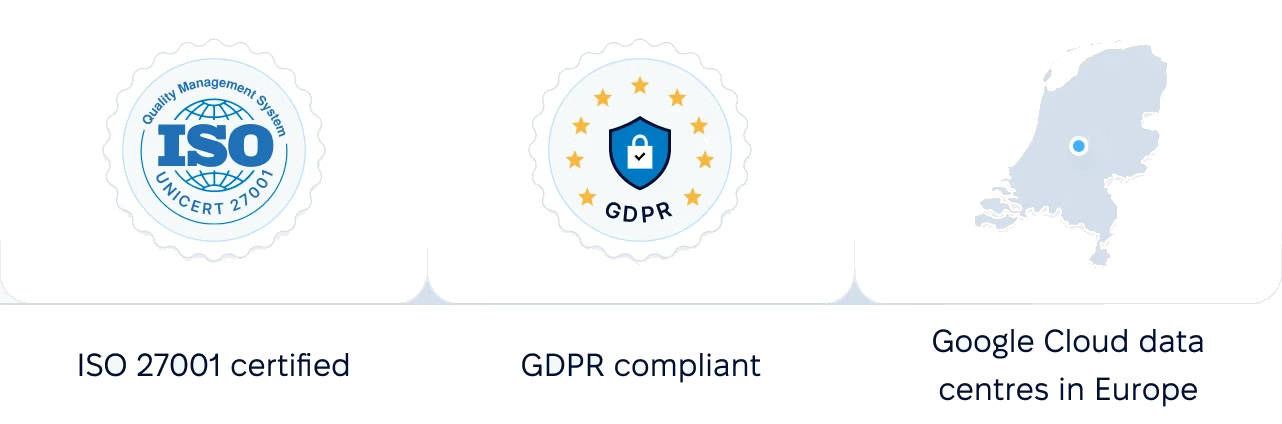
Certifications, granular access and full control over what happens to your data.

 Best Support
Walk through categories, audience rules, publishing, readership and AI Companion with a product specialist.