



In the hiring pipeline
Where AI helps in your hiring
AI helps at four of the five steps below. The last one, the decision, stays with your team.


HR efficiency estimator
How does the HR efficiency estimator from PeopleForce work.
Calculate your impact
AI fills in candidate profiles from their CVs and, on the vacancies you choose, checks each new application against your criteria and explains its verdict. Your recruiters decide who moves forward, who is turned down and who gets an email.
In the hiring pipeline
AI helps at four of the five steps below. The last one, the decision, stays with your team.
Open the vacancy
Generate with AI drafts must haves, nice to haves and red flags from the job description, and your recruiter edits them before saving.
Applications arrive
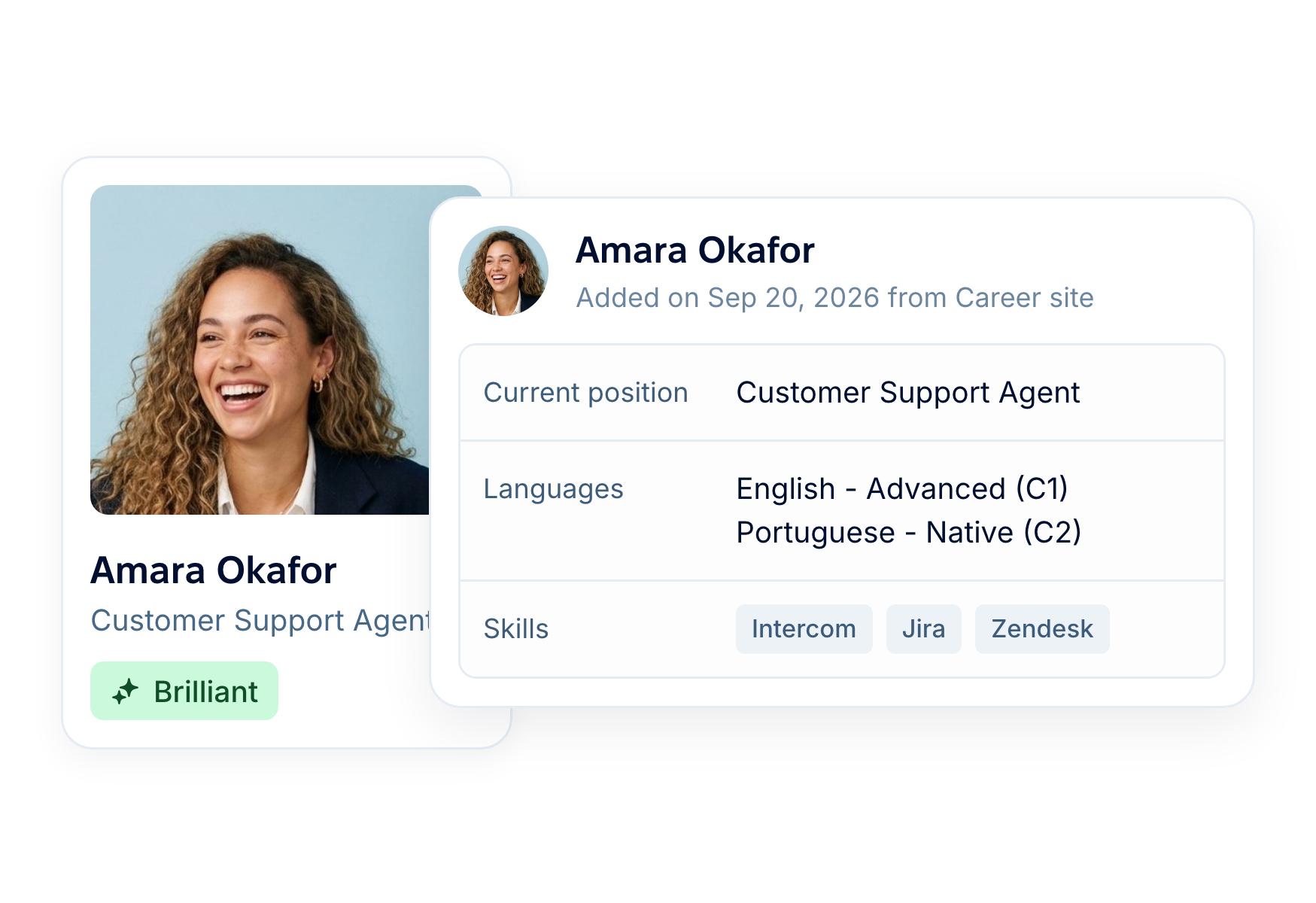
A CV uploaded by your team, or one arriving from your career site, Robota.ua, Djinni or the API, fills in the candidate’s profile: contacts, jobs, education, languages and skills.
Shortlist
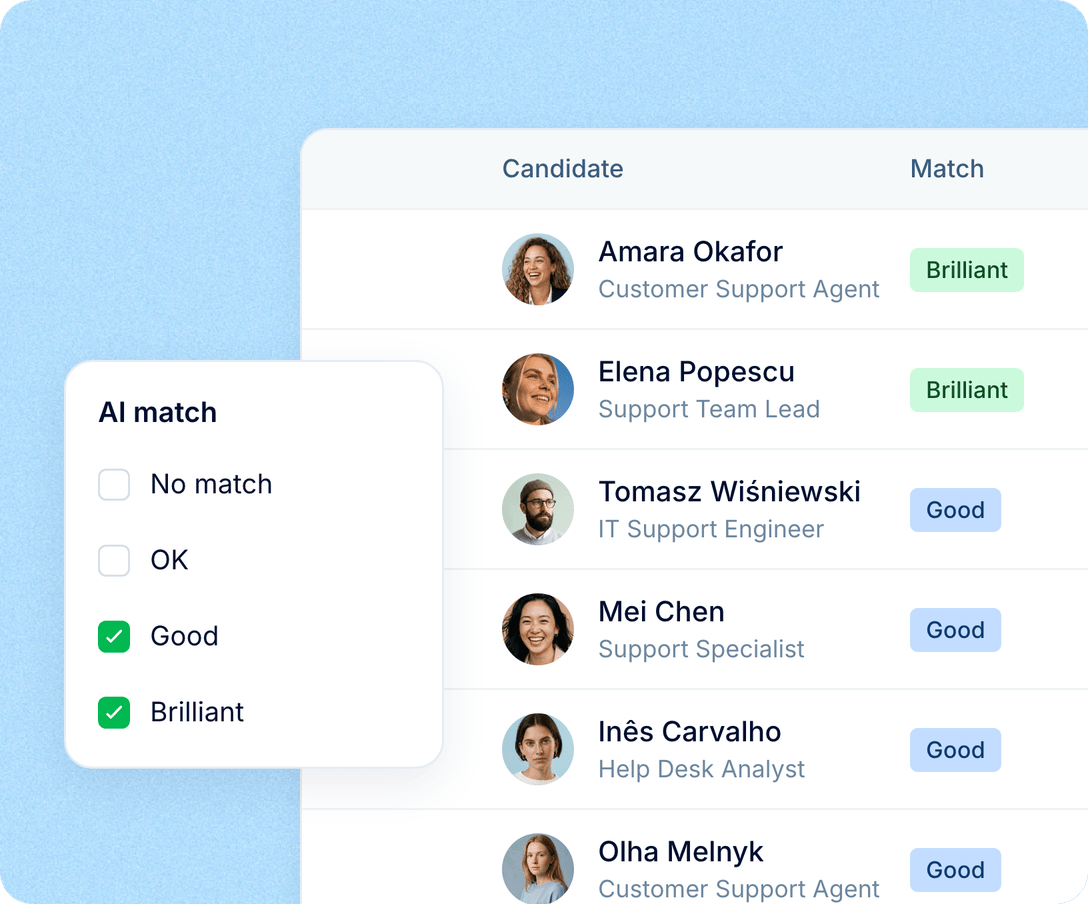
New applications with a CV on that vacancy get a verdict of No match, OK, Good or Brilliant, with the reasons. Start with Brilliant and Good.
Interview
The PeopleForce Note Taker joins interviews scheduled in PeopleForce on Google Meet or Microsoft Teams, records them and adds key points and a transcript to the interview on the candidate’s Interviews tab. It’s available on request.
Decide
Your team reads the reasons, then moves candidates forward, turns them down and sends the emails. Nothing in PeopleForce does any of that because of an AI verdict.
AI screening
Your recruiter decides what a strong application for the role looks like. AI screening checks each new application with a CV against those criteria and explains its verdict criterion by criterion, so the first CVs your team opens are the likeliest fits.

Your criteria, drafted for you. The must haves, nice to haves and red flags are your recruiter’s. Generate with AI drafts them from the job description, and nothing is kept until someone saves.
A reason for every criterion. Each verdict (No match, OK, Good or Brilliant) comes with a tick or a cross per criterion and the reason behind it, labelled “AI-generated — review before deciding”.
Sort and filter by AI match. Filter by AI match to show only candidates rated Brilliant or Good, or sort a vacancy’s list view by AI match, best first. For applications already in the pipeline, choose Run prescreening on the board.
AI CV parsing
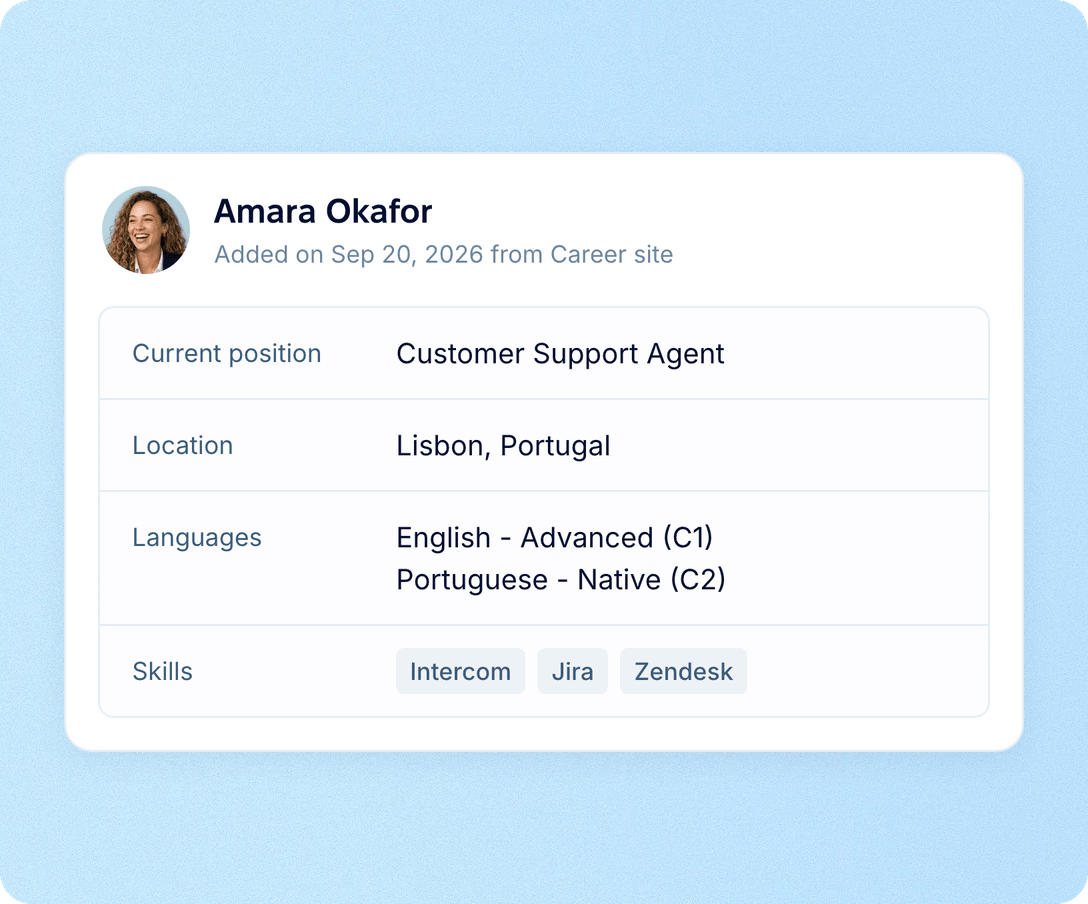
Adding a candidate used to mean copying a CV into a form, field by field. AI reads the CV and fills in the profile for you, and does the same for most CVs that reach PeopleForce without anyone uploading them.
Contacts to check first. Upload a CV with From resume and the new candidate form opens with the name, email and phone numbers taken from it, ready for a look before you save.
The rest follows. Jobs, education, languages with a level and skills land on the profile shortly after saving, in the CV’s own language.
Also for CVs you don’t upload yourself. CVs from your career site, Robota.ua and Djinni, the Prospector browser extension and the API are parsed the same way.
More in AI
AI in recruiting brings together the AI features below. Open each one for the details, or see AI Companion and AI in performance reviews.
AI resume screening
Your recruiter sets must haves, nice to haves and red flags, and AI checks each new application with a CV against them, so the likeliest fits get read first.

AI resume screening
Your recruiter sets must haves, nice to haves and red flags, and AI checks each new application with a CV against them, so the likeliest fits get read first.
Beyond the features
You go live in weeks and can add the rest of HR when you’re ready.

Live in up to four weeks
A dedicated success manager guides your setup, and it’s included in your plan at no extra cost.
Support in your language
Real people on our support team answer, with a first reply in about two minutes and 98% satisfaction.
Room to grow
Start with Core HR and add Recruit or Perform later, all on the same employee record.

Leader

Users Love Us

Regional Leader

High Performer
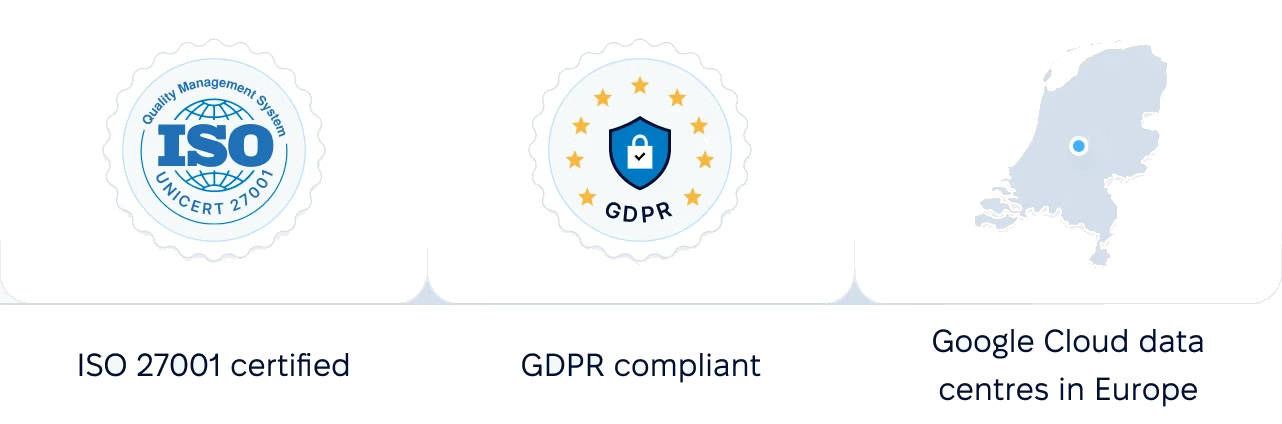
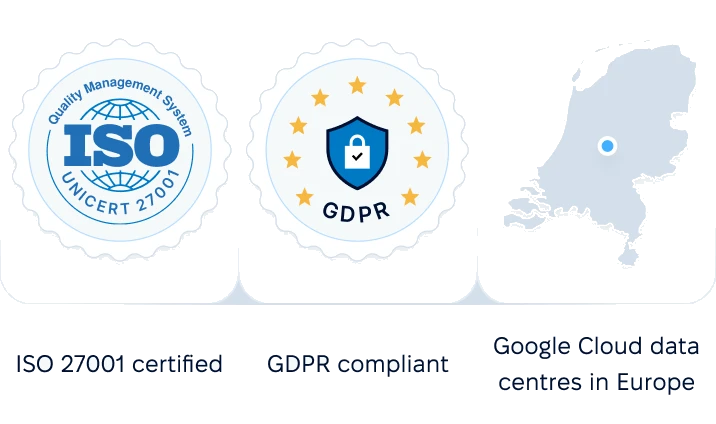
Certifications, granular access and full control over what happens to your data.
 Best Support
Send us a role you’re hiring for. We’ll walk you through the criteria AI drafts from it, a CV becoming a profile and the verdicts your recruiters would see.