



Candidate experience
Test page for candidates
Candidates open the test from the email link without an account or a password. They read your instructions first, and the timer starts only when they select Start.

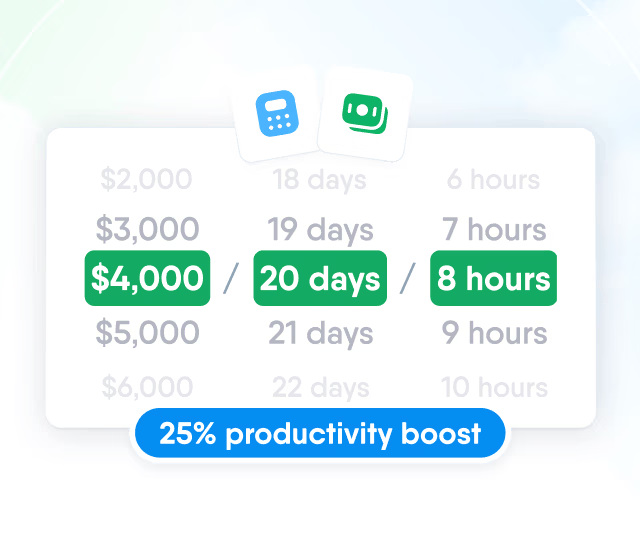
HR efficiency estimator
How does the HR efficiency estimator from PeopleForce work.
Calculate your impact
Write a test once, send it to every candidate moved to the right stage and read the scored answers in their profile.

Automation
Add the Send test action to a pipeline stage, and every candidate moved there receives the test by email, including when you move a group of candidates at once.

Test builder
Build a test for any role from five question types, score the choice questions and write the instructions candidates read before they start.

Candidate experience
Candidates open the test from the email link without an account or a password. They read your instructions first, and the timer starts only when they select Start.

One question per screen
Each question on its own screen, with the timer at the top and a Next button to move on.

Time limit of up to 180 minutes
Up to 180 minutes or no limit. When time is up, the test is scored on the answers given.

Completion screen
Answering the last question ends the test and shows a completion screen.
Scoring
The score is calculated when a candidate finishes and saved with the result. A published test doesn't change, so every candidate who takes it is measured against the same questions and the same total.

Results
Every test sent to a candidate is listed in their profile with its progress, and team members with access to the candidate see the same answers.

Status, date, duration and score, plus an email when the candidate finishes.
Everyone with access to the candidate sees the same answers.

Reporting
Each test has its own page with the total and average score and a row for every candidate who received it. Export to CSV puts all answers and scores into one file.

Beyond the features
Implementation, support and the rest of HR come from one team and one platform.

Guided implementation
Customer Success sets up pipelines, roles and automations with your team.
Support from people
Questions go to a support team that replies in chat and in several languages.
One platform for HR
Recruit shares one platform with Core HR, Perform, Pulse, Desk and Time.
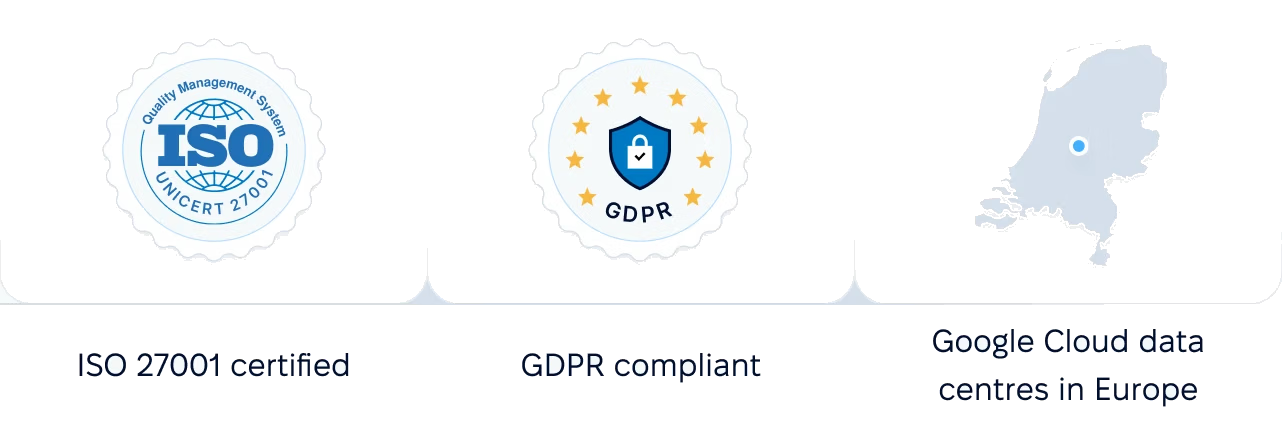
Certified infrastructure, data stored in European data centres and role-based access to candidate data and test results.
 Best Support
More in Recruit
One pipeline for every vacancy
One candidate database with pipelines, stages and team feedback for every vacancy.

One pipeline for every vacancy
One candidate database with pipelines, stages and team feedback for every vacancy.
Book a demo to see how a test is built, sent from a pipeline stage and scored in the candidate profile.