



Candidates
Candidate import with source tracking
Candidates from every channel join one vacancy pipeline, with no copying from job site dashboards.

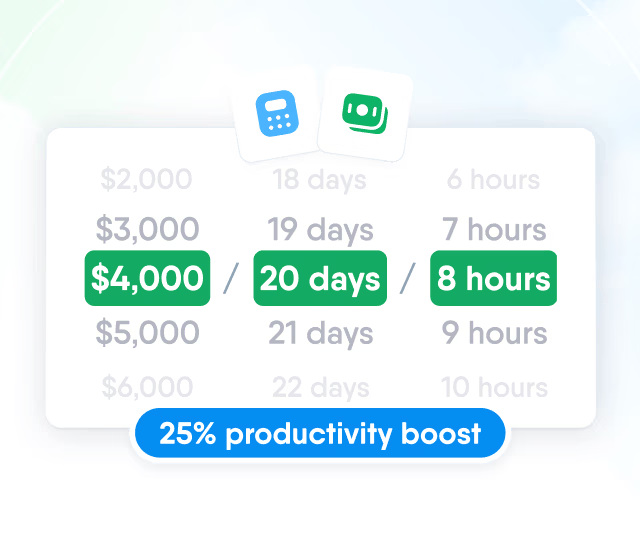
HR efficiency estimator
How does the HR efficiency estimator from PeopleForce work.
Calculate your impact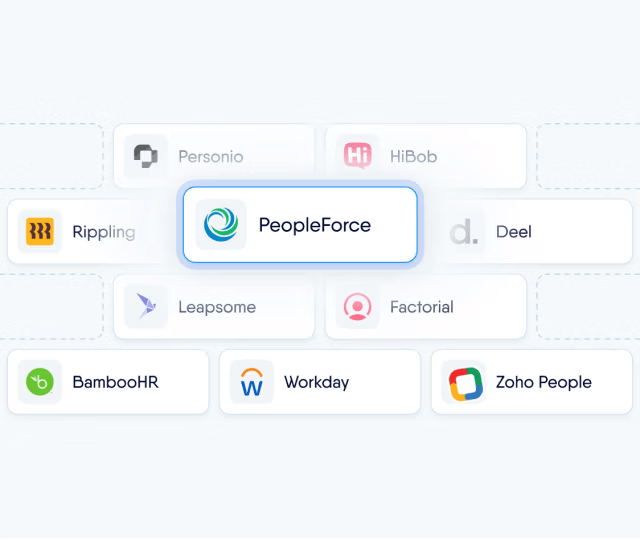
Choose connected job board accounts, your own job site contracts or paid channels, and every candidate joins the vacancy pipeline with the source already set.

Channels
Connect Work.ua, Robota.ua, Djinni and HeadHunter accounts, or register contracts you already hold with job sites such as LinkedIn Job Posting and Pracuj. All of them appear in one list on the vacancy, without signing in to each job site.

Catalogue
In the same step, paid channels from the partner catalogue are ordered by the vacancy location and can be searched by name, and the channels you add collect in a basket that goes to checkout with the rest of the campaign.

Details
The Details step is pre-filled from the vacancy, with a separate set of required fields for each selected job site.

Checkout
Each line in the basket shows who charges for it: catalogue channels are paid in PeopleForce at checkout, connected accounts and contracts are billed by the job site under its own terms, and a campaign without paid channels goes through checkout with nothing to pay.

Candidates
Candidates from every channel join one vacancy pipeline, with no copying from job site dashboards.
Application on the channel
The candidate applies on the job site or through your career site form.
Source from the channel name
The source is set to the channel name, with tracking tags on catalogue and contract links.
Duplicate check
Applications from connected accounts are matched to existing candidates by email, phone and CV.
Pipeline and stage automations
The candidate joins the vacancy pipeline with the CV, and stage automations run.
Monitoring
Every channel in a campaign shows its status, the days left and the number of applications it brought, and when one channel fails the others stay live while the person who created the campaign gets a notification and an email.

Reporting
Source is a field on every candidate, so the Candidate sources report shows weekly candidate counts for every source, with filters by vacancy, recruiter and department. Filtering the vacancy funnel by one source shows how many of its candidates reached each stage of the pipeline.

More in Recruit
Multiposting is one part of Recruit, which covers the path from a published vacancy to a signed offer in the same system.
One pipeline for every vacancy
Vacancy pipelines with the stages you define, stage automations for emails, tags, tasks, notes and tests, and a board view for every vacancy.

One pipeline for every vacancy
Vacancy pipelines with the stages you define, stage automations for emails, tags, tasks, notes and tests, and a board view for every vacancy.
Beyond the features
A success manager sets up the system with you, real people answer after go-live, and the rest of HR can be added when you are ready.

Implementation with a success manager
A dedicated success manager sets up the system with your team as part of the plan, not as a paid add-on.
Support in your language
Questions go to people on the support team, before and after go-live, rather than to a ticket queue.
Room to grow
Start with Recruit and add Core HR, Perform or other modules later, on the same records and in the same system.

Leader

Users Love Us

Regional Leader

High Performer
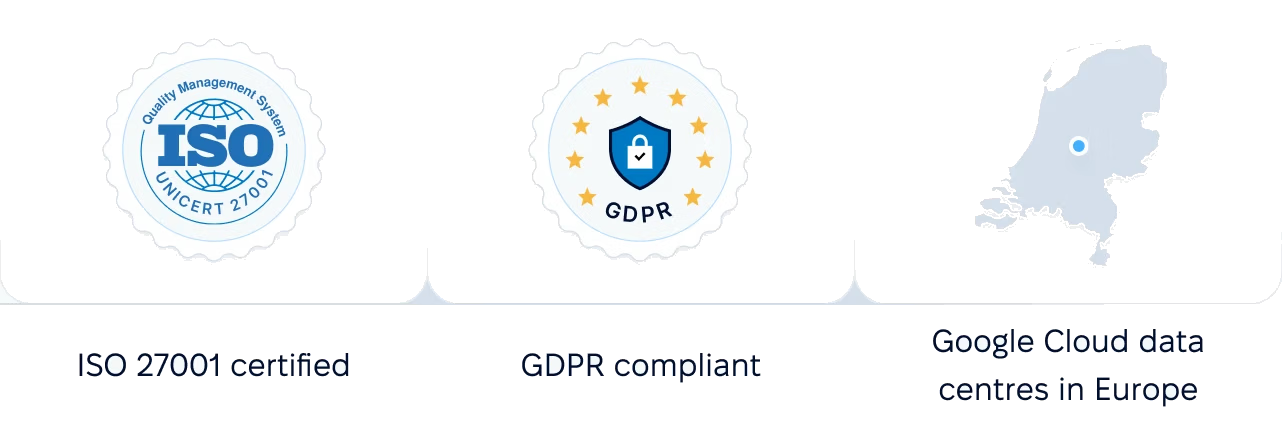
Certified infrastructure, data stored in European data centres, and role-based access to candidate data.
 Best Support
Walk through channel selection, advert details, checkout and the candidates who join the pipeline with a product specialist, on a vacancy you are hiring for now.