



Scope
Offer signing on any device
The candidate receives an email with your logo and a View offer button that opens the letter on its own page. No PeopleForce account is needed: access comes from the secure link in the email.

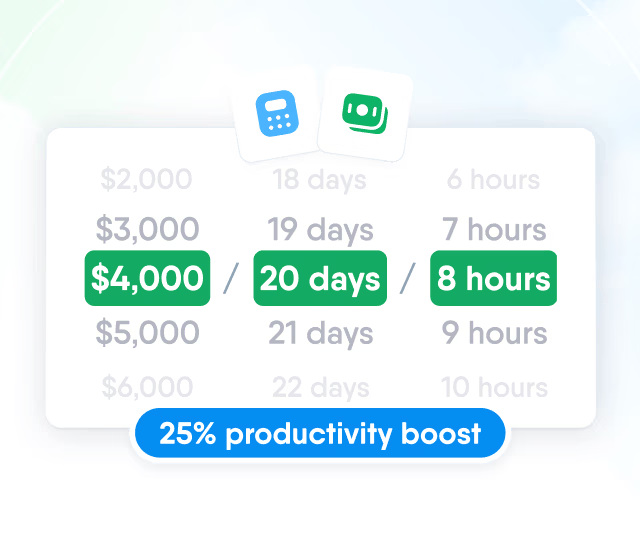
HR efficiency estimator
How does the HR efficiency estimator from PeopleForce work.
Calculate your impact
Build each offer from a template filled with the candidate's and the vacancy's details, send it as a link the candidate signs on any device, and follow its status on the vacancy.

Templates
Each template holds the covering email and the offer letter. Placeholders fill in the candidate, the vacancy, the hiring lead and the sender, so nothing is copied into a Word file by hand.

Review
Save and preview shows the merged email and offer letter for this candidate before anything is sent, so an empty field or a wrong figure is caught on screen. Until the offer goes out, it can be revised as many times as needed.

Scope
The candidate receives an email with your logo and a View offer button that opens the letter on its own page. No PeopleForce account is needed: access comes from the secure link in the email.
Email with a View offer button
The email is sent on behalf of the person who created the offer, and the candidate's replies go back to them.
Offer letter on its own page
The letter opens in the browser on a phone, tablet or laptop, with an acceptance block under the terms.
Signature drawn by hand
To accept, the candidate draws a signature with a finger or a mouse and confirms it. The signature is stored on the offer and shown on the letter from then on.
Decline with a reason
Declining asks for a reason in a required field, and the hiring team reads it on the offer.
Signed copy to download
After accepting, the same link opens a confirmation page with a button to download the signed offer as a PDF.
Tracking
Viewed is recorded the moment the candidate opens the letter, so the team knows the link reached them without asking. When the candidate accepts or declines, the offer's author, the vacancy's hiring lead and its collaborators receive an email.

Declined offers
A candidate can't decline an offer without writing a reason. The reason appears under the Rejected status on the offer and on the vacancy's offers table, so the whole hiring team sees whether it was another offer, the compensation or the schedule.

Hiring
Hire candidate opens the new hire form with the candidate's and the vacancy's details already filled in. The person is created in Core HR, and the new hire form you choose starts their onboarding.


Open Actions on the candidate's profile and select Hire candidate.
Control
Who can create and send offers is set on the role, and an offer that has gone out can no longer be changed in place.

Creating, sending and cancelling offers needs the Manage offers permission.
A sent offer is not edited in place: cancel it and create a new one.
A cancelled offer's link shows that the offer is no longer valid.

More in Recruit
Offers sit in the same hiring flow as vacancies, pipelines, career site and reports.
One pipeline for every vacancy
Move candidates through the stages of each vacancy, leave feedback and keep every application in one candidate database.

One pipeline for every vacancy
Move candidates through the stages of each vacancy, leave feedback and keep every application in one candidate database.
Beyond the features
A success manager sets up the system with you, real people answer after go-live, and the rest of HR can be added when you are ready.

Implementation with a success manager
A dedicated success manager sets up the system with your team as part of the plan, not as a paid add-on.
Support in your language
Questions go to people on the support team, before and after go-live, rather than to a ticket queue.
Room to grow
Start with Recruit and add Core HR, Perform or other modules later, on the same records and in the same system.

Leader

Users Love Us

Regional Leader

High Performer
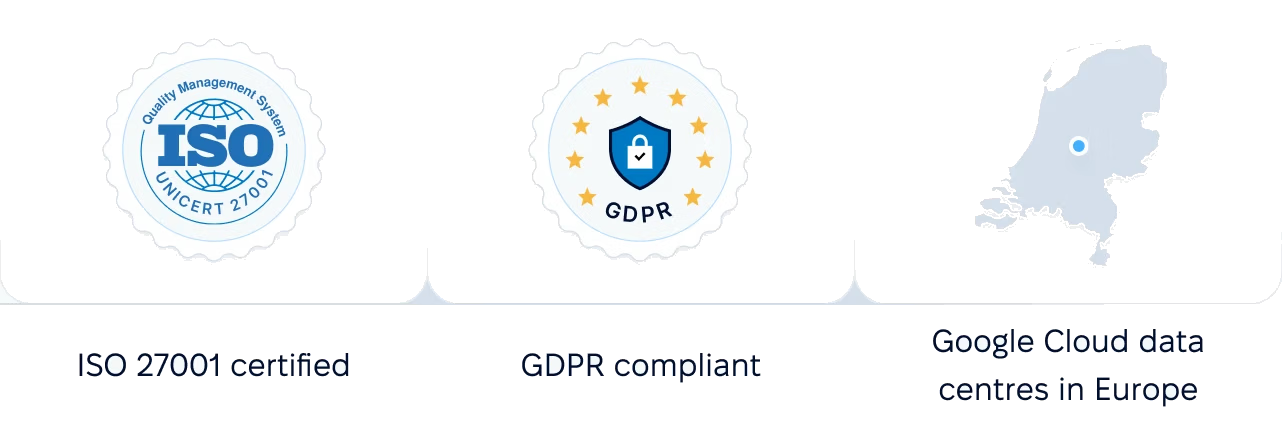
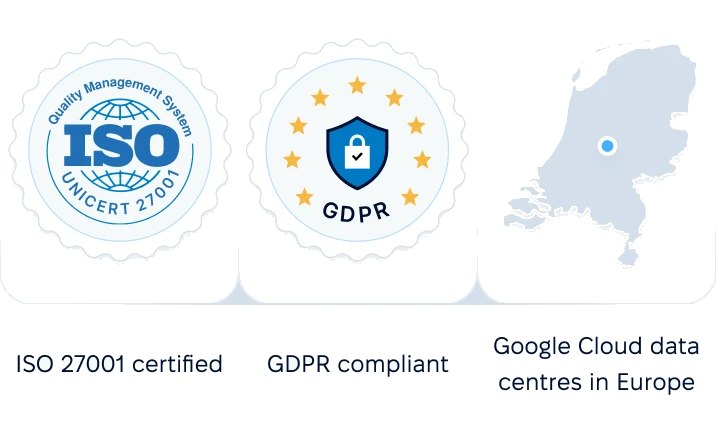
Certified infrastructure, data stored in European data centres, and role-based access to candidate data.
 Best Support
A demo walks through an offer template, the candidate's signing page, offer tracking on the vacancy and the move to Core HR.