




See Prospector on your own vacancies
Walk through adding a candidate from LinkedIn or a job site to a Recruit pipeline with a product specialist.

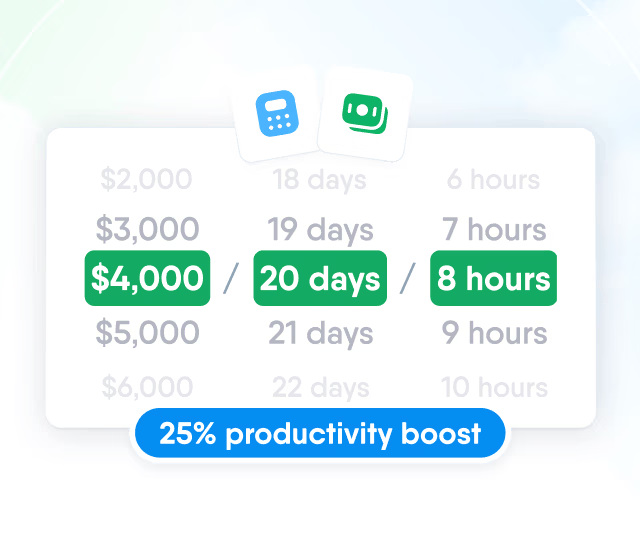
HR efficiency estimator
How does the HR efficiency estimator from PeopleForce work.
Calculate your impact
A Chrome extension that adds the person you found to an open vacancy and stage, with name, location and skills read from the page.

We had many tools and needed to streamline them. When you start to get bigger as a company, it’s irritating when your employees have to go to 5 platforms instead of 1. It’s just inefficient and slows you down
1.2Mcandidates added through Prospector
2,691users who added candidates
Sources
Prospector recognises profile and résumé pages on LinkedIn, GitHub, ArtStation, Djinni, Work.ua, Robota.ua and DOU. Candidates from all of them are saved to one candidate database.

Profile
PeopleForce reads the page you have open and fills in the candidate's name, location and skills. The page link is saved to the profile, and you become the candidate's recruiter.

Before saving
What the recruiter knows about the person goes into the profile in the same step as the candidate, without opening PeopleForce.

Duplicates
Before anything is saved, Prospector lists candidates from your candidate list with a matching name, email or profile link.

Pipeline
The extension lists open vacancies, and the candidate is added to the stage you pick in one or several of them.

Candidate database
When no vacancy is picked, the candidate is saved to the candidate database with the note and tags, and can be added to a vacancy later when a matching role opens.

Team
Everyone who sources for your vacancies adds candidates to the same database, and each profile shows who added the person.

Analytics
The source chosen in the extension is counted in the Candidate sources report, so you can compare how many candidates LinkedIn, Work.ua, Djinni and other sites bring.

Setup
Prospector comes with the Recruit plan and needs no configuration in PeopleForce.


Prospector is available to every account with Recruit.
Walk through adding a candidate from LinkedIn or a job site to a Recruit pipeline with a product specialist.
Beyond the features
A success manager sets up the system with you, real people answer after go-live, and the rest of HR can be added when you are ready.

Implementation with a success manager
A dedicated success manager sets up the system with your team as part of the plan, not as a paid add-on.
Support in your language
Questions go to people on the support team, before and after go-live, rather than to a ticket queue.
Room to grow
Start with Recruit and add Core HR, Perform or other modules later, on the same records and in the same system.

Leader

Users Love Us

Regional Leader

High Performer
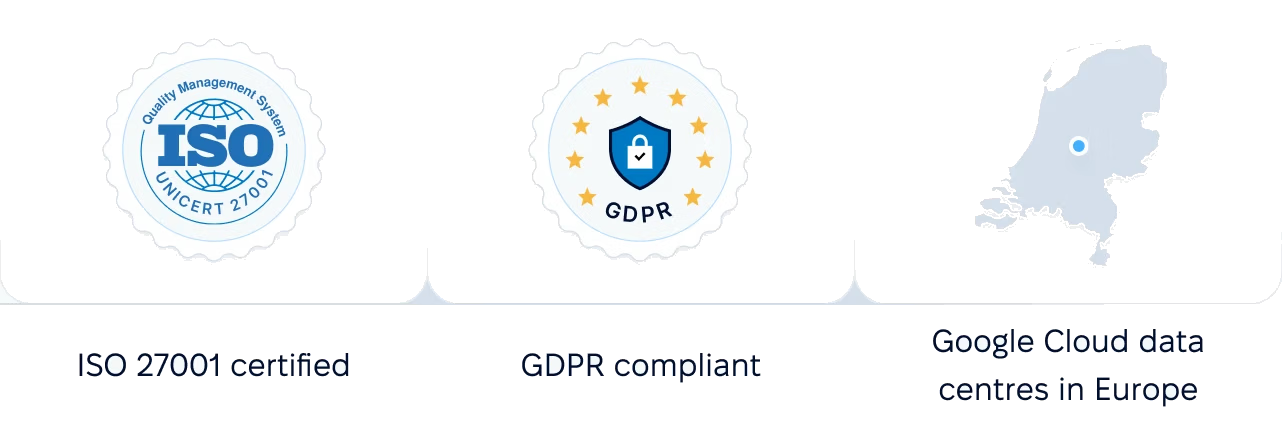
Certified infrastructure, data stored in European data centres, and role-based access to candidate data.
 Best Support
More in Recruit
Candidates added through Prospector move through the same Recruit pipeline, where they are tested, interviewed, offered a job and counted in reports.
One pipeline for every vacancy
Move candidates through the stages of each vacancy, leave feedback and keep every application in one candidate database.

One pipeline for every vacancy
Move candidates through the stages of each vacancy, leave feedback and keep every application in one candidate database.