
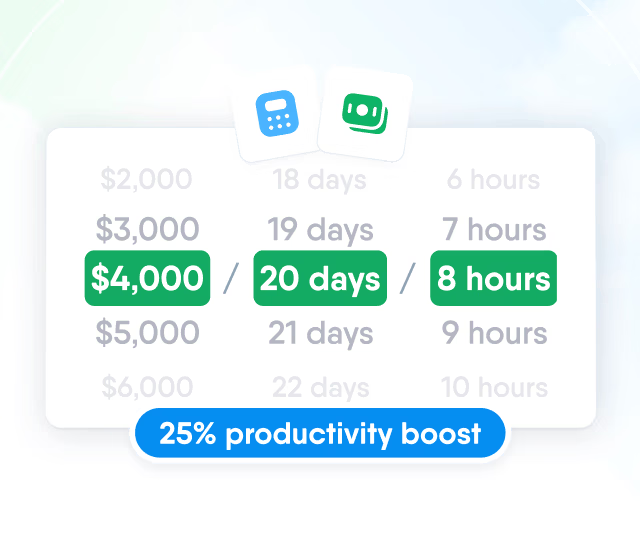
HR efficiency estimator
How does the HR efficiency estimator from PeopleForce work.
Calculate your impact



Model Context Protocol (MCP) in HR
What Model Context Protocol is, how it connects an AI assistant to HR data, what HR teams use it for and how access stays under control
What is Model Context Protocol (MCP)?
Model Context Protocol (MCP) is an open standard that lets an AI assistant such as Claude or ChatGPT connect to other systems and call their tools: search a directory, read a calendar, look up a document. The system runs an MCP server, the assistant acts as the client, and the person who connects it signs in with their own account.
For HR this means questions about people data can be asked in the assistant the team already uses, with no spreadsheet exports and no data pasted into a chat. MCP differs from a built-in HR chatbot: a chatbot lives inside the HR system, while MCP brings HR data into an external assistant, where it can be combined with other connected tools such as a task tracker, a calendar or a messenger.
How MCP works
| Element | What it is | Example in HR |
|---|---|---|
| MCP server | The part of a system that publishes tools and data | The server of the HR platform at the company's address |
| MCP client | The AI assistant that connects and calls the tools | Claude, ChatGPT |
| Tools | Actions the server allows, each with a description the assistant can read | Search people, who is out, leave balances |
| Authorisation | A sign-in that ties every request to a person | The employee signs in to the HR system and approves the connection |
| Permissions | The rules that decide what a tool returns | Only the people and fields the person's role can see |
What HR teams use MCP for
- Finding people for a project. Search by skills, languages, tenure and availability, then check who is on leave in the planned period.
- Auditing HR data. List active employees with no manager, department or employment type and draft reminders to fill the gaps.
- Preparing a first day. See who joins next Monday and draft a welcome message, a first-week plan and a reading list from the knowledge base for their onboarding.
- Planning around absences. Compare approved leave and public holidays with the scope of a sprint or a shift plan, as part of absence management.
- Spotting unused leave. Find people who have taken no time off for six months and still hold a large balance.
Access and data protection
An assistant connected through MCP has no access of its own. Every request runs as the person who connected it, so it returns only what that person can already open in the HR system. What changes is where the data travels: whatever the assistant receives becomes part of the conversation in the AI tool and falls under that tool's data settings. Under UK GDPR the employer stays the controller of this data, so before switching MCP on it is worth deciding which assistants and plans are approved for work data, checking whether the provider uses conversations to train models, and telling employees what the connection does. The general rules are covered under data protection.
MCP in PeopleForce
PeopleForce has its own MCP server, available on the Professional plan. An administrator switches it on in the integration settings, and each person then adds the company's PeopleForce address followed by /mcp as a connector in their assistant, signs in to PeopleForce and approves the connection. No API key is created or shared. Through the connection the assistant reaches what the person can open in PeopleForce: the people directory with custom fields, leave and leave balances, public holidays, the knowledge base, the company feed and performance data such as objectives, KPIs, feedback, 1:1s and reviews. It mostly reads: the one thing it can save is a draft of the person's own performance review answers, which the person then submits in PeopleForce. Direct messages, AI Companion chats and candidates' CVs, notes and scorecards stay out of reach. Each person sees and revokes their own connections in their security settings, administrators see every connection in the company, and terminating an employee revokes theirs automatically. Ready-made scenarios with prompts are in the article on connecting Claude or ChatGPT to HR data.
Frequently asked questions
Is MCP the same as an API?
No. An API is built for developers who write code against it. MCP describes tools in a way an AI assistant can discover and call by itself, and ties each call to a signed-in person. Many MCP servers are built on top of an existing API.
Can an AI assistant change HR data through MCP?
That depends on the tools the server offers. Many HR servers are read-only or allow only low-risk actions such as saving a draft, so leave requests, approvals and profile edits remain actions a person takes in the HR system.


Let us show you what's possible
From Core HR to advanced workforce analytics — see the platform saving 80 hours a month for teams just like yours. Fully tailored to your workflow.