



A demo built on your own KPIs
Bring two or three KPIs you track today, and the demo can walk through them in the monthly grid.

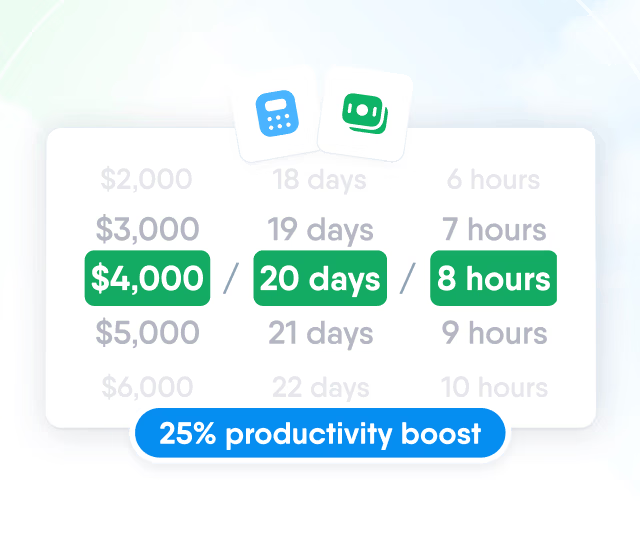
HR efficiency estimator
How does the HR efficiency estimator from PeopleForce work.
Calculate your impact
Plan each month, log the actual figure against it and compare people, departments, divisions, locations and the whole company in one yearly grid.

How a KPI works
Each KPI combines a level, a unit and an owner with monthly targets and the results recorded against them.


Five levels, three units (number, percent or currency) and one owner per KPI.
Import KPIs with their history or send results through the API, then follow them by team and in a company report.
Spreadsheet import
KPIs and their progress come in from a file, past months with their results.

API
Another system can record a result for a date.

Team view
Direct and indirect reports in one yearly grid, with Excel or CSV export.

Company KPIs report
On-track and at-risk counts, with the owner, target and result of each KPI.

KPIs appear on the employee profile and beside the review form, and an AI reviewer can use them as evidence.

Roles get None, View or Edit on KPIs. Viewers can read and leave notes, while editors, owners and creators update results and targets.

Bring two or three KPIs you track today, and the demo can walk through them in the monthly grid.
More in Perform
KPIs share the employee record with objectives, reviews, 1-on-1s and the rest of the Perform module.
OKR Management
Company, team and individual objectives with weighted key results and check-ins, which feed the Objectives question in reviews.

OKR Management
Company, team and individual objectives with weighted key results and check-ins, which feed the Objectives question in reviews.
Beyond the features
PeopleForce keeps KPIs in the same system as employee records and performance reviews, instead of in separate spreadsheets.

One place instead of scattered sheets
KPIs for every level in one system, each result with its date and comment.
The plan vs actual view teams already use
Monthly targets and results in a yearly grid, imported with their history.
KPIs next to performance reviews
Reviewers see each KPI's target and result beside the review form.

Leader

Users Love Us

Regional Leader

High Performer