



How it works
From request to signed document
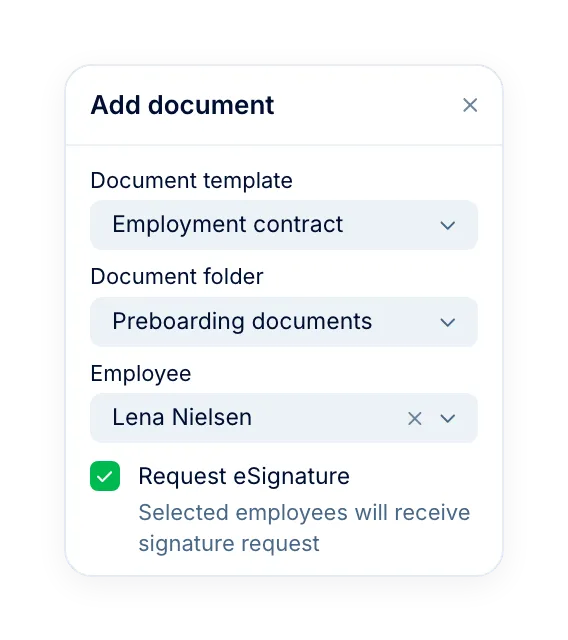
Send any PDF or DOCX from an employee's folder, or generate one from a template with their details filled in.

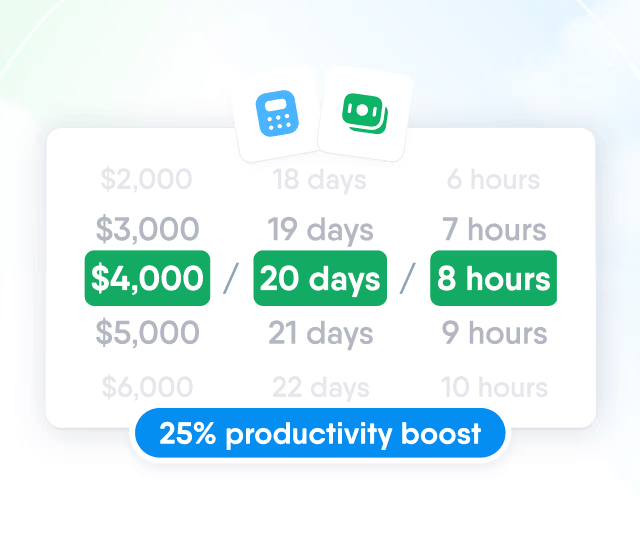
HR efficiency estimator
How does the HR efficiency estimator from PeopleForce work.
Calculate your impact
Send contracts, NDAs and policies for a simple or advanced signature. Employees sign from an email link, and the signed copy stays in their profile.
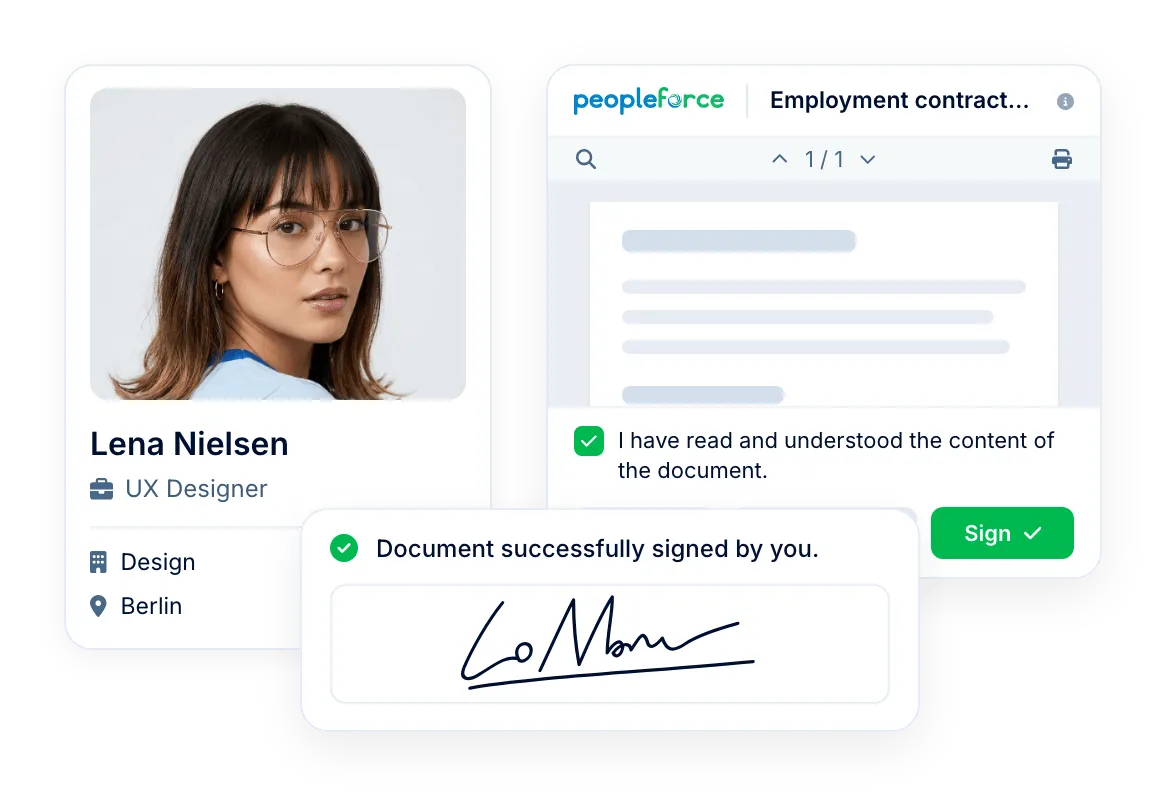
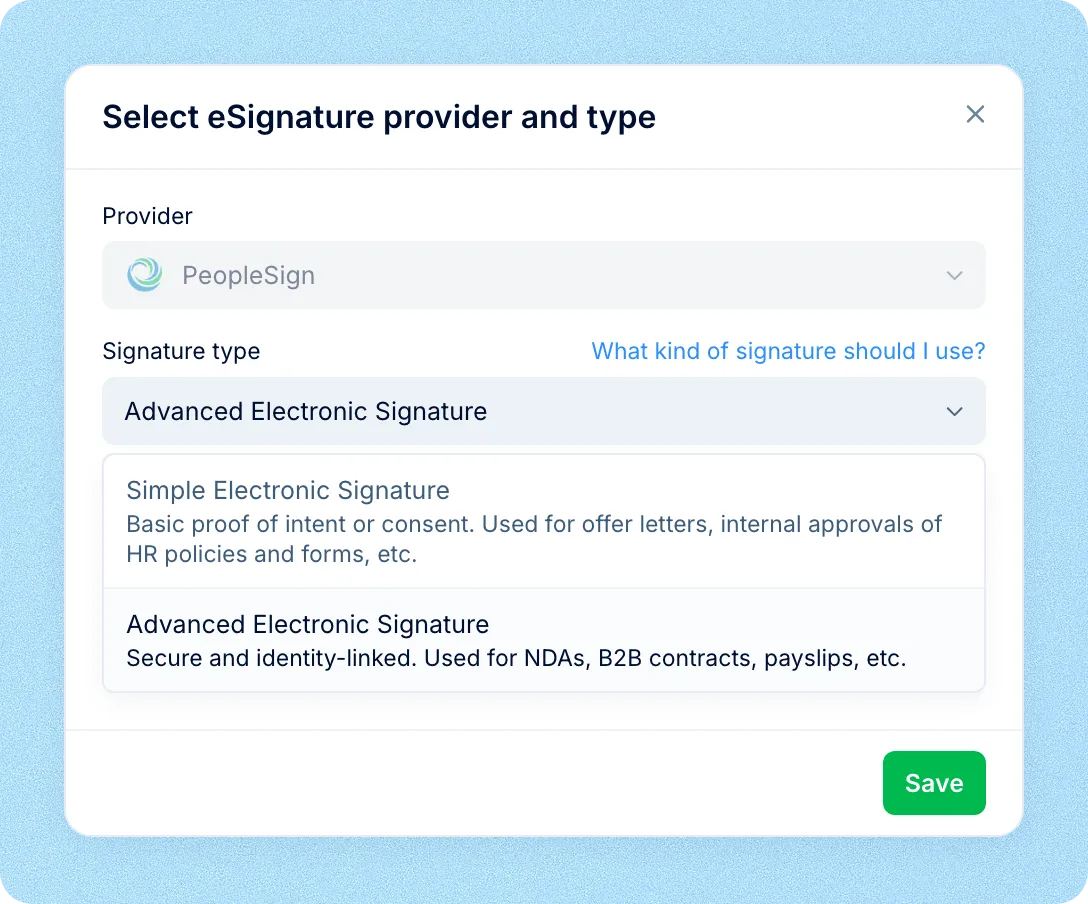
Signature types
Choose the signature type each time you send a document: simple for acknowledgements and internal forms, advanced for contracts that need an audit trail.
Signers
Every signer gets the request by email, as a task and in the eSignatures tab of their Inbox, and can sign without signing in to PeopleForce.
See how employee documents are stored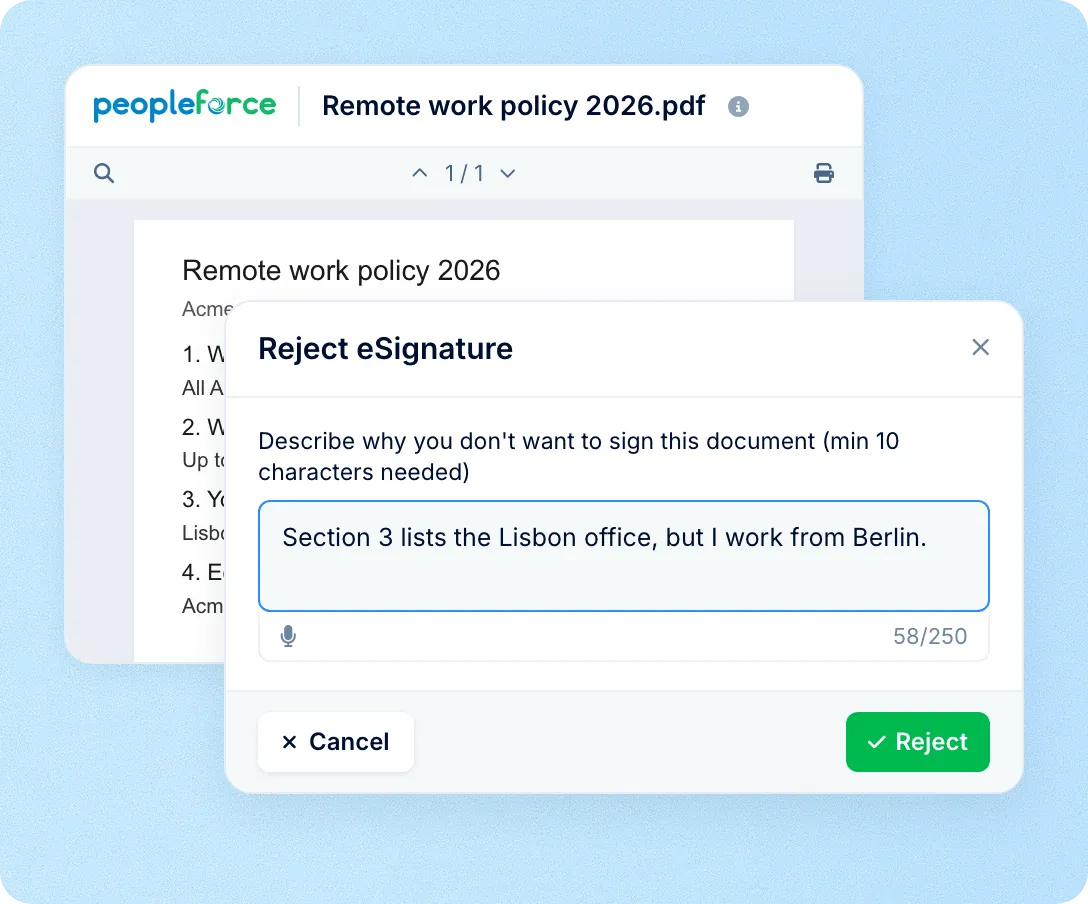
How it works
Send any PDF or DOCX from an employee's folder, or generate one from a template with their details filled in.
Request a signature
Upload a file or generate one from a template, choose the signature type and add signers.
Signers respond
Each signer opens the link from the email or their Inbox and signs or rejects the document.
The signed copy is filed
The signed version replaces the file in the employee's folder, and the status changes to Signed.
Status
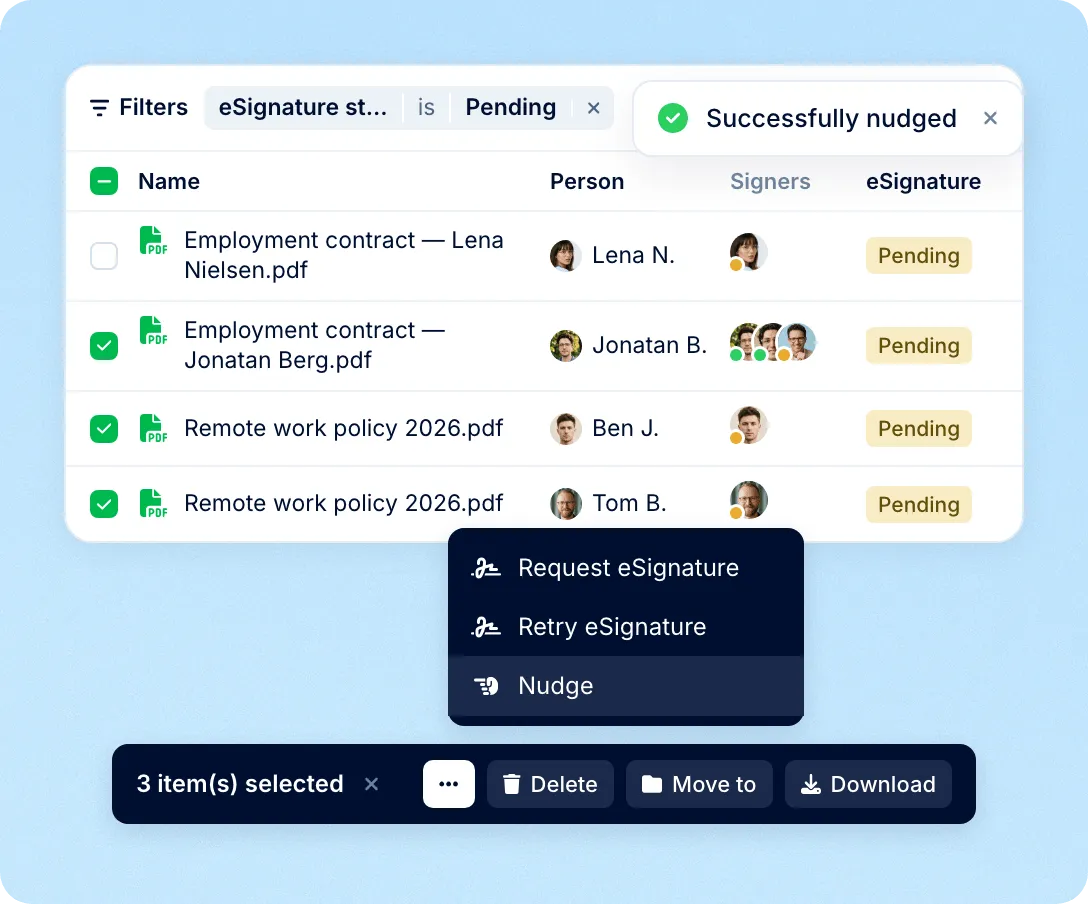
The documents list shows every signer and each request's status, from pending to signed. Filter by status and nudge signers by email, push, Slack or Microsoft Teams, once a day.
Bulk sending
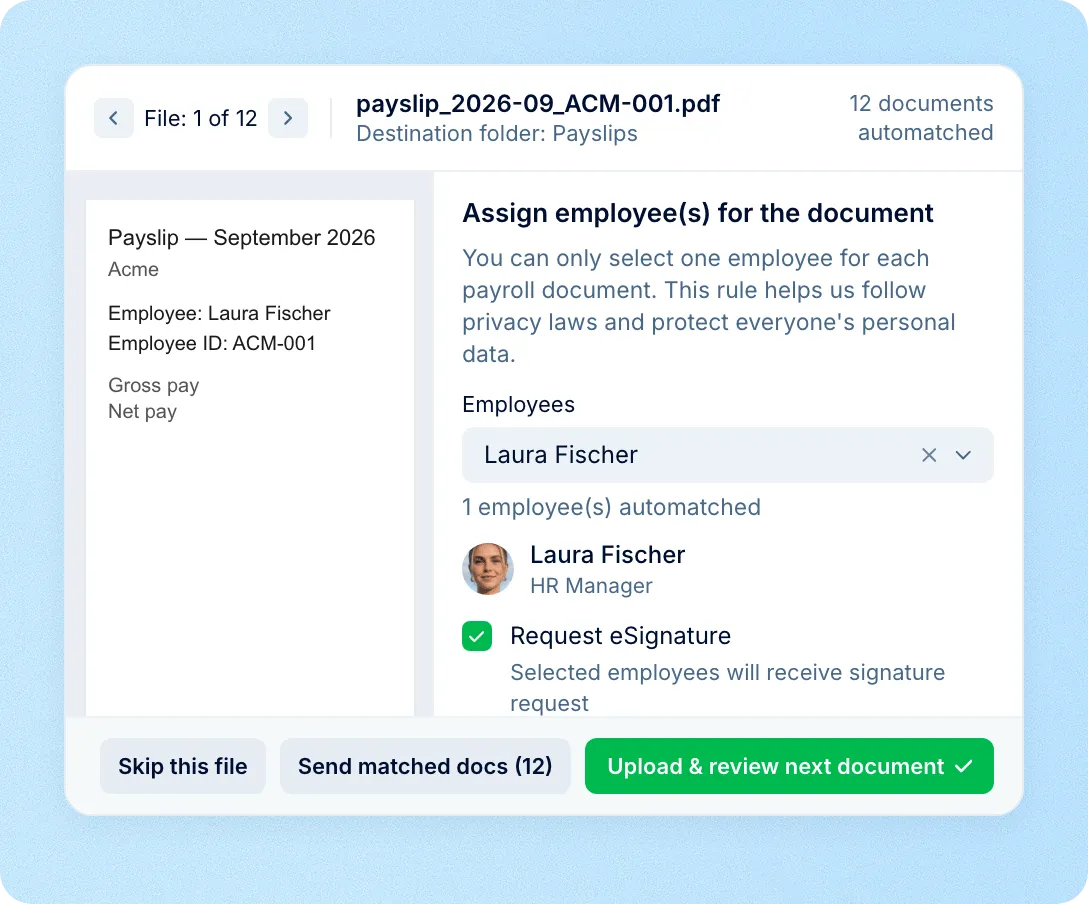
Upload up to 100 files at once. PeopleForce reads each one, matches it to the employee by ID, name or email and sends every matched document for signature in one step.
eSignature works inside the rest of Core HR, so documents get signed as part of hiring, onboarding and everyday HR processes.
Contracts signed before day one
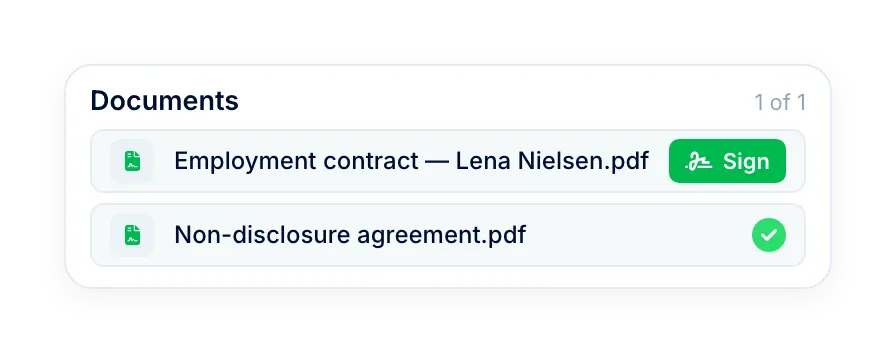
Preboarding forms send documents to new hires, who sign them in the form before their start date.
Signatures in workflows
A workflow step generates or uploads a document and requests a signature, and the next step waits until the employee signs.
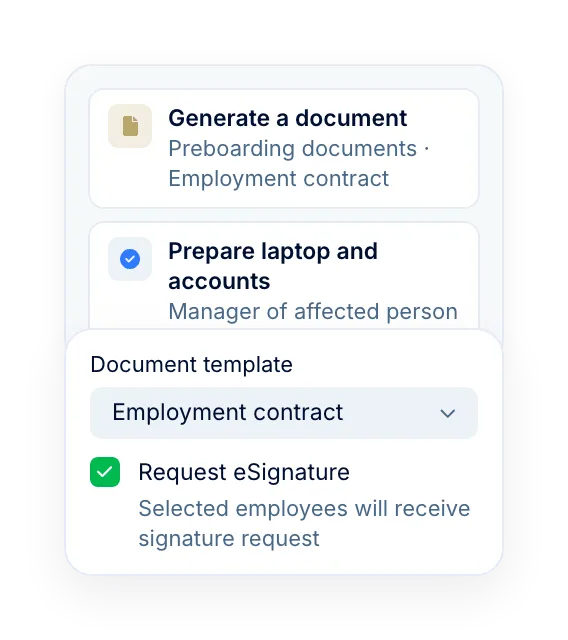
Documents from templates
Generate contracts and letters from DOCX templates with employee data filled in, then send them straight for signature.
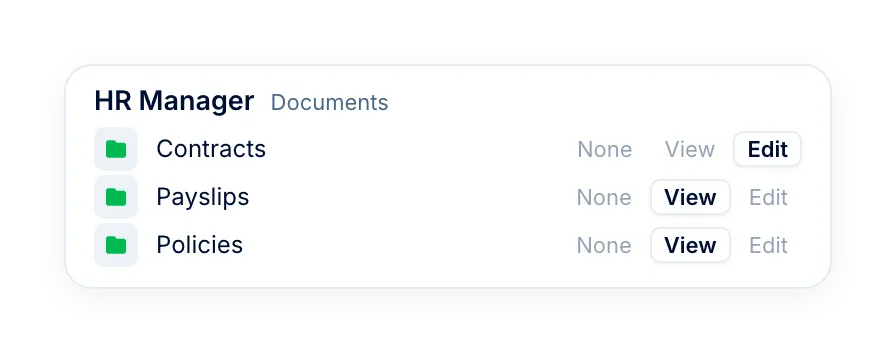
Access by folder and role
Admins and roles with document rights for a folder request signatures. Employees see their own documents and statuses.
More in Core HR
Everything that works with the same employee documents, from templates and folders to onboarding and reporting lines.
Folders, templates and access
Store, generate and share employee documents, with access set folder by folder.

Folders, templates and access
Store, generate and share employee documents, with access set folder by folder.
Beyond the features
A dedicated team gets you live, real people keep answering after go-live, and there's room to add the rest of HR when you're ready.

Setup done with you
A dedicated success manager sets everything up with you — it's included in the plan, not a paid add-on.
Support in your language
Real people, not a ticket queue, from your first question onwards.
Room to grow
Start with Core HR and add recruiting or performance later — same employee record, no second system.

Leader

Users Love Us

Regional Leader

High Performer
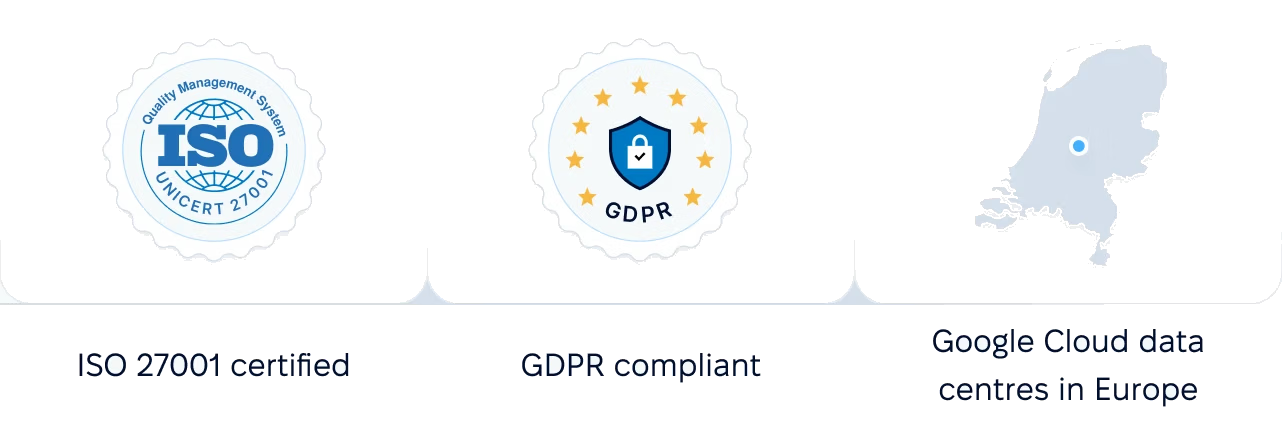
Certifications, granular access and full control over what happens to your data.
 Best Support
Get the full HR suite — Core HR, ATS, Performance, Surveys and more — at a fraction of enterprise platform pricing. See exactly what you'd pay.