




How it works
From employee profile to org chart
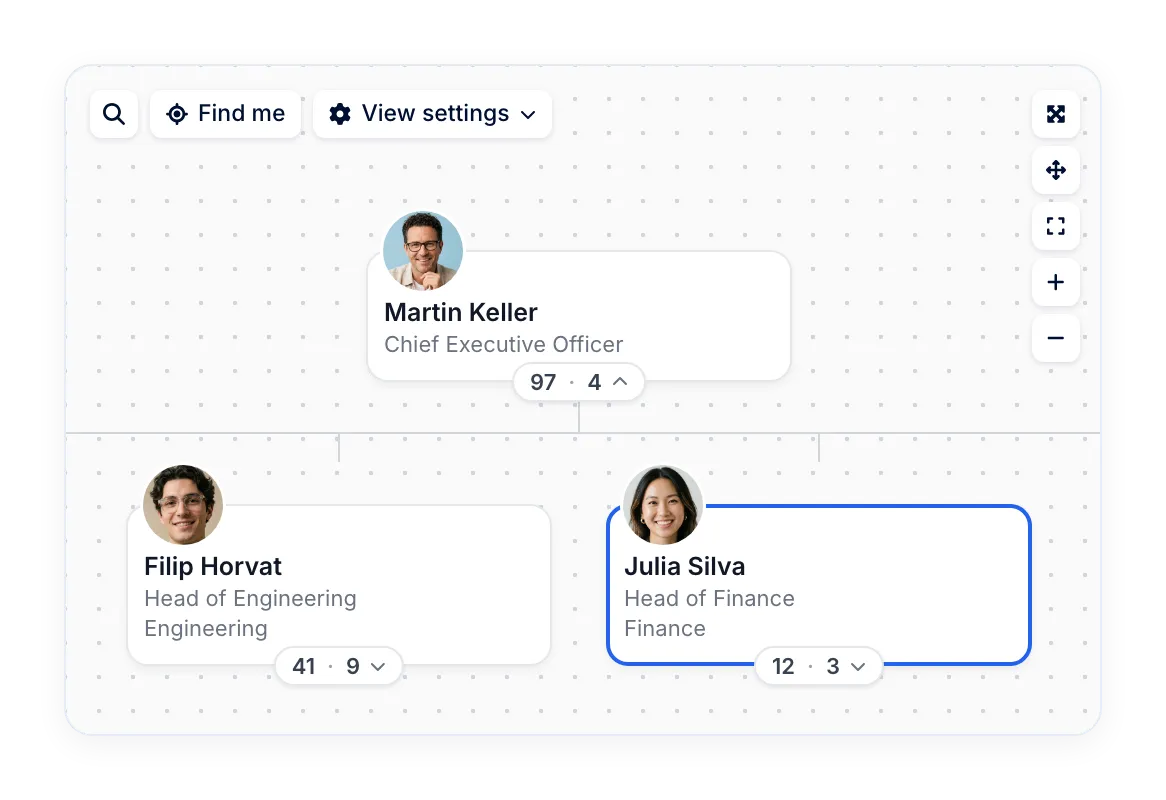
No slide to redraw after every hire or transfer. The chart reads the reporting line from each profile and draws the structure from it.


HR efficiency estimator
How does the HR efficiency estimator from PeopleForce work.
Calculate your impact
Org chart software that reads reporting lines straight from employee profiles, so a change in the profile is a change on the chart. HR, leaders and new hires see who reports to whom, by person or by department, and export any view as a PDF.
PeopleForce helped our managers manage certain processes more effectively; now it's convenient for us to find data, spend less time on it, and understand where everything is located.
780,000+
employees in PeopleForce have a manager set in their reporting line
120,000+
departments set up in PeopleForce
How it works
No slide to redraw after every hire or transfer. The chart reads the reporting line from each profile and draws the structure from it.
Reporting line in the profile
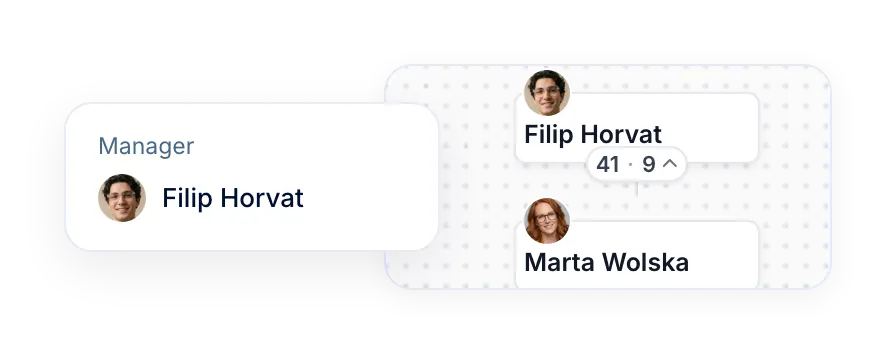
HR sets "Reporting to" on the job tab of each employee profile, the same record used across Core HR.
Chart drawn from the records
The org chart builds the hierarchy from those records, with direct and total reports shown for every manager.
View set to your structure
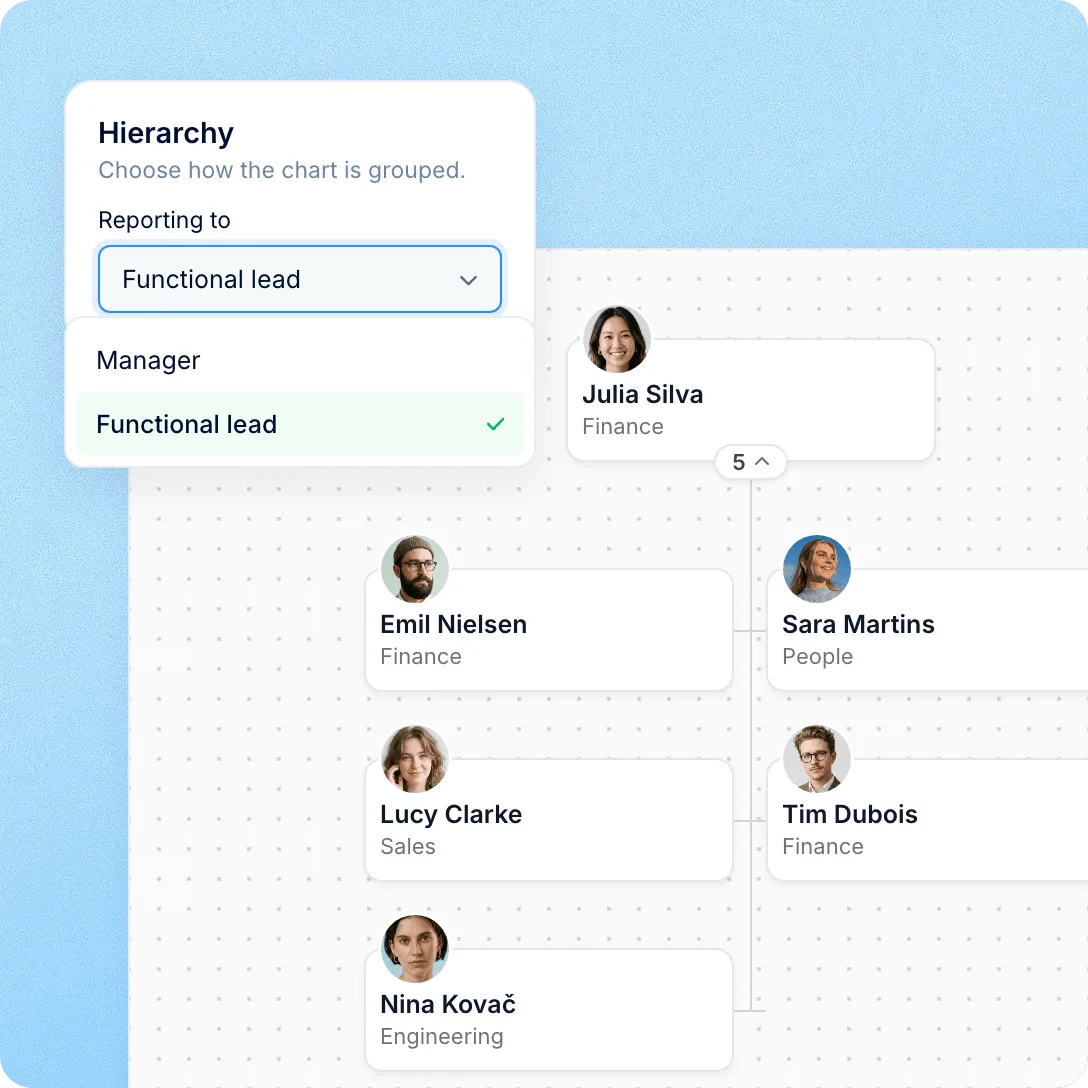
Choose which relationship drives the hierarchy, which fields appear on cards and whether the tree is wide or stacked.
PDF of the current view
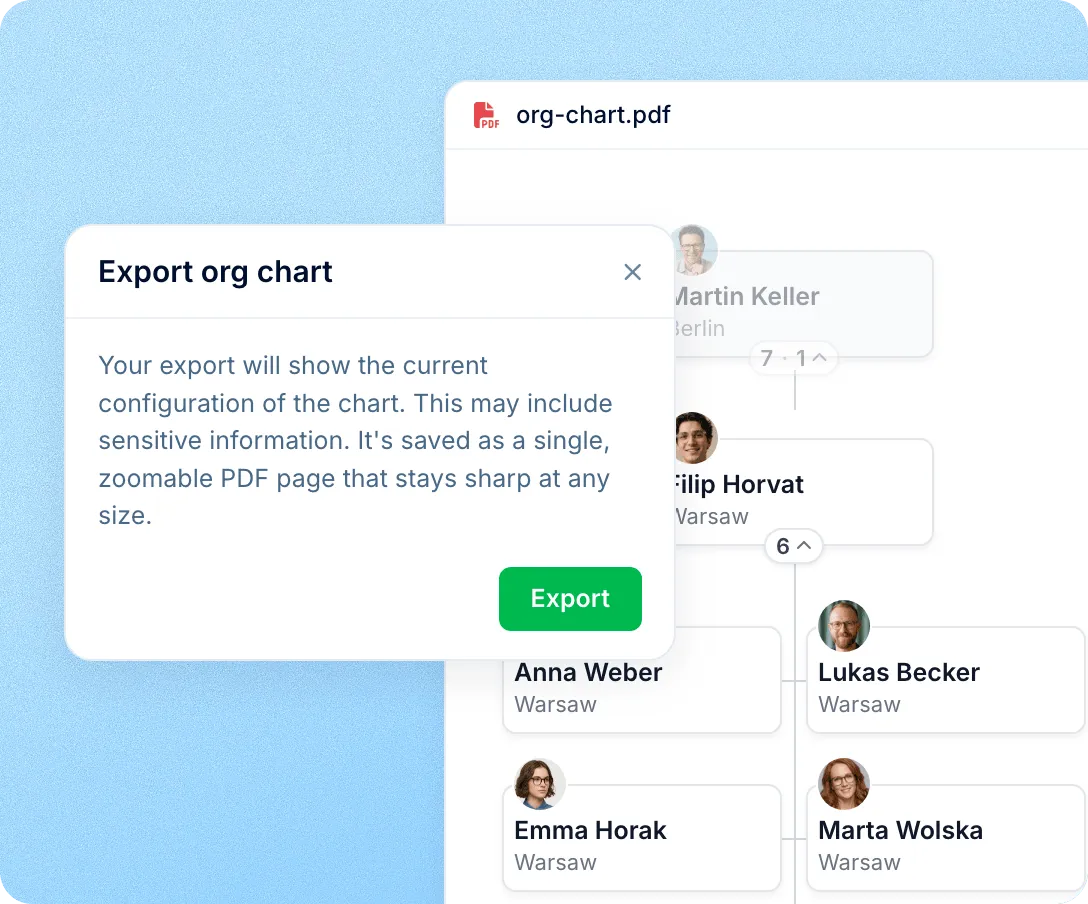
Export saves the chart exactly as it is on screen, as one zoomable PDF page that stays sharp at any size.
View settings
Line management is only one way a company is organised. View settings change what the chart is grouped by and what each card says.
Departments
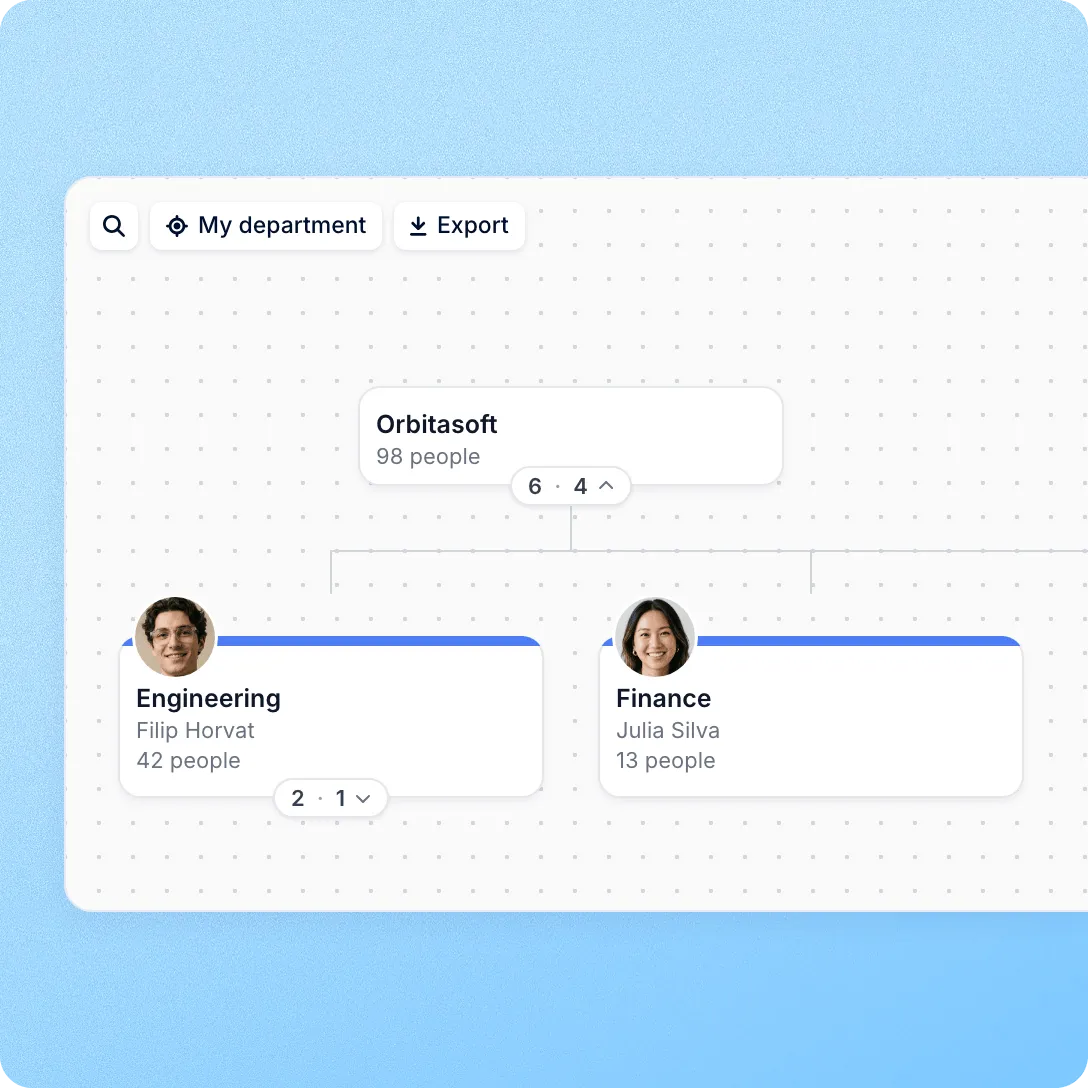
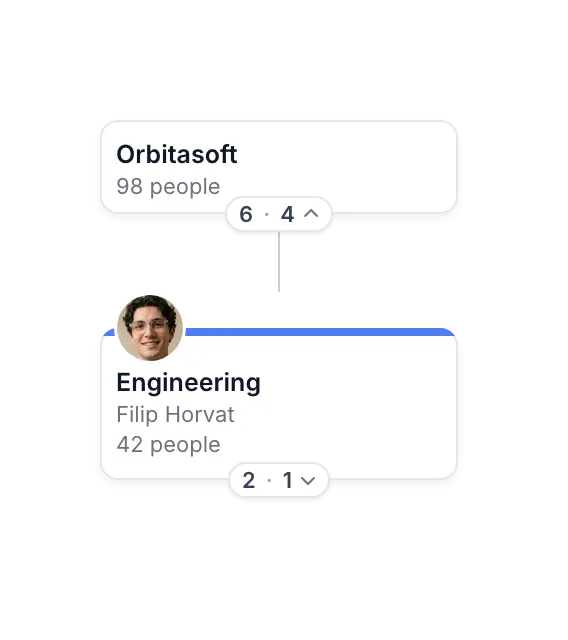
Next to the people chart, the Departments tab shows how teams are nested, who leads them and how many people each one has.
Navigation
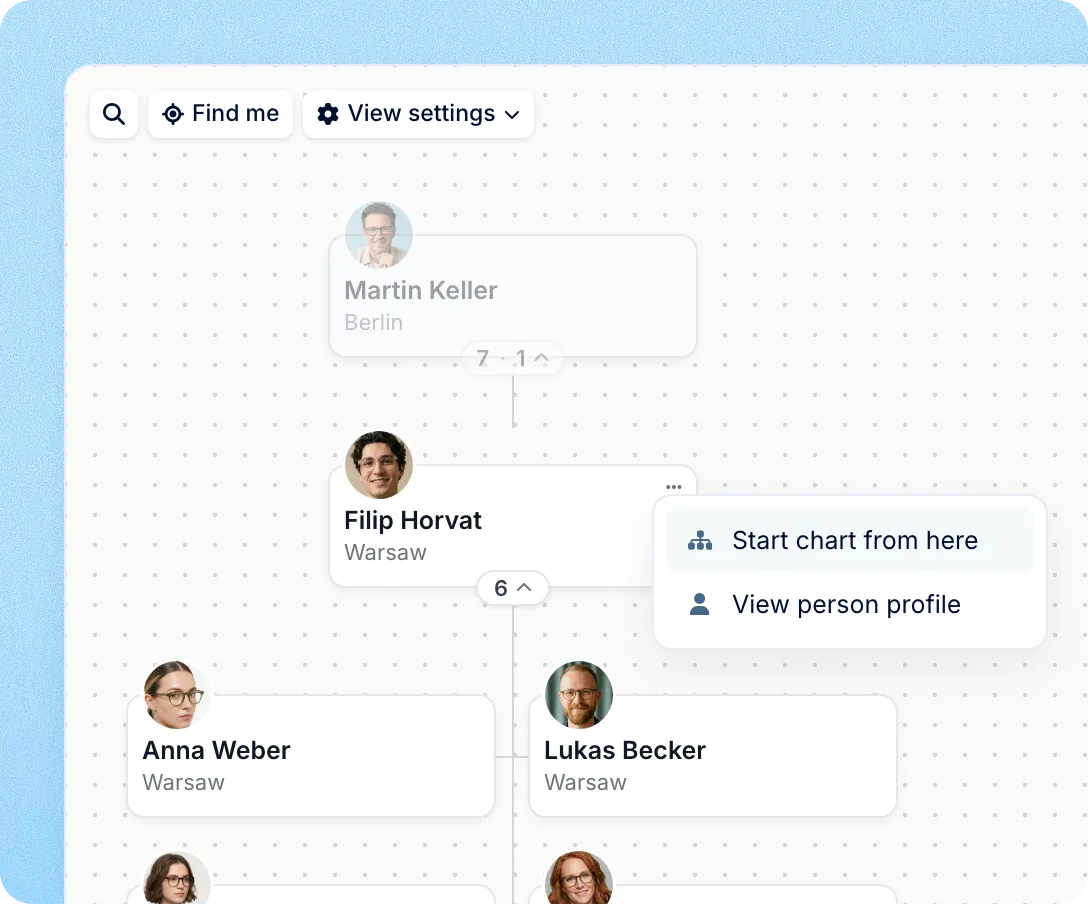
The chart stays readable at hundreds of cards, with expand all, fit to screen and full screen one click away.

"Find me" centres the chart on your own card, and "Find person" jumps to anyone by name.
"Start chart from here" shows one manager with their whole team below them.
Filters by location, position or work type show one office, one role or only contractors.


After implementing PeopleForce, we've saved at least 60% of the time spent on operational tasks, thanks to automation and simplified data access.
Export
Export saves the current view, with its filters, fields and starting point, as a single vector PDF for the board pack or the office wall. Inside PeopleForce, "View in org chart" on any profile opens the chart centred on that person, and the link can be bookmarked or sent.
Access
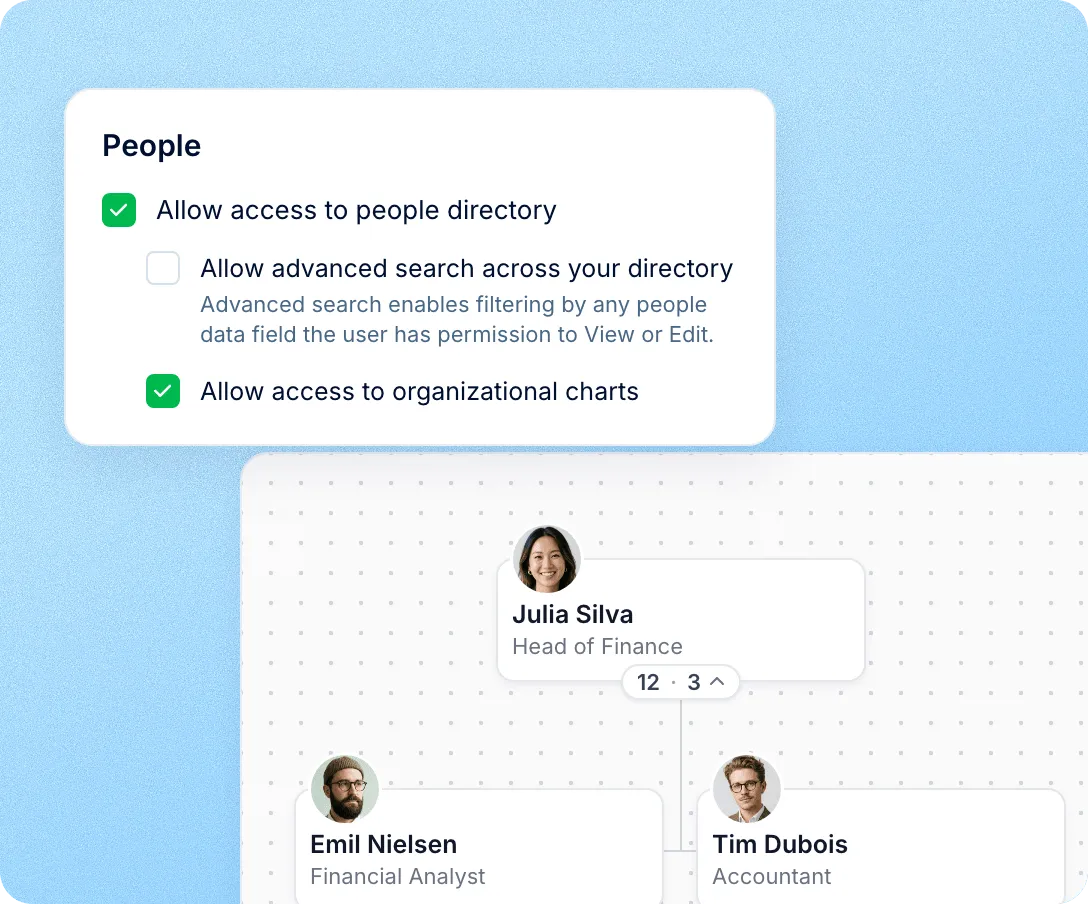
Administrators decide which roles can open the org chart. Each person sees the colleagues their visibility settings allow, and employee counts on department cards cover only those people. Custom fields keep their own field-level access on the cards.
The org chart is part of Core HR, so structure, people and processes stay in one system instead of a diagram tool and a spreadsheet.
For HR: nothing to maintain
Keep profiles current and the chart follows. No second file to update after a transfer.
For leaders: the company on one page
People or departments, whole company or one branch, ready before the next planning meeting.
For new hires: who is who from day one
Employees with access find their manager, their team and the people they will work with.
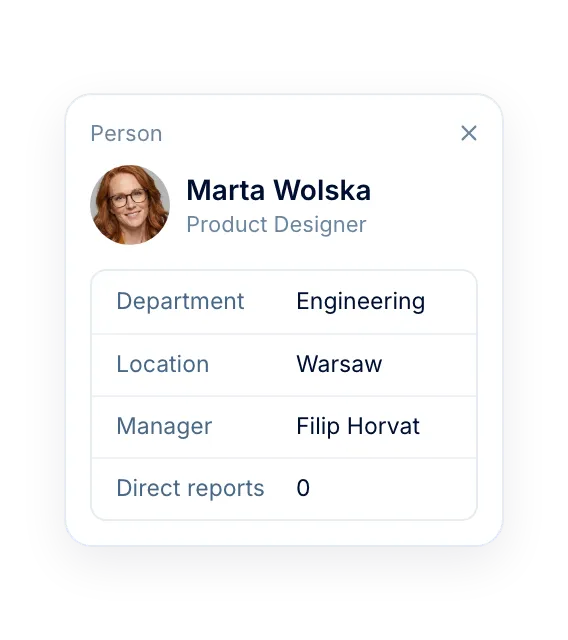
For admins: access by role
Decide who opens the chart and which fields they see on each card.
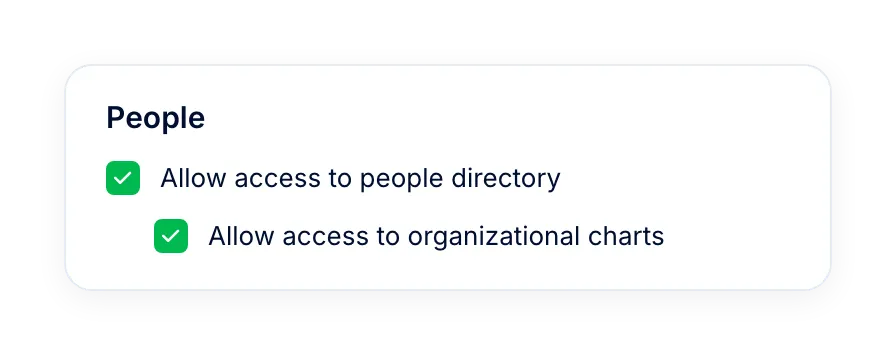
More in Core HR
Everything around your org structure, from employee records, leave and workflows to requests, access rules and documents, in one connected system.
All employee data in one place
Profiles with job, contact and personal details, searchable by anyone with access and the source the org chart reads from.

All employee data in one place
Profiles with job, contact and personal details, searchable by anyone with access and the source the org chart reads from.
Beyond the features
The reporting line on the chart is the same one that routes approvals and reviews, so fixing it once fixes it everywhere.

Leave approvals follow it
Time-off requests can go to the direct manager or the manager's manager, taken from the line the chart shows.
Attendance approvals follow it
In Time, attendance approvals can route to each person's manager from the same reporting line.
Reviews follow it
In Perform, a review cycle assigns each person's manager as reviewer straight from the reporting line.

Leader

Users Love Us

Regional Leader

High Performer
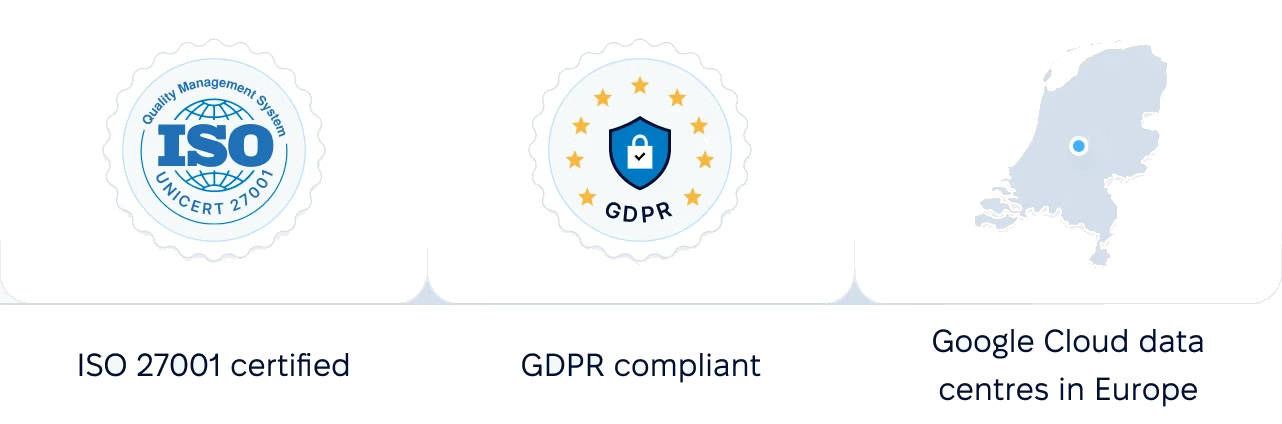
Certifications, granular access and full control over what happens to your data and equipment.

 Best Support
Get the full HR suite — Core HR, ATS, Performance, Surveys and more — at a fraction of enterprise platform pricing. See exactly what you'd pay.