



More in Perform
Explore the rest of Perform
Goals, KPIs, reviews and recognition in the same module as 1‑on‑1s, built on the employee records already kept in PeopleForce.

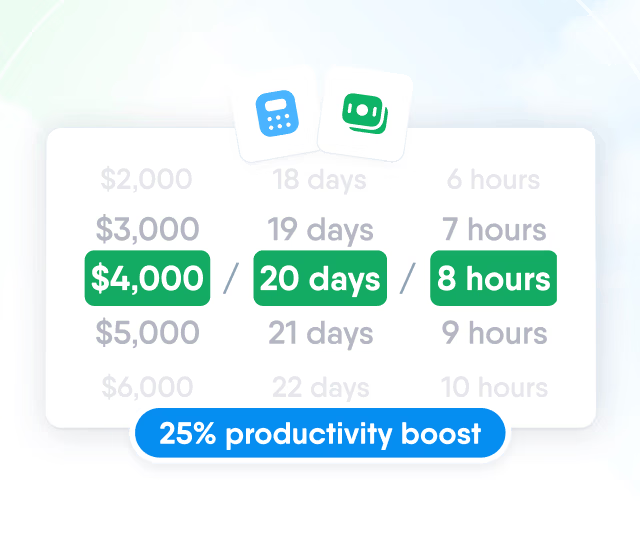
HR efficiency estimator
How does the HR efficiency estimator from PeopleForce work.
Calculate your impact
Plan each conversation together, carry open agreements into the next meeting and show HR which 1-on-1s are completed.

Set the rhythm once per pair, weekly or monthly, and each next meeting is created automatically.

Agenda
Both people add talking points ahead of time; open points from the last completed meeting carry into the next one.


Each point shows its author and can be reordered, ticked off or kept private.
Every item has an owner and stays open from meeting to meeting until someone ticks it off.

All meetings of a pair stay in one timeline, and the reviewer can open their 1-on-1s with the person during a performance review.

Shared notes for the record, private notes for the organiser, and a report that shows HR which 1‑on‑1s are completed, without a word of what was written.
Shared notes
Each person writes in their own box; the pair, guests and roles with access can read both.

Private notes and items
The organiser gets a private notes box on every meeting. Talking points and action items can be marked private, and Hide private items takes them off your screen before a screen share.

1-on-1s report
Completed and scheduled meetings by week, by meeting type, and open versus done talking points and action items. Filter by manager, team, department or location.

XLSX and CSV export
One row per meeting with both people, date, type, status and done/total counts.

More in Perform
Goals, KPIs, reviews and recognition in the same module as 1‑on‑1s, built on the employee records already kept in PeopleForce.
OKR Management
Company, team and individual objectives with weighted key results and check-ins, which feed the Objectives question in reviews.

OKR Management
Company, team and individual objectives with weighted key results and check-ins, which feed the Objectives question in reviews.
Beyond the features
Most teams we talk to keep 1‑on‑1 notes in spreadsheets, shared drives and private files, and HR can’t tell which conversations took place.

One record for every pair
Talking points, notes and action items from every meeting stay with the pair instead of spreadsheets, shared drives and private files.
Completion visibility for HR
The 1‑on‑1s report shows completed and scheduled meetings week by week, filtered by manager or team, without any note text.
1‑on‑1 history in reviews
During a review, the reviewer opens their 1‑on‑1s with the person from the last 3, 6 or 12 months, with shared notes and unfinished action items.

Leader

Users Love Us

Regional Leader

High Performer
Certified infrastructure, data stored in European data centres and role-based access to every 1-on-1.
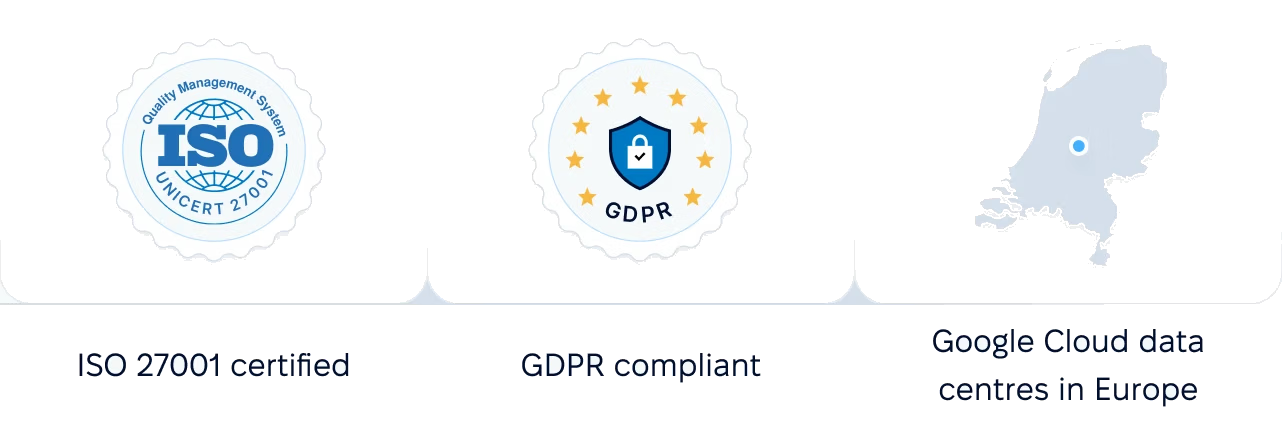
 Google Cloud data centres in Europe
Walk through a recurring series, a shared agenda, carried-over action items and the HR report with a product specialist, set up for your managers and teams.