



Objectives and key results
Objectives with measurable key results
An objective names the outcome, and its key results measure it. Each key result has a start, a target and an owner, and the objective's progress is calculated from them.

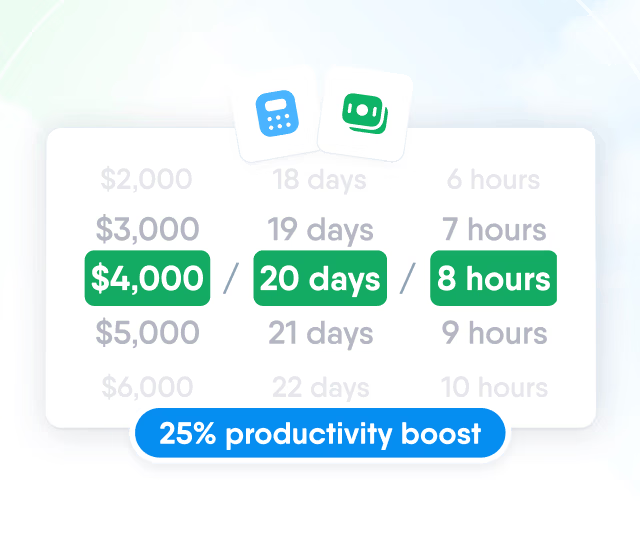
HR efficiency estimator
How does the HR efficiency estimator from PeopleForce work.
Calculate your impact
Set key results, align objectives from company to employee and track progress calculated from the numbers.

Objectives and key results
An objective names the outcome, and its key results measure it. Each key result has a start, a target and an owner, and the objective's progress is calculated from them.
Four ways to measure
Percentage, number, currency, or completed and incomplete for results that are either done or not.
Targets that go down
A target below the start counts progress as the figure falls, for metrics like time to hire.
An owner for every key result
A key result can have its own owner and its own dates within the objective's period.
Quarter, half year or year
Pick dates on the calendar or use shortcuts for this or next quarter, half year and year.
Alignment
Align objectives under a parent to build the structure from company to employee. A child objective always runs within its parent's dates.


The top of the structure, each with a named owner and shown on the Company view to roles that can see company objectives.
Progress is never entered by hand. It is recalculated from weighted key results whenever one changes, and with roll-up on, child objectives count too.

Each key result's owner sets its status: on track, behind or at risk. The objective takes the most severe one, so a blocked key result shows even at a high percentage.


A check-in collects a person's key results on one page to update figures and statuses at once. Notes, mentions and update history stay on the objective.
Check-in page
One row per key result with its owner, current figure and status.

Reminders
Administrators choose weekly, every 2 weeks or monthly. Objective owners get a reminder in the app and by email.

Notes and mentions
An @mention notifies a colleague in the app, by email, and in Slack or Microsoft Teams where connected.

Update history
Every saved figure, status change and edit is recorded in the activity feed.

Visibility
The Company view lists objectives with owner, progress and status, and the ownership report shows who has objectives and who has none.

Performance reviews
Closing an objective records a 1 to 10 rating and a reflection, and the review form shows each of the person's objectives as a card to rate.

Closing with an assessment
The owner rates the objective from 1 to 10 and adds a reflection, and its progress is kept as it was.

One card per objective
Objectives the person owns or holds a key result on, each rated from No progress to Achieved objective.

Objectives for the review period
The cycle includes objectives ending in the assessment period, or active at any point in it.
The Performance tab keeps objectives next to KPIs, development plans, reviews and 1-on-1 meetings, so managers see the full picture in one place.

Who can see and edit objectives is set per role in Roles and permissions.

Setup
OKRs are switched on for the whole company, and each option is set once by an administrator.
Bring one company objective and we will show it in PeopleForce with key results, alignment, check-ins and the review.
More in Perform
Goals, 1:1s, competencies and recognition sit in the same module as reviews, so a review cycle reads the data your team already keeps.
Performance Reviews
Run review cycles with question templates, competencies and objectives in one review form.

Performance Reviews
Run review cycles with question templates, competencies and objectives in one review form.
Beyond the features
HR teams describe the same OKR problems: progress collected in spreadsheets, a methodology that feels heavy, and objectives that never reach the review.

Every team's objectives in one view
Each department's progress, calculated from key results, without a spreadsheet.
Start without the full methodology
Begin with individual objectives and add alignment later, with a success manager.
Objectives that carry into reviews
Objectives appear in reviews as cards to rate, not pieced together elsewhere.

Leader

Users Love Us

Regional Leader

High Performer
Certified infrastructure, data stored in European data centres, and role-based access to objectives and performance data.
 Google Cloud data centres in Europe