



Timeline
Review cycle milestones and reminders
Every cycle runs on its own dates, and reminder emails reach the people who have not nominated peers or submitted a review, 0 to 30 days before each deadline.

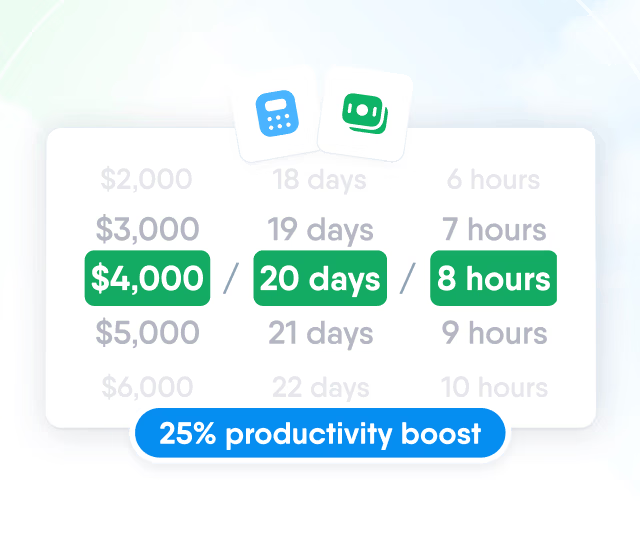
HR efficiency estimator
How does the HR efficiency estimator from PeopleForce work.
Calculate your impact
Collect self, manager, peer and upward input on shared deadlines, with the employee's OKRs, KPIs and 1:1 notes open next to the form.

Combine up to 10 reviewer groups in one cycle: self, manager, peer groups, direct reports, team lead and a reviewer from the employee profile, such as a project manager.

Timeline
Every cycle runs on its own dates, and reminder emails reach the people who have not nominated peers or submitted a review, 0 to 30 days before each deadline.
Cycle starts
A kick-off email written for each reviewer group opens the review forms on the start date.
Peer selection due
Employees, managers or HR complete nominations, with reminders to anyone who has not nominated yet.
Reviews due
Reviewers with an unsubmitted form receive a reminder ahead of the deadline.
Results shared
HR shares fully or partly submitted reviews with managers, or with managers and employees.
Cycle finishes
The cycle closes on its end date and can be locked to stop further submissions.
The cycle page shows how many reviews each group has submitted, and HR sends a nudge to everyone pending in one group at once.

Questions
Review forms are built from your own competencies, rating scales, open questions, multiple choice and checkboxes, and the same templates are reused from one cycle to the next.


Competencies live in one library and can carry several questions describing day-to-day behaviour.
Goals and performance data sit beside every form, and peer and upward groups each get their own anonymity and visibility rules.
Goals inside the form
OKRs from the review period appear in the form, each rated from No progress to Achieved objective.

Context beside the form
A side panel opens OKRs, KPIs, kudos, 1:1s and past reviews, within the reviewer's access.

Anonymity per group
Hide peer and upward reviewer names from the employee, their manager or both, set per group.

Who sees what, and when
Roles decide whose reviews a manager opens; each cycle decides if that is on submission or after sharing.

Results
A finished cycle turns into three views that HR and managers use to compare people, spot gaps between perspectives and plan development.

Weighted performance score
A score from 0 to 100 is calculated from the manager's competency ratings, with a weight for each competency and all weights adding up to 100%.

Competency radar by reviewer group
Average ratings per competency are drawn separately for self, manager, peer and upward reviews, which shows where views of the same person differ.

9-box grid from any two ratings
Choose two rating questions from the manager review, such as performance and potential, and see how many people fall into each cell, with the list of names below and an export to Excel or CSV.
A review can be linked to a 1:1 meeting where the manager and employee go through the results, and the cycle counts how many reviews have been discussed.


Bring your current review form and walk through reviewer groups, deadlines, anonymity settings and results with a product specialist.
Beyond the features
We set up your first review cycle with you, give your team guides in its own language and leave room to add the rest of HR later.

First cycle set up with you
The Customer Success team sets up your first cycle with HR, starting from the form and rating scale you use today.
Help in your language
Guides for review cycles, question templates and competency weights in English, Polish, Spanish, Ukrainian and Russian.
One system, room to grow
Reviews live on the same employee profiles as your HR data, goals and 1:1s. Start with Perform or Core HR and add the rest later.

Leader

Users Love Us

Regional Leader

High Performer
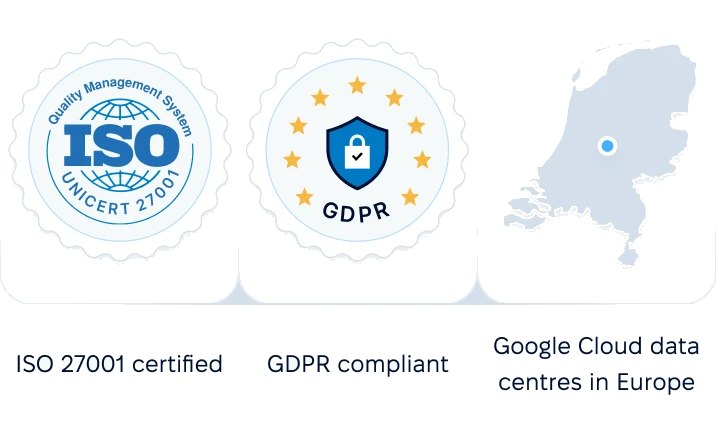
Certified infrastructure, data stored in European data centres.
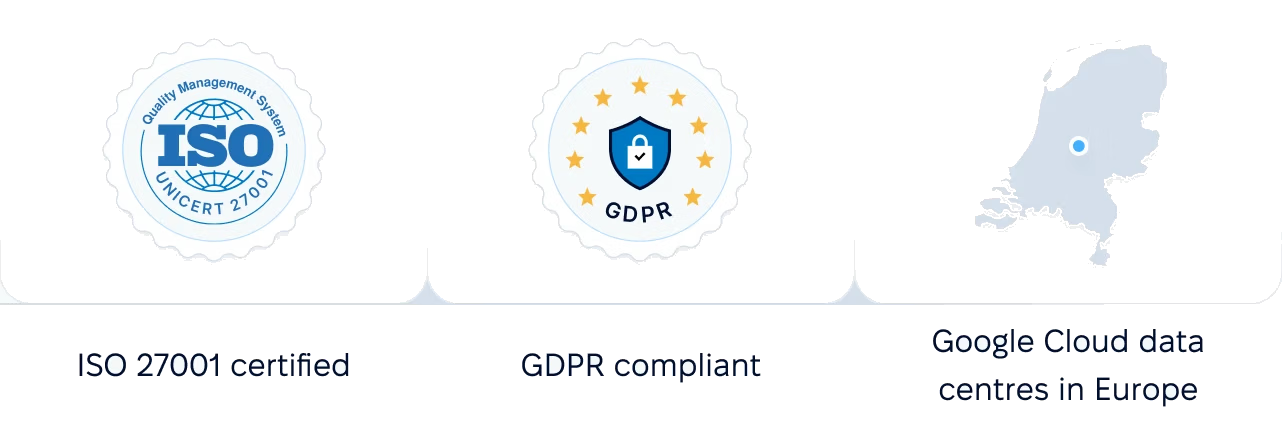
 Google Cloud data centres in Europe
More in Perform
Goals, 1:1s, competencies and recognition sit in the same module as reviews, so a review cycle reads the data your team already keeps.
OKR Management
Company, team and individual objectives with weighted key results and check-ins, which feed the Objectives question in reviews.

OKR Management
Company, team and individual objectives with weighted key results and check-ins, which feed the Objectives question in reviews.