
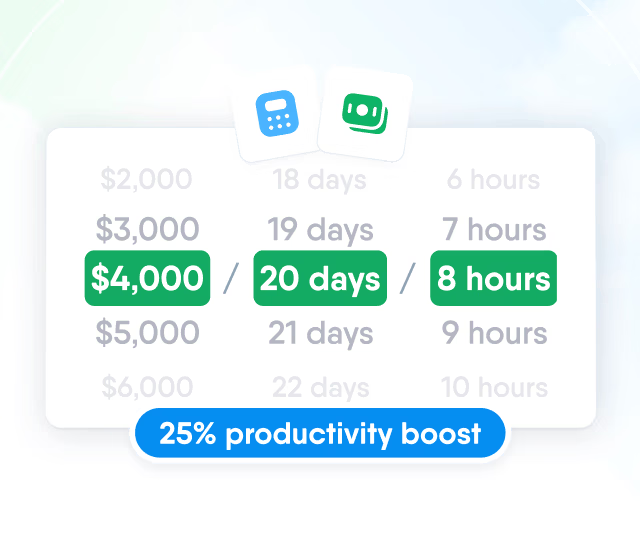
HR efficiency estimator
How does the HR efficiency estimator from PeopleForce work.
Calculate your impact



Payroll calendar
What a payroll calendar is, which dates it holds, how to build one for the year and which fixed deadlines shape it
What is a payroll calendar?
A payroll calendar is the schedule of every date in the payroll year: when each pay period starts and ends, when changes must be in, when the run is approved, when people are paid and when reports and payments go to the tax authority. It is prepared once for the year and shared with HR, finance, managers and employees.
It is not the same as a pay period. The pay period is the span of time being paid for. The calendar puts a date on everything that has to happen around that period so that payroll arrives on time.
What a payroll calendar includes
| Date | What happens | Who owns it |
|---|---|---|
| Pay period start and end | The days the pay covers | Payroll |
| Payroll cut-off | Last day for new hires, leave, timesheets and bonuses to enter this run | HR and managers |
| Review and approval | Totals are checked against the previous period and the run is approved | Payroll and finance |
| Bank transfer date | The payment file is sent so that money lands on pay day | Finance |
| Pay day | Employees receive their pay and payslip | Payroll |
| Reporting and tax payment dates | Filings and payments go to the authorities | Payroll and accounting |
How to build a payroll calendar
- Fix the pay frequency and the pay day in line with employment contracts and local law.
- Mark weekends and public holidays, and decide what happens when a pay day falls on one: pay on the working day before or after.
- Count back from each pay day: bank processing time, approval, calculation and review, and only then the cut-off.
- Add the statutory reporting and payment deadlines for each period.
- Add irregular payments such as bonuses, year-end pay and holiday pay.
- Publish the calendar to managers and employees before the year starts, and update it when a public holiday or a rule changes.
Payroll calendar in the UK
UK law leaves the pay frequency and the pay day to the employment contract, but several fixed dates shape the calendar. Tax months run from the 6th of one month to the 5th of the next. A Full Payment Submission goes to HMRC on or before each payday, and employees receive a payslip on or before payday too. PAYE tax and National Insurance for a tax month are paid to HMRC by the 22nd of the following tax month, or by the 19th when paying by post. When a payday falls on a weekend or bank holiday, the usual practice is to pay on the last working day before it.
Payroll calendar in PeopleForce
In PeopleForce Payroll, the calendar lives in the payroll cycle. A cycle has one of four pay frequencies (weekly, bi-weekly, semi-monthly or monthly), and each period gets its pay day and, optionally, a cut-off day. For each cycle you choose whether a pay day that falls on a weekend or public holiday moves to the working day before or after. A 12-month schedule preview shows every pay date, cut-off and compensation payout together with public holidays before the cycle is saved. The cycle then opens its current payroll run and keeps the following ones as drafts. A company can run several cycles side by side, for example one per legal entity, each with its own frequency, currency and people.
Frequently asked questions
How far ahead should a payroll calendar be planned?
For a full year. Public holidays and statutory deadlines are known in advance, so every pay day and cut-off can be dated before the year starts. Review the calendar when the law, the bank's processing times or the pay frequency change.
What happens when pay day falls on a public holiday?
It depends on the law and the contract. In many countries pay has to arrive on the last working day before the holiday, so the cut-off and the approval move earlier as well. Set the rule once and apply it to the whole year, so that nobody has to decide it month by month.


Let us show you what's possible
From Core HR to advanced workforce analytics — see the platform saving 80 hours a month for teams just like yours. Fully tailored to your workflow.