



How it works
From spreadsheet to employee directory
One profile per person replaces the spreadsheet that HR, managers and IT each keep a copy of.

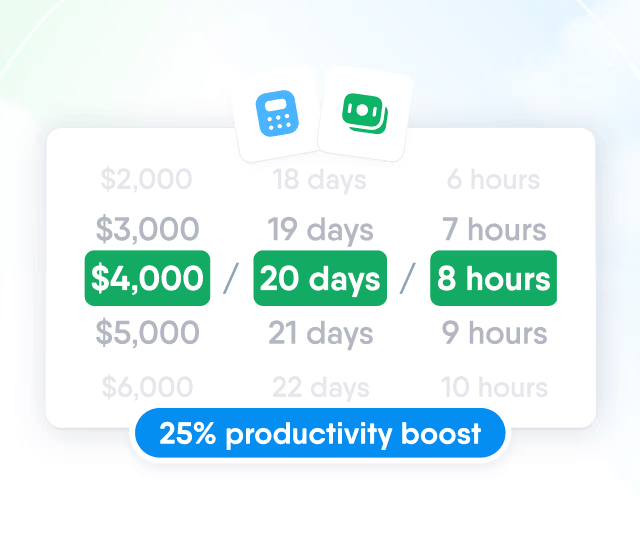
HR efficiency estimator
How does the HR efficiency estimator from PeopleForce work.
Calculate your impact
Keep each employee's job, contact and personal details in one profile, with the fields your company needs. Import people from a spreadsheet, schedule changes ahead and choose who sees what.
How it works
One profile per person replaces the spreadsheet that HR, managers and IT each keep a copy of.
Your fields and tables
HR adds the field groups, fields and tables the profile needs and limits any of them to the locations they apply to.
People from a file
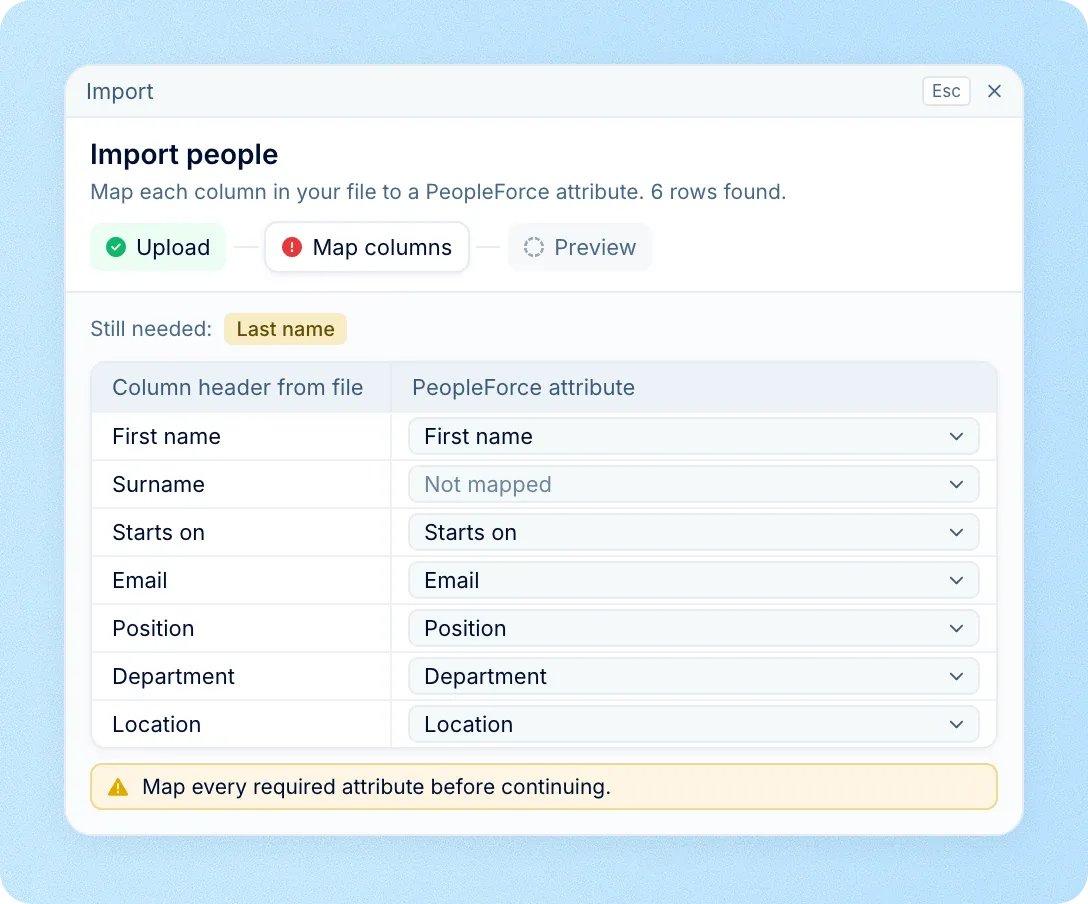
An XLSX or CSV import creates the profiles, with each column matched to a profile field before anything is saved.
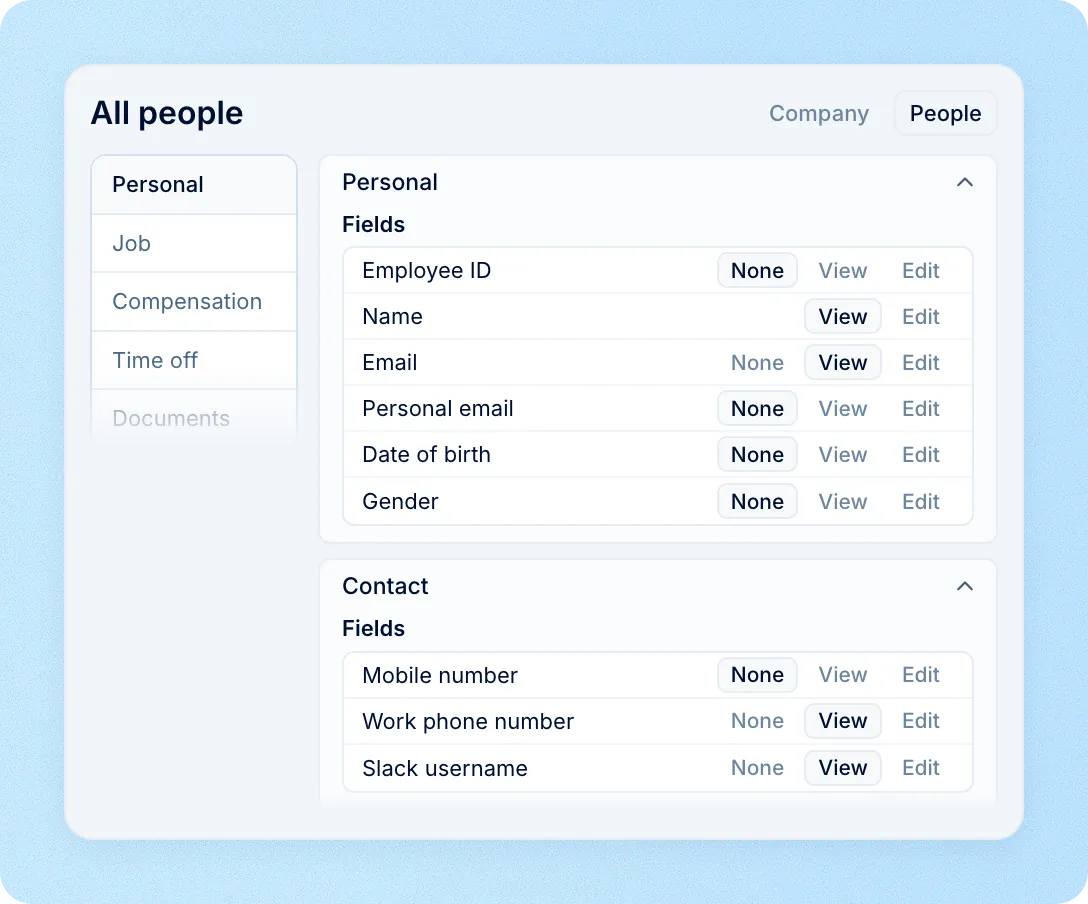
Access by role
Each role gets the fields it may view or edit, so colleagues see work details while salaries stay closed.
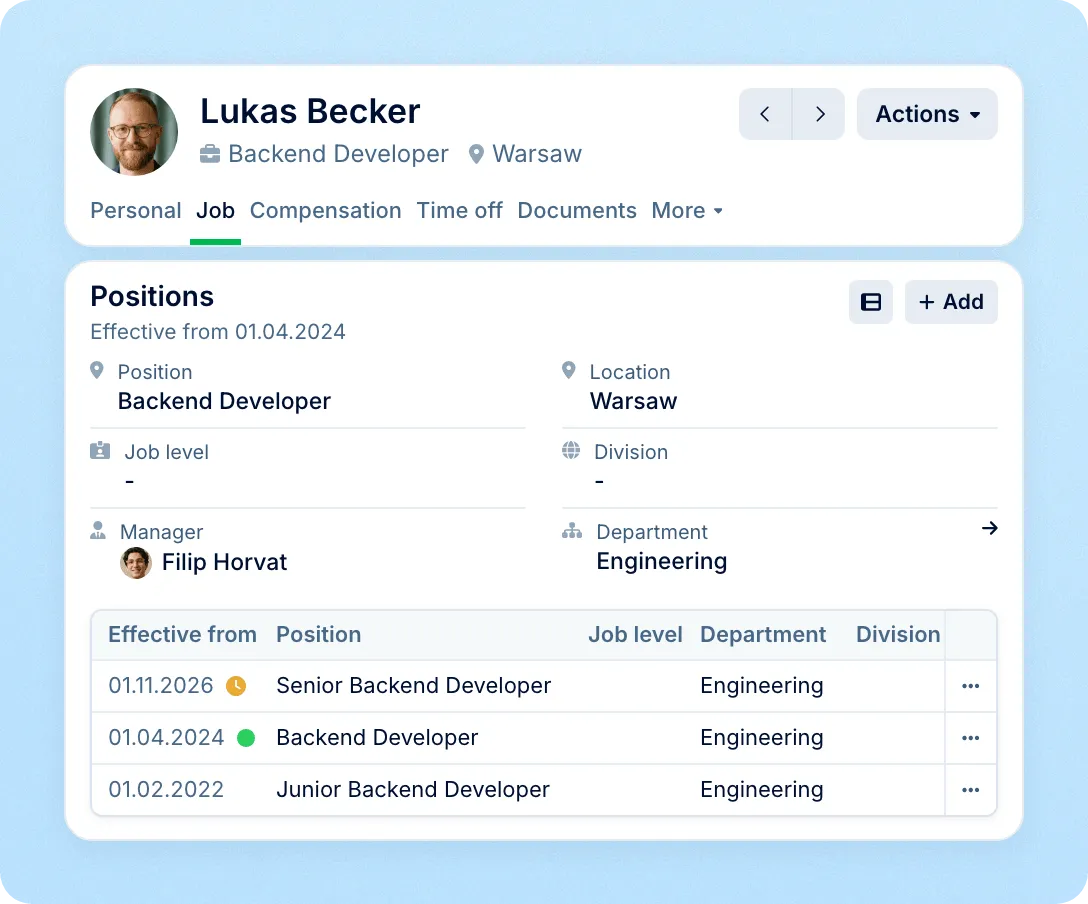
Changes with dates
Promotions, transfers and new salaries are entered with the date they take effect and apply on that day.
Profiles
Job, contact and personal details, documents and history sit in one profile, in sections you define. Some fields can apply only to certain locations.
See how the org chart works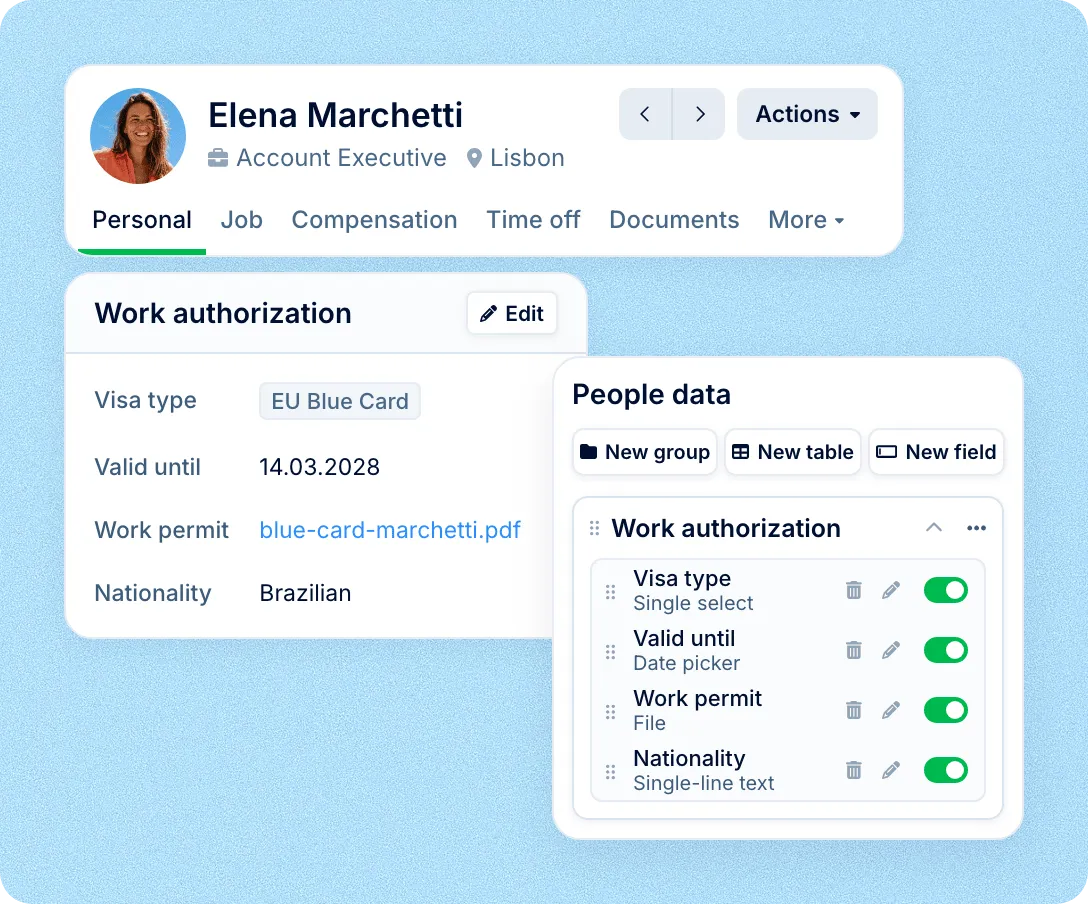
Import
Bring your team in from a spreadsheet or another HR system, then use the same import whenever many profiles need to change at once.
History
Position, manager, work status, salary and historical fields keep the date each change takes effect, so the profile shows what was true and what comes next.
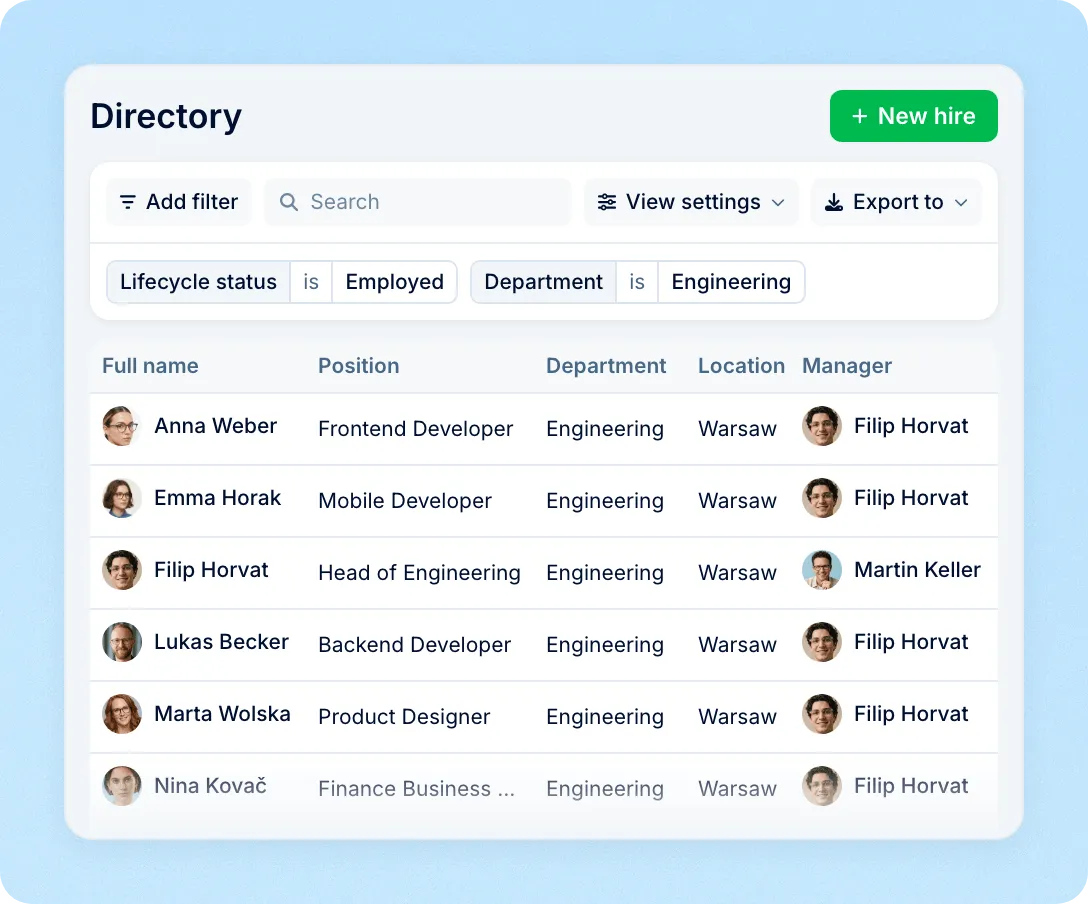
Directory
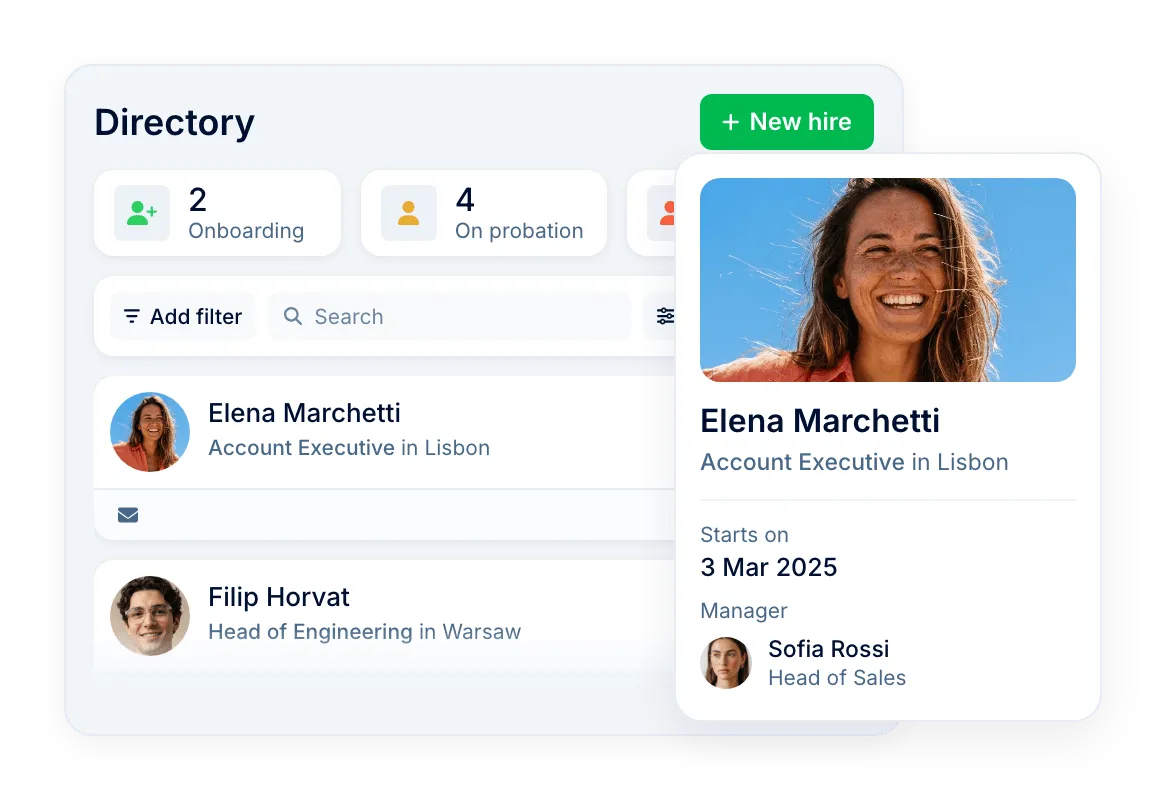
Find anyone by name, email or phone, filter by department, location or team, and switch between cards and a list. HR also sees who is onboarding, on probation or leaving.
Access
Colleagues see each other's names, work contacts, positions and managers. Salaries, personal details and former employees open only to the roles you choose, field by field.
The directory is the record the rest of Core HR reads from, so the org chart, document templates, onboarding workflows and reports start from the same profile.
For HR: one record to keep
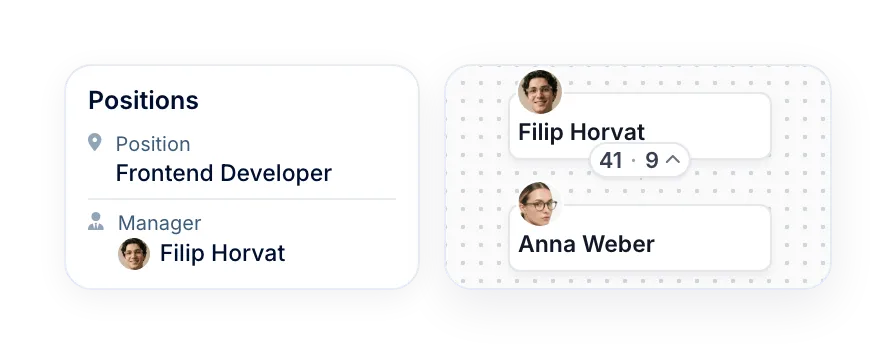
Edit a profile once and the org chart, document templates and reports use the new data.
For managers: their team
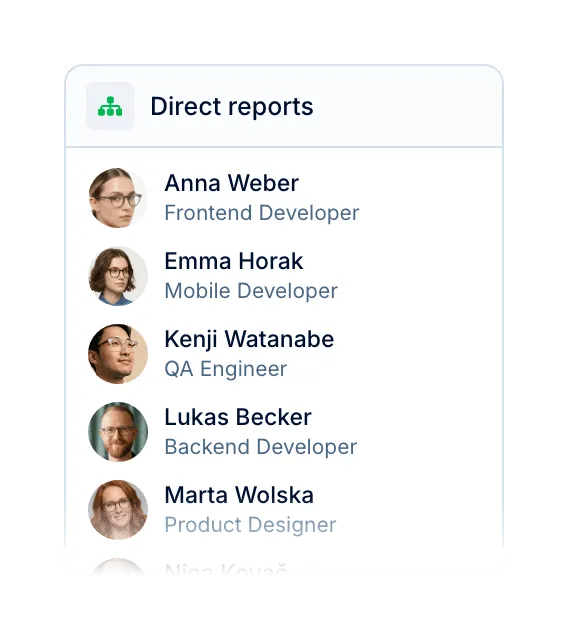
Managers open the profiles of their reports, even without access to the full directory.
For employees: who is who
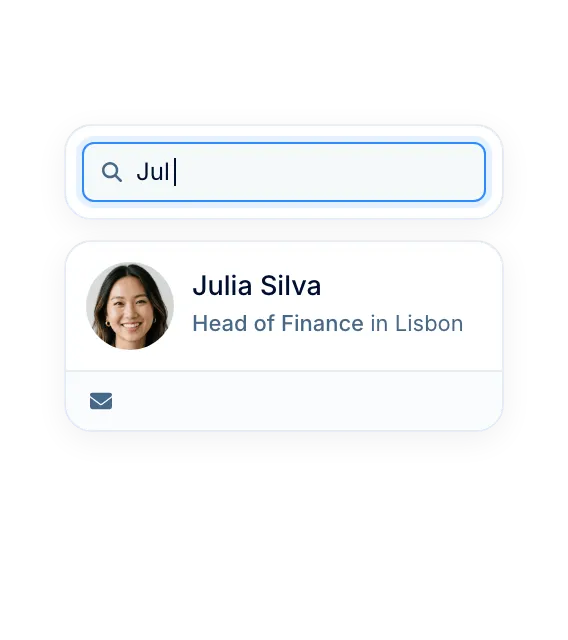
Find a colleague by name and see their position, team and manager before the first message.
For IT: accounts on time
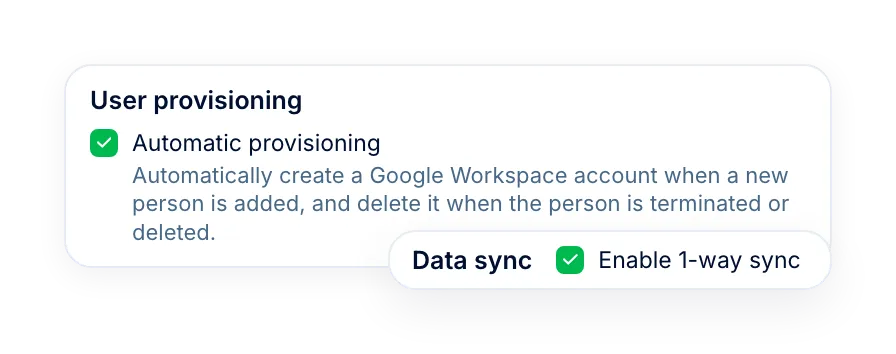
With Google Workspace, accounts open for new people and are removed when they leave.
More in Core HR
Everything that reads from the employee profile, from the org chart and access rules to documents and equipment, in one connected system.
An org chart that updates itself
Reporting lines drawn from the same profiles, by person or by department.

An org chart that updates itself
Reporting lines drawn from the same profiles, by person or by department.
Beyond the features
A dedicated team gets you live, real people keep answering after go-live, and there's room to add the rest of HR when you're ready.

Setup done with you
A dedicated success manager sets everything up with you — it's included in the plan, not a paid add-on.
Support in your language
Real people, not a ticket queue, from your first question onwards.
Room to grow
Start with Core HR and add recruiting or performance later — same employee record, no second system.

Leader

Users Love Us

Regional Leader

High Performer
Certifications, granular access and full control over what happens to your data.
 Best Support
Get the full HR suite — Core HR, ATS, Performance, Surveys and more — at a fraction of enterprise platform pricing. See exactly what you'd pay.