



How it works

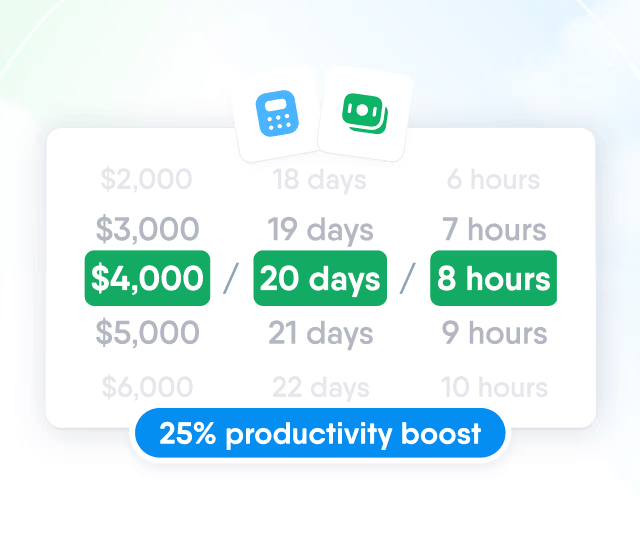
HR efficiency estimator
How does the HR efficiency estimator from PeopleForce work.
Calculate your impact
Employee request forms with approval chains
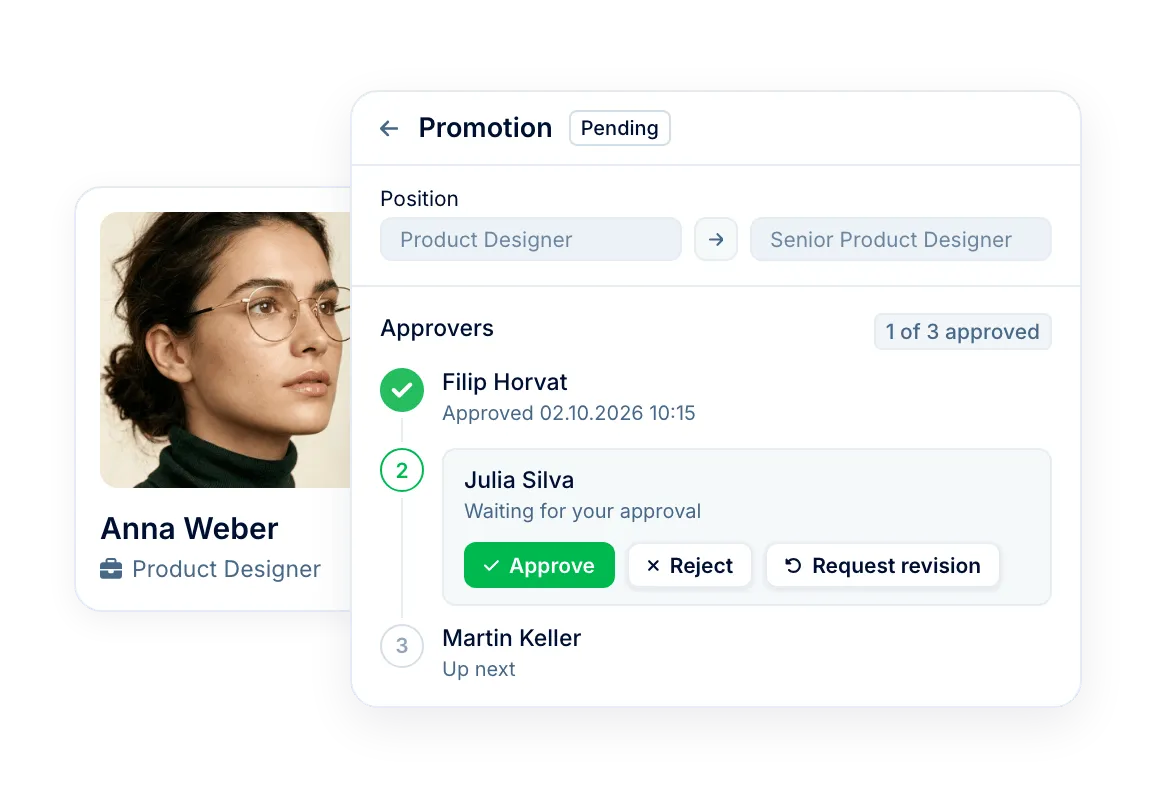
Employees and managers ask for profile updates, pay changes, equipment or a new role to hire for. Each request follows its approval chain, and approved data goes into the profile.
Step 1
Build the form
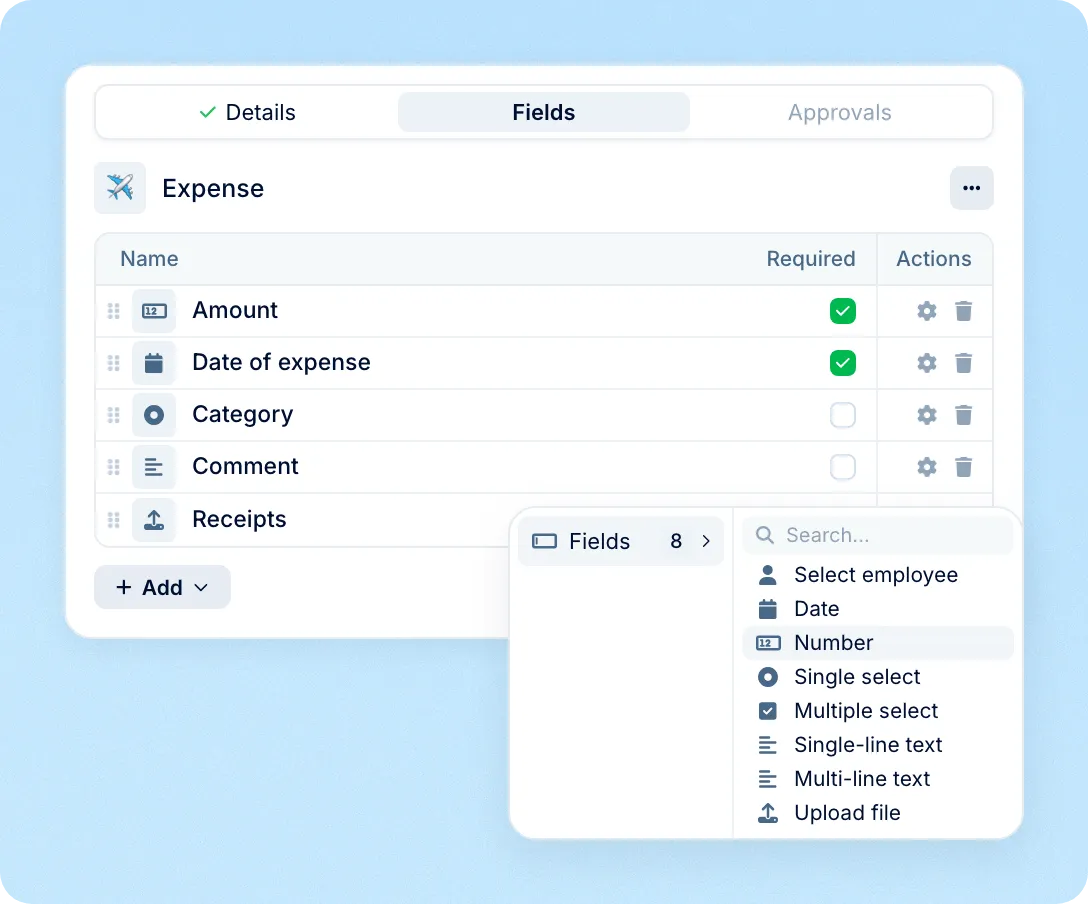
Pick profile fields for data changes or add your own fields, dropdowns and file uploads for other requests.
Step 2
Set the approvers
Chain the manager, department manager or a named colleague, in the order they should decide.
Step 3
Submit a request
Employees and managers fill it in from Requests or from an employee profile.
Step 4
Approve and apply
After the last approval, the new data goes into the profile and any workflow attached to the form starts.
Data changes
Profile change requests with effective dates
Employees request updates to their own details, and managers request promotions and pay changes for their team. Approved values go into the employee profile.
What happens after approval: Workflows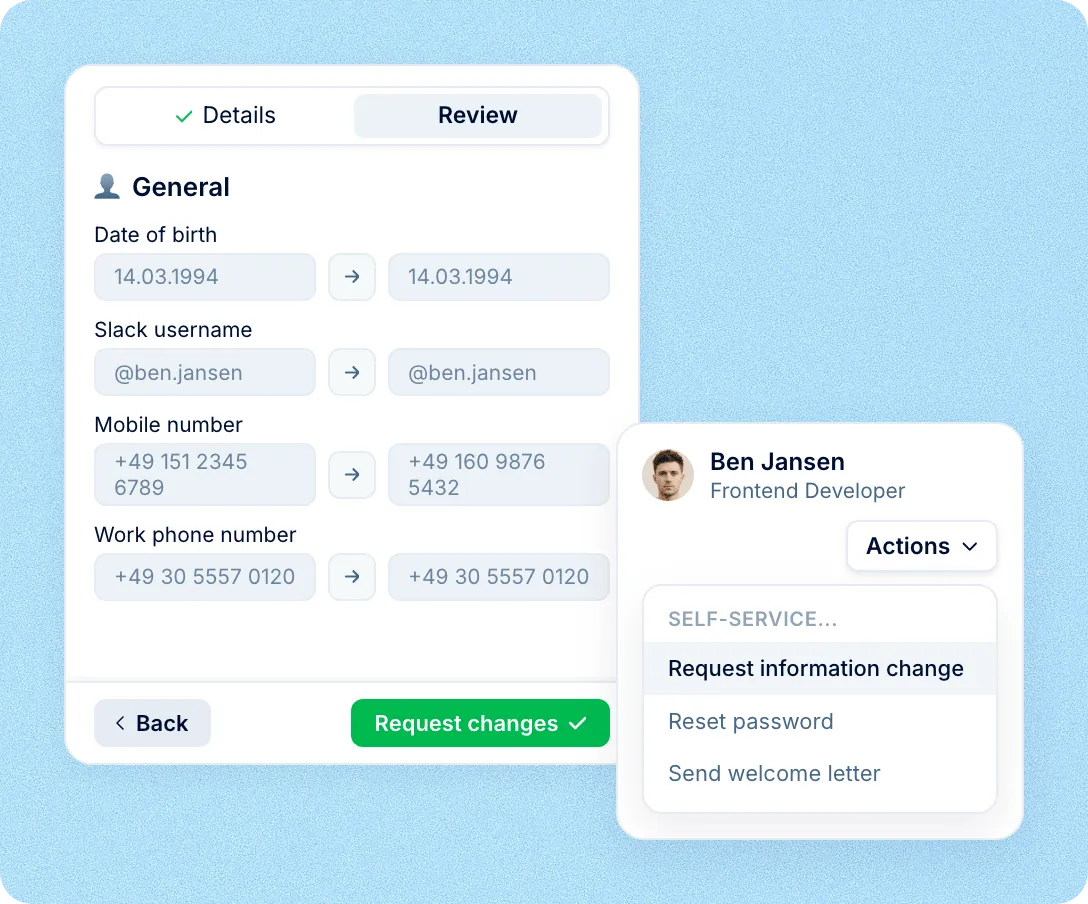
Approvals
Approval chains for every request
Each form has its own chain of approvers, built from roles and profile fields. Requests move step by step, and everyone sees who approved and who is next.
Approvals in Slack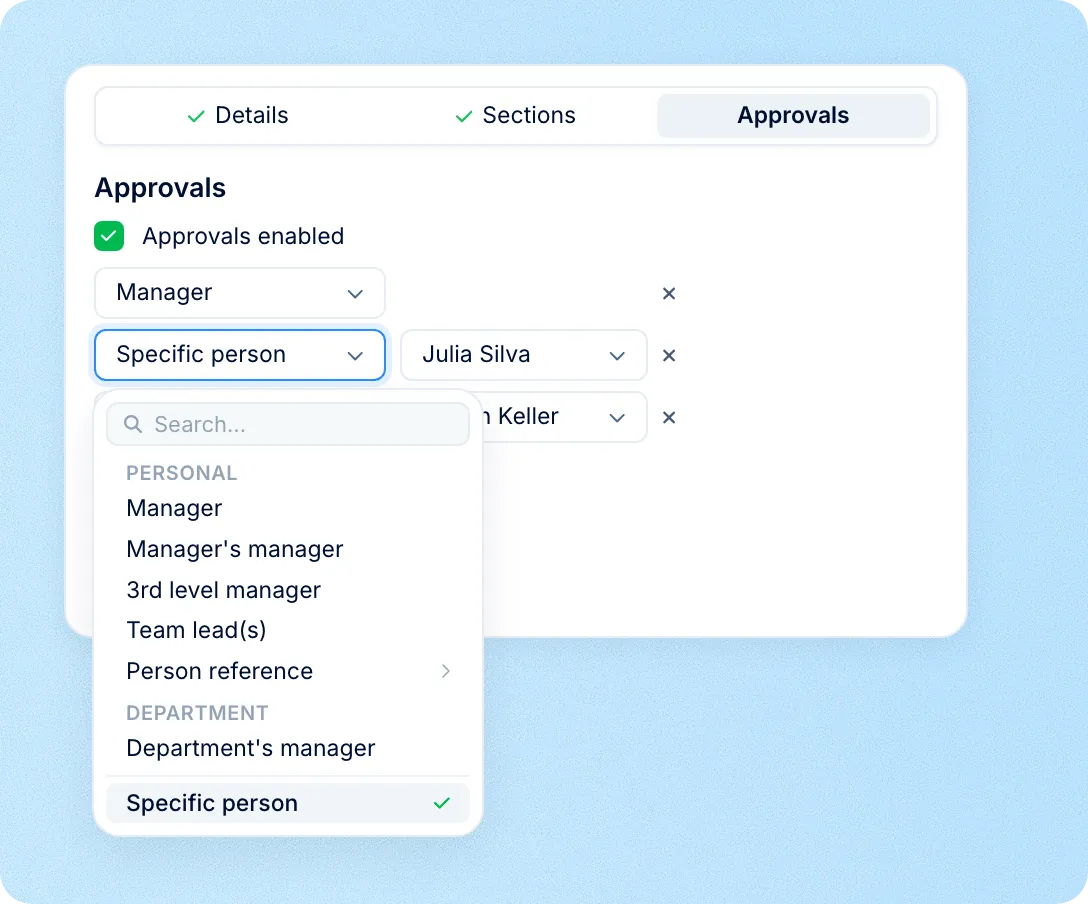
Custom requests
Custom forms for expenses and equipment
Build forms for expense claims, equipment, training or business trips with dropdowns, dates, numbers and file uploads. Each request follows its own approval chain and can start a workflow.
Hiring
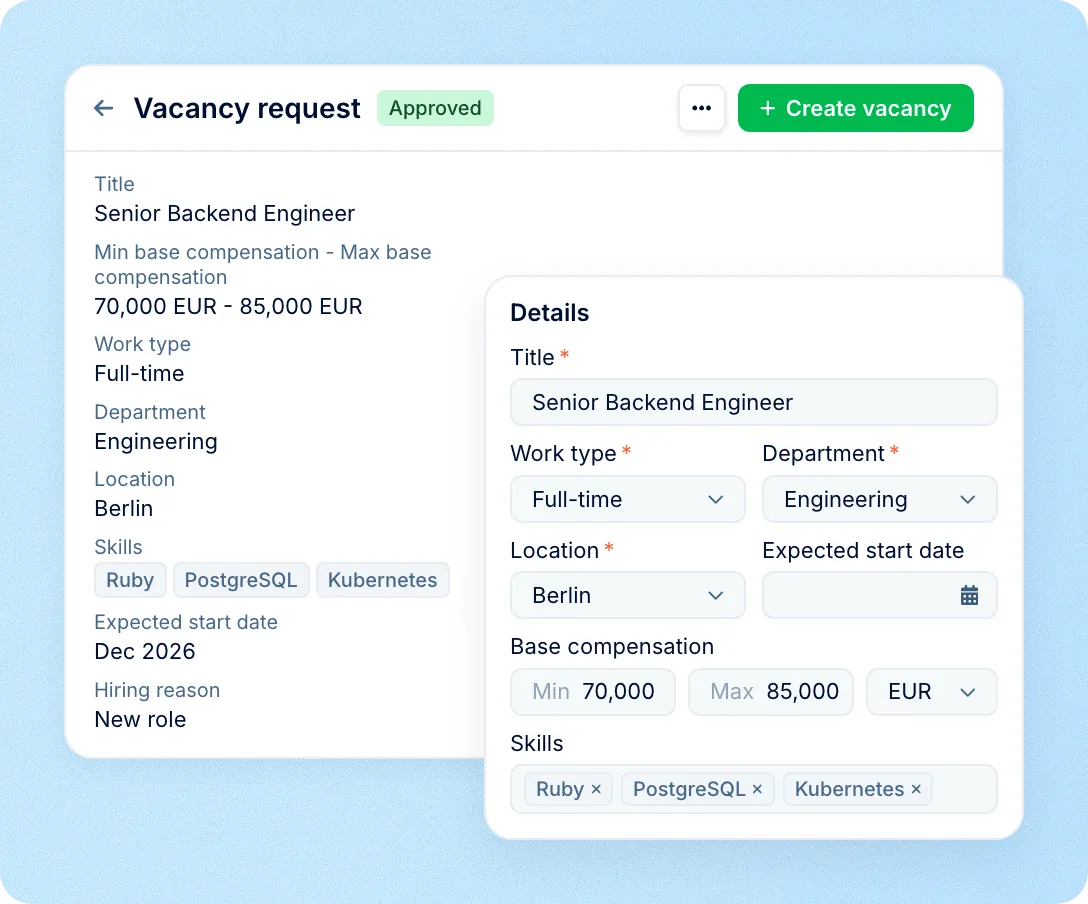
Vacancy requests from hiring managers
With PeopleForce Recruit, hiring managers request a new role using your vacancy fields. Once it is approved, a recruiter creates the vacancy with title, department, salary and skills filled in.
Tracking
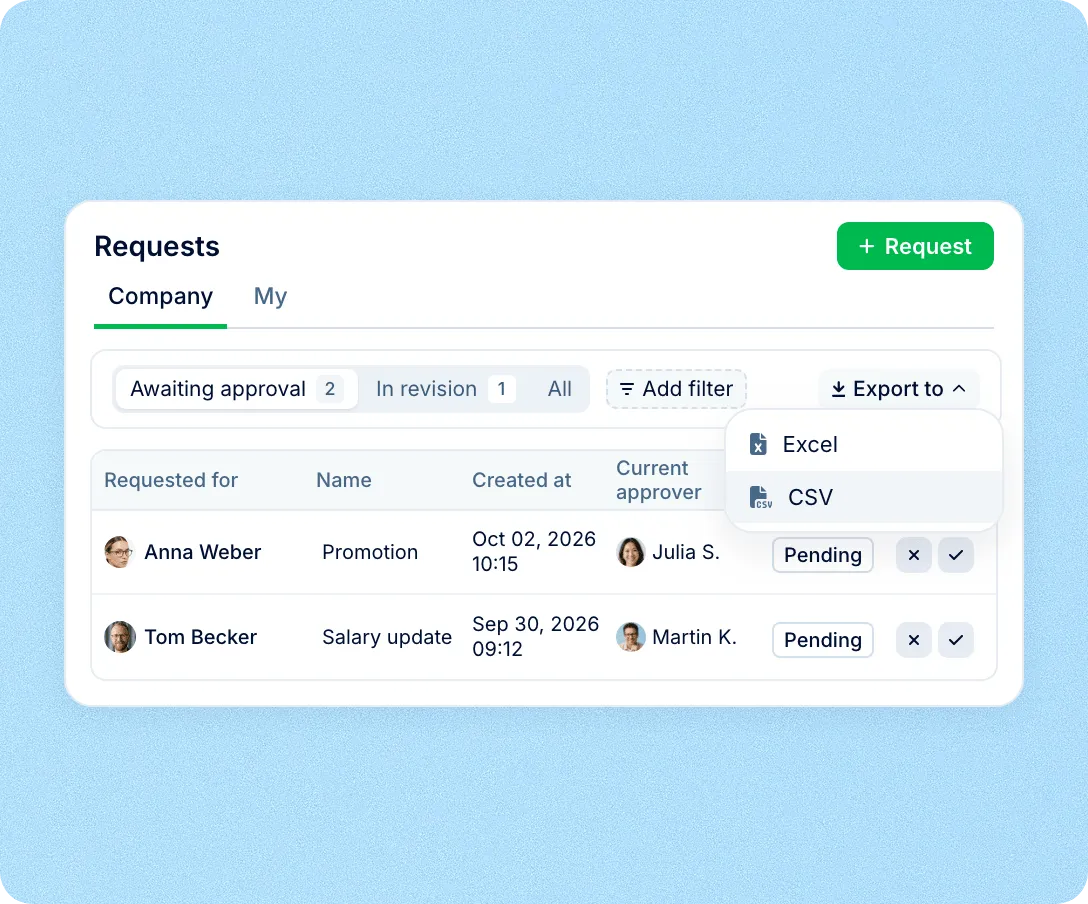
Every request and its status in one list
HR sees requests awaiting approval or in revision, filters by form or person and exports them to Excel or CSV. Employees and managers follow their own requests, with comments on each one.
Discover how PeopleForce
can benefit your HR operations
Request forms share the employee record with the rest of Core HR, so what is approved can start tasks, documents and reports.
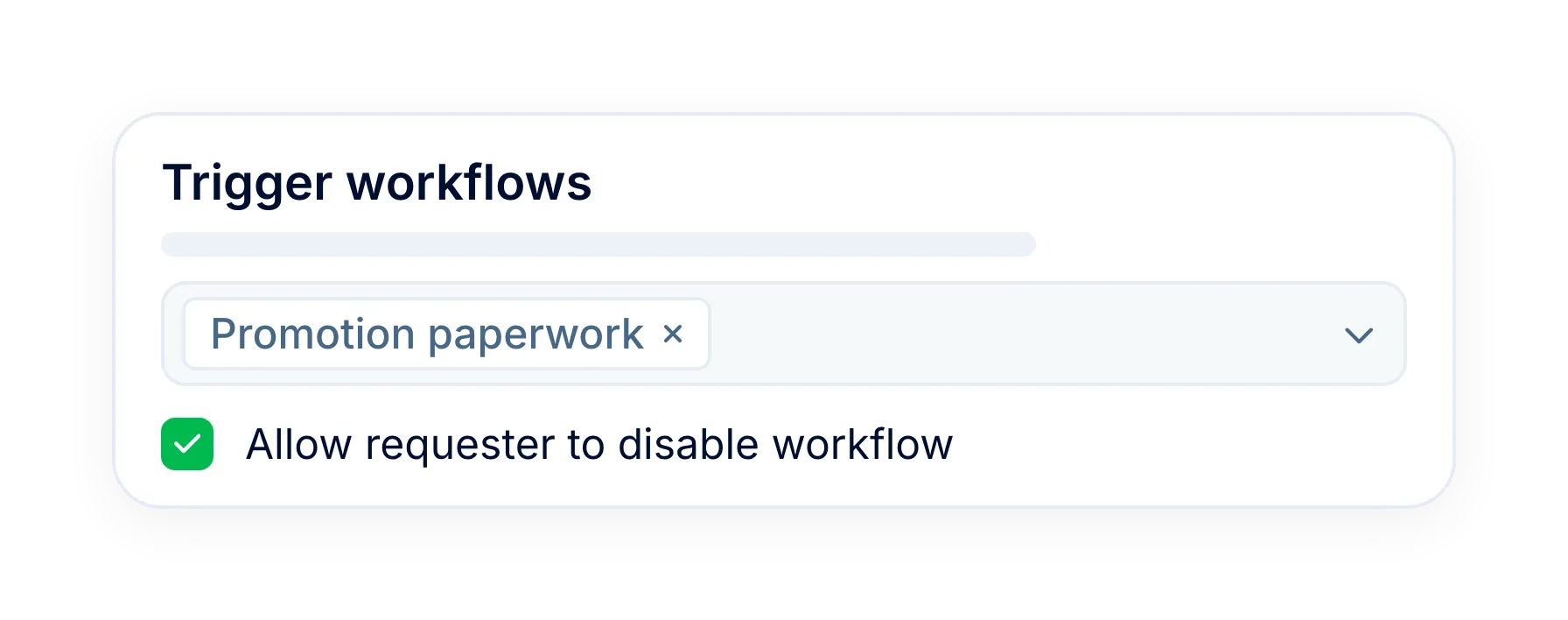
Workflows after approval
Attach a workflow to a form, and its tasks, emails and documents start once the request is approved.
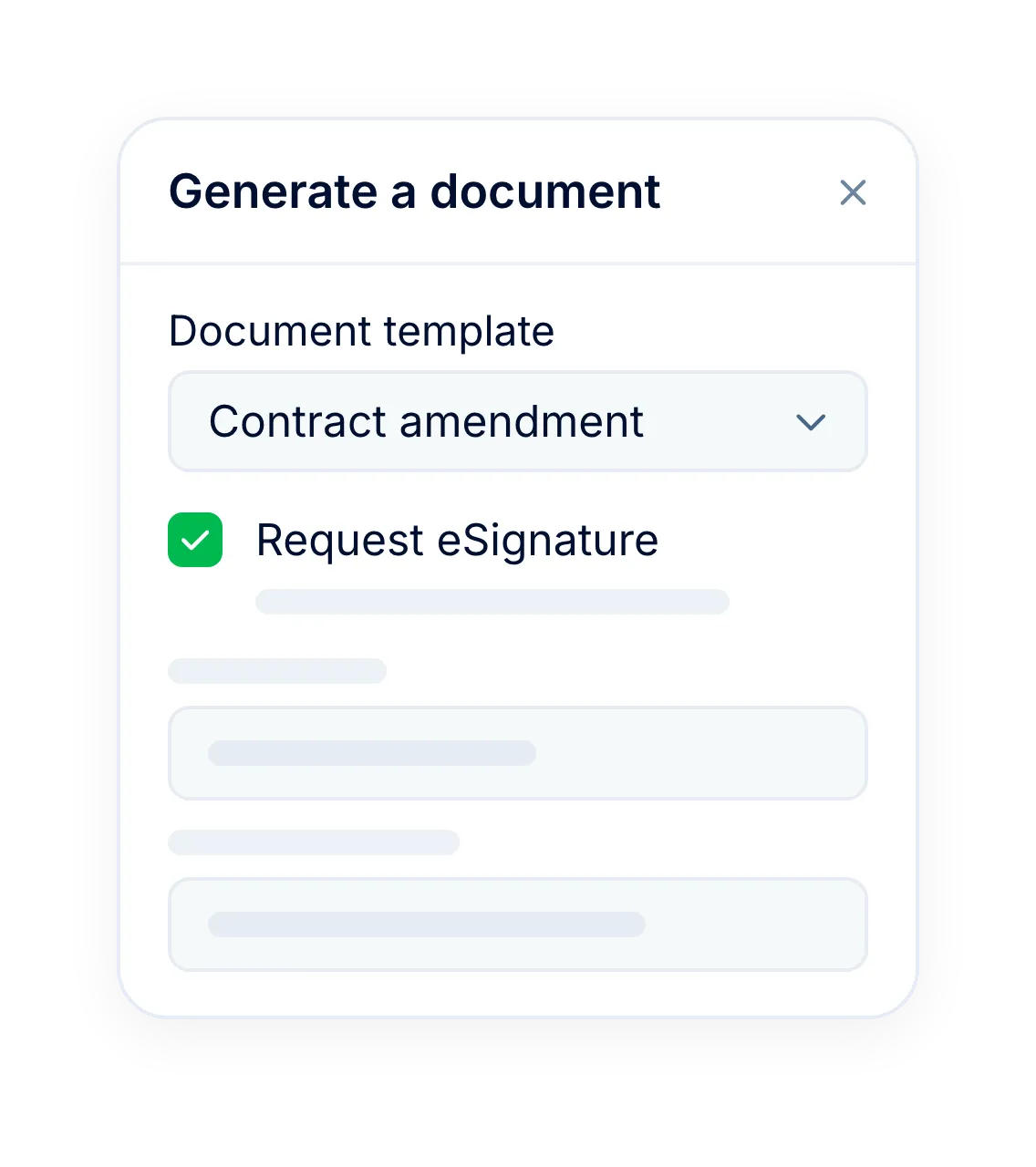
Contracts ready to sign
A workflow step can turn an approved promotion into a contract from a template, sent for eSignature.
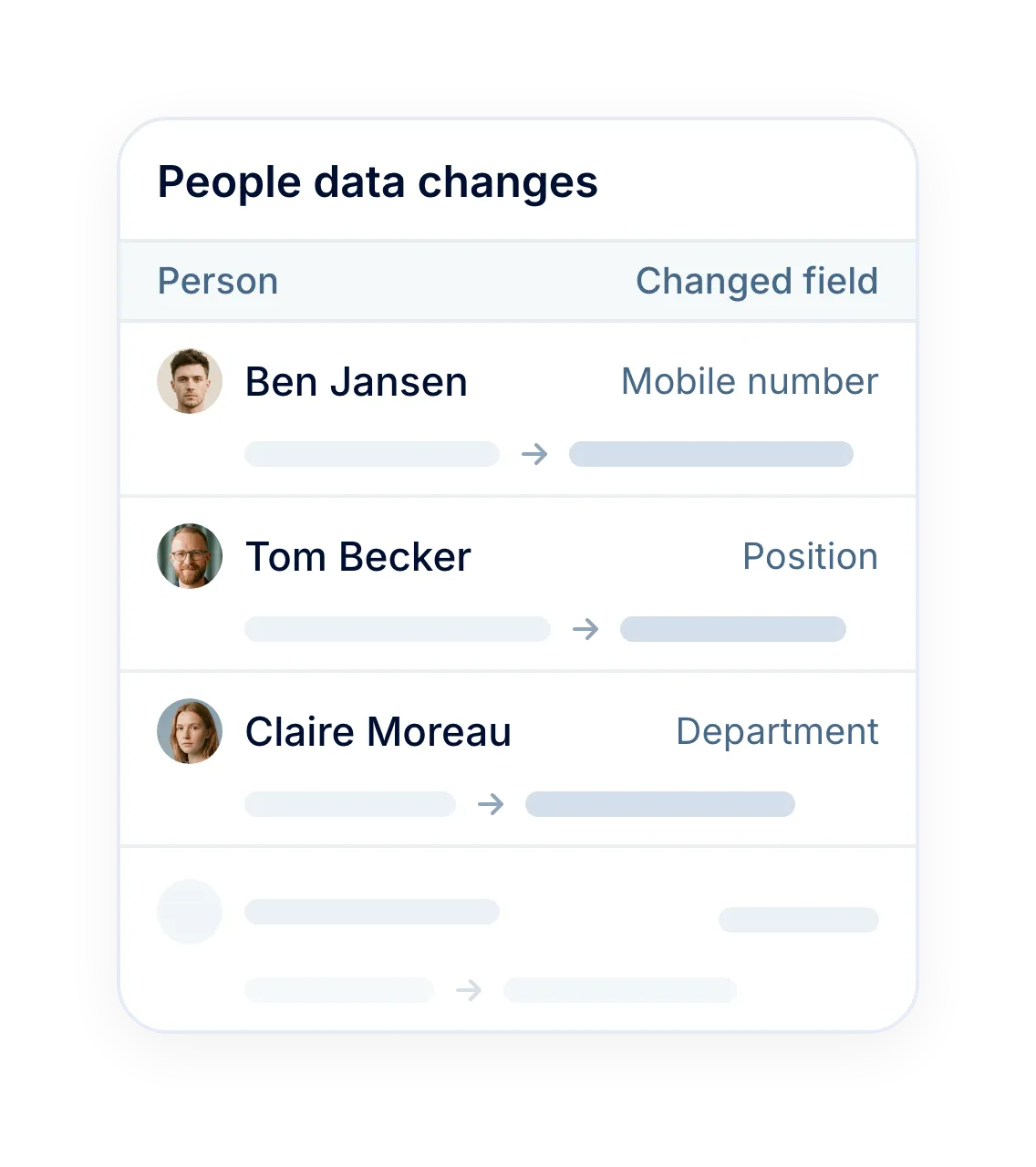
History of profile changes
A report lists each profile change with the old and new value, who made it and the effective date.
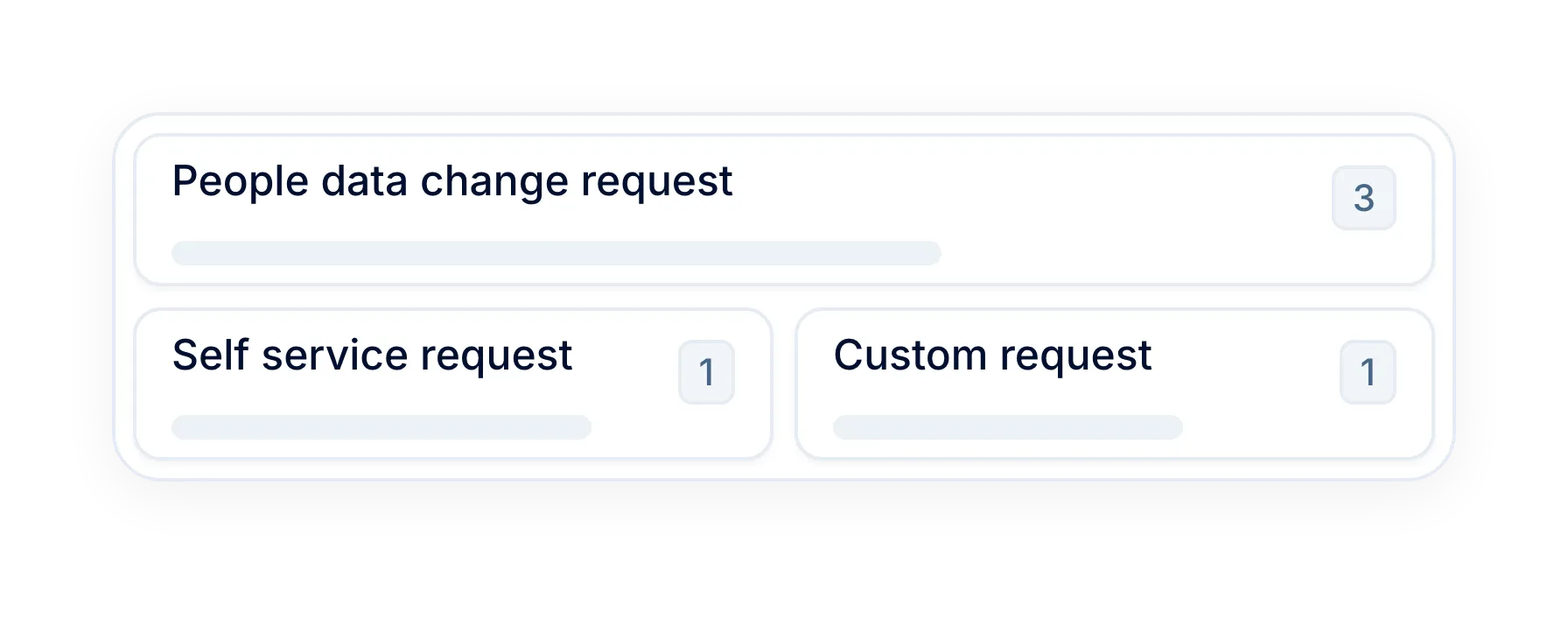
New hire and preboarding
The same builder covers new hire details and the preboarding questionnaire for new employees.
More in Core HR
Explore the rest of Core HR
Everything that works with the same requests and employee data, from workflows to documents.
What happens after approval
Tasks, emails and documents that start from a form, a profile date or a schedule.

What happens after approval
Tasks, emails and documents that start from a form, a profile date or a schedule.
Beyond the features
Why HR teams choose PeopleForce
A dedicated team gets you live, real people keep answering after go-live, and there's room to add the rest of HR when you're ready.

Setup done with you
A dedicated success manager sets everything up with you — it's included in the plan, not a paid add-on.
Support in your language
Real people, not a ticket queue, from your first question onwards.
Room to grow
Start with Core HR and add recruiting or performance later — same employee record, no second system.

Leader
Summer 2026

Users Love Us
Milestone Summer 2026

Regional Leader
Europe Summer 2026

High Performer
Europe Summer 2026
Security and operational continuity
Certifications, granular access and full control over what happens to your data.
 Best Support
Frequently asked
What are employee request forms?
Which requests can employees and managers submit?
Who can approve a request?
When does an approved change appear in the employee profile?
Can a request start a workflow?
Can an approver send a request back for changes?
Can managers approve requests from Slack or their phone?
Which plan includes request forms?
Overpriced HR?
There's a Better Way.
Get the full HR suite — Core HR, ATS, Performance, Surveys and more — at a fraction of enterprise platform pricing. See exactly what you'd pay.